












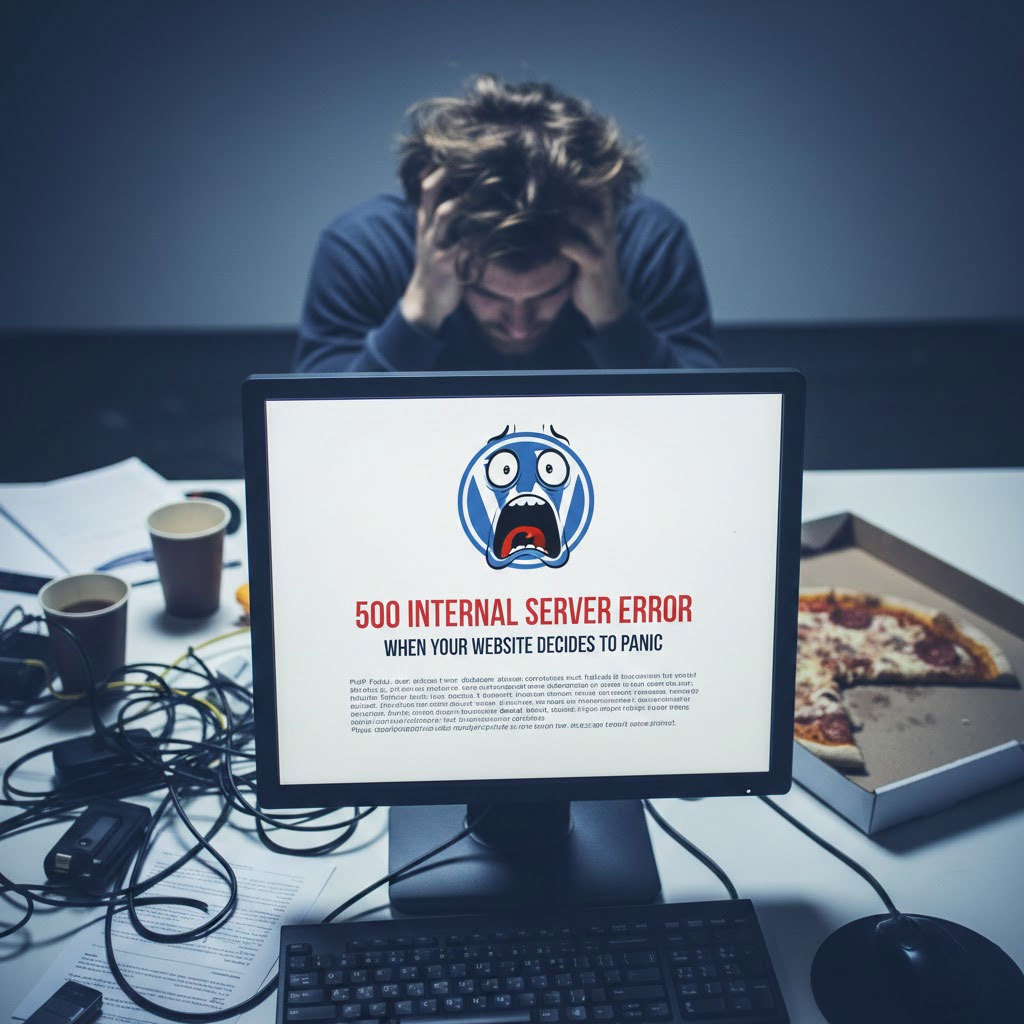
Your WordPress site was fine a minute ago.
You refreshed the page.
And suddenly—boom 💥—500 Internal Server Error.
No explanation.
No apology.
Just a cold, confusing message that basically says:
“Something went wrong.
Don’t ask me what.”
If you’ve ever stared at this error like it personally betrayed you, congratulations—you’re officially a WordPress user.
Let’s break down what this error really means, why it happens, and how to fix it without losing your sanity (or your site).
First Things First: What Is a 500 Internal Server Error?
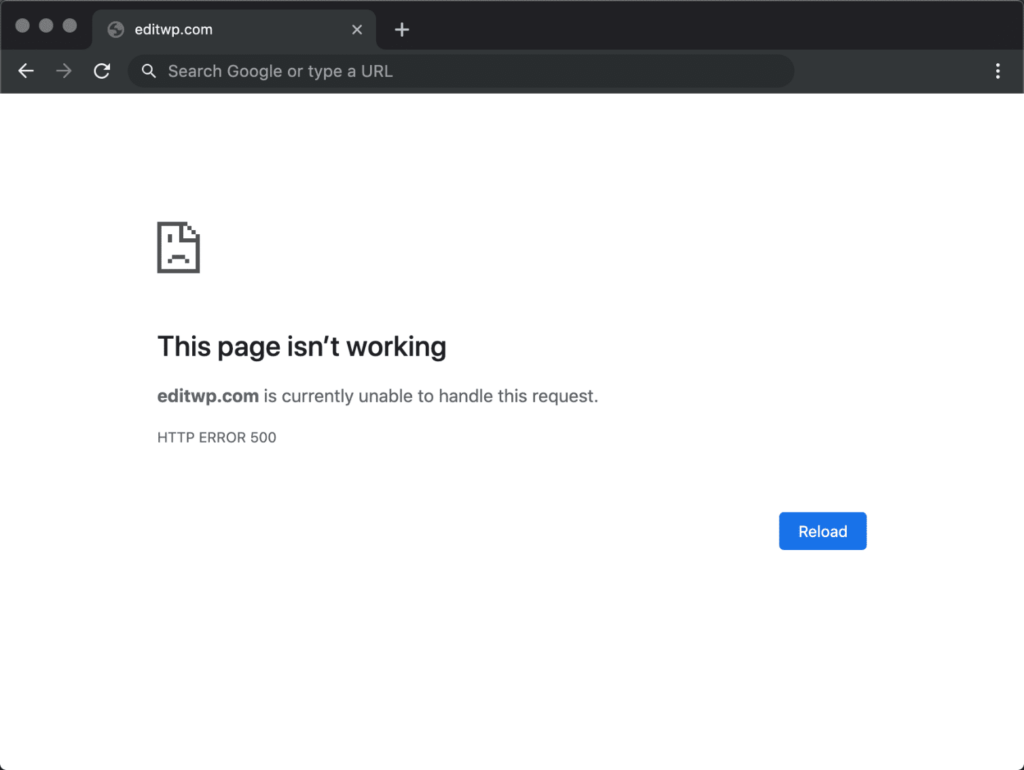
A 500 error is WordPress saying:
“I tried.
Something failed.
I don’t know which thing.
Good luck.”
It’s a server-side error, not a theme issue, not a typo, not Mercury in retrograde.
The server simply couldn’t process the request.
Annoying? Yes.
Common? Extremely.
Fixable? Absolutely.
Most Common Reasons WordPress Throws a 500 Error
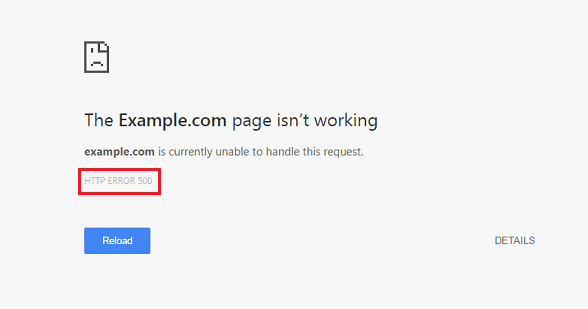
Think of this error as WordPress having a bad day.
Here are the usual suspects:
1. A Plugin Woke Up and Chose Violence
Plugins are amazing—until one update decides to break everything.
What to do:
- Disable all plugins
- Reload the site
- Re-enable them one by one
When the error comes back, you’ve found the troublemaker.
(Pro tip: It’s usually the one that said “minor update”.)
2. Your Theme Is Having an Existential Crisis
Custom code, a broken update, or a half-edited functions.php file can crash the entire site.
Quick test:
- Switch to a default theme (like Twenty Twenty-Four)
- If the site loads, your theme is the issue—not WordPress
3. The .htaccess File Is Not Your Friend Today
A corrupted .htaccess file can silently destroy your website dreams.
Fix it:
- Rename
.htaccessto.htaccess_old - Refresh your site
- Go to Settings → Permalinks and click Save
WordPress will generate a clean one for you.
4. PHP Memory Limit: The Silent Killer
Your site is hungry.
Your server says: “No more memory.”
Solution:
Increase PHP memory limit in wp-config.php:
define('WP_MEMORY_LIMIT', '256M');
Because 64MB in 2025 is just disrespectful.
5. Server or Hosting Issues (Yes, It Happens)
Sometimes it’s not you.
It’s the server.
Shared hosting overload, misconfigured PHP version, or a temporary crash can all trigger a 500 error.
If everything else fails:
- Check server logs
- Contact your hosting provider
- Or consider upgrading before your site revolts again
How to Debug Like a Calm, Responsible Adult
Enable WordPress debug mode:
define('WP_DEBUG', true);
define('WP_DEBUG_LOG', true);
This gives you actual error messages instead of WordPress shrugging at you.
Knowledge = power.
Why 500 Errors Hurt More Than You Think
A 500 error doesn’t just look bad—it:
- Breaks SEO indexing
- Kills conversions
- Destroys user trust
- Makes Google quietly judge you
If your site goes down during ads, promotions, or peak traffic…
That’s real money disappearing.
Final Thoughts (And a Friendly Reality Check)
Most 500 Internal Server Errors are fixable in minutes—if you know where to look.
But if this keeps happening?
If updates feel risky?
If your site breaks every time you touch it?
That’s not “normal WordPress behavior.”
That’s a structure problem.
And that’s where professionals come in.
Need a Stable WordPress Site That Doesn’t Randomly Explode?
At AIRSANG, we specialize in:
- Cross-border business websites
- WordPress & Shopify site design
- Performance optimization & stability
- SEO-friendly structures built for growth
We don’t just make sites look good—we make sure they stay online, convert, and scale globally.
If you’re tired of surprise errors and midnight panic refreshes,
follow AIRSANG or reach out when you’re ready to build something solid.
Your server will thank you. 😌


Design and build a WordPress website or corporate site with a full eCommerce system for you.
Price range: $200.00 through $2,500.00Custom requirements or special quotations
Original price was: $2.00.$1.00Current price is: $1.00. Are 50 Plugins Too Many for a WordPress eCommerce Store?
Understanding the Real Performance Impact Having 50 plugins on a WordPress eCommerce site isn’t automatically a problem. In fact, the number alone rarely determines performance....

How Hackers Steal WordPress Admin Emails (And How to Stop Them)
Let’s start with an uncomfortable truth: Your WordPress admin email is probably way more public than you think.And hackers? They love that. To them, your...

Replay Attacks on WordPress: Real Threat or Overhyped Myth?
Let’s clear something up first. Replay attacks don’t look scary.They don’t smash passwords.They don’t inject evil code with green hacker text flying everywhere. They’re sneaky....

How to Duplicate WordPress Pages Without Breaking Anything
Let’s face it. Sometimes you don’t want to create a new page.You just want the same page… but slightly different. Same layout.Same blocks.Same settings. Because...

How to Turn Off Comments in WordPress (Without Losing Your Mind)
Let’s talk about WordPress comments. In theory, comments are great.They encourage discussion.They build community.They make your website feel “alive.” In reality? They’re often a magnet...

How to Contact Shopify Support: Simple, Stress-Free Guide
Running a Shopify store should feel exciting—not confusing. When questions pop up or issues slow you down, Shopify offers several support paths depending on what...

How to Deactivate a Shopify Store: A Clear, Practical Guide
Deactivating a Shopify store isn’t complicated, but it does come with consequences many merchants overlook. This guide breaks the process down in a simple, educational...

Five Shoe Store Themes Compared
Introduction Choosing the right theme for a footwear-focused independent store is not just a visual decision—it directly affects scalability, daily operations, and long-term conversion performance....

Shopify vs Etsy: The Ultimate Online Selling Showdown
Introduction: Two Platforms Walk Into a Bar… If Shopify and Etsy were people, Etsy would be that charming friend who already has a booth at...

Is Your Shopify or WordPress Site Hacked? Here’s What to Do
Introduction: The Digital Equivalent of Waking Up to a Broken Window Imagine waking up, grabbing your morning coffee, opening your laptop… and discovering your website...

How to Start a Shopify Store Without Losing Your Mind
Starting a Shopify store sounds glamorous. You picture yourself sipping coffee at noon, checking sales notifications, and casually telling friends,“Yeah, my store did pretty well...

Is Shopify Legit? A Clear Guide for New Online Sellers
If you’re researching eCommerce platforms, chances are you’ve typed one very specific question into Google: is Shopify legit? That question is completely reasonable. Launching an...

Is Shopify Legit? Shopify vs BigCommerce Guide
When people first step into eCommerce, one question comes up again and again: Is Shopify legit? It’s a fair question.Starting an online store means trusting...

How to Create a Shopify Store: A Simple Step-by-Step Guide
Creating an online store used to feel overwhelming.Domains, hosting, payments, design, shipping, marketing—everything sounded technical, expensive, and confusing. That’s exactly why platforms like Shopify exist....

Shopify Designers Under $1000 Beginner Guide
Building a Shopify store no longer requires a massive budget or a full in-house team. For many startups, solo founders, and cross-border sellers, hiring Shopify...
WordPress Critical Error: Causes and Fixes
If you run a WordPress website, few messages are more alarming than this one: “There has been a critical error on this website.” For many...

How to Increase WordPress Memory Limit Safely
A Beginner-Friendly Guide to Better Performance If your WordPress website feels slow, crashes unexpectedly, or shows errors like “Allowed memory size exhausted”, you’re not alone....
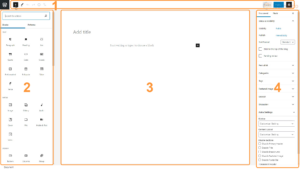
How to Use the Default WordPress Editor
If you are new to WordPress, one of the first tools you’ll interact with is the default WordPress editor. Whether you’re writing blog posts, building...