











No products in the cart.

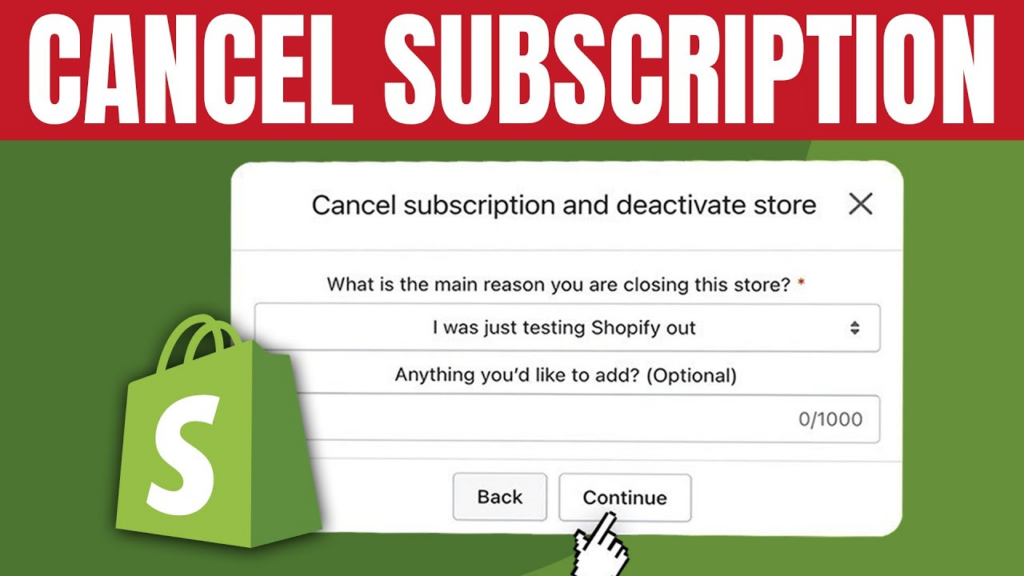
Running an online business isn’t always a straight line — sometimes you need to step back, rethink your strategy, or even close up shop. If you’ve decided it’s time to cancel Shopify — whether temporarily or permanently — understanding the process is key to making the transition smooth and stress-free. Below, we break down everything you need to know in clear, practical terms.
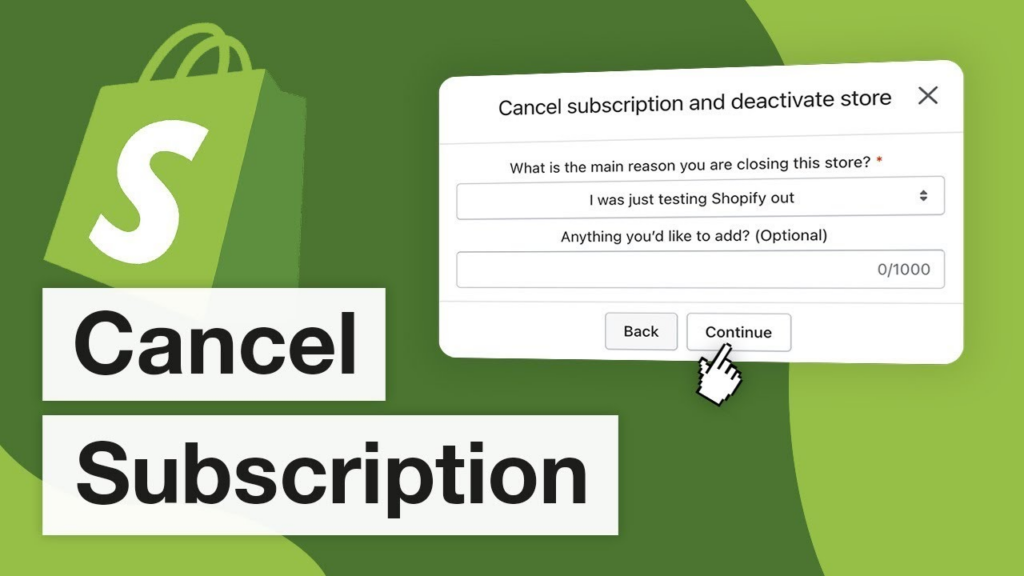
When people talk about canceling Shopify, they usually mean one of two things:
It’s important to understand the difference. Closing your store is more permanent, while pausing gives you flexibility for seasonal breaks, rebrands, or regrouping without fully walking away.

Canceling your Shopify subscription isn’t just about clicking a button — there are a few important points to think about ahead of time:
Make sure all fees — including Shopify Payments payouts and any third-party app charges — are resolved. Otherwise, you might still get billed even after your store is closed.
Export your product lists, customer info, orders, and other important data. Once your Shopify store is inactive, you might lose easy access to this information.
If you bought a custom domain through Shopify, you’ll want to transfer it before canceling so you don’t lose it or face complications, especially if you plan to use it elsewhere.
Make sure all orders are completed and any gift cards are accounted for — you can’t manage these after your store is deactivated.
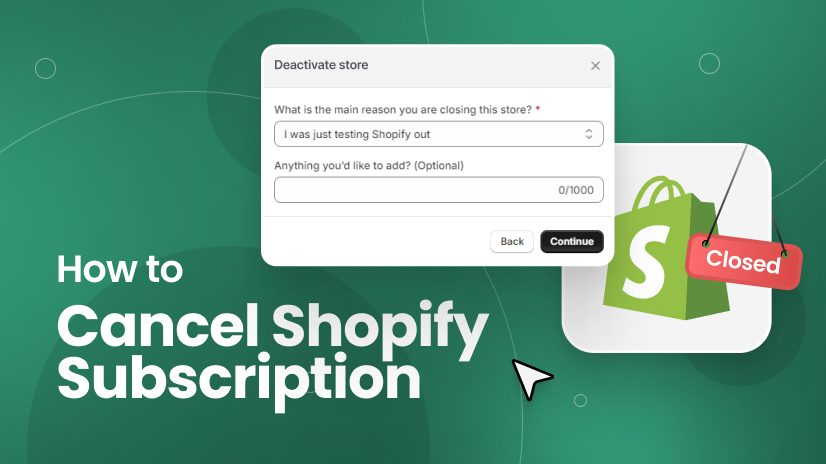
Shopify requires you to handle store cancellation yourself through the admin dashboard — support cannot do it for you. Here’s how it works:
Use your store owner credentials to access your dashboard.
In the bottom left of the menu, find Settings, then select Plan (or Pause or deactivate store).
You’ll typically see an option like “Cancel plan” or “Deactivate store”. This is the choice that triggers the cancel process.
Shopify will ask why you’re cancelling. Pick the reason that fits you best — this feedback helps Shopify improve.
You’ll be prompted to enter your password to confirm the cancellation.
Once completed, your subscription will be cancelled and your store deactivated at the end of the current billing cycle. Shopify sends a confirmation email so you know the process is finished.
If what you really want is a break — not a permanent closure — Shopify offers a Pause and Build plan. This option:
To switch to the Pause and Build option:
This is a great middle ground if you’re taking a break, planning a redesign, or temporarily shifting focus.
Yes — if you’ve deactivated your Shopify store, Shopify keeps your store data for up to 2 years. You can log in again and reactivate your store with a new plan, using all your past data without starting from scratch.
This flexibility helps if you change your mind or decide to relaunch later.
Q: Can I cancel Shopify anytime?
✔️ Yes — there are no long-term contracts or cancellation fees.
Q: Will I lose my store data forever?
⚠️ Not immediately — Shopify retains it for up to two years, but after that, data may be deleted unless you request deletion sooner.
Q: Does canceling Shopify stop all charges?
✔️ Canceling stops Shopify subscription billing, but remember to cancel third-party app subscriptions too so you don’t get charged separately.
Canceling your Shopify store doesn’t have to be confusing or overwhelming. Whether you decide to cancel Shopify permanently or temporarily pause your store, knowing the steps helps you make the best choice for your business’s future.
If you’re thinking about closing or pausing your store because you’re planning a rebrand, seasonal break, or platform migration, this is also a great time to reevaluate your website design and strategy.
At AIRSANG, we specialize in cross-border ecommerce solutions and professional website design tailored to brands looking to optimize performance and grow internationally. If you need help with Shopify strategy, store optimization, redesign, or transitioning your ecommerce presence — we’re here to support you. Reach out anytime!


















