












When you open your WordPress website and suddenly see a “Not Secure” warning in the browser, it can be alarming. Even worse, visitors may leave immediately, forms may stop working, and Google rankings can drop.
If your website is hosted on IONOS and powered by WordPress, SSL issues are more common than many beginners expect—but the good news is that they are also very fixable.
This beginner-friendly guide explains how to fix an SSL certificate between IONOS and WordPress, what causes these problems, and how to prevent them in the future—without deep technical knowledge.
What Is an SSL Certificate and Why It Matters
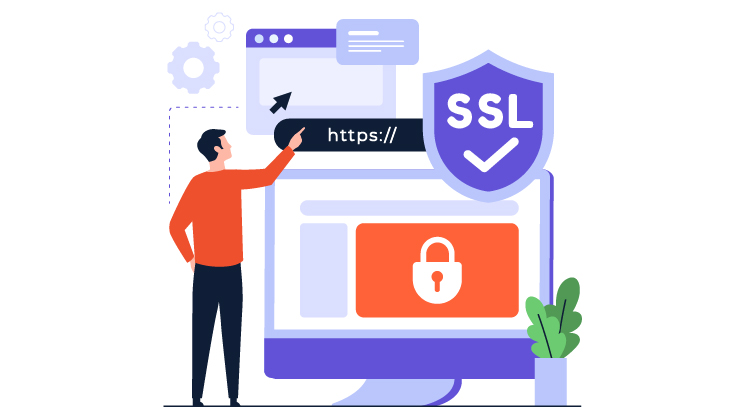
SSL (Secure Sockets Layer) certificates encrypt data transferred between a user’s browser and your website. When SSL is working correctly, visitors see:
- A padlock icon in the browser
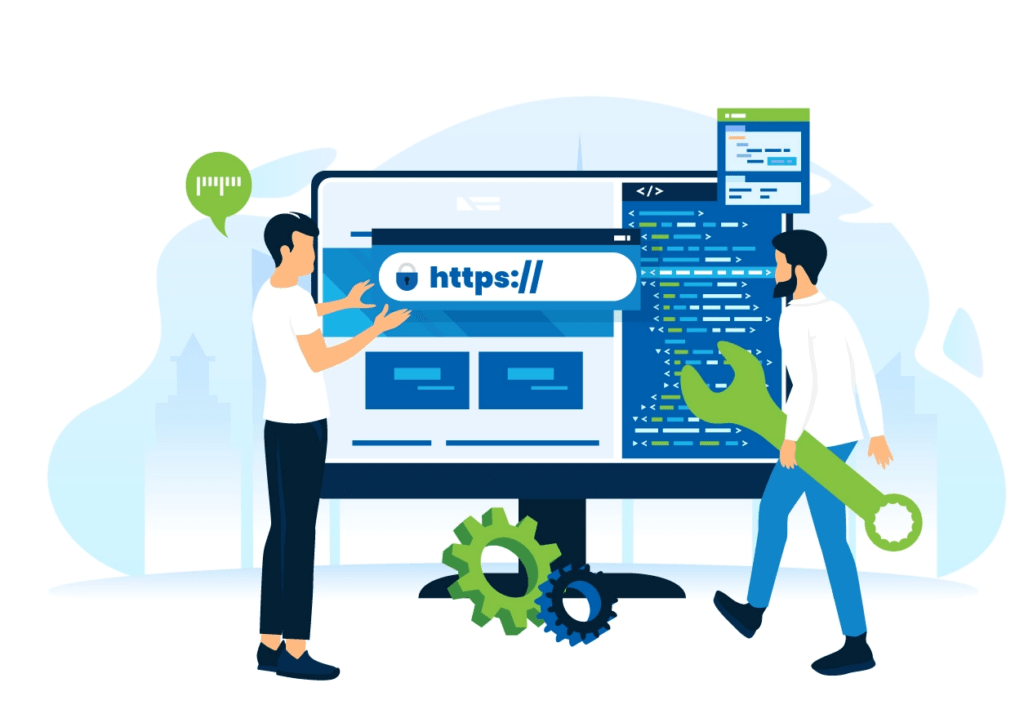
- An https:// prefix in the URL
- Trust signals that protect login credentials, contact forms, and payments
Without SSL, browsers warn users that your site is unsafe—even if nothing malicious is happening.
For WordPress websites, SSL is no longer optional. Google uses HTTPS as a ranking signal, and most modern browsers actively discourage users from interacting with non-secure sites.
Why SSL Issues Often Happen Between IONOS and WordPress
IONOS provides SSL certificates at the hosting level, while WordPress controls how URLs, assets, and internal links are loaded. Problems occur when these two systems are not perfectly synchronized.
Common causes include:
- SSL activated in IONOS, but not configured in WordPress
- Mixed content (some files still loading via HTTP)
- Incorrect WordPress Address or Site Address
- Caching or CDN conflicts
- SSL installed on one domain version but not others
Understanding these root causes makes fixing the problem much easier.
Step 1: Confirm That SSL Is Active in IONOS
Before touching WordPress, always start at the hosting level.
Log in to your IONOS dashboard and check:
- Is an SSL certificate assigned to your domain?
- Is it active and not expired?
- Does it cover the correct domain (with or without “www”)?
IONOS usually offers free SSL certificates, but activation is not always automatic. If SSL is not enabled here, WordPress cannot use it properly.
Once SSL is confirmed active in IONOS, move on to WordPress.
Step 2: Update WordPress Site URLs to HTTPS
One of the most common reasons people search how to fix an SSL certificate between IONOS and WordPress is simply because WordPress is still using HTTP internally.
In your WordPress dashboard:
- Go to Settings → General
- Update both fields:
- WordPress Address (URL)
- Site Address (URL)
- Change
http://tohttps:// - Save changes and log back in
This tells WordPress to load all core pages securely.
Step 3: Fix Mixed Content Errors (Very Common)
Even after enabling HTTPS, your browser may still show a “Not Secure” warning. This usually means mixed content.
Mixed content happens when:
- The page loads via HTTPS
- But images, scripts, or stylesheets still load via HTTP
Browsers block or warn against this behavior.
How to Identify Mixed Content
Open your website in Chrome, right-click, and choose Inspect.
Look for warnings like:
“Blocked loading mixed active content”
These messages show exactly which files are still using HTTP.
Step 4: Automatically Replace HTTP URLs in WordPress
For most WordPress users, the fastest fix is using a plugin.
Popular options include:
- Really Simple SSL
- Better Search Replace
- WP-CLI (for advanced users)
A plugin like Really Simple SSL automatically:
- Detects SSL
- Updates internal URLs
- Forces HTTPS
- Fixes common mixed content issues
This is often the simplest solution for beginners.
Step 5: Force HTTPS via .htaccess (Optional but Powerful)
If your site still loads both HTTP and HTTPS versions, forcing HTTPS at the server level ensures consistency.
Add this rule to your .htaccess file:
RewriteEngine On
RewriteCond %{HTTPS} !=on
RewriteRule ^ https://%{HTTP_HOST}%{REQUEST_URI} [L,R=301]
This permanently redirects all traffic to HTTPS, helping both SEO and security.
Always back up your site before editing
.htaccess.
Step 6: Clear Cache and CDN Layers
Caching can make SSL fixes appear broken—even when they are not.
After making changes:
- Clear WordPress cache
- Clear IONOS cache (if enabled)
- Clear CDN cache (Cloudflare, etc.)
- Refresh browser cache or use Incognito mode
Many SSL issues are simply old cached files.
Step 7: Check Domain Variations (www vs non-www)
IONOS SSL certificates may cover:
- example.com
- www.example.com
…but WordPress might be using the other version.
Make sure:
- SSL covers all domain variations
- WordPress URLs match the SSL-protected version
- Redirects are consistent
Inconsistent domain versions are a silent but common cause of SSL errors.
Step 8: Test Your SSL Setup Properly
After fixing everything, test your site using:
- Browser padlock
- Incognito mode
- Online SSL testing tools
Check:
- No mixed content warnings
- No redirect loops
- HTTPS works on all pages, not just homepage
A properly configured SSL setup should feel invisible to users.
Common SSL Errors Between IONOS and WordPress (Explained Simply)
Here are issues people often encounter:
- “Too many redirects”
Usually caused by conflicting HTTPS rules between WordPress, plugins, and server settings. - “Your connection is not private”
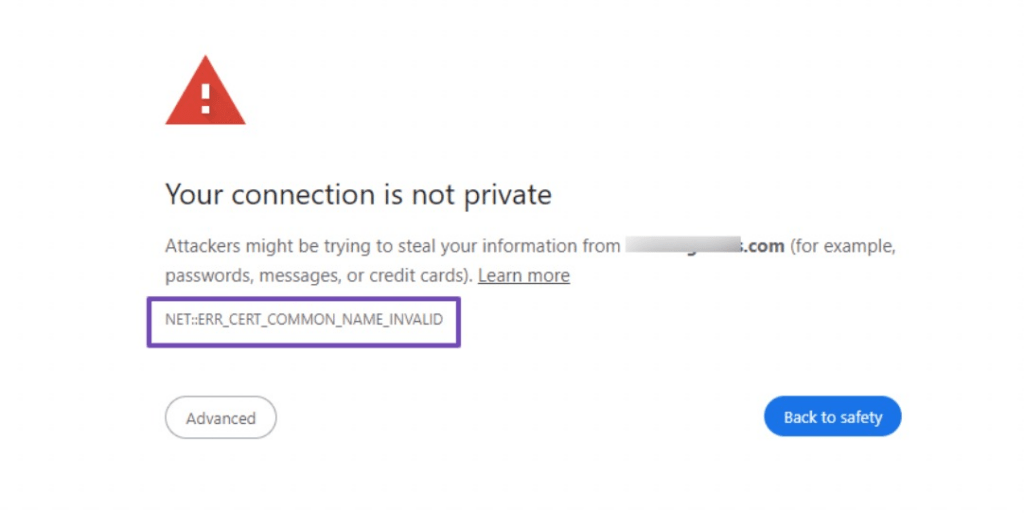
Often appears when SSL is expired, misassigned, or not fully propagated. - Padlock missing on some pages
Indicates mixed content inside posts or theme files.
Each of these has a logical cause—and a fix.
How to Prevent SSL Problems in the Future
Once SSL is fixed, prevention matters.
Best practices:
- Always activate SSL before launching a site
- Use HTTPS from day one
- Avoid hard-coded HTTP links in themes
- Keep plugins and themes updated
- Use consistent domain settings
SSL problems usually return when websites grow, migrate, or change hosts without a clear plan.
Final Thoughts: SSL Is More Than a Technical Detail
Learning how to fix an SSL certificate between IONOS and WordPress is not just about removing browser warnings.
It’s about:
- User trust
- SEO performance
- Conversion rates
- Brand credibility
For cross-border websites especially, SSL is a basic expectation. Visitors from different countries are even more sensitive to security signals.
At AIRSANG, this is exactly the kind of work we handle every day—helping global businesses build secure, high-performance WordPress websites that are ready for international markets. From website design to technical setup and long-term optimization, we make sure your site is not only beautiful, but reliable and trustworthy.
If you’re dealing with SSL issues—or planning a cross-border WordPress website—we’re always happy to help.


Design and build a WordPress website or corporate site with a full eCommerce system for you.
Price range: $200.00 through $2,500.00Custom requirements or special quotations
Original price was: $2.00.$1.00Current price is: $1.00. Are 50 Plugins Too Many for a WordPress eCommerce Store?
Understanding the Real Performance Impact Having 50 plugins on a WordPress eCommerce site isn’t automatically a problem. In fact, the number alone rarely determines performance....

Main Image Design for Amazon Lipstick Conversion
Introduction: Designing a Lipstick Main Image That Sells on Amazon When we design a Main image for an Amazon lipstick, our responsibility goes far beyond...

How Hackers Steal WordPress Admin Emails (And How to Stop Them)
Let’s start with an uncomfortable truth: Your WordPress admin email is probably way more public than you think.And hackers? They love that. To them, your...

What Makes an Amazon Liquid Foundation Main Image Convert
Introduction Designing a Main image design for Amazon Liquid foundation is never just about making a product look beautiful. On Amazon, the main image and...

Designing an Effective Amazon Main Image for Filter Cartridges
Introduction Designing a Main image for Amazon is never just about making a product look attractive. It is about clarity, trust, and instant understanding—especially for...

Replay Attacks on WordPress: Real Threat or Overhyped Myth?
Let’s clear something up first. Replay attacks don’t look scary.They don’t smash passwords.They don’t inject evil code with green hacker text flying everywhere. They’re sneaky....

How to Duplicate WordPress Pages Without Breaking Anything
Let’s face it. Sometimes you don’t want to create a new page.You just want the same page… but slightly different. Same layout.Same blocks.Same settings. Because...

Five Pet WordPress Themes Compared
Introduction Choosing the right pet-related WordPress theme is more than a design decision—it directly affects usability, scalability, and long-term business growth. Pet care and pet...

Comparing Five Swimwear eCommerce Themes
Introduction Choosing the right theme for a swimwear or lingerie independent store is not just a visual decision—it directly affects conversion rates, scalability, and long-term...

How to Turn Off Comments in WordPress (Without Losing Your Mind)
Let’s talk about WordPress comments. In theory, comments are great.They encourage discussion.They build community.They make your website feel “alive.” In reality? They’re often a magnet...

WordPress 500 Error: When Your Website Decides to Panic
Your WordPress site was fine a minute ago.You refreshed the page.And suddenly—boom 💥—500 Internal Server Error. No explanation.No apology.Just a cold, confusing message that basically...

How to Contact Shopify Support: Simple, Stress-Free Guide
Running a Shopify store should feel exciting—not confusing. When questions pop up or issues slow you down, Shopify offers several support paths depending on what...

How to Deactivate a Shopify Store: A Clear, Practical Guide
Deactivating a Shopify store isn’t complicated, but it does come with consequences many merchants overlook. This guide breaks the process down in a simple, educational...

Five Shoe Store Themes Compared
Introduction Choosing the right theme for a footwear-focused independent store is not just a visual decision—it directly affects scalability, daily operations, and long-term conversion performance....

Shopify vs Etsy: The Ultimate Online Selling Showdown
Introduction: Two Platforms Walk Into a Bar… If Shopify and Etsy were people, Etsy would be that charming friend who already has a booth at...

Is Your Shopify or WordPress Site Hacked? Here’s What to Do
Introduction: The Digital Equivalent of Waking Up to a Broken Window Imagine waking up, grabbing your morning coffee, opening your laptop… and discovering your website...

How to Start a Shopify Store Without Losing Your Mind
Starting a Shopify store sounds glamorous. You picture yourself sipping coffee at noon, checking sales notifications, and casually telling friends,“Yeah, my store did pretty well...

Is Shopify Legit? A Clear Guide for New Online Sellers
If you’re researching eCommerce platforms, chances are you’ve typed one very specific question into Google: is Shopify legit? That question is completely reasonable. Launching an...