Keine Produkte im Warenkorb.

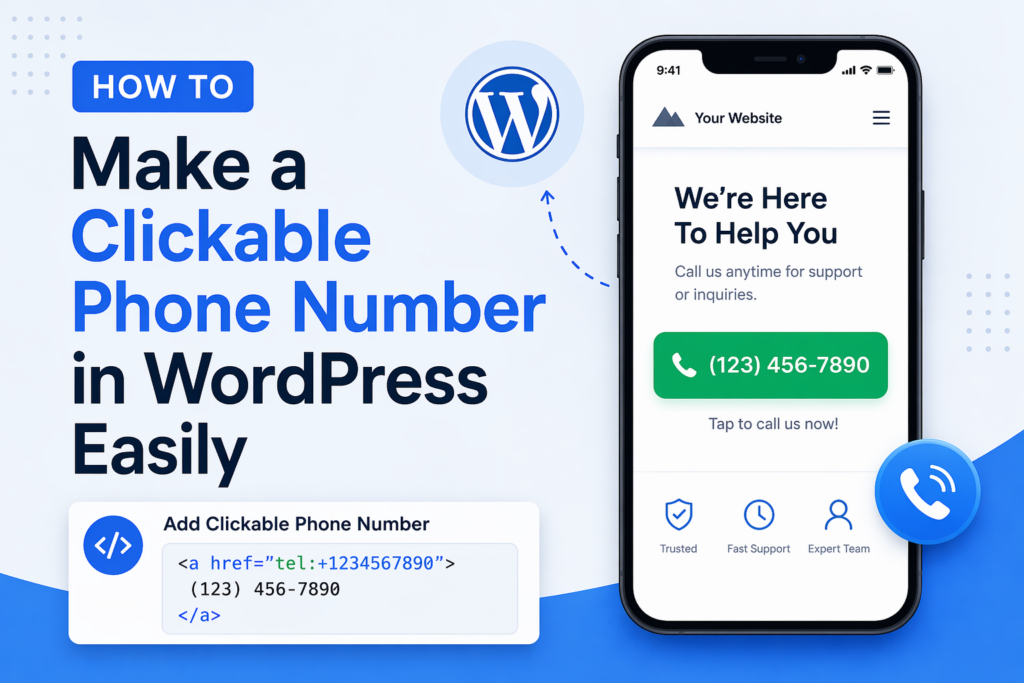
How to Make a Clickable Phone Number in WordPress Easily

How to Make a Clickable Phone Number in WordPress Easily-how to make a clickable phone number wordpress

In today’s mobile-first world, making it easy for users to contact you is no longer optional—it’s essential. One of the simplest yet most powerful ways to improve user experience and increase conversions is by adding a clickable phone number to your WordPress website.

If you’ve ever wondered how to make a clickable phone number WordPress, this guide will walk you through everything you need to know—from basic methods to advanced customization—using a clear, educational approach.
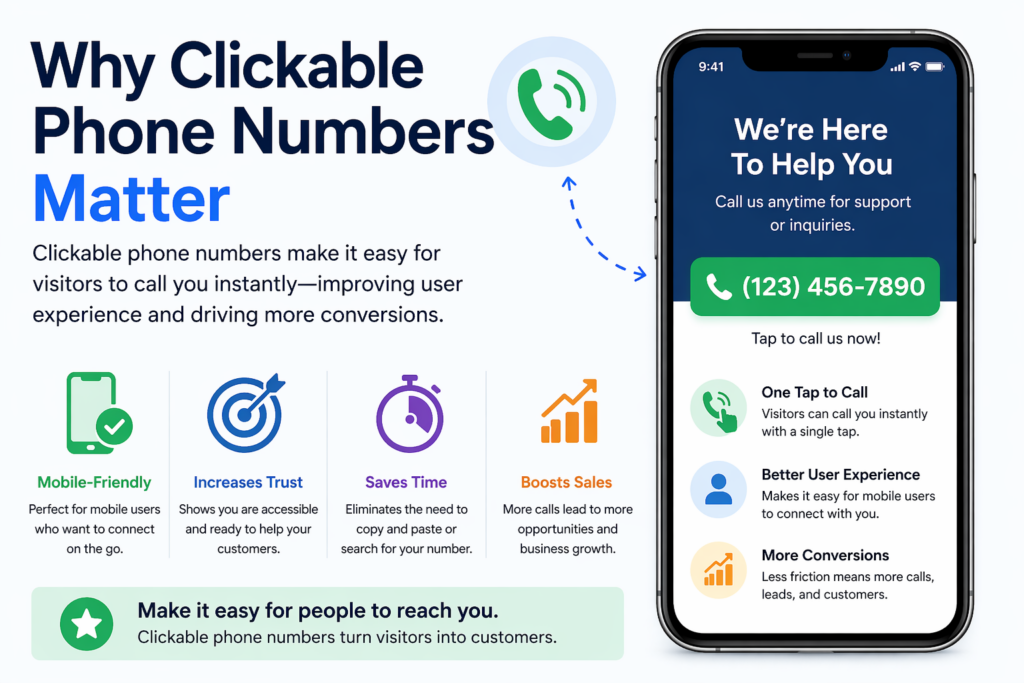
Why Clickable Phone Numbers Matter

How to Make a Clickable Phone Number in WordPress Easily-Why Clickable Phone Numbers Matter-how to make a clickable phone number wordpress

Before diving into the “how,” let’s understand the “why.”

When visitors land on your website—especially from mobile devices—they expect instant interaction. If they need to manually copy your phone number into their dialer, you’re already adding friction.

A clickable phone number allows users to:

  • Tap once to call directly
  • Avoid copy-paste errors
  • Connect instantly with your business

Dies ist besonders wichtig für:

  • Local businesses
  • Service-based companies
  • E-commerce stores offering support
  • Lead generation websites

In short, reducing friction increases conversions.
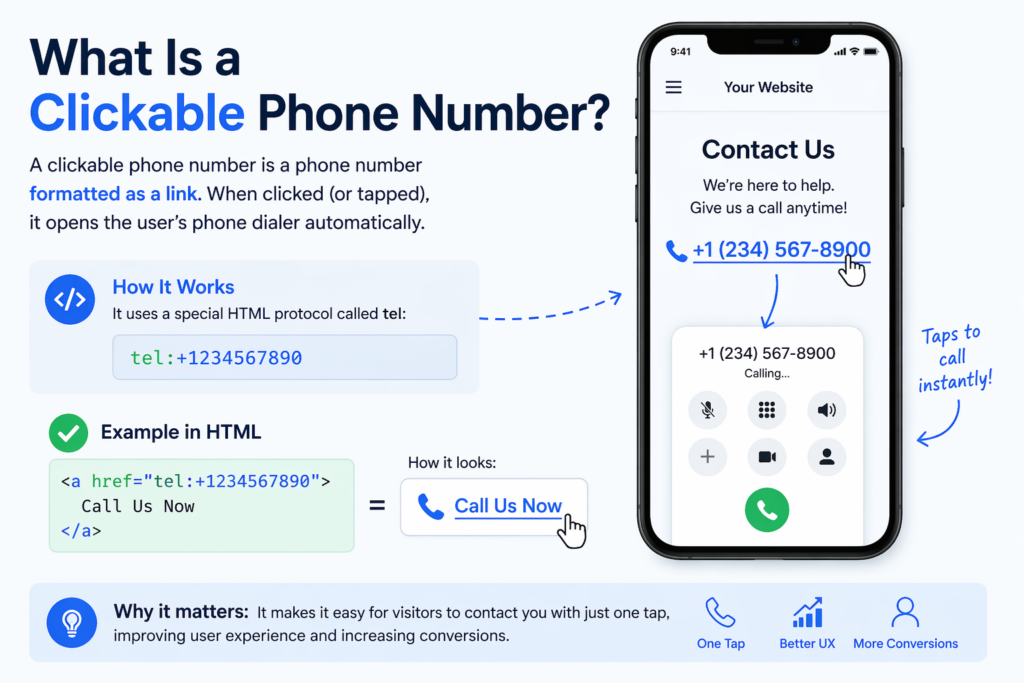
What Is a Clickable Phone Number?

How to Make a Clickable Phone Number in WordPress Easily-What Is a Clickable Phone Number?-how to make a clickable phone number wordpress

A clickable phone number is a phone number formatted as a link. When clicked (or tapped), it opens the user’s phone dialer automatically.

This is done using a special HTML protocol:

tel:+1234567890

When embedded into your website, it looks like a normal link but functions as a call trigger.

Method 1: Add a Clickable Phone Number Using HTML

The most basic way to create a clickable phone number in WordPress is by using HTML.

Schritt für Schritt

  1. Open your WordPress editor (Gutenberg or Classic Editor)
  2. Switch to HTML mode
  3. Add the following code:
<a href="tel:+1234567890">Call Us Now</a>

Or, if you want to display the number:

<a href="tel:+1234567890">+1 (234) 567-890</a>

Best Practices

  • Always include the country code (+1 for the U.S.)
  • Avoid spaces in the tel: link
  • Format the visible text for readability

Where to Use It

You can place this link in:

  • Pages (Contact, Home, Landing pages)
  • Beiträge
  • Widgets (footer, sidebar)
  • Headers

Method 2: Use the WordPress Block Editor (Gutenberg)

If you prefer a visual approach, the Gutenberg editor makes this easy.

Schritte

  1. Add a Paragraph block or Button block
  2. Highlight the text (e.g., “Call Now”)
  3. Click the link icon
  4. Enter:
tel:+1234567890
  1. Save and publish

Why This Works Well

  • Keine Programmierung erforderlich
  • Fully customizable design
  • Works with buttons for higher conversions

Method 3: Add Click-to-Call Buttons

Instead of just a text link, you can create a more visible call button.

Example HTML Button

<a href="tel:+1234567890" style="display:inline-block;padding:12px 20px;background:#000;color:#fff;text-decoration:none;border-radius:5px;">
Call Now
</a>

Benefits of Buttons

  • Higher visibility
  • Better mobile usability
  • Stronger call-to-action (CTA)

Where to Place Call Buttons

  • Sticky header
  • Floating corner button
  • Hero section
  • Contact page

Method 4: Use WordPress Plugins

If you want more advanced features, plugins are a great option.

Common Plugin Features

  • Floating call buttons
  • Click tracking
  • Device targeting (mobile only)
  • Custom styling and animations

Popular Plugin Types

While there are many plugins available, look for ones that offer:

  • Lightweight performance
  • Mobile optimization
  • Easy customization

When to Use Plugins

Use plugins if you want:

  • Analytics (track how many people click)
  • Persistent floating buttons
  • No-code setup

Method 5: Add Clickable Numbers in Menus

You can also add a clickable phone number directly in your navigation menu.

Schritte

  1. Go to Appearance → Menus
  2. Add a Custom Link
  3. Enter:
tel:+1234567890
  1. Set link text (e.g., “Call Us”)
  2. Save menu

Why This Is Effective

  • Always visible
  • Great for mobile users
  • Increases accessibility

Method 6: Add Click-to-Call in Widgets and Footers

Your footer is one of the most consistent areas across your site.

Schritte

  1. Go to Appearance → Widgets
  2. Add a Text or HTML widget
  3. Insert:
<a href="tel:+1234567890">Call: +1 (234) 567-890</a>

Benefits

  • Appears on every page
  • Reinforces contact availability
  • Improves trust

Method 7: Make Phone Numbers Clickable Automatically

Some themes or plugins can automatically convert phone numbers into clickable links.

So funktioniert es

  • Scans your content
  • Detects phone number patterns
  • Converts them into tel: links

Vorteile

  • Saves time
  • No manual coding

Nachteile

  • Less control over formatting
  • May incorrectly detect numbers

Mobile Optimization Tips

Since most click-to-call actions happen on mobile, optimization is key.

1. Use Large Tap Targets

Buttons should be:

  • At least 44px high
  • Easy to tap without zooming

2. Place Strategically

Best placements:

  • Top of the page
  • Sticky bottom bar
  • Floating button

3. Use Clear CTAs

Instead of just “Call,” try:

  • “Call Now for a Free Quote”
  • “Speak With an Expert”
  • “Get Instant Support”

SEO Considerations

How to Make a Clickable Phone Number in WordPress Easily-SEO Considerations-how to make a clickable phone number wordpress

While clickable phone numbers are primarily for UX, they also support SEO indirectly.

1. Improve User Experience

Better UX leads to:

  • Lower bounce rates
  • Higher engagement
  • More conversions

2. Local SEO Benefits

Including your phone number consistently helps:

  • Build trust signals
  • Improve local search relevance

3. Schema Markup (Advanced)

You can add structured data to highlight your phone number:

{
"@context": "https://schema.org",
"@type": "Organization",
"telephone": "+1234567890"
}

This helps search engines better understand your contact info.

Häufige Fehler, die es zu vermeiden gilt

1. Missing Country Code

Always include +1, +44, etc.

2. Using Images Instead of Text

Search engines can’t read phone numbers in images.

3. Poor Placement

If users can’t find your number easily, it’s ineffective.

4. Not Testing on Mobile

Always test your clickable links on real devices.

Advanced Ideas for Higher Conversions

1. Sticky Call Bar

Add a fixed bar at the bottom of mobile screens:

  • Always visible
  • One-tap calling

2. Combine With Live Chat

Offer multiple contact options:

  • Call
  • Chat
  • E-Mail

3. Track Clicks

Nutzen Sie Hilfsmittel wie:

  • Google Analytics events
  • Plugin tracking

This helps measure performance.

When Should You Use Clickable Phone Numbers?

Clickable phone numbers are especially useful if you:

  • Offer services requiring consultation
  • Want to increase direct leads
  • Target mobile users
  • Provide customer support

For e-commerce stores, this is also valuable for:

  • Pre-sale questions
  • Vertrauensbildung
  • High-ticket product support

Abschluss

Learning how to make a clickable phone number WordPress is one of the simplest ways to improve both user experience and conversion rates.

By using methods like HTML links, Gutenberg blocks, buttons, menus, or plugins, you can make your website more accessible and user-friendly. The key is to reduce friction—allowing visitors to contact you instantly without unnecessary steps.

When implemented correctly, clickable phone numbers can turn passive visitors into active leads, especially in a mobile-driven environment. Keep your design clean, your placement strategic, and your calls-to-action clear to maximize results.


Weltweiter Versand

AIRSANG bietet kostengünstiges Webdesign, visuelle Markenidentität und E-Commerce-Lösungen. Von Shopify und WordPress bis hin zu Amazon-Produktbildern, Wir helfen globalen Marken dabei, ihr Online-Geschäft aufzubauen, zu verbessern und auszubauen.

Wir entwerfen und erstellen für Sie eine WordPress-Website oder eine Unternehmensseite mit einem vollständigen eCommerce-System.
Individuelle Anforderungen oder spezielle Angebote

Individuelle Anforderungen oder spezielle Angebote

Der ursprüngliche Preis betrug: $2.00.Der aktuelle Preis beträgt: $1.00.

Sind Sie bereit, Ihr Unternehmen zu verändern?

Rufen Sie uns an, um mehr darüber zu erfahren, wie unsere Agentur für digitales Marketing Ihr Unternehmen auf die nächste Stufe heben kann.