Project Overview
For MMJerseys’ Shopyy website, we organized the pages around league catalogs and jersey selection. League navigation, catalog entry points, and new-arrival grids occupy different levels, serving visitors who start with a team as well as those browsing styles. White product grids, red navigation accents, and black text connect collection browsing, catalog comparisons, and individual products.
| Services | Industry | Platform |
| Shopyy Website Design & Development | Apparel | Shopyy |
| Project Requirements | Target Market | Design Style |
| League catalogs and jersey selection | English-language storefront for international jersey shoppers | White product grids, red navigation accents, and black text |
| Project Quote | Deliverables | Delivery Time |
| CNY 9,400 | Homepage, category structure, product details, responsive layouts, and brand and contact pages | 22 days |
Design Challenge
League, team, season, and style all influence jersey selection. We needed to clarify the catalog hierarchy first, then let product images and options support individual decisions, rather than crowding every category and explanation into one level.
Design Strategy: League Catalogs and Jersey Selection
League navigation, catalog links, and new arrivals sit at different levels, giving both team-focused and style-focused shoppers an entry point. The homepage establishes direction, categories support comparison, and product pages explain appearance and options. Navigation and content links connect these levels.
Arial and Helvetica organize headings, navigation, and body copy, while condensed type highlights the top promotional strip. Size, weight, and paragraph width establish hierarchy. White grids, red accents, and black text continue across the main pages, with tight grouping within sections and more space between them.
Motion and Functionality: Supporting the Current Choice
Hover menus expand the catalog, while product sections retain tabs and style thumbnails. Product details continue into size, number, and additional customization choices. Clear selected states and grouped spacing connect browsing with decisions without extra animation competing with jersey imagery.
Homepage Products: Compare Appearance Before Reading Style Names
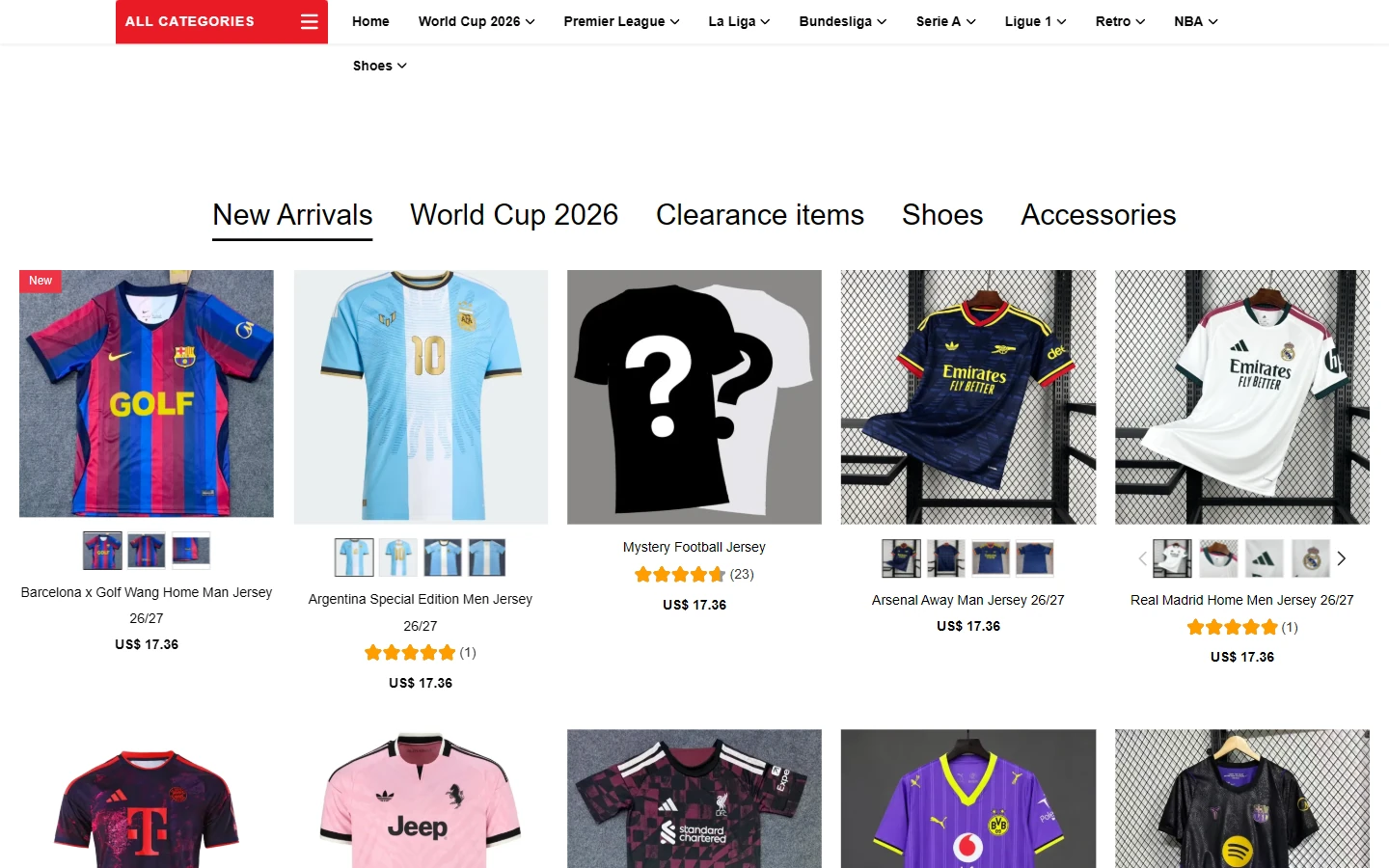
Tabs such as New Arrivals and World Cup 2026 sit above the product grid, with the shown view displaying new releases. Each card presents the jersey front, followed by its name, price, and supporting information. Similar image scales across a row help shoppers compare colors and patterns.
A white background and fine black text let team colors lead. Space separates tabs from products, while information within each card stays compact. Visitors can scan a row of styles before stopping to read a specific name.
League Catalog: Team Links Narrow the Selection
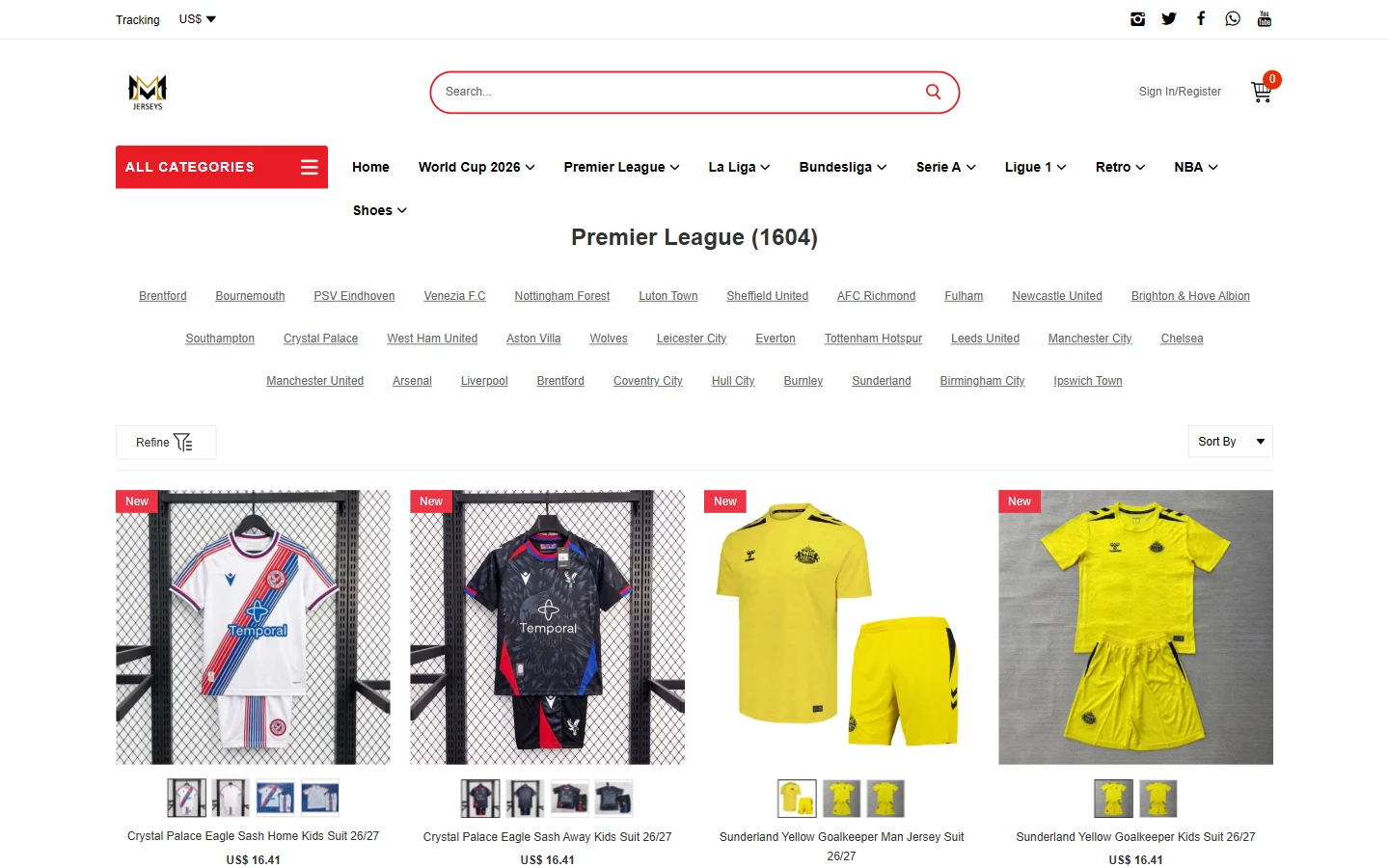
In the Premier League category, team names form text links above the product grid. The page title, subcategories, and Refine and Sort By controls each have their own level, establishing a clear order despite the large catalog.
Red is reserved for navigation and new-arrival markers, while products remain on a light background. Large jersey images and consistent card widths support comparison. Detailed specifications stay on product pages so lengthy copy does not stretch the cards.
Product Details: Photography Beside Selection Information
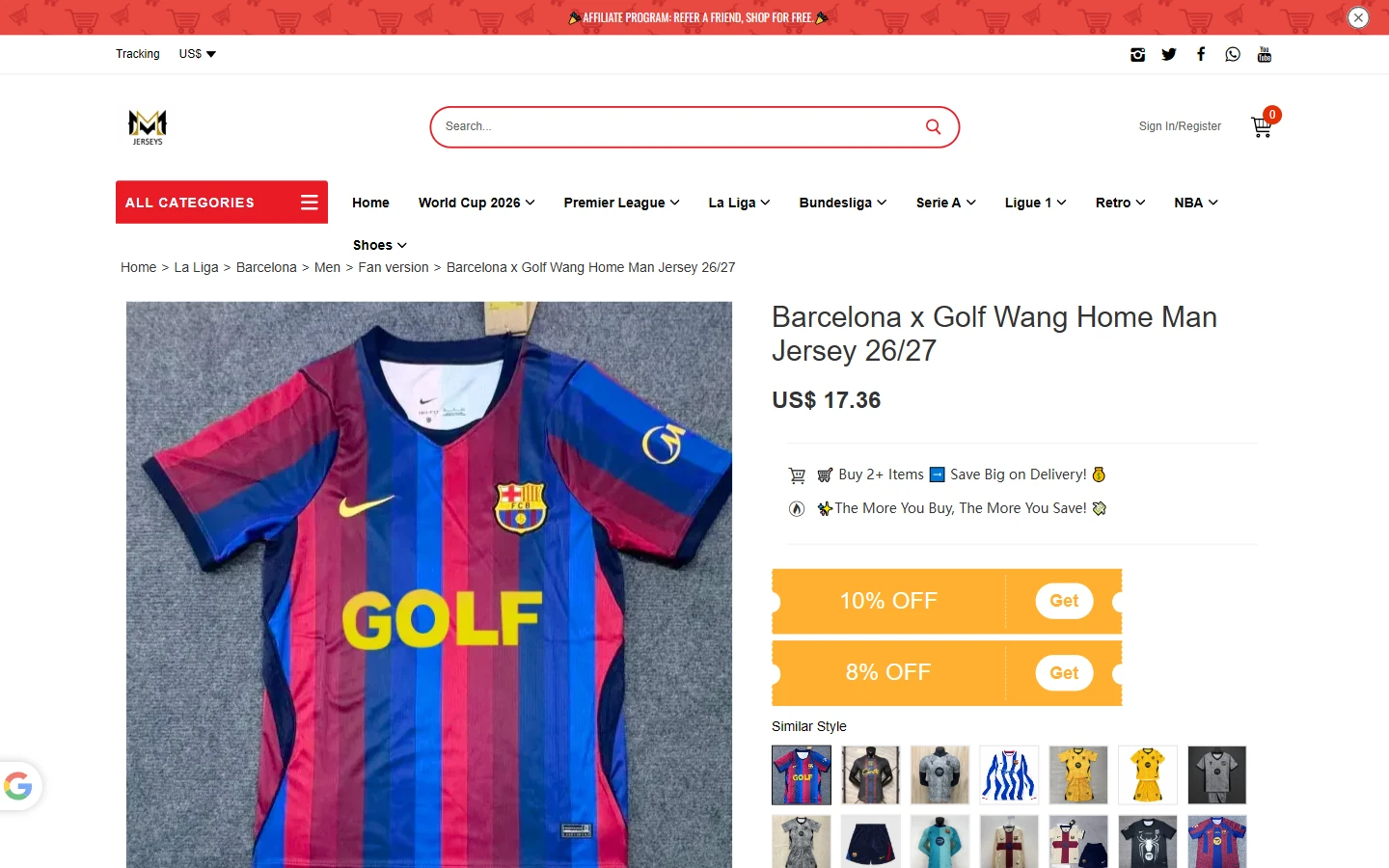
The large jersey image sits on the left; the right column presents the name, price, promotion, and Similar Style links. The blue-and-red striped jersey occupies the main visual area, with thumbnails providing additional views.
Short text blocks and space between groups organize the right column, where a yellow promotional strip adds a local accent. Defined image and text widths let visitors check appearance while continuing through the selection information.
Options: Group Styles and Customization Choices
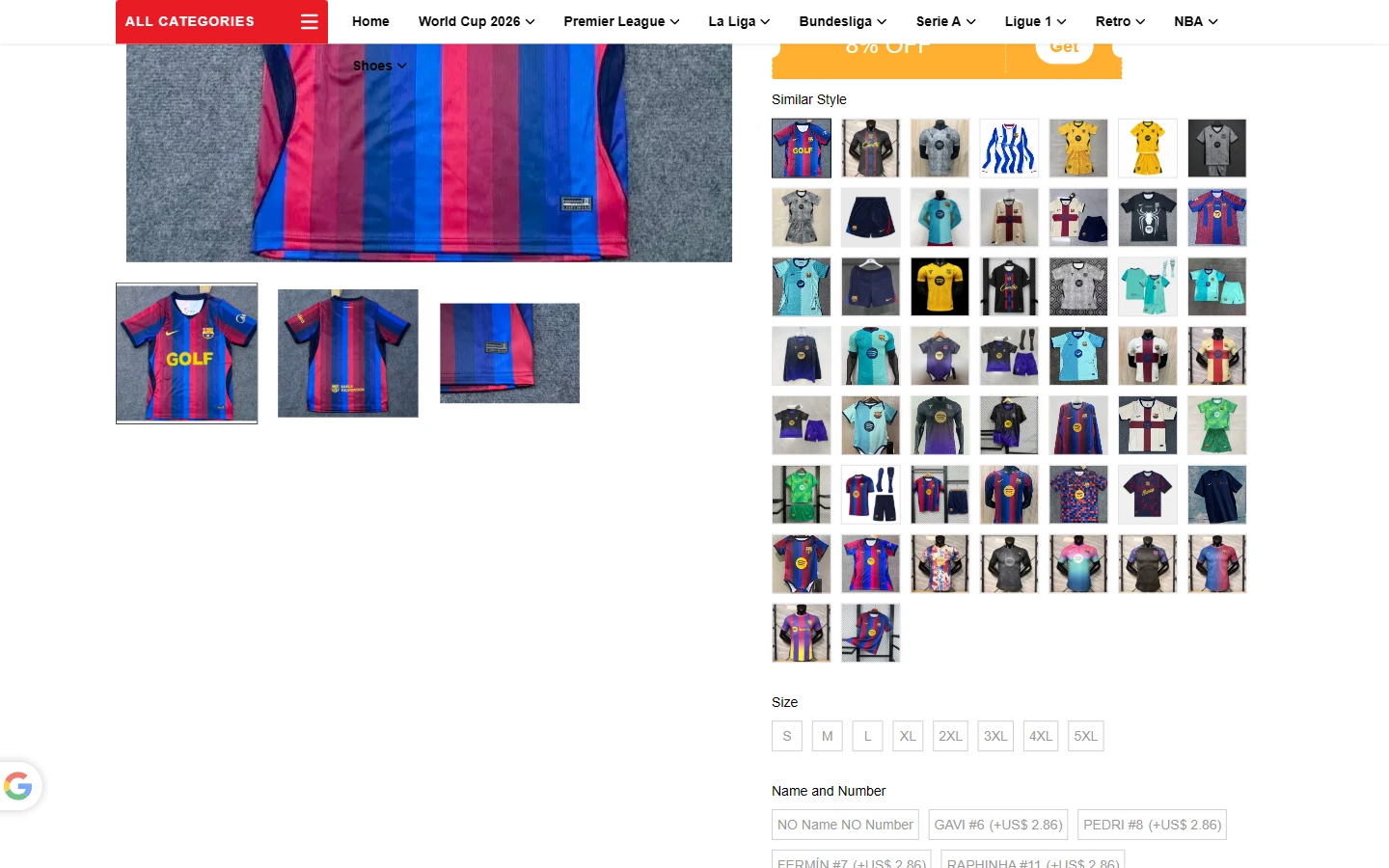
The jersey photo and thumbnails remain on the left. On the right, dense but aligned thumbnail cards show related styles, followed by sizes and customization options. We separated these decisions into a sequence rather than one long dropdown.
Small images use consistent gaps, while light borders and whitespace group text options. The grid maintains order when there are many styles. Size and number fields remain near the product information, reducing movement between unrelated areas.
About Page: Short Paragraphs Explain the Business
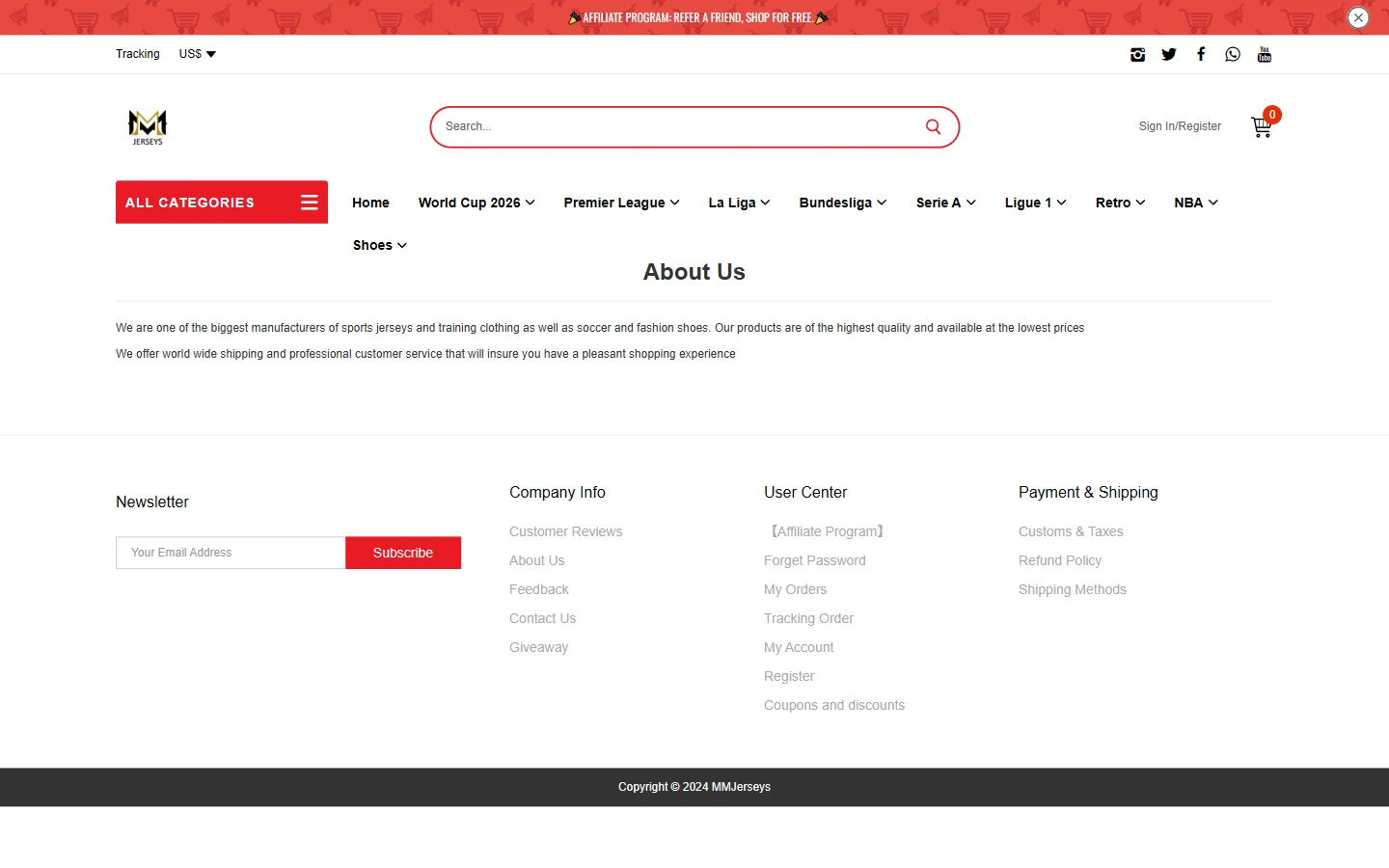
A centered heading and short paragraphs introduce the business, retaining the store’s header and footer. This page adds background without taking over the shopping flow; navigation remains available for returning to the catalog.
Clear sans-serif type, generous line spacing, and pauses between paragraphs support reading. White backgrounds and black text continue here without additional product banners, giving brand information a different rhythm from selection pages.
Contact Page: Give the Message Entry Point a Clear Position
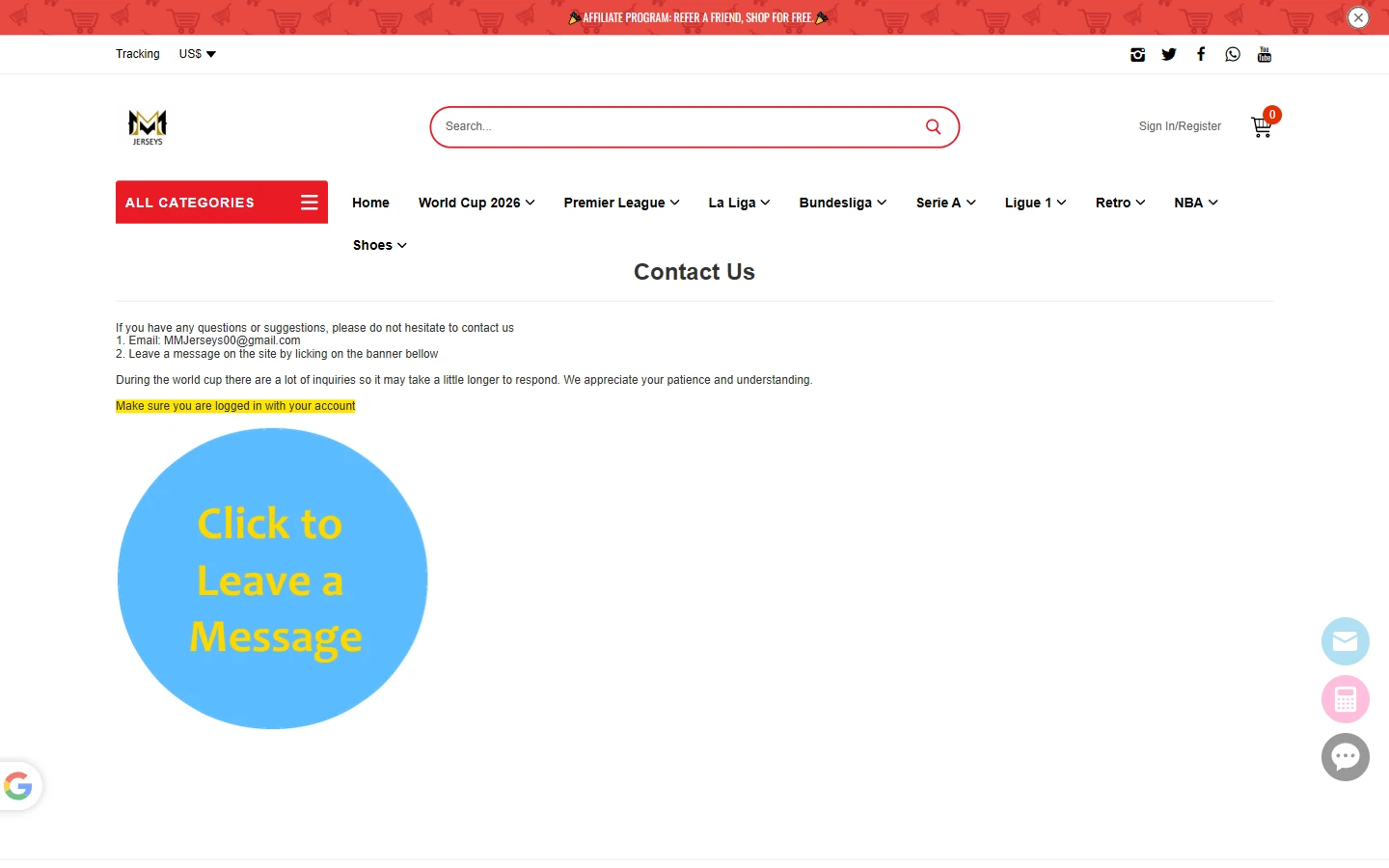
Contact information appears near the top, with a blue circular message graphic highlighting the next step. Grouped spacing separates the email address, instructions, and entry point so visitors can understand the channels before choosing how to get in touch.
The simple white content area continues, while the blue entry point differs from the red store navigation above. This page guides communication; product catalogs and prices remain on their respective pages.
Mobile Homepage: Banners and Two-Column Products Carry the Theme
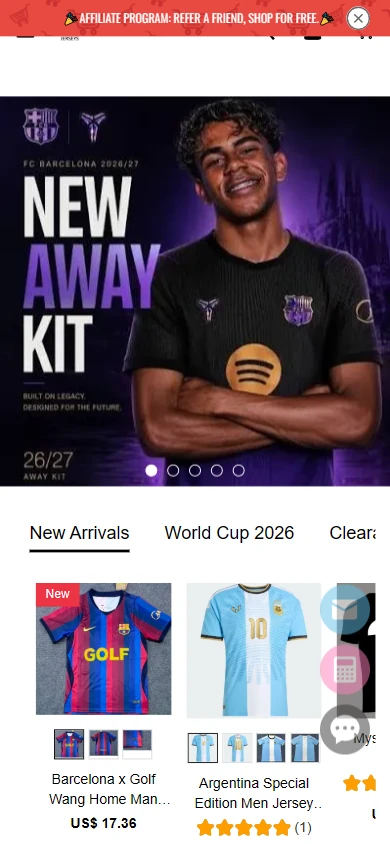
On narrow screens, the promotional strip, jersey banner, and new-arrival section remain. The product grid adapts to mobile width. The banner establishes the collection, and the list immediately moves into individual styles.
Headings and product names wrap to card width while images remain large enough to inspect. Vertical spacing separates banners, tabs, and products so mobile browsing follows the same content order.
Mobile Product Page: Let the Main Image Introduce the Style
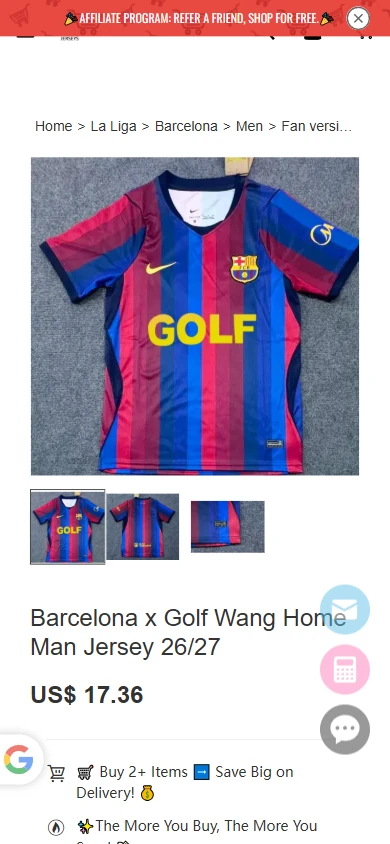
Mobile begins with the large jersey photo and angle thumbnails, followed by the name, price, and promotional information. The desktop columns become a vertical sequence, giving each group enough width.
Jersey photography remains prominent, while left-aligned text and controlled spacing organize the details. Styles and specifications continue down the page, maintaining the connection between images, names, and choices.
Design Summary: Connect the Theme to Practical Details
For MMJerseys, league catalogs and jersey selection guide white product grids, red navigation accents, and black text across the homepage, categories, and product pages. Images express the collection, copy explains details, and catalog and specification controls support the next action. Mobile retains the sequence for a consistent visual and browsing experience.
Plan a Clear Shopyy Website for Your Brand
Share your current website, brand assets, and required pages. We will review your products, target market, and content priorities to plan suitable pages, visuals, and functionality together.