Project Overview
For StocksKick’s Shopyy website, we organized the pages around footwear collections and size selection. Large shoe banners establish the first impression, followed by service icons and category-based product grids. A black-and-white interface, bold footwear imagery, and consistent product cards connect collection browsing, catalog comparisons, and individual product exploration.
| Services | Industry | Platform |
| Shopyy Website Design & Development | Shoes & Bags | Shopyy |
| Project Requirements | Target Market | Design Style |
| Footwear showcases and size selection | English-language storefront with prices in US dollars | Black-and-white interface, large shoe banners, and organized product cards |
| Project Quote | Deliverables | Delivery Time |
| CNY 6,700 | Homepage, category structure, product details, responsive layouts, and brand and contact pages | 14 days |
Design Challenge
A footwear website needs to show silhouettes and colorways while keeping size selection clear. We separated collection banners, catalog comparisons, product photography, and specification choices so that visual storytelling and practical decisions each have their own space.
Design Strategy: Footwear Showcases and Size Selection
Large footwear banners create the first impression, with service icons and category grids leading into product selection. The homepage establishes direction, category pages support comparison, and product pages explain appearance and specifications. Navigation and content links connect these levels.
We used Poppins for headings, navigation, and body copy, creating hierarchy through type size, weight, and paragraph width. The black-and-white interface, oversized shoe imagery, and consistent cards carry across the main pages. Related information stays close together, with more space between sections so images, explanations, and actions remain distinct.
Motion and Functionality: Supporting the Current Choice
Homepage banners rotate automatically, and header categories link to different catalogs. Product details include multiple-angle thumbnails, grouped size buttons, and expandable information. These interactions support changing images, comparing choices, and reading details within a clear black-and-white interface.
Homepage: A Footwear Banner Sets the Theme
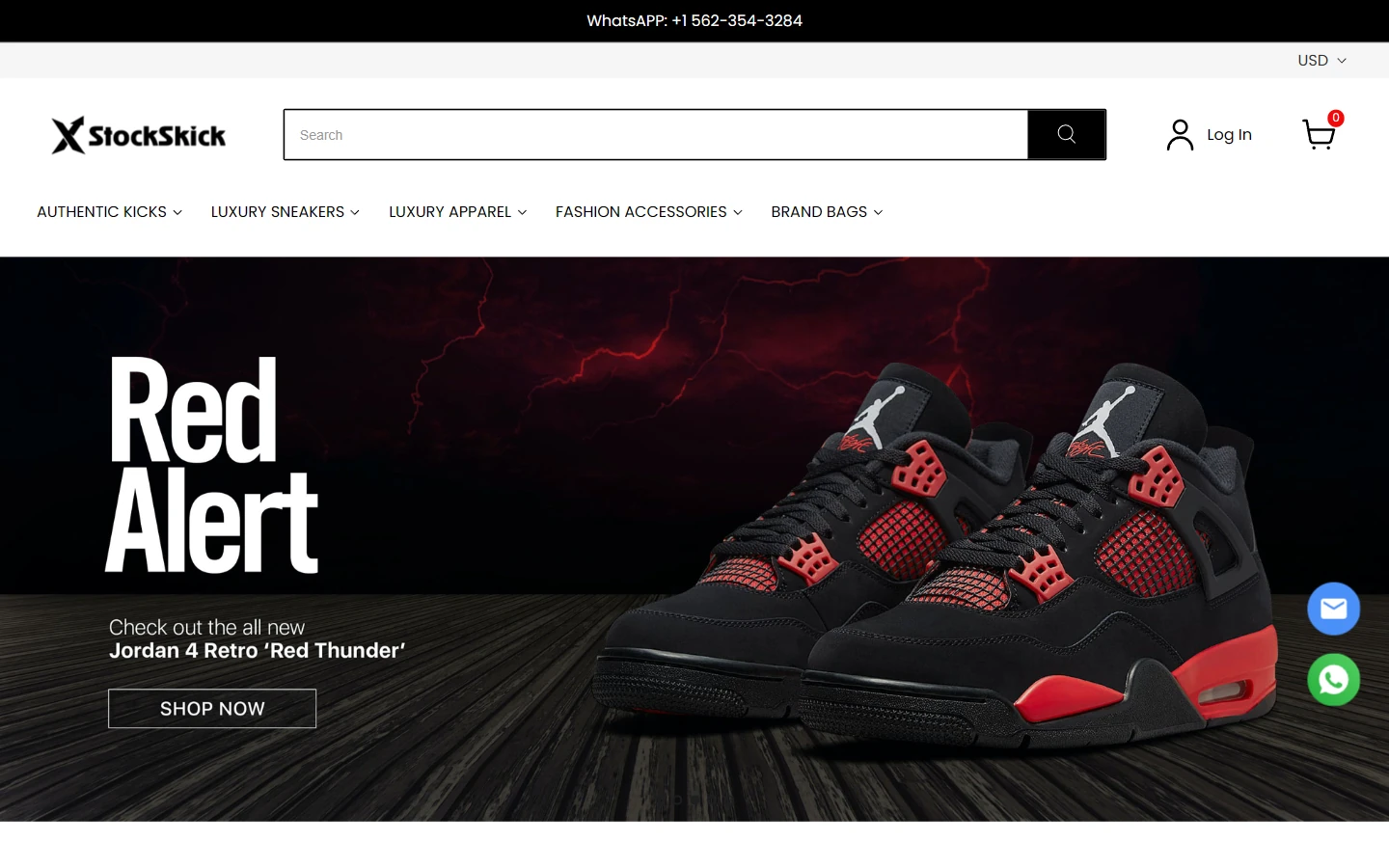
A wide footwear banner anchors the first screen, while the header keeps the logo, search, and category navigation neatly aligned. Large shoe imagery and the headline form the visual center. The surrounding black-and-white interface allows each collection’s colors to stand out.
Poppins keeps headings and navigation clean, while the search field and utility icons share a horizontal line. The opening screen gives the collection room to breathe, leaving detailed product information for the pages that follow.
Homepage Product Section: Separate Service Messages from Shopping Choices
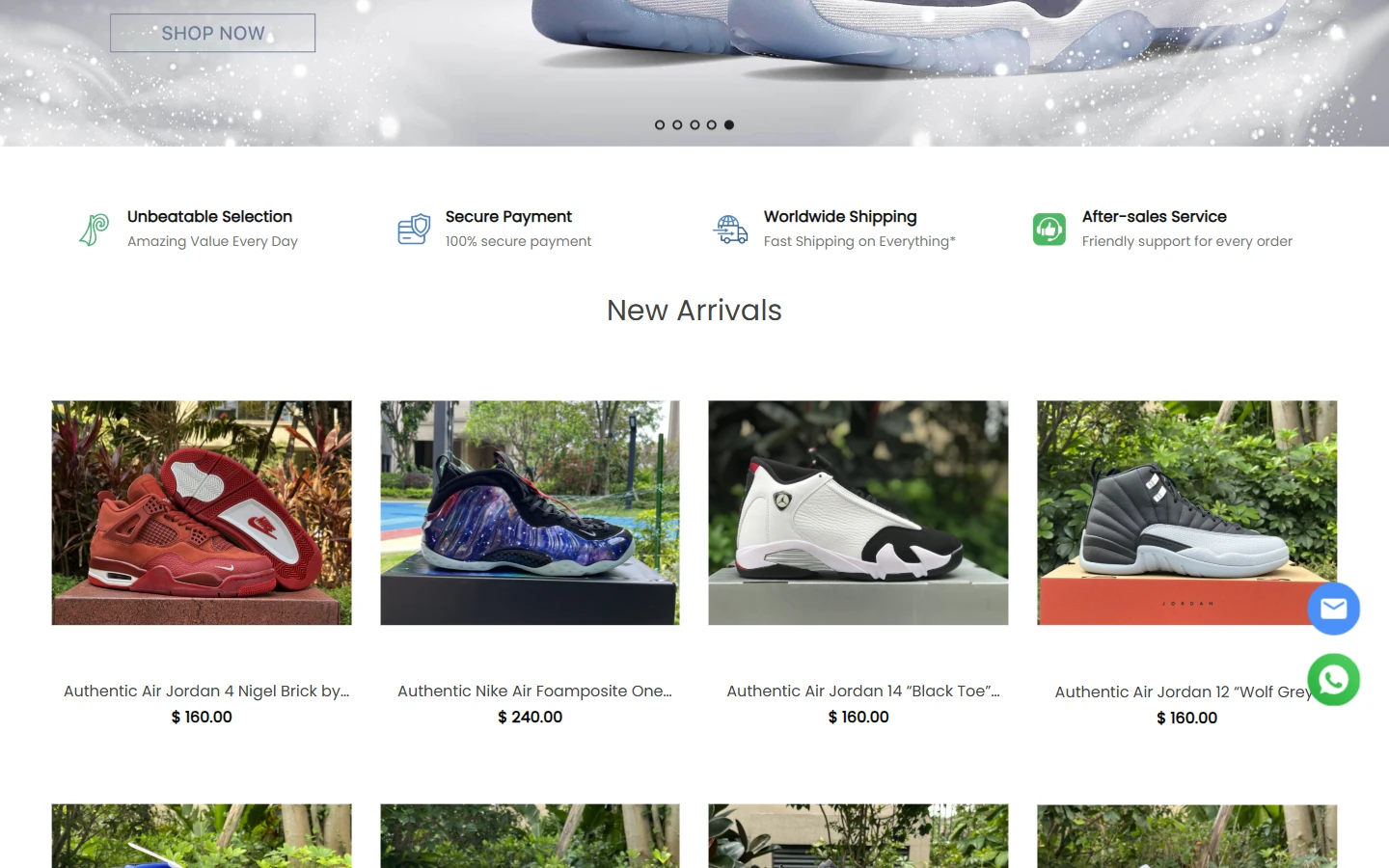
Below the banner, service messages and product displays move visitors from the collection theme to individual styles. Icons and short text form a lightweight information strip. Product cards below use consistent image sizes, names, and prices to make comparisons easier.
White content areas and fixed column widths reduce distractions, with even spacing between images. A pause between headings and cards keeps service information and merchandise in separate groups.
Category Page: Compare Silhouettes and Colorways
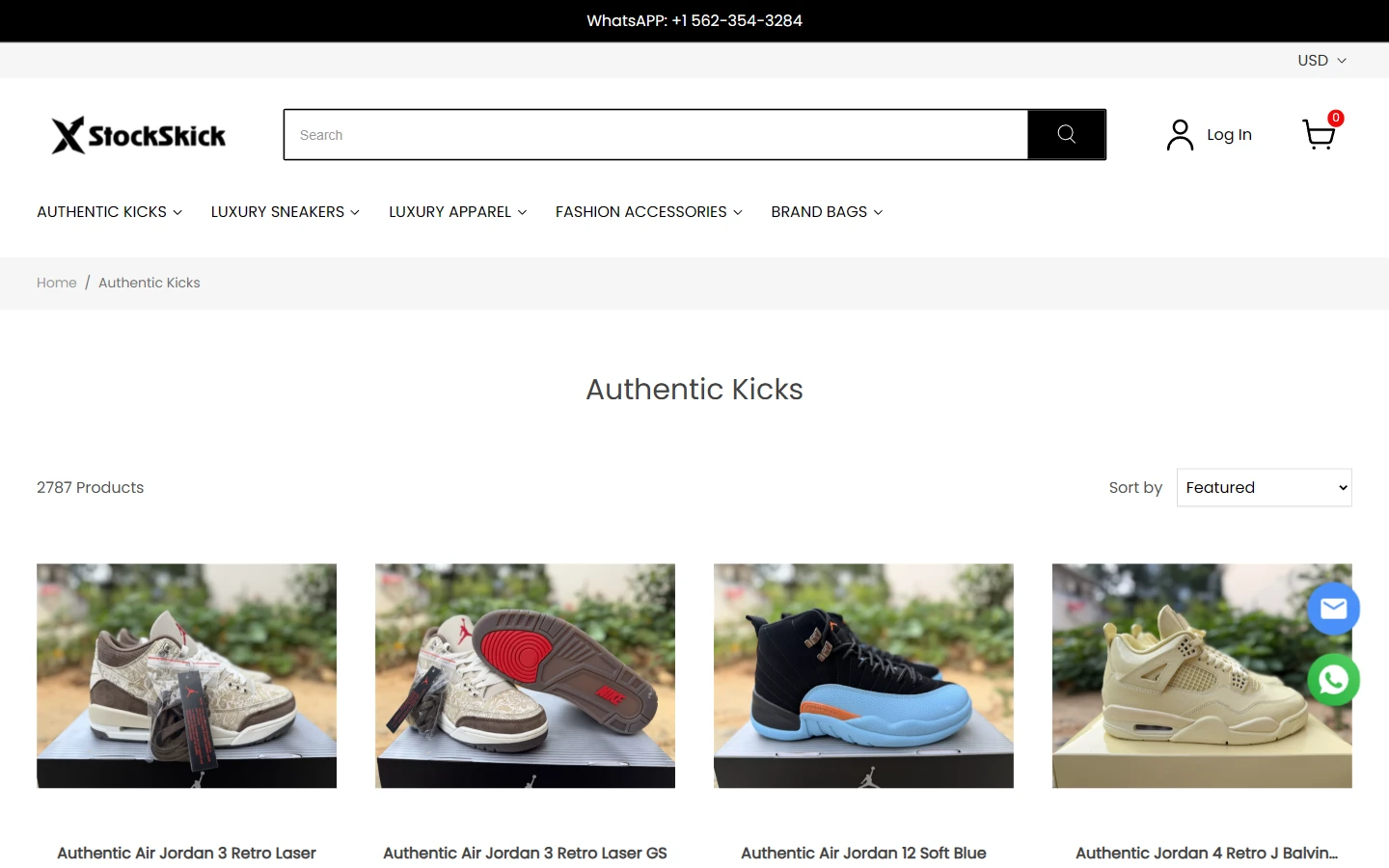
The category page presents shoes in a multicolumn grid, with photos, names, and prices in a consistent order. Footwear silhouettes occupy enough space for visitors to compare colorways visually before reading further.
Black text on a light background and steady row and column spacing keep the catalog orderly. Catalog tools sit apart from the products so visitors can narrow their choices before opening an item to check sizes.
Product Page: Large Photography and a Size Matrix
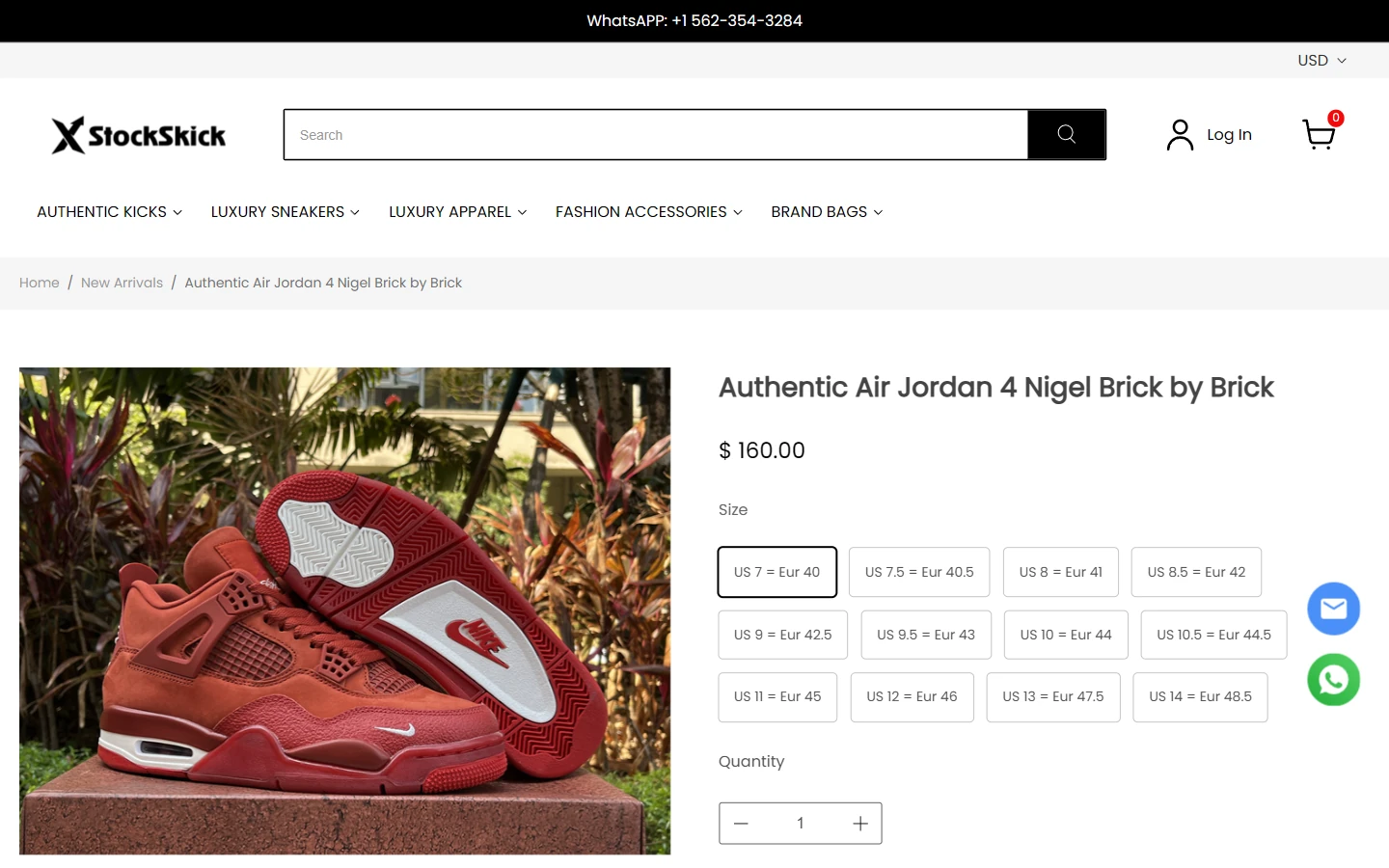
A large photograph of the red shoe sits on the left, with the product title, price, and size buttons on the right. Equal-width option buttons form a matrix, with US and EU size information directly in the selection area.
Generous product photography shows shape and materials. Font weight and spacing distinguish the title, price, and sizes in the right column. Black-and-white buttons keep attention on the current shoe and available options.
Lower Product Details: Multiple Views and Expandable Information
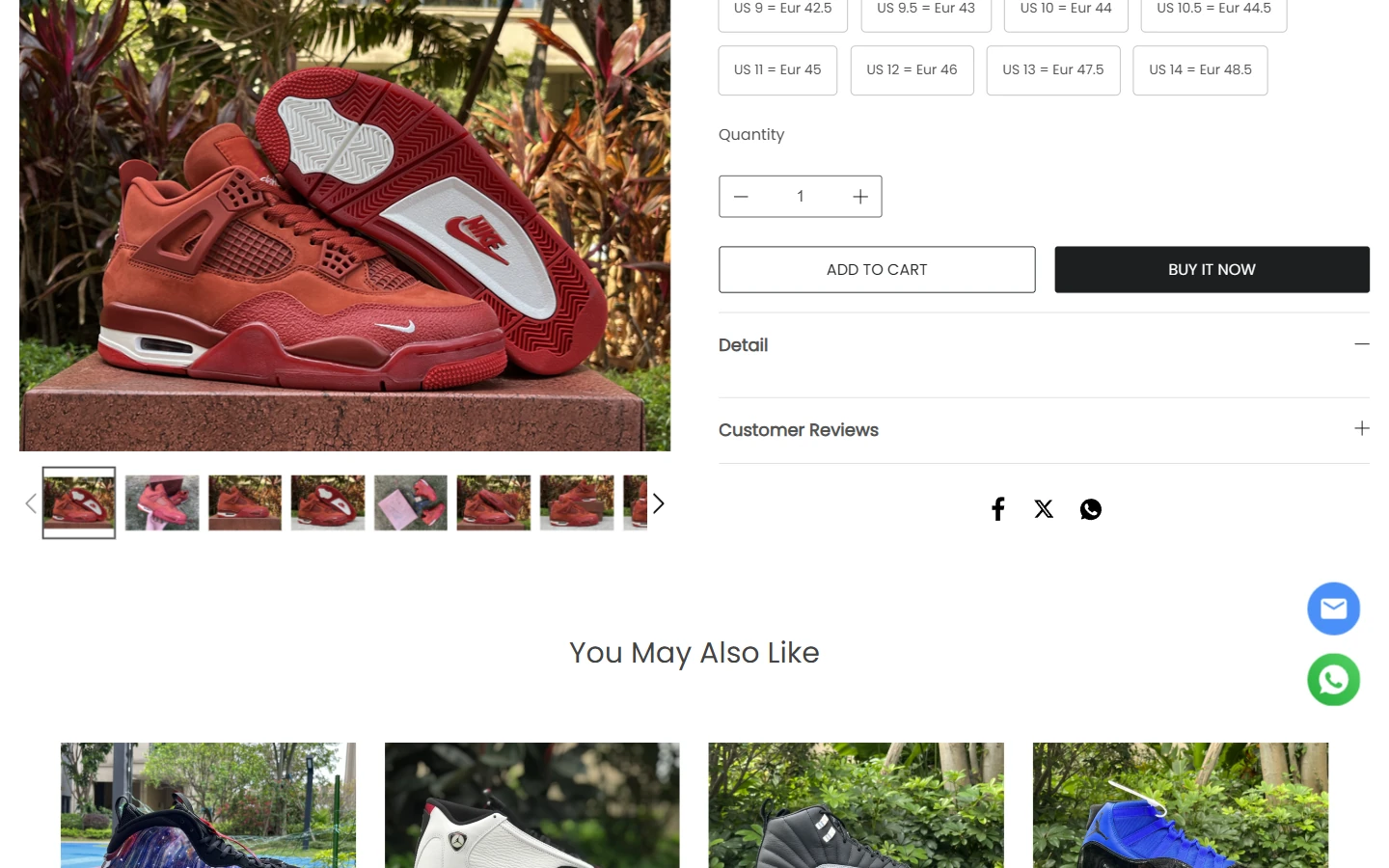
This section retains the main image and thumbnails below it, while the right side shows sizes, quantity, purchase controls, and Detail and Customer Reviews sections. Viewing angles and reading information sit side by side, with related shoes farther down.
Thumbnails use a consistent small size, while fine rules and plus/minus symbols distinguish expandable sections. Wide space between photographs and copy keeps dense specifications and imagery readable.
About Page: Subheadings Organize Longer Information
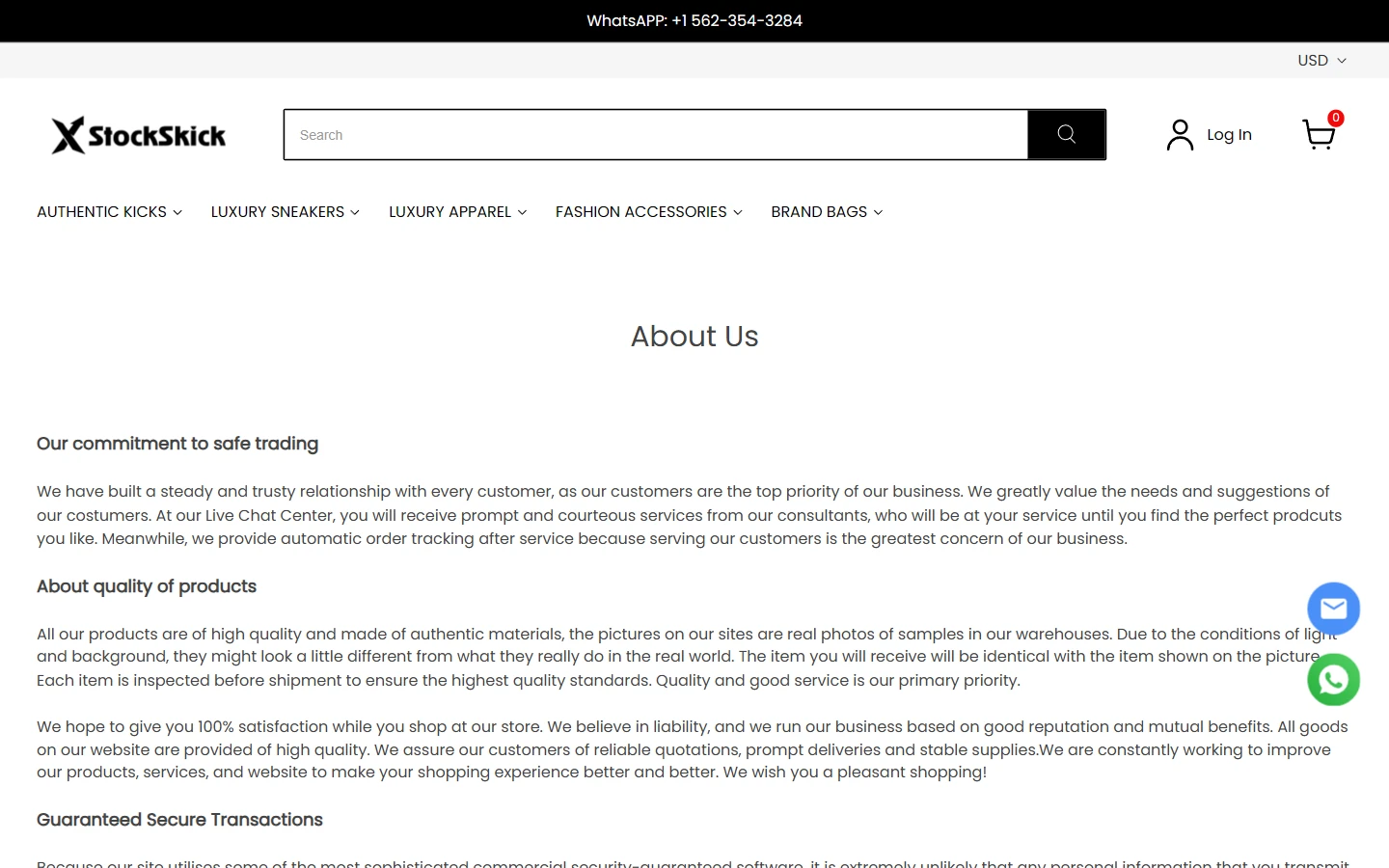
We placed brand information on a dedicated page, using subheadings to organize transaction, product, and service details. It retains the store header while giving the main area over to reading.
Font weight distinguishes Poppins subheadings from body copy, with space between paragraphs. Topic-based sections help visitors locate information and return to the catalog through the header.
Contact Page: Service Hours and Communication Channels Together
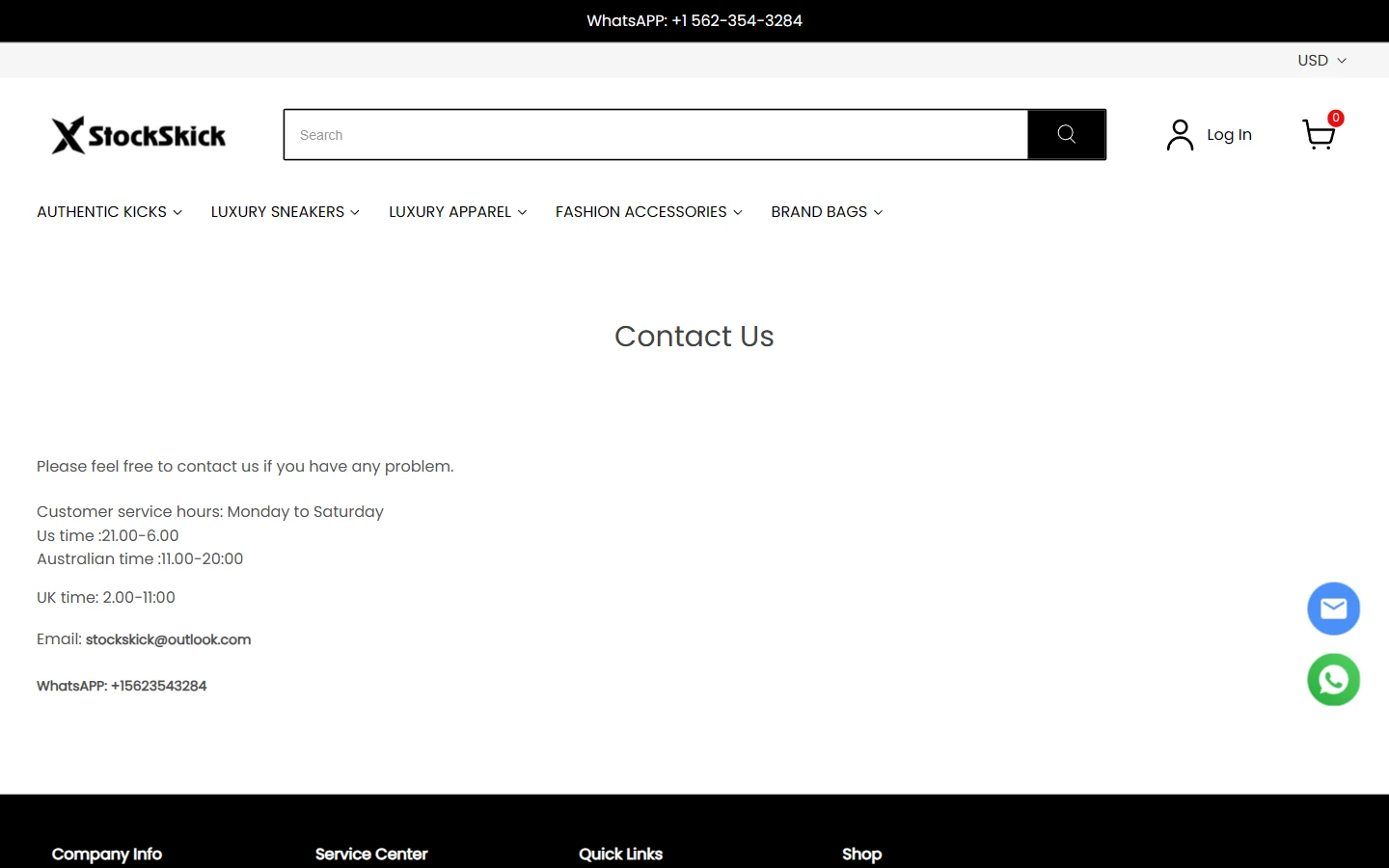
The contact page lists service hours, email, and WhatsApp in sequence. A simple vertical structure brings these details into one content area, reducing the need to search across the footer.
Left-aligned copy and spacing between information groups keep the page readable. The header and footer retain the store structure, while the main content focuses on clear, lightweight text.
Mobile Product Details: Image, Name, Then Sizes
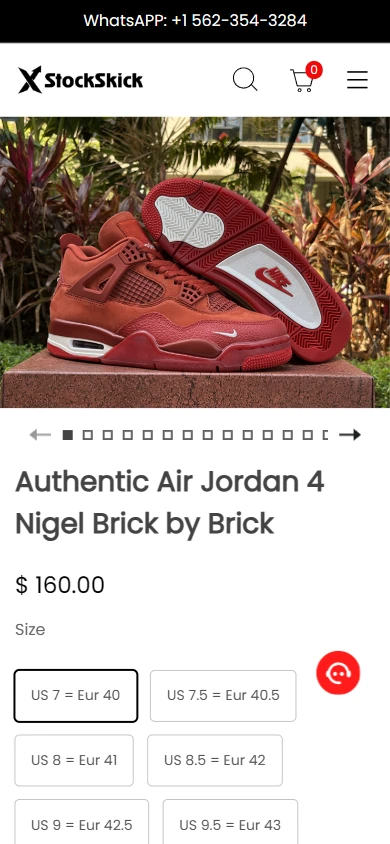
On mobile, the footwear photograph uses the full available width, followed by the name, price, and options. The desktop side-by-side layout becomes vertical so both imagery and size information have enough room.
Clear headings and spacing connect the image to product information below. Buttons retain the desktop black-and-white style, allowing visitors to confirm the shoe before checking their size.
Design Summary: Connect the Theme to Practical Details
For StocksKick, footwear showcases and size selection guide a black-and-white design across the homepage, categories, and product pages. Large images express the collection, copy explains the details, and catalog and size controls support the next action. Mobile retains the same sequence for a consistent visual and browsing experience.
Plan a Clear Shopyy Website for Your Brand
Share your current website, brand assets, and required pages. We will review your products, target market, and content priorities to plan suitable pages, visuals, and functionality together.