Keine Produkte im Warenkorb.

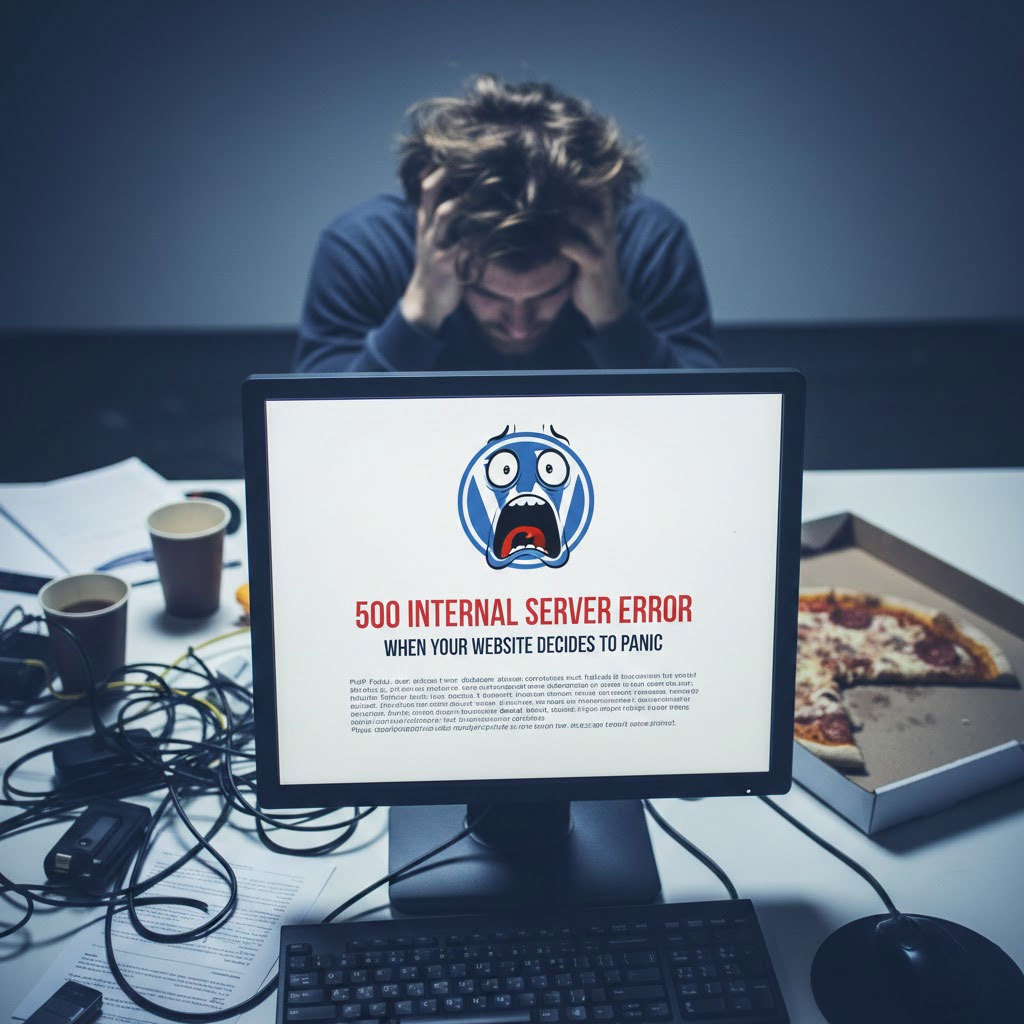
Dein WordPress Die Seite funktionierte vor einer Minute noch einwandfrei.
Sie haben die Seite aktualisiert.
Und plötzlich – boom 💥 – 500 Interner Serverfehler.
Keine Erklärung.
Keine Entschuldigung.
Eine kalte, verwirrende Nachricht, die im Grunde besagt:
“Etwas ist schiefgelaufen.“.
Frag mich nicht, was.”
Falls Sie diesen Fehler jemals so angestarrt haben, als hätte er Sie persönlich verraten, herzlichen Glückwunsch – Sie sind nun offiziell ein WordPress-Nutzer.
Lassen Sie uns genauer betrachten, was dieser Fehler bedeutet, warum er auftritt und wie man ihn beheben kann, ohne dabei den Verstand (oder die Website) zu verlieren.
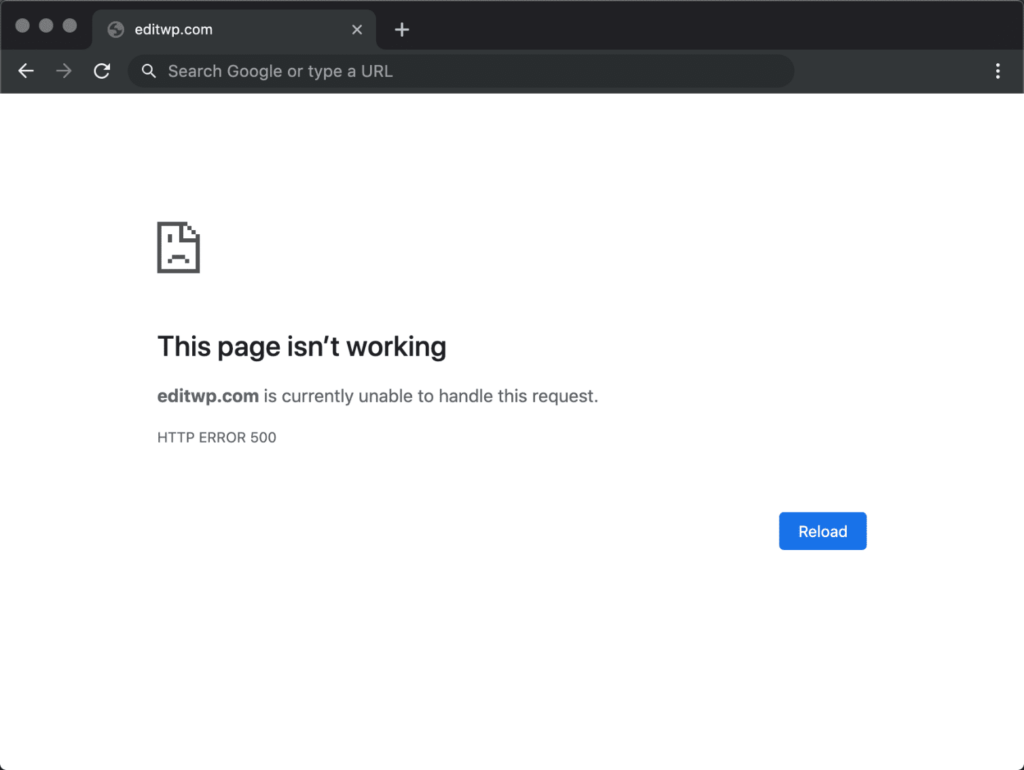
Ein 500-Fehler bedeutet, dass WordPress Folgendes meldet:
“"Ich habe es versucht.
Etwas ist schiefgelaufen.
Ich weiß nicht, welches Ding.
Viel Glück."”
Es handelt sich um einen serverseitigen Fehler, nicht um ein Problem mit dem Theme, nicht um einen Tippfehler und auch nicht um Merkur im Rücklauf.
Der Server konnte die Anfrage einfach nicht verarbeiten.
Nervig? Ja.
Häufig? Äußerst.
Behebbar? Absolut.
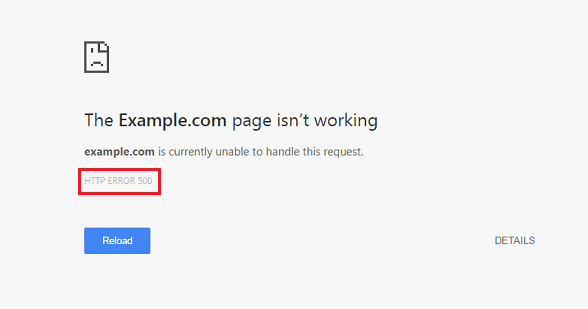
Betrachten Sie diesen Fehler als einen schlechten Tag für WordPress.
Hier sind die üblichen Verdächtigen:
Plugins sind toll – bis ein Update beschließt, alles kaputt zu machen.
Was zu tun:
Wenn der Fehler erneut auftritt, haben Sie den Übeltäter gefunden.
(Profi-Tipp: Es ist normalerweise diejenige, die “kleines Update” anzeigt.)
Benutzerdefinierter Code, ein fehlerhaftes Update oder eine halb bearbeitete Version functions.php Diese Datei kann die gesamte Website zum Absturz bringen.
Schnelltest:
.htaccess Die Datei ist heute nicht dein Freund.Ein korrupter .htaccess Eine solche Datei kann Ihre Website-Träume still und leise zerstören.
Repariere es:
.htaccess zu .htaccess_oldWordPress generiert automatisch eine saubere Version für Sie.
Ihre Website benötigt Ressourcen.
Ihr Server meldet: “Kein Speicherplatz mehr verfügbar.”
Lösung:
Erhöhen Sie das PHP-Speicherlimit in wp-config.php:
define('WP_MEMORY_LIMIT', '256M');
Denn 64 MB im Jahr 2025 sind einfach respektlos.
Manchmal liegt es nicht an dir.
Es liegt am Server.
Eine Überlastung des Shared-Hosting-Servers, eine falsch konfigurierte PHP-Version oder ein vorübergehender Systemabsturz können allesamt einen 500-Fehler auslösen.
Wenn alles andere fehlschlägt:
WordPress-Debug-Modus aktivieren:
define('WP_DEBUG', true); define('WP_DEBUG_LOG', true);
Dadurch erhalten Sie tatsächliche Fehlermeldungen, anstatt dass WordPress Sie einfach nur abwimmelt.
Wissen ist Macht.
Ein 500-Fehler sieht nicht nur schlecht aus – er ist auch:
Wenn Ihre Website während Werbekampagnen, Aktionen oder bei hohem Besucheraufkommen nicht erreichbar ist…
Da verschwindet echtes Geld.
Die meisten 500 Internal Server Errors lassen sich innerhalb von Minuten beheben – wenn man weiß, wo man suchen muss.
Aber was, wenn das weiterhin passiert?
Wenn sich Updates riskant anfühlen?
Wenn Ihre Website jedes Mal abstürzt, wenn Sie sie berühren?
Das ist kein “normales WordPress-Verhalten”.”
Das ist ein Strukturproblem.
Und genau da kommen die Profis ins Spiel.
Unter AIRSANG, Wir sind spezialisiert auf:
Wir sorgen nicht nur dafür, dass Websites gut aussehen – wir stellen sicher, dass sie online bleiben, Kunden konvertieren und global skalieren.
Wenn Sie genug haben von unerwarteten Fehlern und panischen Aktualisierungen mitten in der Nacht,
folgen AIRSANG Oder melden Sie sich, wenn Sie bereit sind, etwas Solides aufzubauen.
Dein Server wird es dir danken. 😌