











Keine Produkte im Warenkorb.

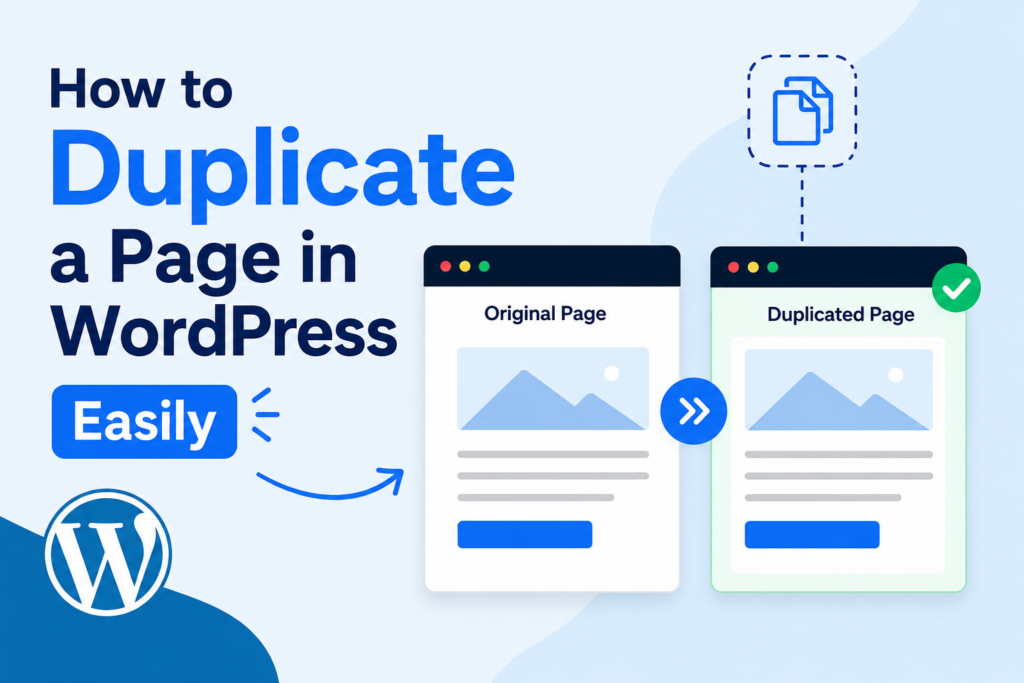
Wenn Sie ein WordPress website, chances are you have already repeated the same layout, content structure, or design style more than once. Maybe you created a landing page you want to reuse. Maybe you need multiple service pages with a similar format. Or perhaps you want to test a new design without changing the original page.
This is where learning how to duplicate a page in WordPress becomes incredibly useful.
Duplicating a page allows you to create an exact copy of an existing page or post, including its layout, text, images, settings, and sometimes even SEO metadata. Instead of building a new page from scratch, you can save time and maintain design consistency across your website.
In this guide, you will learn:
Whether you are a beginner or an experienced website owner, understanding how to duplicate page in WordPress can make website management faster and more efficient.
Duplicating a page in WordPress means creating a copy of an existing page or post. The duplicate version keeps most or all of the original content and formatting.
Depending on the method you use, the duplicated page may include:
Instead of redesigning everything manually, duplication allows you to use an existing page as a starting point.
For example, imagine you run an online store and want to create multiple promotional pages with the same structure. Instead of rebuilding the layout every time, you can simply duplicate the original page and change the text and images.
This workflow is extremely common for:
Many WordPress users underestimate how much time duplication can save.
Here are some of the biggest advantages.
Creating a page from scratch takes time. You need to:
Duplicating a page removes most of this work.
You only need to edit the content you want to change.
Consistency matters in web design.
When all pages follow a similar layout, visitors can navigate your website more easily. Duplicate pages help maintain:
This is especially useful for business websites and eCommerce stores.
Sometimes you may want to redesign a page without affecting the live version.
Duplicating the page lets you:
If something goes wrong, the original page remains untouched.
If multiple people work on the same website, duplicated pages create smoother workflows.
Designers, marketers, and content editors can work on copied versions without accidentally editing the live page.
The easiest way to duplicate pages in WordPress is by using a plugin.
Plugins automate the process and usually add a “Duplicate” or “Clone” button directly inside the dashboard.
Below are some of the most popular methods.
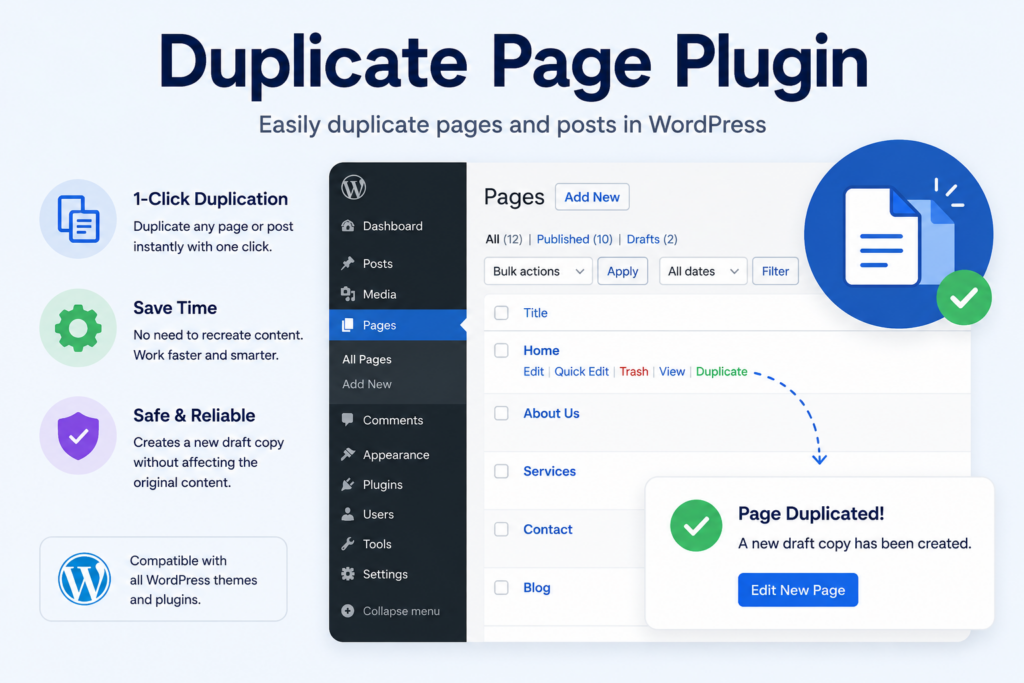
One of the simplest plugins available is Duplicate Page.
It is beginner-friendly and requires very little setup.
Inside your WordPress dashboard:
After activation, WordPress automatically adds duplication options to your pages and posts.
Go to:
You will now see options like:
Click the duplicate option.
WordPress instantly creates a copy of the original page.
Open the duplicated page and customize:
This is much faster than rebuilding the page manually.
Many WordPress websites use Elementor for page building.
Elementor already includes duplication features.
Inside Elementor:
You can then reuse the template on any new page.
Elementor also allows section duplication.
Right-click any section and choose:
This is useful for repeating:
If you use the default Gutenberg editor, duplication is still possible.
Open the original page.
Dann:
The layout and blocks will usually remain intact.
Although this method is manual, it works without installing extra plugins.
Some website owners prefer avoiding plugins to keep their website lightweight.
You can still duplicate pages manually.
Go to the page you want to duplicate.
Switch to code editor mode if necessary.
Select all content and copy it.
Dies umfasst:
Create a new blank page inside WordPress.
Paste the copied content.
You may need to manually adjust:
This approach works, but it takes longer than using plugins.
Several plugins offer advanced duplication features.
Here are some popular choices.
One of the most trusted duplication plugins.
Features include:
It is widely used on professional WordPress websites.
Ideal for beginners.
Benefits include:
Good for content-heavy websites.
It can duplicate:
Different website owners duplicate pages for different reasons.
Here are some real-world examples.
Marketers often use the same structure for multiple campaigns.
Duplicating pages helps maintain:
Only the offer or product details need updating.
Many businesses provide multiple services with similar layouts.
Zum Beispiel:
Instead of redesigning each page, duplication speeds up production.
Online stores often create pages for:
Duplicating an older campaign page makes setup much faster.
Website owners frequently test:
Duplicating pages allows side-by-side comparisons without changing the original.
Duplicating pages is convenient, but there are several details you should always review afterward.
WordPress automatically creates a new URL.
However, duplicated pages often generate messy slugs like:
Always clean the URL for SEO purposes.
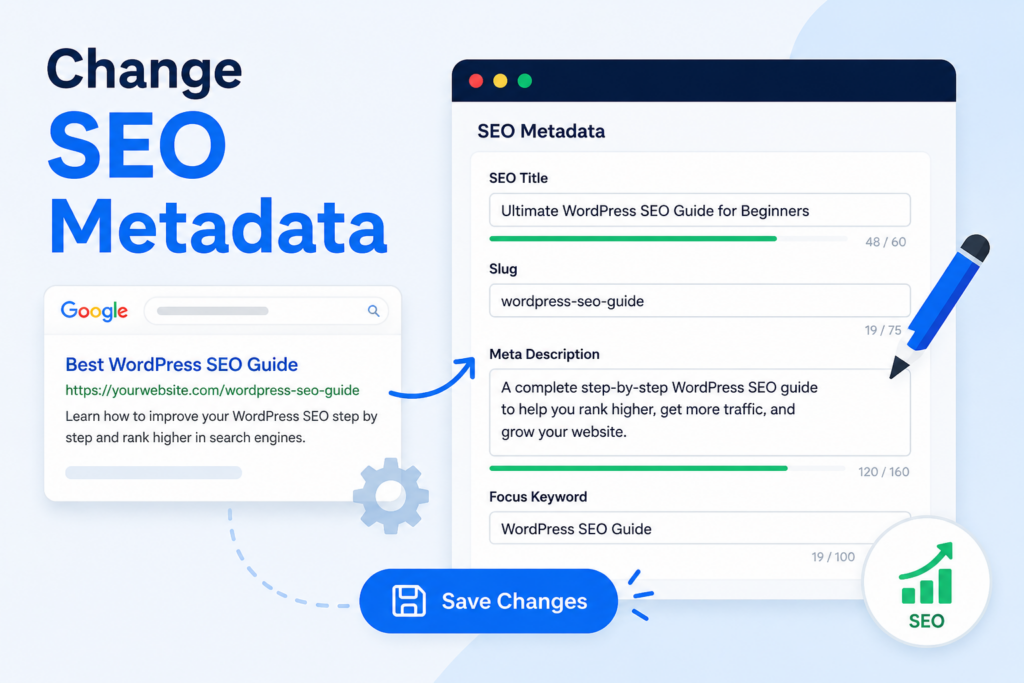
If you use plugins like Yoast SEO or Rank Math, update:
Duplicate metadata can confuse search engines.
Some duplicated pages still contain old:
Double-check everything before publishing.
Sometimes duplicated pages still link back to the original content.
Make sure all buttons and navigation links point to the correct pages.
Even if the desktop version looks perfect, always test the mobile layout after duplication.
Responsive elements may behave differently depending on new content length.
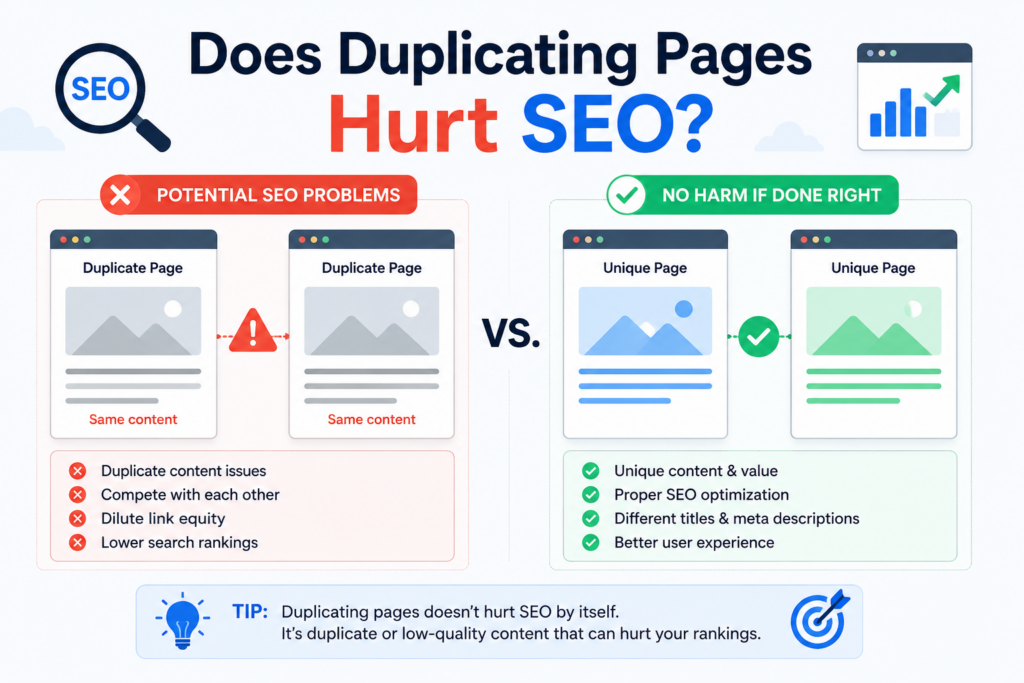
Duplicating pages themselves does not hurt SEO.
However, publishing multiple pages with identical content can create duplicate content issues.
Search engines prefer unique pages.
To avoid SEO problems:
Duplicated pages should act as templates, not permanent copies.
Some users confuse duplicated pages with templates.
There is an important difference.
A duplicated page is a full copy of an existing page.
It includes real content.
A template is a reusable design structure.
It may include placeholders rather than completed content.
Templates are better for large websites that need scalable workflows.
Duplicated pages are better for quick edits and fast publishing.
Both approaches work, but the best choice depends on your needs.
For most website owners, plugins are the easiest and most efficient solution.
As your website grows, duplicated pages can become difficult to organize.
Here are some practical management tips.
Instead of generic names like:
Use structured naming such as:
This keeps your dashboard organized.
If you use Elementor or Gutenberg patterns, create dedicated templates instead of endlessly duplicating live pages.
This reduces clutter.
Old duplicated drafts can accumulate over time.
Regularly clean unused copies to improve dashboard organization.
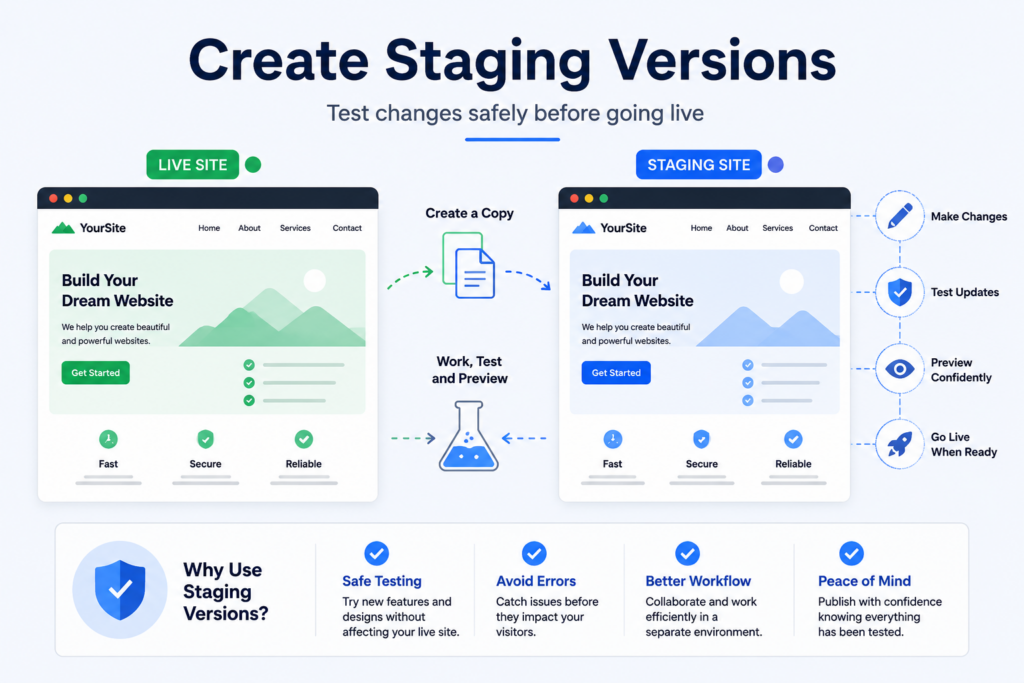
Before redesigning important pages, duplicate them into staging or draft mode.
This prevents accidental public changes.
To duplicate pages effectively:
These practices help maintain both performance and SEO quality.
Learning how to duplicate page in WordPress is one of the easiest ways to improve website workflow and save time. Instead of rebuilding layouts manually, duplication allows you to reuse successful designs, maintain consistency, and experiment safely with new ideas.
Whether you use plugins like Duplicate Page and Yoast Duplicate Post or prefer manual copy-and-paste methods, WordPress offers flexible ways to create reusable page structures.
For bloggers, business websites, online stores, and marketers, page duplication can dramatically speed up content production while keeping your website visually consistent and easier to manage.
You can duplicate a page in WordPress by using a plugin like Duplicate Page or Yoast Duplicate Post. These tools add a duplicate or clone option directly inside your WordPress dashboard.
Yes. You can manually copy all content from an existing page and paste it into a new page using the WordPress editor. However, this method may not copy SEO settings, templates, or custom fields.
Duplicating pages itself does not hurt SEO, but publishing multiple pages with identical content can create duplicate content issues. Always update the text, images, URLs, and metadata before publishing.
Popular options include Duplicate Page, Yoast Duplicate Post, and Post Duplicator. The best choice depends on your workflow and website needs.
Yes. Elementor allows you to duplicate entire pages, sections, and templates. You can also save pages as reusable templates for future projects.
Duplicating pages saves time, keeps your website design consistent, and helps you create landing pages, service pages, or promotional pages more efficiently. It is especially useful for large websites and online stores.


















