Keine Produkte im Warenkorb.

So kontaktieren Sie den Shopify-Support: Eine einfache und stressfreie Anleitung

So kontaktieren Sie den Shopify-Support: Eine einfache und stressfreie Anleitung

Running a Shopify store should feel exciting—not confusing. When questions pop up or issues slow you down, Shopify offers several support paths depending on what you need and which plan you’re on. Here’s a fresh, easy-to-follow guide to getting the right help, without the headache.

Support for the Shop App

How to Contact Shopify Support: Simple, Stress-Free Guide-Support for the Shop App

The Shop app has two different support directions—one for shoppers, one for merchants.

  • For customers:
    If you’re using the Shop app to browse, track orders, or manage payments, the Shop Help Center is your go-to place. You can contact stores, carriers, or report issues directly inside the app.
  • For merchants:
    If you’re using the Shop app as a sales channel and have merchant-related questions, you’ll need to contact Shopify Support directly. Shop app support doesn’t handle store-side issues.

Getting Help with Apps

Not all Shopify apps are created—or supported—the same way.

  • Apps by Shopify: Fully supported by Shopify.
  • Third-party apps: Support is handled by the app’s developer, not Shopify.

You can usually find support links and documentation directly inside your Shopify admin. If an app needs customization, a Shopify Partner is often the best solution.

Getting Help with Code Questions

For anything code-related, Shopify points you to the developer ecosystem:

  • Shopify.dev: Official documentation and best practices
  • .dev Assistant: AI help for code questions
  • Shopify Community: Real-world answers from other developers

Unless you’re on Shopify Plus or a Shopify Partner, Shopify Support generally doesn’t troubleshoot custom code.

Support for Free Shopify Themes

How to Contact Shopify Support: Simple, Stress-Free Guide-Support for Free Shopify Themes

Using a free theme built by Shopify? You’re covered for:

  • Basic troubleshooting
  • Admin guidance
  • Business-related questions (like marketing basics)

If you’re on Basic plan or higher, Shopify also offers up to 60 minutes of free design help (in 15-minute blocks) for small theme adjustments. Custom coding, however, is outside their scope.

Support for Paid Third-Party Themes

Paid themes are supported by their creators—not Shopify.

You can:

  • View theme documentation
  • Contact the theme developer through your admin

Most third-party developers don’t handle custom design requests. For deeper customization, working with a Shopify Partner is the recommended route.

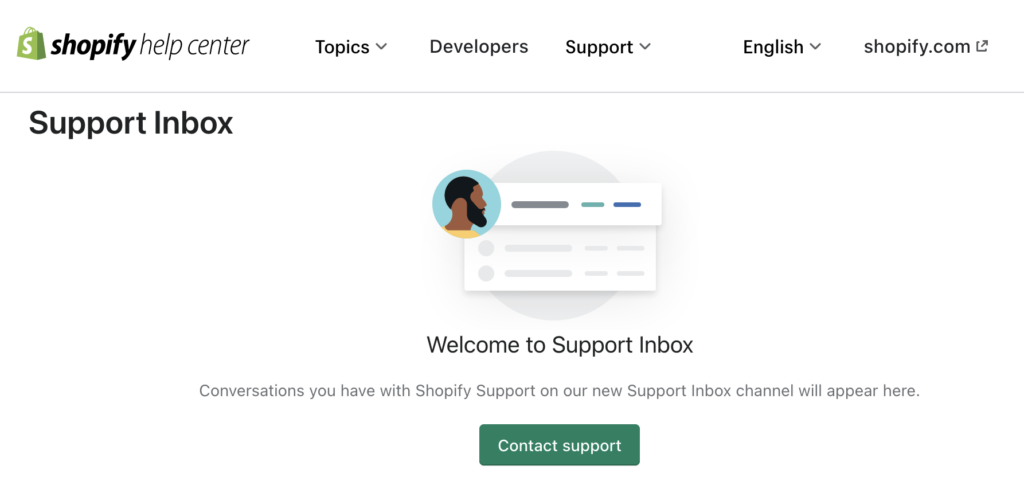
How to Contact Shopify Support

Shopify support options depend on your plan.

Support options by plan

  • All plans: 24/7 live chat
  • Shopify Plus: Chat, phone, and email support
  • Retail: Chat, phone, and email support

The Fastest Way to Get Help

Step 1: Use AI Search

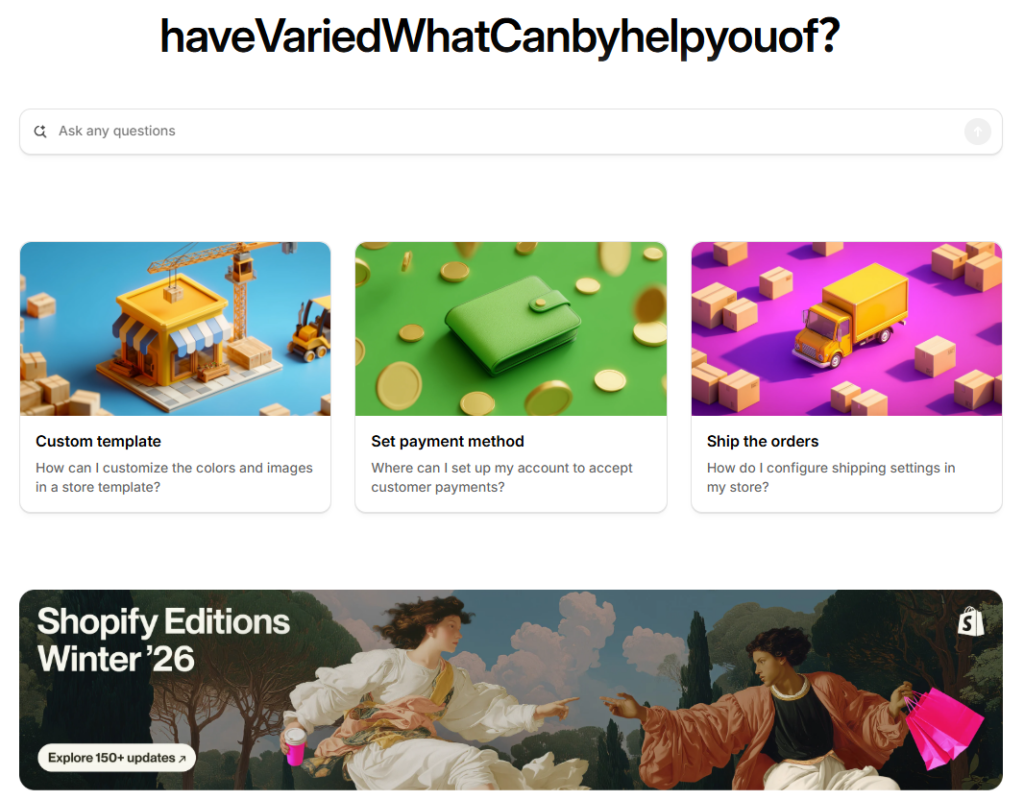
Start at the Shopify Help Center and ask your question in the AI search bar. It’s available 24/7 and often provides instant, step-by-step solutions.

Step 2: Ask clear, specific questions

The more detail you give, the better the results—many issues can be solved without waiting for a human advisor.

Talking to a Human Support Advisor

How to Contact Shopify Support: Simple, Stress-Free Guide-Talking to a Human Support Advisor

If AI Search isn’t enough:

  1. Visit help.shopify.com
  2. Click Chat with us (bottom-right corner)
  3. Log in to your Shopify account
  4. Select your store
  5. Enter the support queue and view estimated wait time

If you can’t log in, use the Can’t log in option or submit the login issue form.

Note: You must be logged in to connect with a support advisor. Tickets are created only after live chat sessions.

Tips for a Better Support Experience

  • Share screenshots to explain issues faster
  • Be clear about what you tried and what went wrong
  • Know which store you’re asking about

Important Support Limitations

  • No phone or email support for non-Plus, non-Retail plans
  • Chat and AI Search are available 24/7
  • You can leave the queue anytime if you no longer need help

Extra Support for Shopify Plus & Retail

How to Contact Shopify Support: Simple, Stress-Free Guide-Extra Support for Shopify Plus & Retail
  • Shopify Plus: Priority chat, phone line, email tickets
  • Retail: Phone support and email tickets (≈48-hour response)

Final Thoughts

Shopify gives you the tools—but knowing where to ask makes all the difference. Whether it’s store structure, theme layout, or conversion-focused design, the right support path saves time and energy.

Unter AIRSANG, we work exactly in this space—helping brands grow through cross-border eCommerce, Shopify website design, and conversion-driven page structures. If you’re looking to build or improve a Shopify store that actually performs, follow AIRSANG and let’s make your store clearer, lighter, and more effective ✨

Weltweiter Versand

AIRSANG bietet kostengünstiges Webdesign, visuelle Markenidentität und E-Commerce-Lösungen. Von Shopify und WordPress bis hin zu Amazon-Produktbildern, Wir helfen globalen Marken dabei, ihr Online-Geschäft aufzubauen, zu verbessern und auszubauen.

Wir entwerfen und erstellen für Sie eine WordPress-Website oder eine Unternehmensseite mit einem vollständigen eCommerce-System.
Individuelle Anforderungen oder spezielle Angebote

Individuelle Anforderungen oder spezielle Angebote

Der ursprüngliche Preis betrug: $2.00.Der aktuelle Preis beträgt: $1.00.

Sind Sie bereit, Ihr Unternehmen zu verändern?

Rufen Sie uns an, um mehr darüber zu erfahren, wie unsere Agentur für digitales Marketing Ihr Unternehmen auf die nächste Stufe heben kann.