Keine Produkte im Warenkorb.

Seien wir ehrlich.
Manchmal möchte man keine neue Seite erstellen.
Sie möchten im Grunde die gleiche Seite… aber doch etwas anders.
Gleiches Layout.
Gleiche Blöcke.
Gleiche Einstellungen.
Denn niemandem macht es Spaß, eine Seite von Grund auf neu zu erstellen.
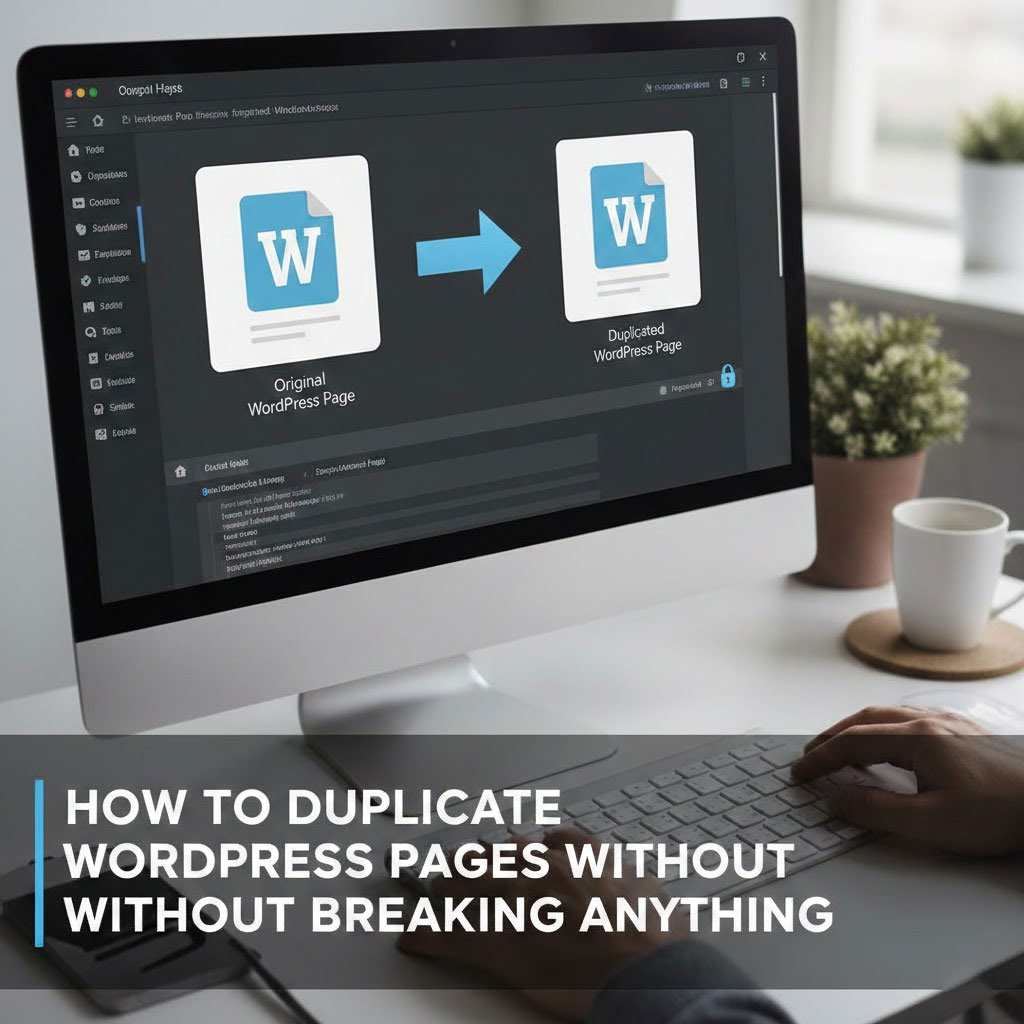
Gute Nachrichten: WordPress Das Kopieren von Seiten und Beiträgen ist erstaunlich einfach – sobald man weiß, wo man klicken muss.

Bevor wir irgendetwas duplizieren, stellen Sie sicher, dass Ihre Konfiguration die Voraussetzungen erfüllt.
Sie benötigen eines davon:
Wenn dieses Kästchen angekreuzt ist, können Sie loslegen.
Dies ist die schnellste und beliebteste Methode.
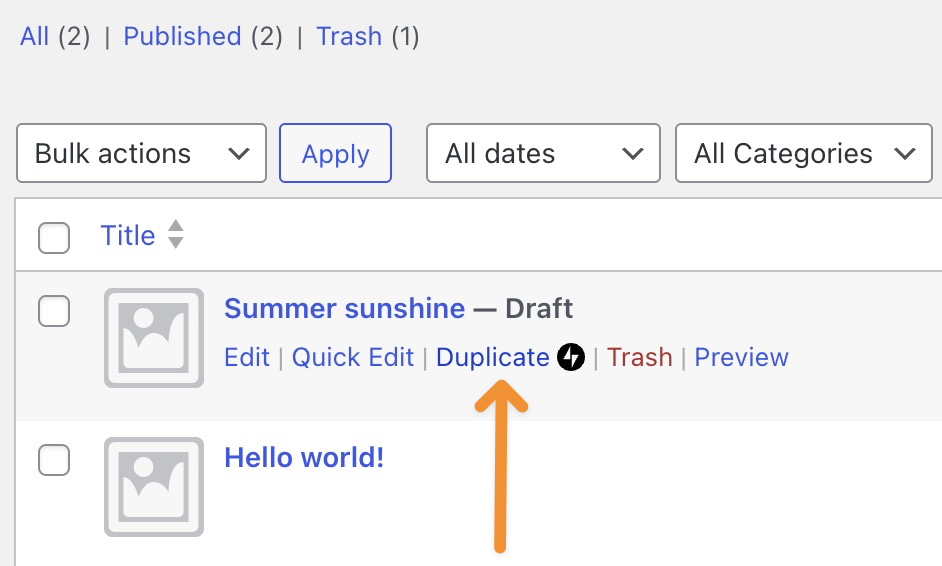
Das war's. WordPress öffnet einen neuen Entwurf, der bereits Folgendes enthält:
Im Grunde ist es ein perfekter Zwilling – nur ohne die existenzielle Krise.
Mitten im Bearbeitungsprozess und plötzlich der Gedanke: “Ich sollte eine Kopie davon machen”?
WordPress steht Ihnen zur Seite.
Bumm. Kopie erstellt. Produktivität erhalten.
Die Schaltfläche „Keine Duplikate“ bedeutet in der Regel eines von drei Dingen:
Wenn Sie Jetpack verwenden:
Sobald die Option aktiviert ist, erscheint die Duplizierungsoption so, als wäre sie schon immer vorhanden gewesen.
Wenn alles andere fehlschlägt, gibt es immer noch die manuelle, aber zuverlässige Methode.
Nicht besonders ausgefeilt – aber effektiv.
Das Duplizieren von Seiten ist kein Betrug.
Das nennt man intelligenteres Arbeiten.
Egal ob Sie Landingpage-Variationen erstellen, Layouts per A/B-Test vergleichen oder mehrsprachige Versionen entwickeln – die Duplizierung von Seiten spart Zeit und Nerven.
Unter AIRSANG, Genau so bauen und skalieren wir grenzüberschreitende Projekte. WordPress Und Shopify Websites – effizient, übersichtlich und ohne unnötige Wiederholungen. Webdesign beschränkt sich nicht nur auf die Optik; es geht auch um Struktur, Arbeitsabläufe und langfristiges Wachstum.
Wenn Sie Ihre Website neu gestalten, international expandieren oder eine WordPress-Konfiguration wünschen, die tatsächlich mit Ihnen funktioniert, folgen Sie AIRSANG.
Wir gestalten nicht nur Seiten – wir gestalten Systeme, die skalierbar sind.