When WordPress posts or pages suddenly return a 404 error, it can be confusing, frustrating, and even alarming—especially for business owners running a live website. This issue is more common than many people realize, and in most cases, it has nothing to do with hosting downtime or deleted content.
In this guide, we’ll explain what błąd 404 WordPress really means, why it happens, and how to fix it safely—without deep technical knowledge. Whether you manage a blog, a business website, or a cross-border eCommerce store, understanding this issue can help you protect traffic, rankings, and user trust.
What Is a 404 Error in WordPress?
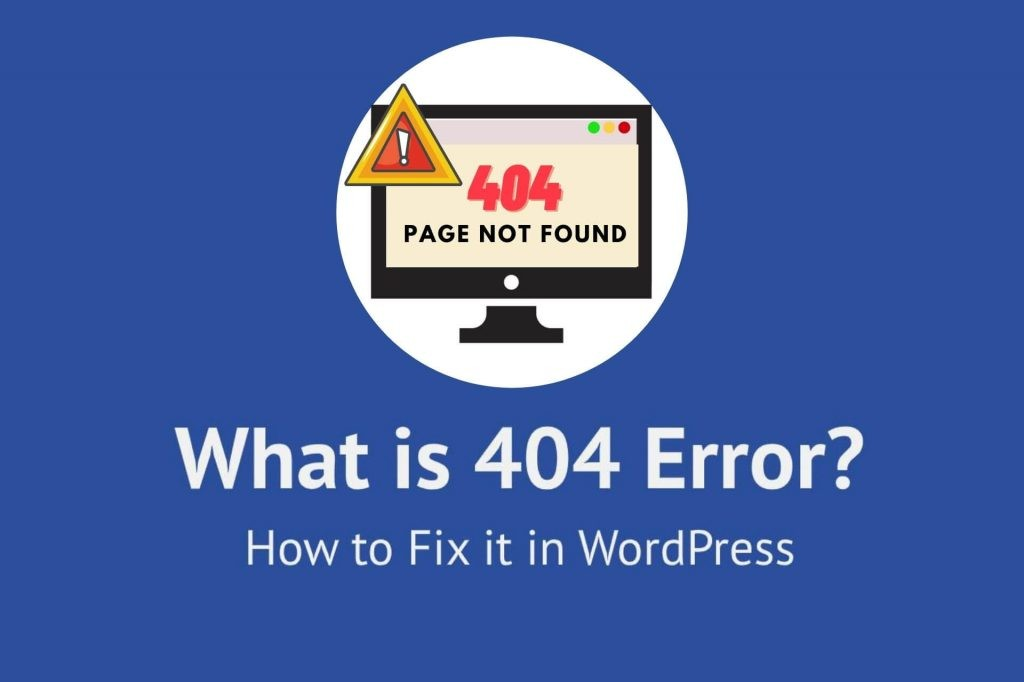
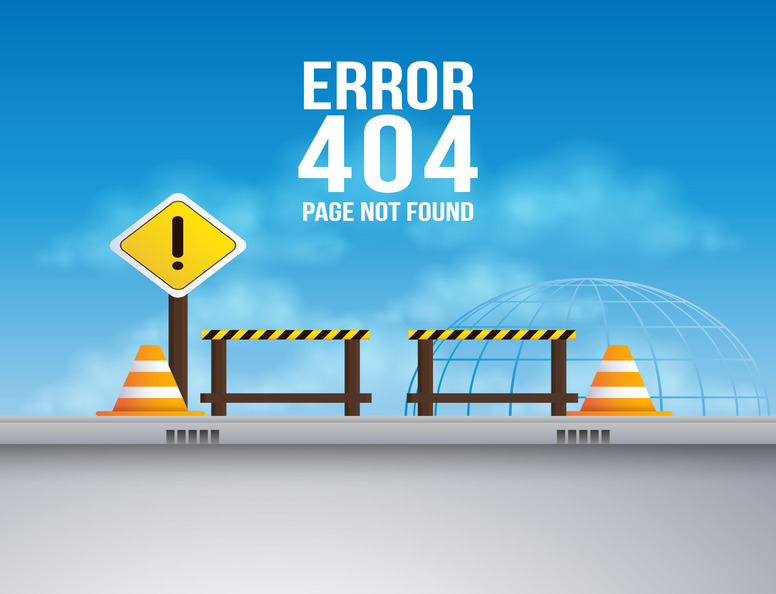
A 404 error simply means:
“The server is reachable, but the requested page cannot be found.”
In WordPress, this often appears when:
- A post or page URL looks correct
- The content still exists in the admin panel
- But visitors see a 404 page instead of the content
This specific situation is commonly referred to as błąd 404 WordPress, especially in troubleshooting discussions.
Importantly, this is not the same as:
- Server outages
- Domain expiration
- Hosting suspension
Your website is technically online—but WordPress can’t correctly map the URL to the content.
Why Błąd 404 WordPress Is More Serious Than It Looks
Many site owners underestimate the impact of recurring 404 errors. In reality, they can cause:
- Loss of organic search traffic
- Broken internal links
- Lower trust from users
- Reduced conversion rates
- SEO crawling inefficiencies
For cross-border websites, the risk is even higher. International users and search engines rely heavily on stable URL structures. A single unresolved WordPress 404 issue can quietly damage months of growth.
How WordPress Handles URLs Behind the Scenes
To understand błąd 404 WordPress, it helps to know how WordPress routes URLs.
WordPress uses:
- Permalink rules
- Rewrite logic
- The .htaccess file (on most servers)
When everything works correctly, WordPress:
- Receives a URL request
- Matches it to a rewrite rule
- Finds the corresponding post ID
- Loads the correct template
When this chain breaks, WordPress fails silently—and returns a 404.
The Most Common Causes of Błąd 404 WordPress

1. Corrupted or Outdated Permalink Rules
This is the number one cause.
Permalink rules tell WordPress how URLs should be structured. They can break after:
- Theme changes
- Plugin installation or removal
- Site migration
- Server configuration updates
Even if your content exists, WordPress may no longer recognize its URL.
2. Incorrect .htaccess File Configuration
On Apache servers, WordPress relies on the .htaccess file to route URLs.
If this file:
- Is missing
- Has incorrect rewrite rules
- Was overwritten manually
WordPress URLs may stop working properly.
3. Plugin Conflicts
Some plugins modify:
- URL structure
- Custom post types
- Redirect rules
SEO plugins, security plugins, multilingual plugins, and caching plugins are common contributors to błąd 404 WordPress issues.
4. Theme-Related URL Logic Errors
Themes can register:
- Custom post types
- Custom taxonomies
- Custom rewrite rules
If a theme is poorly coded—or partially removed—WordPress may lose the ability to resolve certain URLs.
5. Slug or URL Changes Without Redirects
Changing:
- Post slugs
- Category structures
- Language prefixes
without setting proper redirects can result in widespread 404 errors—especially on older links indexed by Google.
Step-by-Step: How to Fix Błąd 404 WordPress Safely
Step 1: Refresh Permalink Settings (The First Thing You Should Always Do)
This step alone resolves a large percentage of WordPress 404 problems.
How it works:
- WordPress rebuilds all rewrite rules
- No content is changed
- No links are lost
You don’t even need to modify settings—just resave them.
Step 2: Check the .htaccess File (If Applicable)
If the issue persists, the next step is ensuring your rewrite rules exist and are readable.
Common problems include:
- File permission issues
- Missing default WordPress rules
- Extra rules added by plugins
Restoring clean, standard rewrite logic often resolves persistent 404 errors.
Step 3: Disable Plugins to Identify Conflicts
If your WordPress posts still return 404:
- Temporarily deactivate plugins
- Test URLs again
- Reactivate plugins one by one
This helps isolate plugins that interfere with routing logic.
Step 4: Switch to a Default Theme Temporarily
This step helps determine whether:
- The issue is theme-related
- Custom post type rules are broken
- The theme registers URLs incorrectly
If 404 errors disappear after switching themes, the original theme likely needs fixing.
Step 5: Review Custom Post Types and Taxonomies
Custom content types must:
- Register rewrite rules correctly
- Flush rewrite rules after registration
- Avoid slug conflicts
Misconfigured custom post types are a hidden but common source of błąd 404 WordPress.
Step 6: Check Redirects and SEO Settings
Multiple redirects, loops, or outdated rules can confuse WordPress and browsers alike.
Pay attention to:
- Old URLs
- Language-specific slugs
- Category changes
- Canonical conflicts
A clean redirect structure is critical for SEO stability.
Special Case: Błąd 404 WordPress on Multilingual Sites
Multilingual WordPress sites are more complex.
404 errors often occur due to:
- Language prefix conflicts
- Translation plugin rewrite issues
- Missing translated slugs
These issues require a structured approach—especially for cross-border websites targeting multiple regions.
How to Prevent WordPress 404 Errors Long-Term
Prevention is easier than recovery. Best practices include:
- Avoid changing URL structures frequently
- Always set redirects when modifying slugs
- Use well-maintained themes and plugins
- Test changes on staging sites
- Monitor crawl errors in search tools
A stable URL strategy protects both users and search visibility.
When DIY Fixes Are Not Enough
If you’ve tried:
- Permalink resets
- Plugin checks
- Theme verification
and the problem persists, the issue may lie deeper in:
- Server rewrite configuration
- Database inconsistencies
- Migration artifacts
- Multilingual routing logic
At this stage, expert help can save time—and prevent hidden SEO damage.
Final Thoughts: Turning Błąd 404 WordPress Into a Growth Opportunity
A WordPress 404 error doesn’t mean your site is broken forever. In fact, it’s often a signal that your site is evolving—new themes, new plugins, new structures.
The key is fixing it correctly and systematically, without creating new problems in the process.
At AIRSANG, we specialize in cross-border website design, structure optimization, and long-term site stability. From WordPress business sites to global eCommerce platforms, we help brands build websites that don’t just look good—but also work reliably across markets.
If you’re dealing with błąd 404 WordPress, planning a redesign, or preparing your site for international growth, our team can help you solve the problem at its root—while improving clarity, performance, and conversion.