












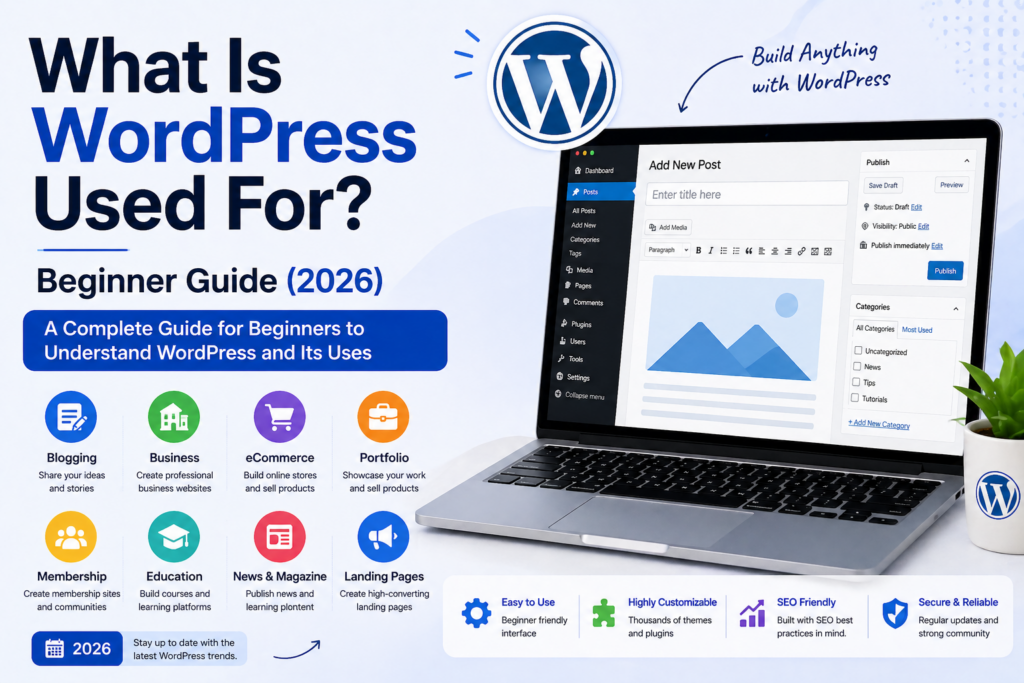
Introduction
If you’ve ever searched for how websites are built, you’ve likely come across WordPress. But many beginners still ask the same question: what is WordPress used for? Is it just for blogging, or can it power full-scale business websites?
The short answer is: WordPress can be used for almost any type of website. From simple blogs to complex eCommerce platforms, it has evolved into one of the most flexible website-building systems available today.
This guide explains in a clear, beginner-friendly way what WordPress is used for, how it works, and why millions of websites rely on it.
What Is WordPress?
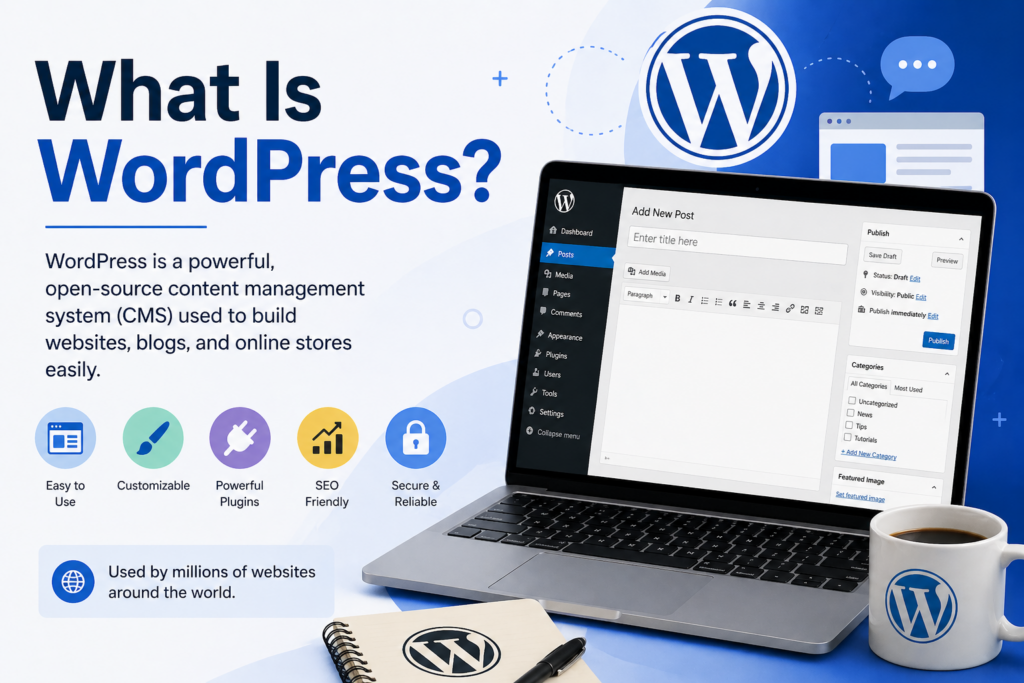
Before diving into what WordPress is used for, it’s important to understand what it actually is.
WordPress is a content management system (CMS). That means it allows you to create, manage, and publish content on a website without needing to write complex code.
Instead of building everything from scratch, WordPress provides:
- A dashboard to manage your site
- Themes to control design
- Plugins to add features
- Tools to publish content easily
This makes it accessible for beginners while still powerful enough for professionals.
What Is WordPress Used For?
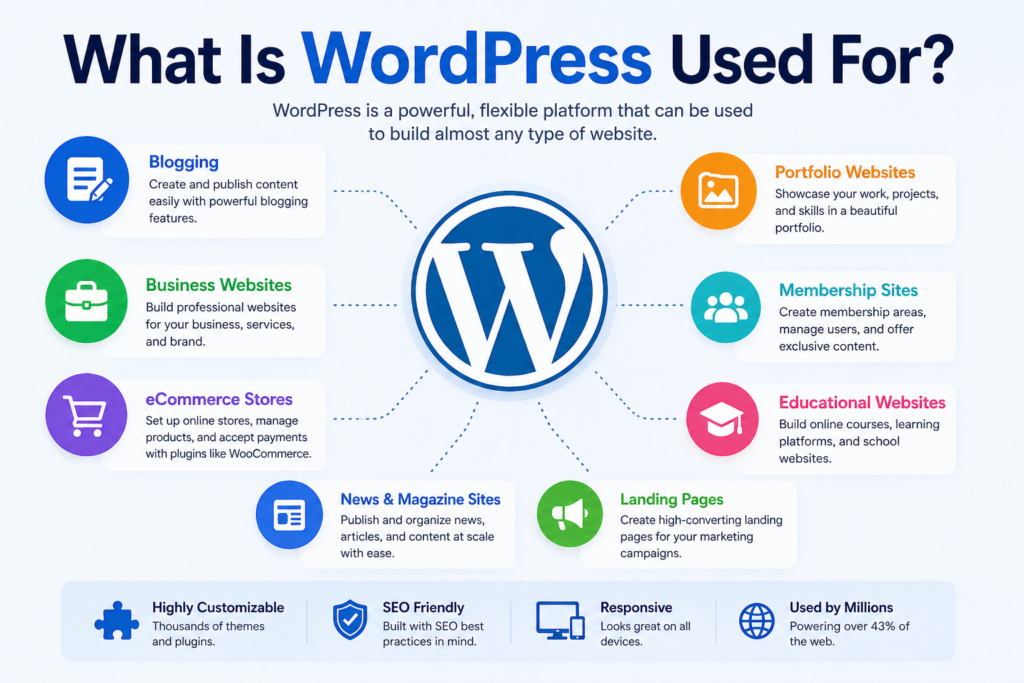
WordPress is used for building many different types of websites. Its flexibility is one of the main reasons it dominates the web.
Below are the most common uses.
1. Blogging Websites
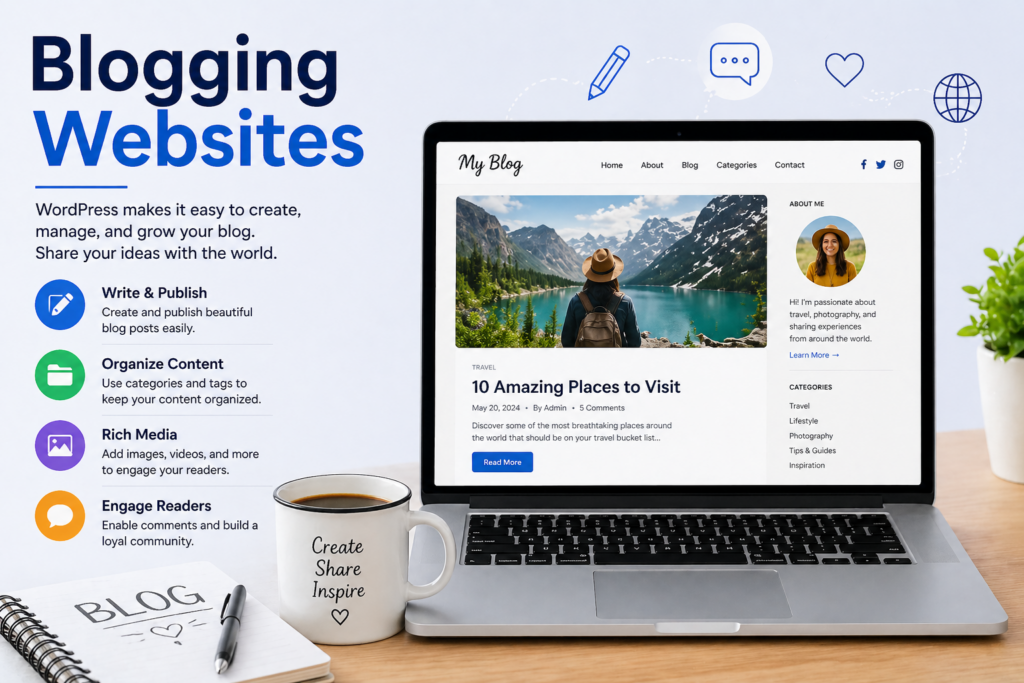
WordPress originally started as a blogging platform, and it remains one of the best tools for blogging today.
With WordPress, you can:
- Write and publish articles easily
- Organize content using categories and tags
- Add images, videos, and media
- Enable comments and discussions
Bloggers use WordPress for:
- Personal blogs
- Lifestyle content
- Travel journals
- Niche content sites
The built-in publishing system makes it simple to maintain a consistent content schedule.
2. Business Websites
One of the most common answers to “what is WordPress used for” today is business websites.
Companies use WordPress to create professional sites that showcase:
- Services
- Company information
- Case studies
- Contact forms
A business website built with WordPress helps:
- Build credibility
- Attract new customers
- Present a strong brand identity
Because it’s customizable, businesses can design pages that match their brand without starting from scratch.
3. eCommerce Stores
WordPress is widely used for building online stores, especially with plugins like WooCommerce.
With WordPress, you can create an eCommerce site that includes:
- Product pages
- Shopping cart functionality
- Secure checkout
- Payment gateway integration
This allows businesses to:
- Sell physical products
- Offer digital downloads
- Manage inventory
- Track orders
Compared to many platforms, WordPress gives store owners more control over design and functionality.
4. Portfolio Websites
Creative professionals often use WordPress to build portfolio websites.
This includes:
- Designers
- Photographers
- Artists
- Agencies
A portfolio site allows users to:
- Showcase work visually
- Organize projects
- Highlight skills and experience
WordPress themes make it easy to create visually appealing layouts without needing design expertise.
5. Membership and Community Sites
Another important use of WordPress is building membership platforms.
These sites allow users to:
- Register accounts
- Access exclusive content
- Join communities
Examples include:
- Online learning platforms
- Paid content websites
- Forums and communities
With plugins, you can restrict content and create subscription-based access.
6. Educational Websites
WordPress is widely used for education-related platforms.
You can build:
- Online courses
- School websites
- Learning management systems (LMS)
Features include:
- Lesson structures
- Video hosting
- Quizzes and assignments
- Student progress tracking
This makes WordPress a strong option for educators and institutions.
7. News and Magazine Sites
Many large content websites use WordPress to manage high volumes of articles.
These sites benefit from:
- Organized content categories
- Author management
- Publishing workflows
- Fast content updates
WordPress makes it easy to handle large-scale content operations.
8. Landing Pages and Marketing Funnels
WordPress is also used to create landing pages for marketing campaigns.
These pages are designed to:
- Capture leads
- Promote products
- Drive conversions
With page builders, users can create:
- Sales pages
- Email signup pages
- Product launch pages
This makes WordPress useful for digital marketing strategies.
Why WordPress Is So Popular
Understanding what WordPress is used for also means understanding why so many people choose it.
1. Easy to Use
WordPress has a user-friendly interface that allows beginners to build websites without coding.
2. Highly Customizable
With thousands of themes and plugins, you can customize:
- Design
- Features
- Functionality
3. Cost-Effective
WordPress itself is free. You only need to pay for:
- Hosting
- Domain name
- Optional premium themes/plugins
4. SEO-Friendly
WordPress is structured in a way that supports search engine optimization.
It allows you to:
- Customize URLs
- Add metadata
- Optimize content
5. Scalable
You can start with a simple blog and expand into a full business platform over time.
WordPress.com vs WordPress.org
When discussing what WordPress is used for, it’s important to clarify the two versions.
WordPress.com
- Hosted solution
- Easier for beginners
- Limited customization
WordPress.org
- Self-hosted
- Full control
- Requires hosting setup
Most businesses and professionals prefer WordPress.org for flexibility.
How WordPress Works
WordPress works by combining three main components:
1. Themes
Themes control the design of your website.
They define:
- Layout
- Colors
- Typography
2. Plugins
Plugins add functionality.
Examples include:
- SEO tools
- Contact forms
- eCommerce features
3. Content
Content includes:
- Pages
- Blog posts
- Media files
Together, these elements allow you to build a fully functional website.
Who Should Use WordPress?
WordPress is suitable for a wide range of users.
Beginners
- No coding required
- Easy setup
Small Businesses
- Affordable website solution
- Flexible design
Content Creators
- Strong blogging tools
- Media support
Developers
- Customizable framework
- Advanced capabilities
This versatility is why WordPress remains widely adopted.
Common Misconceptions About WordPress
“WordPress is only for blogs”
This is no longer true. It can power full business and eCommerce sites.
“WordPress is too complicated”
With modern tools and builders, it’s easier than ever.
“WordPress isn’t secure”
With proper setup and updates, it is secure and reliable.
When Should You Use WordPress?
WordPress is a good choice if you:
- Want full control over your website
- Need flexibility and scalability
- Plan to grow your online presence
- Want to manage content easily
However, if you need a very simple site with minimal customization, other platforms might be easier.
The Future of WordPress
WordPress continues to evolve with:
- Improved editing tools
- Faster performance
- Better design flexibility
As the web grows, WordPress remains a strong choice for building modern websites.
Conclusion
So, what is WordPress used for?
It is used to build almost any type of website—from blogs and business sites to eCommerce stores, portfolios, and online learning platforms. Its flexibility, ease of use, and scalability make it one of the most powerful tools for creating websites today.
Whether you are starting a personal project or building a full online business, WordPress provides the tools needed to turn ideas into a functional, professional website.
FAQ
WordPress is mainly used to build websites such as blogs, business sites, eCommerce stores, portfolios, and online learning platforms. It allows users to create and manage content without advanced coding skills.
Yes, WordPress can be used to build fully functional eCommerce websites using tools like WooCommerce. You can sell physical or digital products, manage inventory, and accept online payments.
No, WordPress started as a blogging platform but has evolved into a powerful website builder. Today, it is used for many types of websites, including business, portfolio, and membership sites.
Yes, WordPress is beginner-friendly. It offers an easy-to-use dashboard, customizable themes, and plugins that make it simple to build and manage a website without coding experience.
You can build blogs, business websites, online stores, portfolios, news sites, membership platforms, and educational websites using WordPress.
People choose WordPress because it is flexible, cost-effective, SEO-friendly, and highly customizable. It also has a large community and thousands of themes and plugins available.


Design and build a WordPress website or corporate site with a full eCommerce system for you.
Price range: $200.00 through $2,500.00custom-requirements-or-special-quotations
Original price was: $2.00.$1.00Current price is: $1.00. Are 50 Plugins Too Many for a WordPress eCommerce Store?
Understanding the Real Performance Impact Having 50 plugins on a WordPress eCommerce site isn’t automatically a problem. In fact, the number alone rarely determines performance....

Main Image Design for Amazon Home Physiotherapy Device Explained
Introduction: Building a Trustworthy Image for Home Therapy Devices on Amazon When designing the main image for a home therapy device on Amazon, our primary...

Main Image Design for Amazon Lipstick Conversion
Introduction: Designing a Lipstick Main Image That Sells on Amazon When we design a Main image for an Amazon lipstick, our responsibility goes far beyond...

How Hackers Steal WordPress Admin Emails (And How to Stop Them)
Let’s start with an uncomfortable truth: Your WordPress admin email is probably way more public than you think.And hackers? They love that. To them, your...

What Makes an Amazon Liquid Foundation Main Image Convert
Introduction Designing a Main image design for Amazon Liquid foundation is never just about making a product look beautiful. On Amazon, the main image and...

Designing an Effective Amazon Main Image for Filter Cartridges
Introduction Designing a Main image for Amazon is never just about making a product look attractive. It is about clarity, trust, and instant understanding—especially for...

Replay Attacks on WordPress: Real Threat or Overhyped Myth?
Let’s clear something up first. Replay attacks don’t look scary.They don’t smash passwords.They don’t inject evil code with green hacker text flying everywhere. They’re sneaky....

How to Duplicate WordPress Pages Without Breaking Anything
Let’s face it. Sometimes you don’t want to create a new page.You just want the same page… but slightly different. Same layout.Same blocks.Same settings. Because...

Five Pet WordPress Themes Compared
Introduction Choosing the right pet-related WordPress theme is more than a design decision—it directly affects usability, scalability, and long-term business growth. Pet care and pet...

Comparing Five Swimwear eCommerce Themes
Introduction Choosing the right theme for a swimwear or lingerie independent store is not just a visual decision—it directly affects conversion rates, scalability, and long-term...

How to Turn Off Comments in WordPress (Without Losing Your Mind)
Let’s talk about WordPress comments. In theory, comments are great.They encourage discussion.They build community.They make your website feel “alive.” In reality? They’re often a magnet...

WordPress 500 Error: When Your Website Decides to Panic
Your WordPress site was fine a minute ago.You refreshed the page.And suddenly—boom 💥—500 Internal Server Error. No explanation.No apology.Just a cold, confusing message that basically...

Building a Scalable WordPress Website for a Science-Driven Brand: The AminoUSA Project
Introduction In today’s digital landscape, a website is more than a place to list products. For science-driven brands operating in regulated or research-focused industries, a...

Building a Scalable Shopify Store for a Global Blade Brand: The CoolKatana Project
Introduction In cross-border eCommerce, a Shopify website is more than a storefront.For brands operating in niche, culture-driven categories, the website must do far more than...

Designing a High-Conversion Shopify Store for Pokémon Cards
Introduction In the world of collectible eCommerce, especially within the Pokémon Trading Card Game (TCG) market, a website must do more than simply list products....

High-Converting Shopify Design for a Custom Brick Brand
Introduction In today’s competitive eCommerce landscape, especially in the personalized gift and collectible space, a Shopify website must do far more than display products. It...

How to Contact Shopify Support: Simple, Stress-Free Guide
Running a Shopify store should feel exciting—not confusing. When questions pop up or issues slow you down, Shopify offers several support paths depending on what...

How to Deactivate a Shopify Store: A Clear, Practical Guide
Deactivating a Shopify store isn’t complicated, but it does come with consequences many merchants overlook. This guide breaks the process down in a simple, educational...