Introduction: Why “WordPress Reads Accessible Data” Matters
When people talk about building a website, they usually focus on design, speed, or SEO. But there’s a deeper layer that often gets overlooked—accessibility.
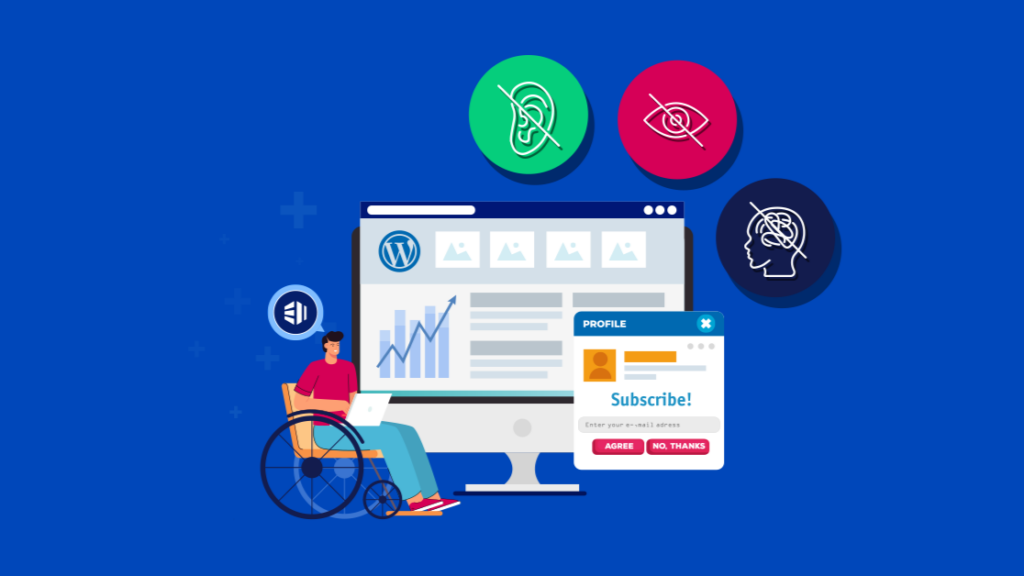
Accessibility isn’t just about compliance. It’s about making sure your website can be understood, navigated, and used by everyone, including people with disabilities, screen readers, and assistive technologies.
This is where the concept of “WordPress reads accessible data” becomes critical.
At its core, accessibility in WordPress means your content is structured in a way that machines—and humans—can interpret correctly. If your site communicates clearly through code, then screen readers can “read” your content properly, and users can fully interact with your site.
Let’s break this down in a practical, easy-to-understand way.
What Does “WordPress Reads Accessible Data” Actually Mean?
When we say WordPress reads accessible data, we’re not talking about WordPress “reading” content like a human. Instead, we’re talking about how WordPress outputs structured, semantic HTML that can be interpreted by:
- Screen readers
- Voice navigation tools
- Keyboard-only users
- Accessibility APIs
En termes simples :
Your website isn’t just for humans—it’s also for machines that help humans.
If your site uses proper headings, labels, alt text, and semantic structure, then assistive technologies can accurately interpret your content.
Why Accessibility Is No Longer Optional
Accessibility used to be considered a “nice-to-have.” Today, it’s essential.
Here’s why:
1. Legal Compliance
Many countries enforce accessibility standards (like WCAG). Failing to comply can lead to legal risks.
2. Larger Audience Reach

Millions of users rely on assistive technologies. If your site isn’t accessible, you’re losing potential customers.
3. SEO Benefits
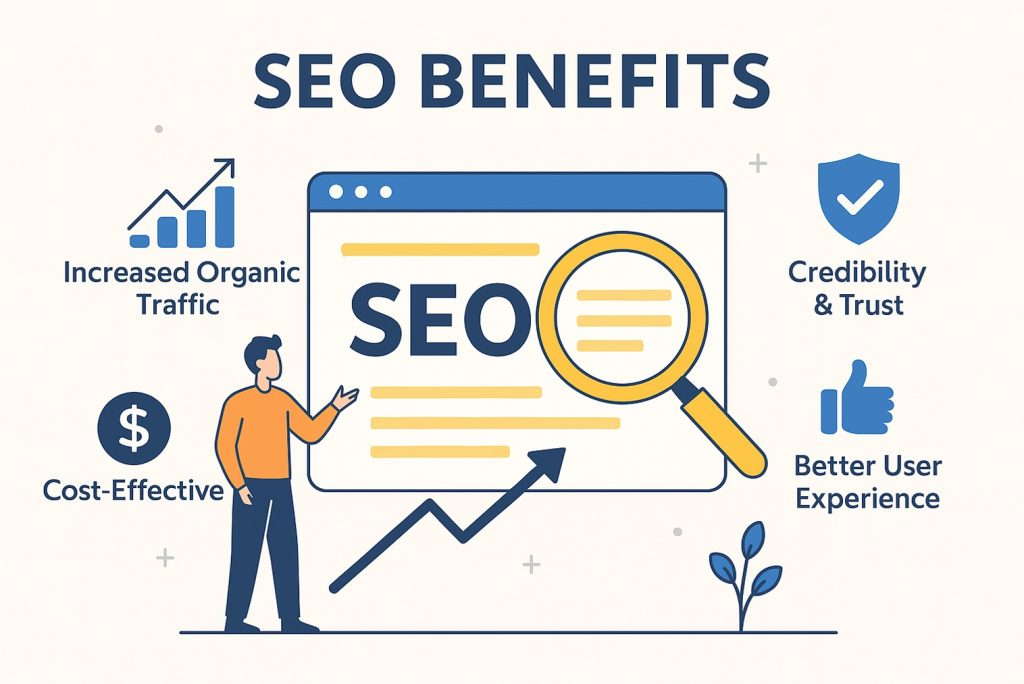
Search engines also rely on structured data—just like screen readers. Accessibility improvements often lead to better rankings.
4. Better User Experience
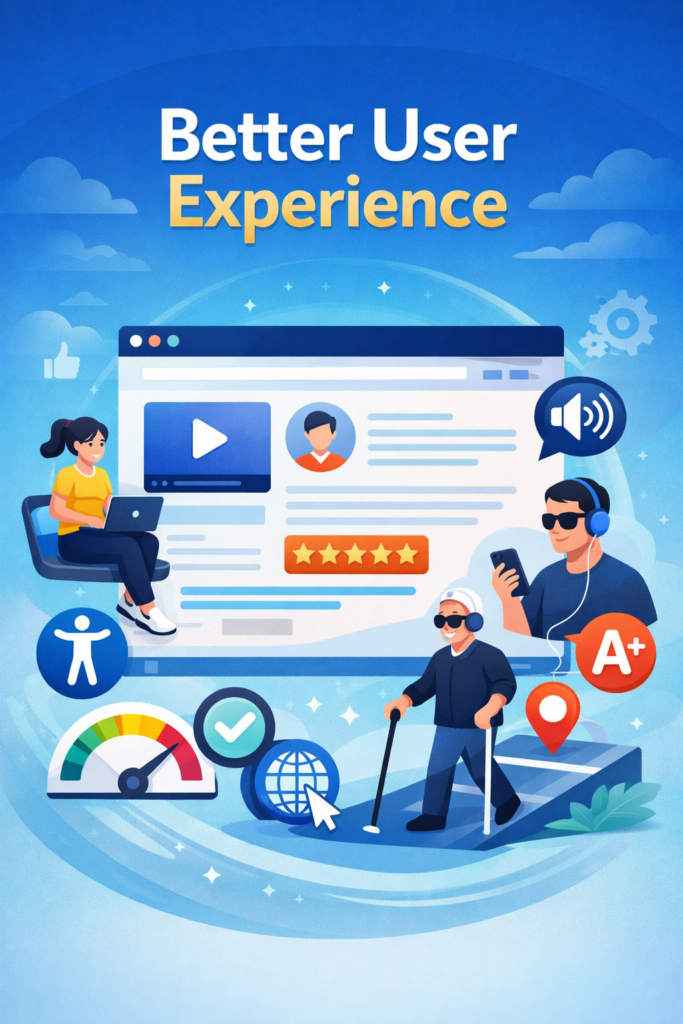
Accessible websites are usually cleaner, clearer, and easier to navigate for everyone.
How WordPress Supports Accessibility by Default
One of the reasons WordPress is so powerful is that it already includes many accessibility-friendly features out of the box.
1. Semantic HTML Structure
WordPress uses proper HTML elements like:
<header><nav><main><article><footer>
These help screen readers understand page structure.
2. Accessible Themes
Many WordPress themes are labeled “accessibility-ready.” These themes follow strict guidelines to ensure usability.
3. Built-in Media Handling
When uploading images, WordPress prompts you to add:
- Alt text
- Titles
- Captions
This is critical for screen readers.
4. Keyboard Navigation Support
WordPress dashboards and many themes allow navigation without a mouse.
Key Elements of Accessible Data in WordPress
To truly understand how WordPress reads accessible data, you need to focus on the building blocks.
1. Headings (H1–H6)
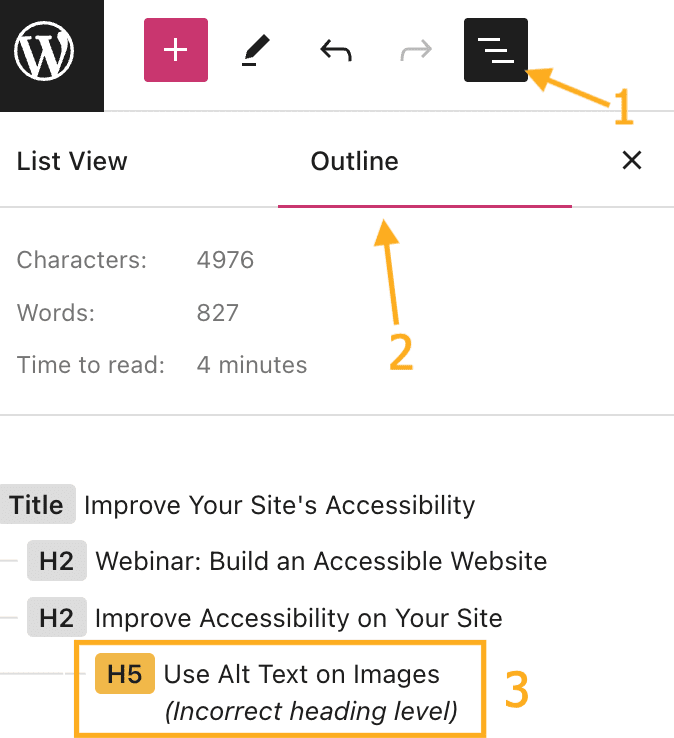
Headings create a logical structure for your content.
Bad example:
- Using headings only for styling
Good example:
- H1 = Page title
- H2 = Sections
- H3 = Subsections
Screen readers rely heavily on this structure.
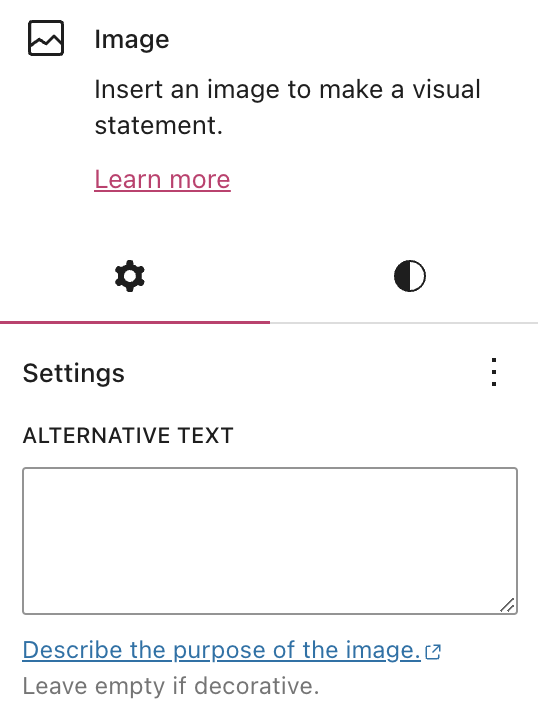
2. Alternative Text (Alt Text)
Every image should include meaningful alt text.
Bad:
- “image1.jpg”
Good:
- “Modern kitchen interior with wooden cabinets and warm lighting”
This allows visually impaired users to understand visual content.
3. Link Descriptions
Avoid vague links like:
- “Click here”
Instead use:
- “Learn more about accessible WordPress design”
This gives context when links are read aloud.
4. Forms and Labels
Forms must include proper labels:
- Input fields should have associated
<label>tags - Error messages should be clear and descriptive
Without this, users relying on assistive tech may not be able to complete forms.
5. Color Contrast
Text must be readable against its background.
Low contrast = inaccessible
High contrast = readable for all users
This impacts users with visual impairments or color blindness.
How Screen Readers Interact with WordPress
Let’s simplify how assistive tools actually “read” your website.
When a screen reader scans your page, it doesn’t see design—it sees:
- structure HTML
- Text hierarchy
- Metadata
- ARIA labels
If your site is well-structured, the screen reader can:
- Jump between headings
- Read content in logical order
- Describe images
- Identify navigation menus
If not, the experience becomes confusing or unusable.
Common Accessibility Mistakes in WordPress Sites
Even though WordPress supports accessibility, many websites still fail due to poor implementation.
1. Using Divs Instead of Proper Tags
Developers sometimes replace semantic elements with generic <div> blocks.
2. Missing Alt Text
Images without alt text are invisible to screen readers.
3. Overcomplicated Design
Too many animations, popups, or overlays can break accessibility.
4. Poor Mobile Responsiveness
Accessibility also includes usability across devices.
5. Ignoring Keyboard Navigation
If users can’t tab through your site, it’s not accessible.
How to Improve Accessibility in WordPress
If you want WordPress to truly “read accessible data,” here’s what you should do:
1. Choose the Right Theme
Rechercher:
- Accessibility-ready certification
- Clean structure
- Minimal unnecessary effects
2. Use Accessibility Plugins
Tools can help identify issues like:
- Missing alt text
- Low contrast
- Broken labels
3. Structure Your Content Properly
Always think in hierarchy, not just visuals.
4. Test with Real Tools
Essayer:
- Screen readers
- Keyboard navigation
- Accessibility checkers
5. Optimize Media Content
Images, videos, and icons should all include descriptive metadata.
Accessibility and SEO: A Hidden Connection
Here’s something many people don’t realize:
Accessibility and SEO are deeply connected.
Search engines “read” your site similarly to screen readers.
Si votre site :
- Uses proper headings
- Includes alt text
- Has clean structure
Then it becomes easier for search engines to understand your content.
This leads to:
- Better indexing
- Higher rankings
- Amélioration de l'engagement des utilisateurs
The Future of Accessible Web Design
Accessibility is not a trend—it’s the future.
As technology evolves, more users rely on:
- Voice assistants
- AI readers
- Smart devices
Websites that fail to provide accessible data will fall behind.
WordPress continues to improve in this area, but the responsibility still lies with:
- Designers
- Créateurs de contenu
- Site owners
Final Thoughts: Accessibility Is Good Design
At the end of the day, accessibility is not just about rules—it’s about respecting users.
When your website is accessible:
- More people can use it
- Your brand feels more professional
- Your conversions improve
And most importantly, your content becomes truly universal.
About Our Work
If you’re building a website for cross-border business, accessibility becomes even more important—because your audience is global.
We focus exactly on this.
From WordPress et Shopify website design to conversion-focused layouts and international user experience, we help brands create websites that are not only visually appealing—but also structured, readable, and accessible.
If you’re looking to improve how your site communicates, performs, and converts, feel free to explore what we do at AIRSANG.