











Giỏ hàng hiện không có sản phẩm nào.

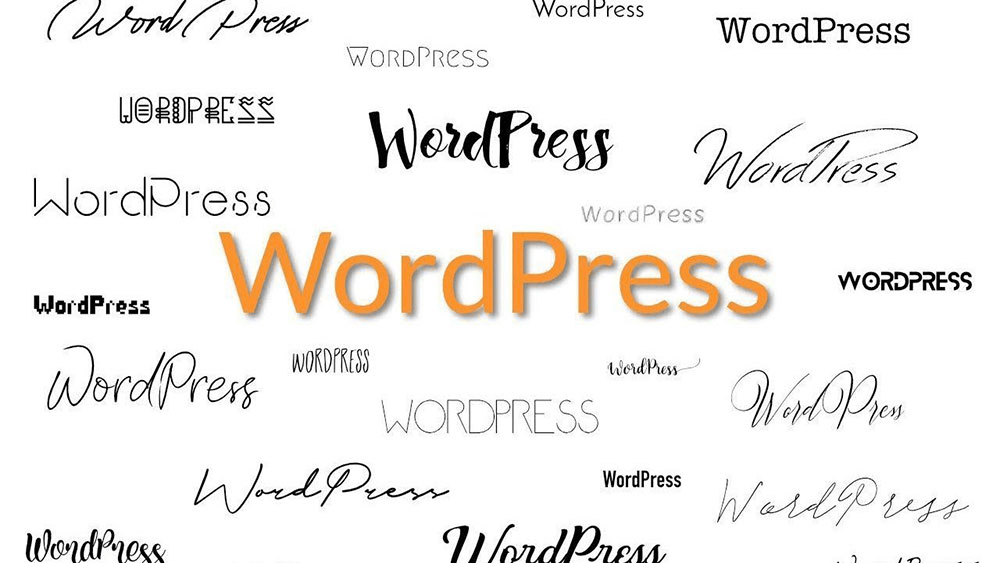
Fonts are one of the most underestimated elements in WordPress website design. Many site owners spend hours adjusting layouts, colors, and images, yet overlook how much typography influences readability, brand perception, and user trust.
If you’ve ever searched for a WordPress font styles list, you’re likely trying to understand what font options exist, how WordPress handles typography, and how to control fonts without breaking your site. This guide explains WordPress font styles in a clear, beginner-friendly way—without assuming technical knowledge.

Typography is not just about aesthetics. Fonts directly affect:
WordPress powers millions of sites, from blogs to enterprise platforms. Because of this flexibility, it offers multiple ways to define and control font styles—but understanding how they work is key.

Out of the box, WordPress does not impose a single universal font. Instead, typography is controlled by three main layers:
Understanding these layers helps you avoid conflicts and unexpected font changes.
Most WordPress themes rely on system font stacks or popular web-safe fonts. These fonts load quickly and work reliably across devices.
Typical examples include:
These fonts form the foundation of many WordPress font styles lists, especially in lightweight or performance-focused themes.
Modern WordPress themes often use system font stacks instead of a single font family. A system stack adapts automatically to the user’s operating system.
Example concept (not code):
This approach improves performance and ensures text feels “native” to each device.
In WordPress, themes control the primary font styles. This includes:
When you browse a WordPress font styles list, many of the fonts you see are actually chosen by the theme developer—not WordPress itself.
Changing themes often changes fonts instantly, which surprises many beginners.
Understanding font categories helps you choose the right typography for your site.
A key decision when reviewing a WordPress font styles list is whether to use web fonts or system fonts.
The right choice depends on brand goals and performance priorities.
Many WordPress themes integrate Google Fonts by default. This gives users access to hundreds of font families without manual setup.
Common Google Fonts seen in WordPress font styles lists include:
While powerful, overusing Google Fonts can impact performance if not optimized correctly.
With the modern WordPress block editor, typography controls are more visual than ever.
You can often adjust:
However, these controls still depend on what your theme allows.
Newer WordPress themes use a configuration system to define font styles globally. This approach allows:
For non-technical users, this means fewer surprises when editing content.
Advanced users may want to upload and use custom fonts. This adds flexibility but requires careful setup to avoid:
Custom fonts should always be tested on desktop and mobile devices.
Typography also affects accessibility. When reviewing a WordPress font styles list, keep these principles in mind:
Accessible typography improves usability for all visitors.
Many WordPress sites suffer from font-related issues such as:
A clean, limited font system usually performs best.
Typography directly influences how users perceive your site. Clean and consistent fonts:
Fonts are not just design choices—they are conversion tools.
Different sites require different typography strategies:
A good WordPress font styles list should be filtered by purpose, not just appearance.
Consistency matters more than font variety. Limit your site to:
This keeps your design cohesive and easier to manage long-term.
If your site is part of a business—especially a cross-border or international brand—font decisions become more complex. Language support, performance, and brand positioning all matter.
This is where professional WordPress design guidance can save time and prevent costly redesigns later.
A WordPress font styles list is more than a catalog of typefaces. It’s a framework for readability, branding, accessibility, and performance. Whether you rely on system fonts, Google Fonts, or custom typography, understanding how WordPress handles font styles empowers you to build better websites.
If you’re running or planning a cross-border WordPress website, typography choices become even more critical—especially for global audiences and multilingual content.
Tại AIRSANG, we specialize in cross-border website design and WordPress-based brand experiences. From typography systems to full-scale site design, we help businesses build clean, conversion-focused websites that work globally.
If you need professional help optimizing your WordPress design, feel free to reach out—this is exactly what we do at AIRSANG.


















