Project Overview
For Chroma Dewy’s Shopyy website, we organized the pages around makeup looks and colorful merchandise. Eye-makeup close-ups and collection copy form the homepage banner, followed by eyeshadow palettes and category images leading into shopping. An orange identity, light canvas, and saturated makeup imagery connect collection browsing, catalog comparisons, and individual products.
| Services | Industry | Platform |
| Shopyy Website Design & Development | Beauty & Personal Care | Shopyy |
| Project Requirements | Target Market | Design Style |
| Makeup looks and colorful product displays | English-language storefront with prices in US dollars | Orange branding, a light canvas, and saturated makeup imagery |
| Project Quote | Deliverables | Delivery Time |
| CNY 4,500 | Homepage, category structure, product details, and responsive layouts | 7 days |
Design Challenge
A beauty website must convey makeup effects while making colors and tools easy to compare. We used close-up portraits to establish the collection, then regular grids for palettes, brushes, and packaging, keeping these two types of information from competing.
Design Strategy: Makeup Looks and Colorful Product Displays
Eye-makeup close-ups and collection copy form the homepage banner. Palettes and category images below lead into the catalog. The homepage establishes direction, categories support comparison, and product pages explain appearance and specifications. Navigation and content links connect the levels.
Josefin Sans organizes headings, navigation, and body copy, with type size, weight, and paragraph width establishing hierarchy. Orange branding, a light canvas, and saturated makeup images continue across the main pages. Information stays compact within groups, with more space between sections for images, descriptions, and actions.
Motion and Functionality: Supporting the Current Choice
Homepage banners retain left and right arrows, and category images below lead to different catalogs. Quantity controls, imagery, and grouped descriptions focus on the selected product. Mobile navigation collapses into a clear menu entry point while maintaining the browsing path.
Homepage Banner: Make Eye Makeup the First Focal Point
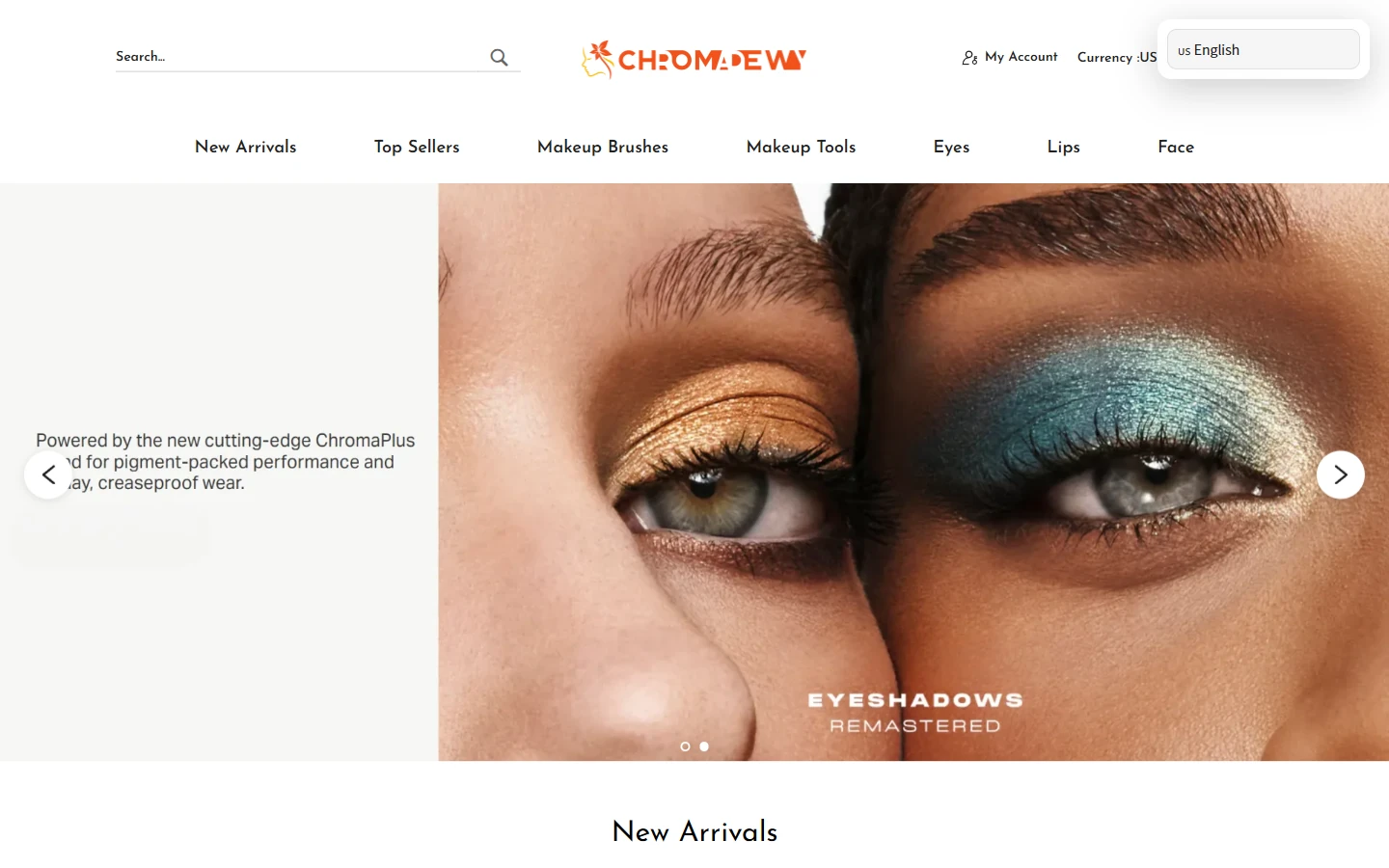
Two eye-makeup close-ups sit on the banner’s right side, with collection copy on the left and the orange Chroma Dewy logo in a simple header. The close-ups directly show color and texture, while arrows provide access to other collections.
Lightweight Josefin Sans connects navigation and product text. A pale background leaves room for saturated makeup looks. Images and copy each have their own area, so the first screen does not need to contain every product detail.
New Arrivals: Compare Colors in an Orderly Grid
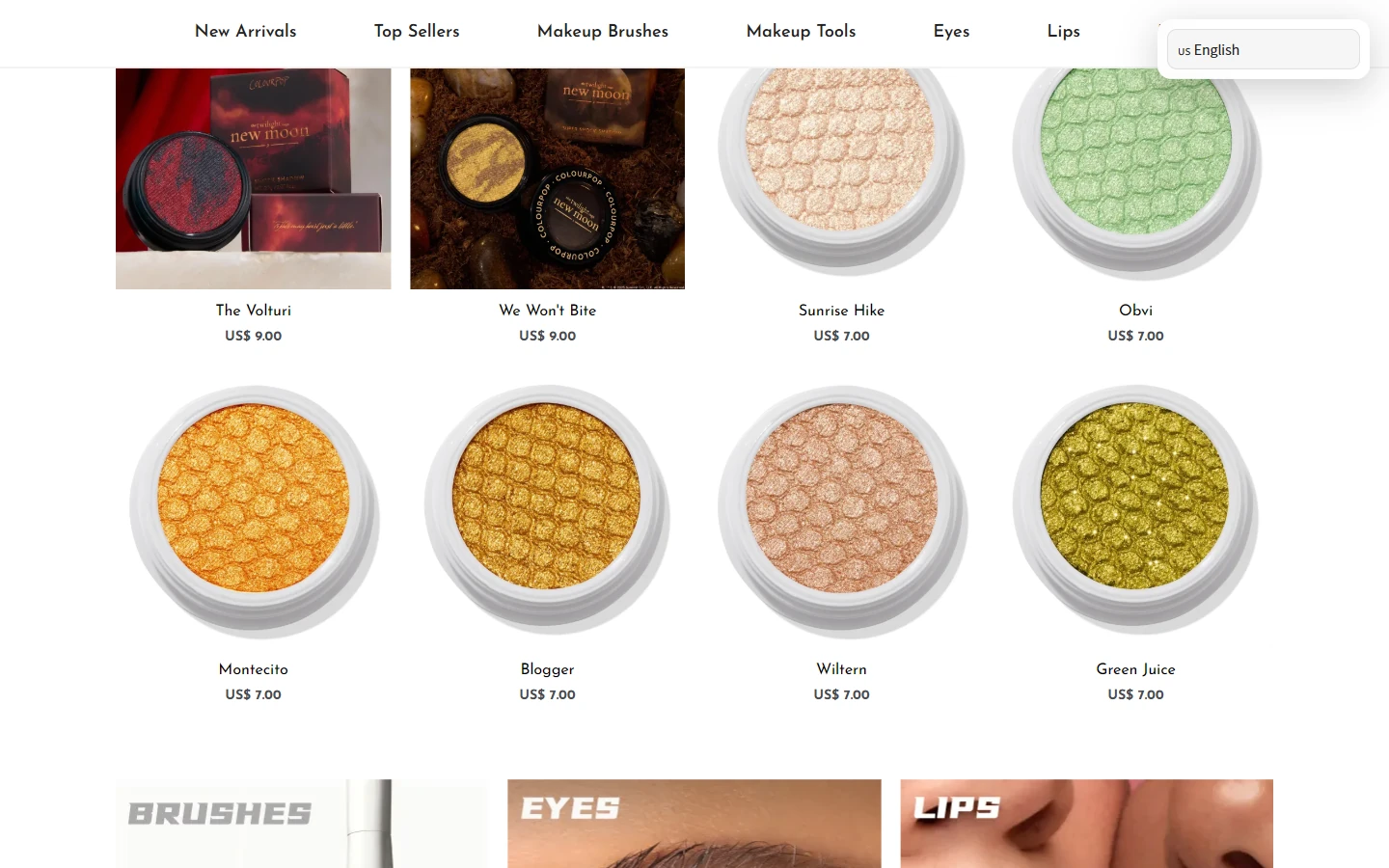
A multicolumn palette grid organizes New Arrivals, allowing eyeshadow colors to be compared on a light background. Names and prices below remain concise. The next section introduces category images for Brushes, Eyes, and Lips.
Equal palette sizes and consistent card widths create order, with even spacing between categories. Brand orange appears selectively; the products themselves provide most of the color.
Brush Category: Show Shapes and Set Contents Clearly
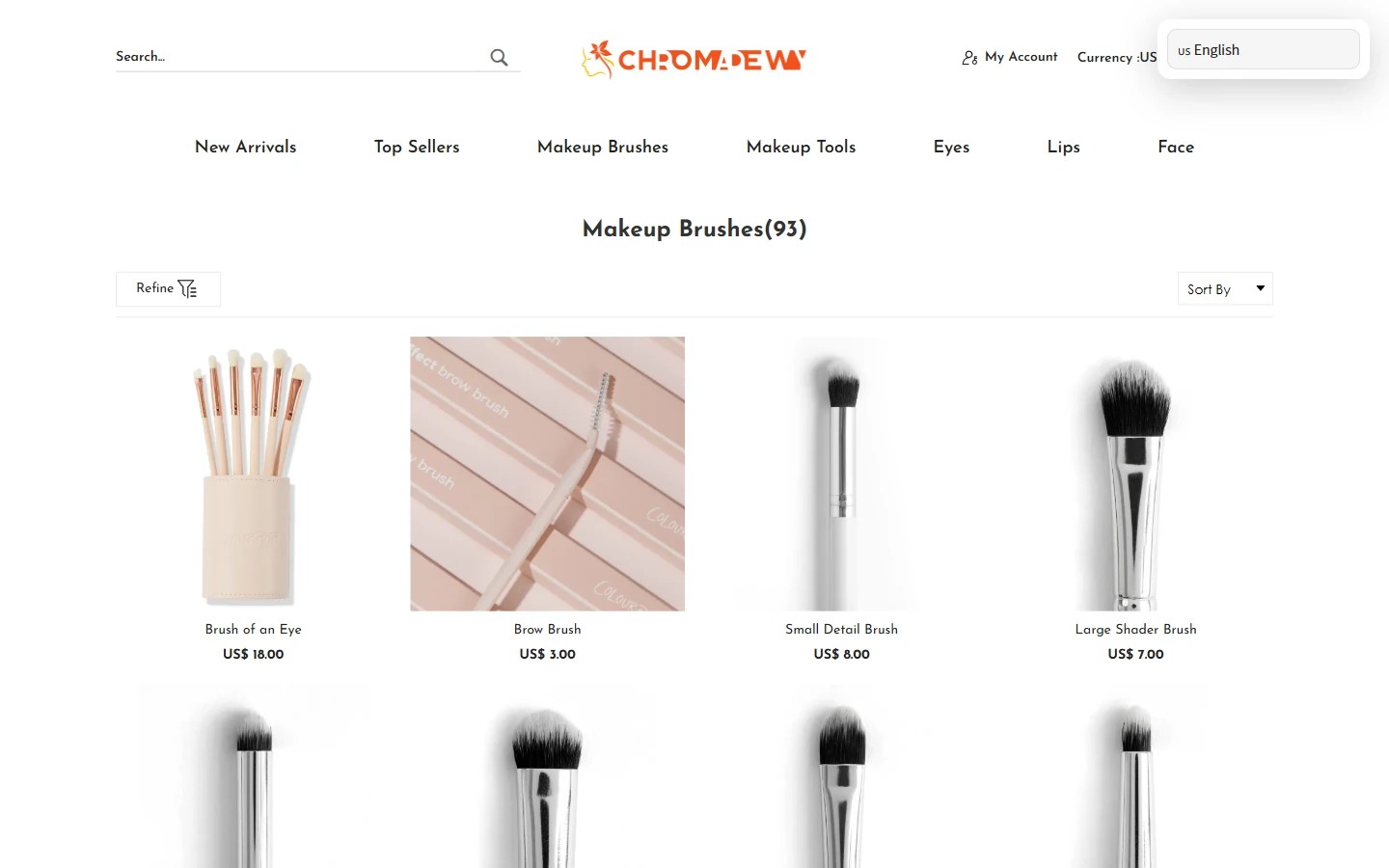
The brush category places individual brushes and sets in one grid beneath a Makeup Brushes heading. Images show brush heads, handles, and the contents of each set before names and prices appear below.
A white background and wider card spacing reduce crowding. Fine navigation type and a centered category heading keep the presentation light. Catalog tools have their own space without interrupting comparisons.
Product Page: Packaging Imagery Introduces the Item
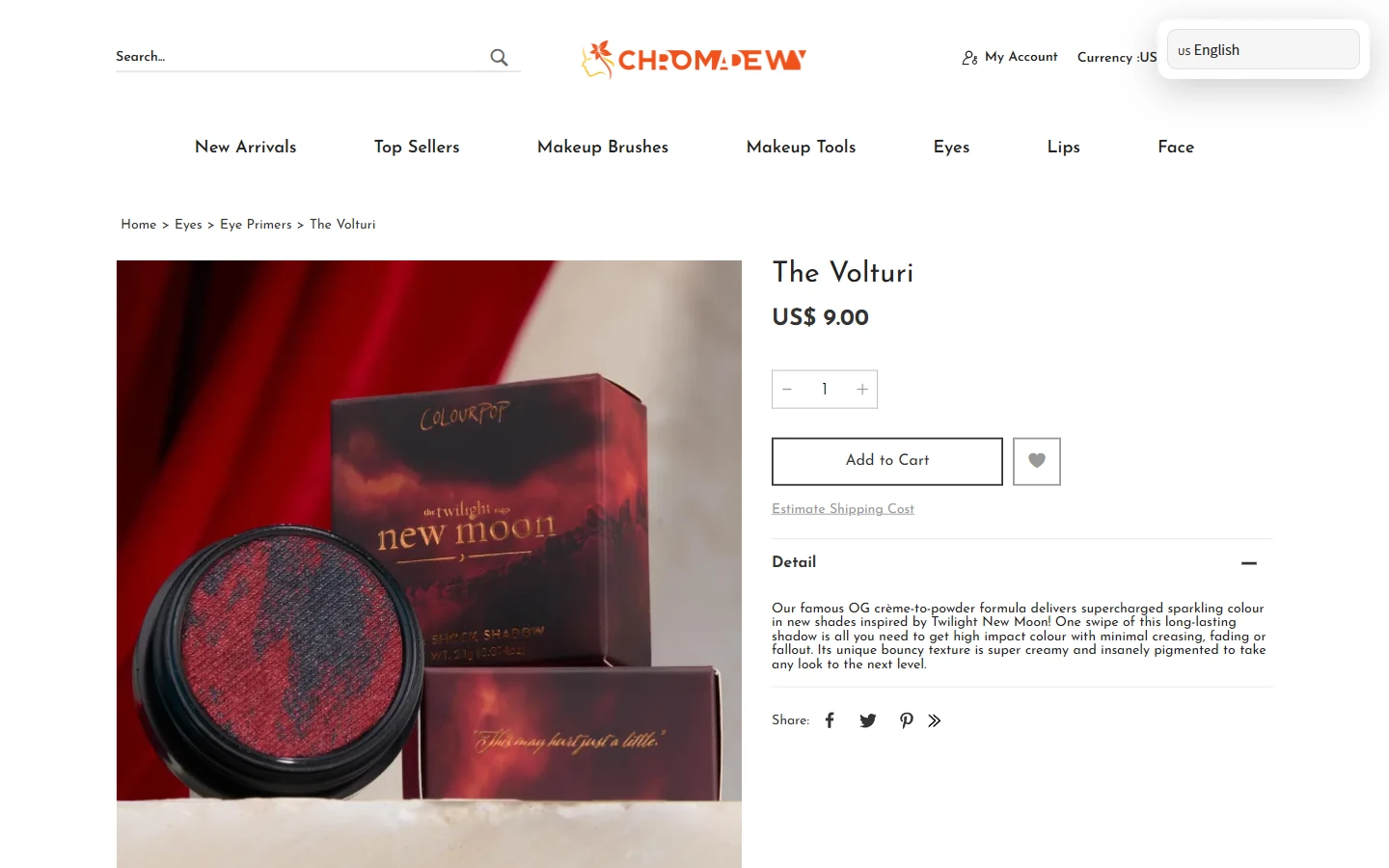
The Volturi product page gives the left side to red-and-black packaging photography, with the name, price, quantity, and a short description on the right. The image establishes the visual identity before text provides the details.
The red image background creates a clear edge against the pale page. Thin outlines and compact spacing organize the controls. Space between image and copy allows the dark collection to remain clear within the site’s lightweight interface.
Extended Details: Separate Supporting Content from Recommendations
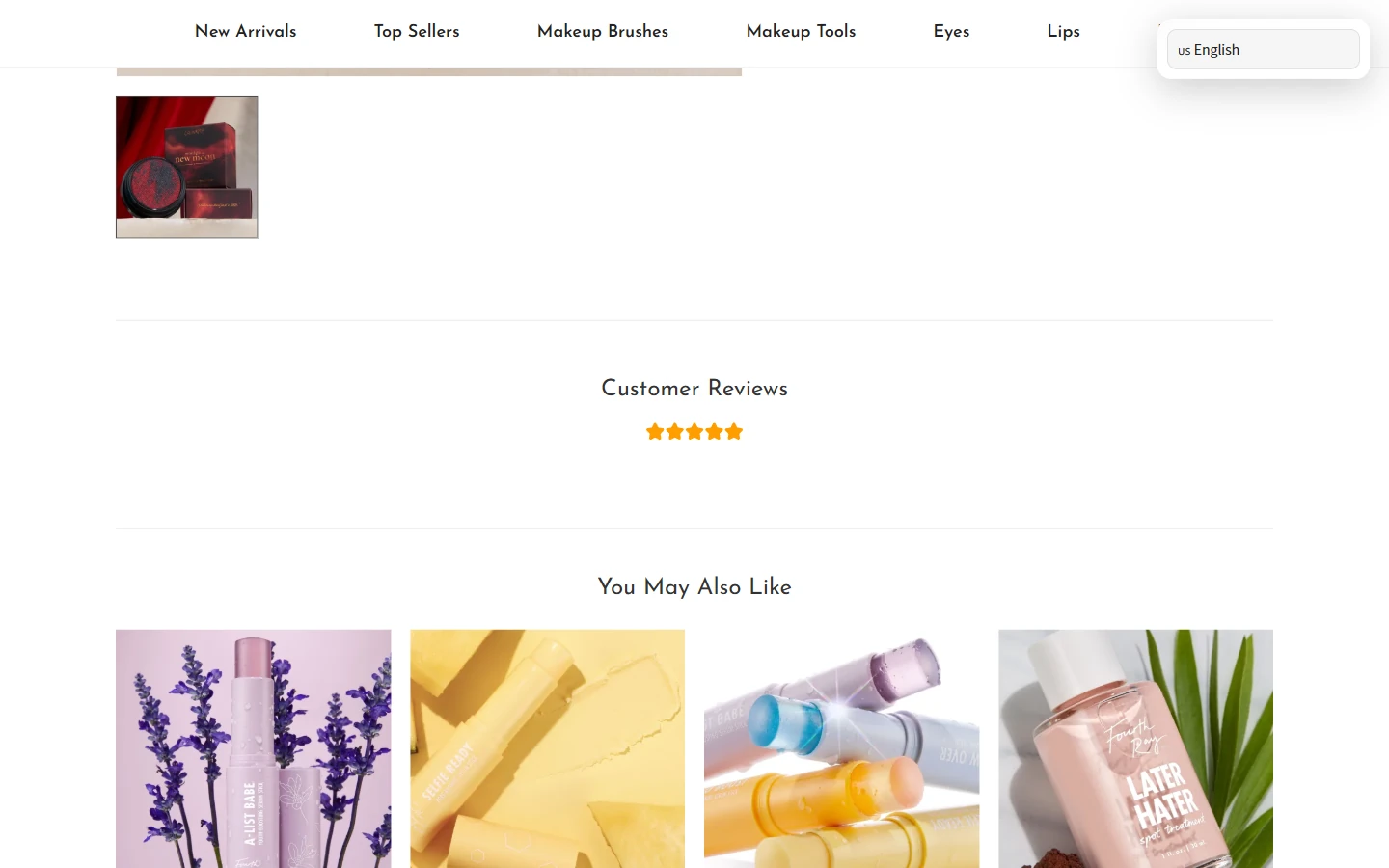
Below the main details, thumbnails, reviews, and You May Also Like recommendations remain. Section spacing connects them while distinguishing information about the current product from opportunities to browse more items.
Recommendation images share a column width. Portraits, packaging, and tools continue on light backgrounds. Subheadings and vertical space separate content groups, helping readers continue to products that interest them.
Mobile Homepage: Compact Navigation, Collections, and New Arrivals
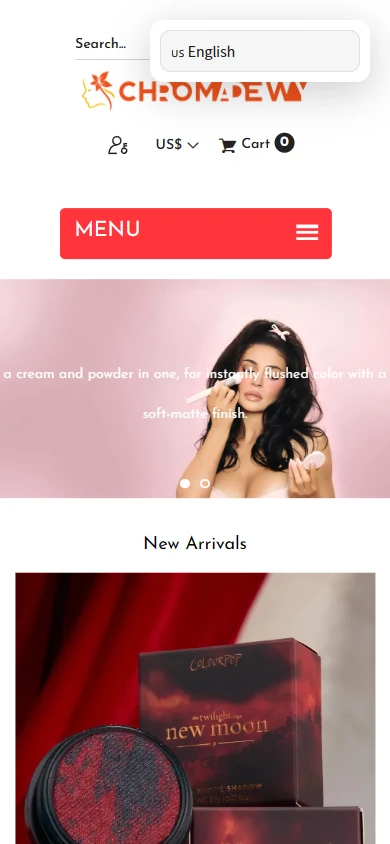
Mobile condenses horizontal navigation into a red MENU entry point, with the logo and search information stacked above. The collection banner leads into New Arrivals, retaining the order of makeup inspiration followed by merchandise.
At narrower widths, product imagery receives more space, with names and prices arranged vertically. The red menu bar remains distinct from the pale content area, making categories accessible while browsing the collection.
Mobile Product Page: Images and Details in Sequence
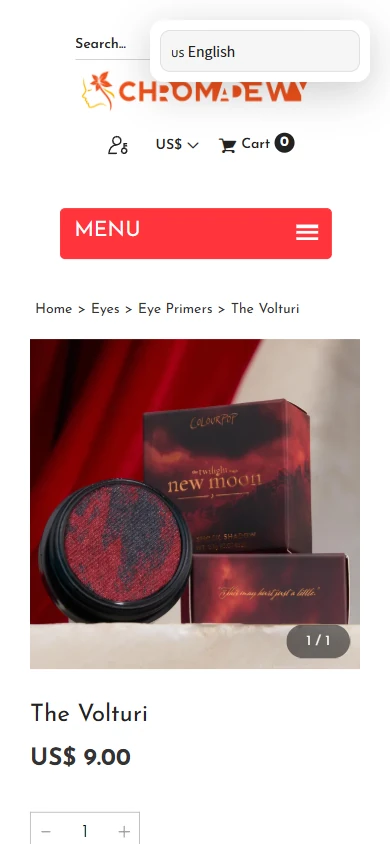
The mobile product page begins with breadcrumbs and a large packaging image, followed by the name, price, and quantity controls. The full visual theme remains intact as the desktop columns become a continuous reading flow.
Left-aligned headings wrap naturally to the screen, with space between price and controls. Light backgrounds, fine borders, and brand colors connect the product page with the rest of the site.
Design Summary: Connect the Theme to Practical Details
For Chroma Dewy, makeup looks and colorful product displays guide orange branding, a light canvas, and saturated images across the homepage, categories, and product pages. Imagery conveys the collection, text explains the details, and catalog and specification controls support the next step. Mobile follows the same sequence for a consistent experience.
Plan a Clear Shopyy Website for Your Brand
Share your current website, brand assets, and required pages. We will review your products, target market, and content priorities to plan suitable pages, visuals, and functionality together.