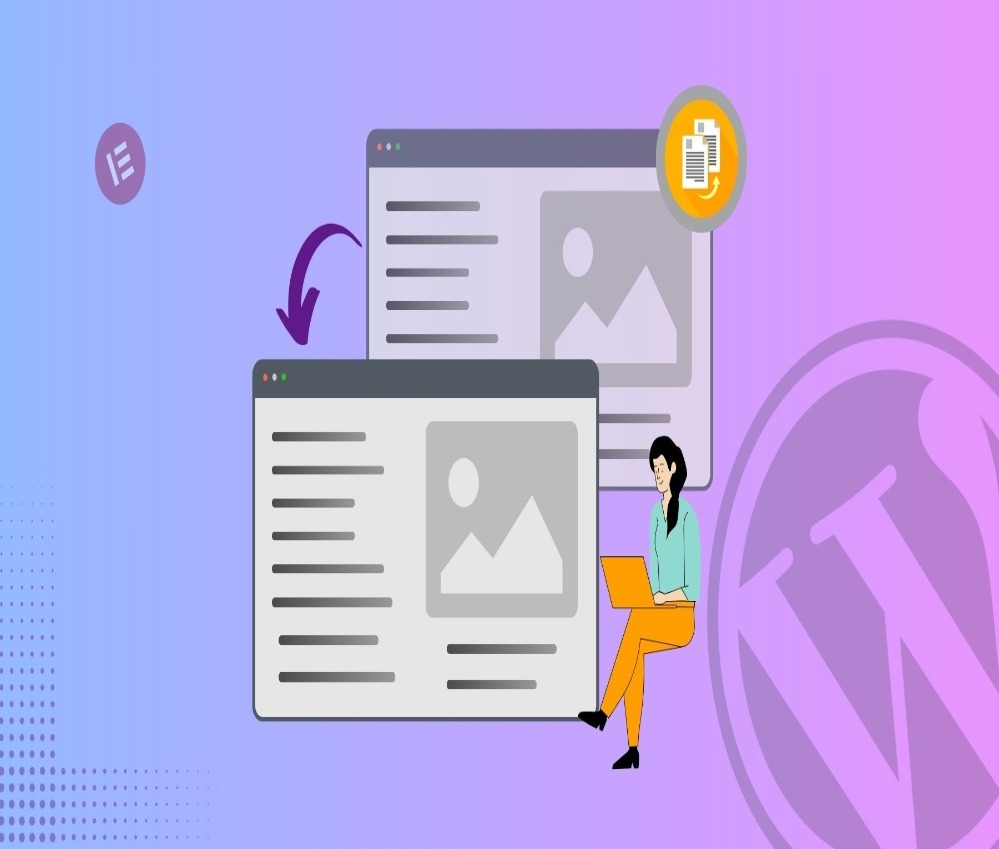

もしあなたが管理するなら ワードプレス ウェブサイトを運営している方なら、おそらくこのような状況に直面したことがあるでしょう。完璧なレイアウト、デザインブロック、SEO設定、フォーマットを備えた、構造のしっかりしたページを作成したのに、今度は少しだけ変更を加えた同様のページが必要になる、という状況です。.
すべてをゼロから作り直すのではなく、WordPressでページを複製し、既存の構造を再利用するのがより賢明な解決策です。.
このガイドでは、ページの複製とは何か、なぜ重要なのか、そして最も安全かつ効率的な複製方法について説明します。ブログ、ビジネスサイト、越境ECサイトなど、どのようなサイトを運営している場合でも、WordPressでページを複製する方法を理解することで、ワークフローと一貫性を劇的に向上させることができます。.
WordPressでページを複製するとはどういう意味ですか?
WordPressでページを複製するとは、既存のページの正確なコピーを作成することを意味します。これには以下の内容が含まれます。
- レイアウトとデザインブロック
- テキストコンテンツ
- 画像とメディア
- カスタムフィールド
- SEO設定(方法によって異なります)
- ページテンプレート
複製されたページは下書きとして機能します。元のバージョンに影響を与えることなく、この複製ページを修正できます。.
これは特に次のような場合に役立ちます。
- ランディングページのバリエーションを作成する
- 同様のレイアウトで商品ページを作成する
- 季節ごとのキャンペーンを企画する
- コンバージョン重視のページバリエーションのテスト
- 複数のサービスページ間でデザインの一貫性を維持する
ページを複製することが重要な理由
多くのサイトオーナーは、ページをゼロから再構築するのにどれだけの時間が無駄になっているかを過小評価しています。WordPressでページを適切に複製する方法を学ぶことで、次のようなメリットが得られます。
1. 開発時間の短縮
ブロック、柱、デザイン要素を再構成する代わりに、既成の構造から始めます。.
2. デザインの一貫性を維持する
ウェブサイトが一貫した構造に従っていると、よりプロフェッショナルに見え、ユーザーエクスペリエンスも向上します。.
3. 人為的ミスを減らす
手作業による再作成は、多くの場合、間隔の問題、フォントの不整合、リンク切れ、メタデータの欠落などを引き起こします。.
4. マーケティングキャンペーンを加速させる
有料広告、季節限定プロモーション、A/Bテストを実施する場合、ランディングページを複製することは不可欠です。.
方法1:プラグインを使用してWordPressでページを複製する(推奨)
WordPressでページを複製する最も簡単で確実な方法は、プラグインを使用することです。.
この目的のために特別に設計されたプラグインがいくつかあります。人気のあるオプションには以下のようなものがあります。
- 重複投稿
- Yoast 重複投稿
- ポストデュプリケーター
段階的なプロセス
- WordPressダッシュボードにログインしてください。.
- プラグイン → 新規追加 に移動します。.
- 重複投稿プラグイン(例:「Duplicate Post」)を検索してください。.
- インストールして有効化してください。.
- 「ページ」→「すべてのページ」に移動してください。.
- コピーしたいページにカーソルを合わせてください。.
- (プラグインによって)「複製」または「クローン」をクリックします。.
新しい下書きページがすぐに表示されます。.
プラグインが理想的な理由
- ワンクリック複製
- メタデータを保持します
- カスタムテンプレートを管理します
- 安全で非破壊的
- 初心者向け
ほとんどのウェブサイト所有者にとって、プラグインを使用するのが最も安全な解決策です。.
方法2:WordPressでページを手動で複製する(プラグインなし)
追加のプラグインをインストールしたくない場合は、WordPressでページを手動で複製することもできます。.
オプションA:コンテンツをコピー&ペーストする
- WordPressエディターでページを開きます。.
- コンテンツ全体を選択します(Ctrl + A)。.
- コピーしてください。.
- 新しいページを作成します。.
- 内容を貼り付けてください。.
ただし、この方法では表示されているコンテンツのみがコピーされます。以下の内容はコピーされません。
- SEOメタデータ
- ページテンプレート設定
- カスタムフィールド
- 注目の画像
そのため、複雑なウェブサイトでは効率が低下します。.
オプションB:コードを使用して複製する(上級ユーザー向け)
開発者は、WordPressデータベースまたはPHP関数を使用してページを複製できます。.
このアプローチには以下が含まれます。
- データベース内の投稿エントリをコピーする
- メタデータの保存
- 分類体系の取り扱い
- 投稿ステータスの管理
この方法はコアデータに触れるため、経験豊富な開発者のみが使用してください。不適切な重複は以下のような問題を引き起こす可能性があります。
- 内部リンク切れ
- SEOの競合
- 重複したスラッグの問題
- データベースの不整合
ほとんどのビジネスオーナーにとって、プラグインは依然としてより安全な選択肢である。.
重複ページと重複投稿:違いは何ですか?
WordPressでは、ページと投稿は異なるコンテンツタイプです。.
ページは通常、以下の目的で使用されます。
- ホームページ
- 概要ページ
- サービス
- お問い合わせページ
- ランディングページ
投稿は以下の目的で使用されます。
- ブログ記事
- ニュース速報
- コンテンツマーケティング
WordPressでページを複製する手順は投稿を複製する手順と似ていますが、複製するコンテンツの種類が正しいことを確認してください。.
ページ複製における一般的な使用例
実際の応用例を理解することで、なぜ重複が重要なのかが明確になる。.
1. ランディングページのバリエーション
Google広告やFacebook広告を運用している場合は、複数の見出しをテストしてみると良いでしょう。パフォーマンスの高いランディングページを複製することで、レイアウトを維持したままメッセージを調整できます。.
2. 複数拠点対応サービスページ
複数の都市で事業を展開している企業の場合、WordPressでページを複製し、ページ全体を再設計することなく、地域ごとのコンテンツを調整することができます。.
3. eコマース製品テンプレート
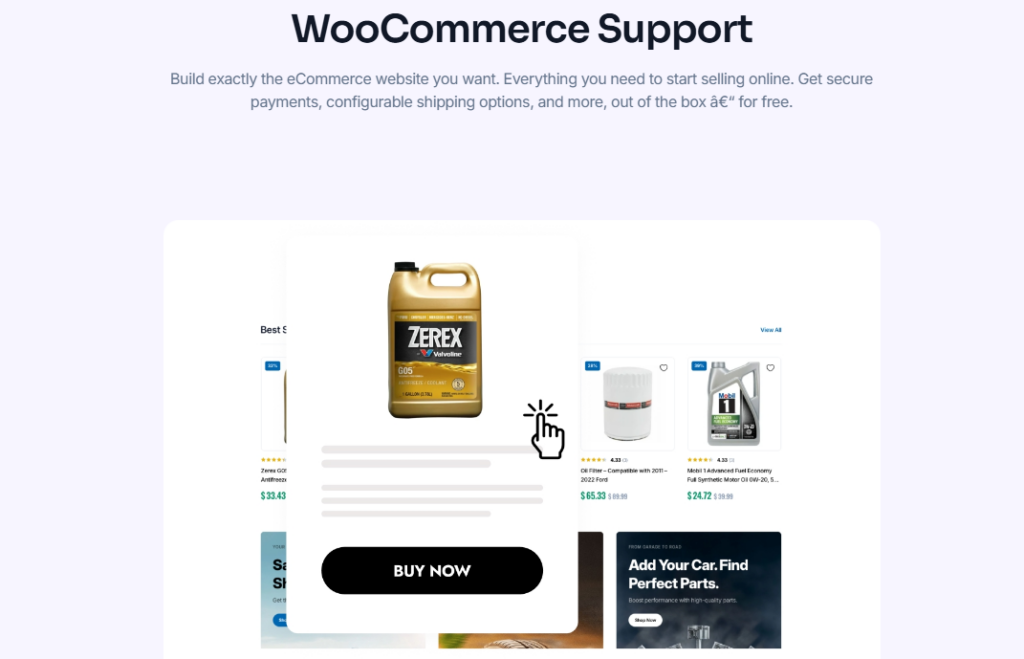
多くのWooCommerceサイトでは、構造化された商品レイアウトが使用されています。商品を複製することで、一貫性のある商品表示を維持できます。.
4. 季節限定キャンペーン
ホリデーシーズンのプロモーション、期間限定オファー、イベントページなどは、過去のキャンペーンのデザイン構造を再利用できます。.
WordPressでページを複製する際のSEOに関する考慮事項

ページの重複は、SEOの観点から慎重に扱う必要があります。.
1. スラッグを変更する
WordPressは自動的に「-2」のような接尾辞を追加します。新しいページのトピックに合わせて、必ずURLを編集してください。.
2. メタタイトルとメタディスクリプションを更新する
Rank MathやYoastなどのSEOプラグインを使用する場合は、メタデータが一意であることを確認してください。.
3. 重複コンテンツの公開を避ける
重複したページは公開前に編集する必要があります。同一のページが複数存在すると、SEO上の問題が発生する可能性があります。.
4. 正規タグを確認する
インデックス作成時の混乱を避けるため、正規URLが正しく設定されていることを確認してください。.
WordPressでページビルダーを使ってページを複製する方法
多くのウェブサイトは、次のようなビルダーを使用しています。
- エレメンター
- ディヴィ
- WPBakery
ほとんどのページ作成ツールには、複製機能が組み込まれています。.
例えば:
- 重複セクション
- 重複行
- テンプレートとして保存
- テンプレートをインポート
これは、視覚的に複雑なデザインを管理する際に特に役立ちます。.
ビルダーを使用している場合は、追加のプラグインをインストールする前に、そのビルダーがネイティブの複製機能を提供しているかどうかを必ず確認してください。.
潜在的なリスクとその回避方法
ページの複製は安全な行為ですが、よくある間違いとしては以下のようなものがあります。
1. 編集せずに公開する
重複コンテンツは公開前に必ず修正してください。.
2. 内部リンクを忘れる
古い内部リンクは、元のページを指している可能性があります。.
3. トラッキングスクリプトのコピー
必要に応じて、分析スクリプトまたはコンバージョンスクリプトを更新してください。.
4. 重複画像
メディアファイル名が同じ場合は、代替テキストが更新されていることを確認してください。.
効率的なページ複製のためのベストプラクティス
プロフェッショナル向けの役立つヒントをご紹介します。
- 元のページをテンプレートとして保存する
- 重複バージョンには「下書き」ステータスを使用してください
- 分かりやすい名前に変更してください(例:ランディングページ – バージョンB)
- 構造化された命名規則を作成する
- 公開前にSEOを確認する
複数のクライアントのウェブサイトを管理している場合、複製ワークフローを確立することで生産性を大幅に向上させることができます。.
ページを複製してはいけないのはどんな場合ですか?
複製が推奨されない状況もあります。
- まったく新しいコンテンツトピックを作成する場合
- サイト構造を変更する場合
- ブランディングを再設計する際
- 新しいテーマに移行する際
そのような場合、ゼロから構築することで構造的な完全性が確保される。.
WordPressで越境ECサイト向けにページを複製する方法
国境を越えて活動する独立系ウェブサイトにとって、コンテンツの複製はさらに価値のあるものとなる。.
海外の販売者は、多くの場合、以下のものを必要とします。
- 多言語対応ランディングページ
- 地域別サービスページ
- バリエーション製品の展示
- さまざまな料金体系
- 市場固有のメッセージ
各市場向けに再設計するよりも、既存の製品を複製して現地化する方がはるかに効率的です。.
構造化された複製戦略により、以下の項目において一貫性が確保されます。
- 視覚的な階層
- 変換要素
- 行動喚起ボタンの配置
- 信頼バッジ
- レイアウトのリズム
これは、グローバル規模で事業を拡大する際には特に重要です。.
最後に
WordPressでページを複製する方法を学ぶことは、単なる技術的なテクニックにとどまらず、生産性を向上させる戦略でもある。.
これはあなたに役立ちます:
- より速く構築する
- 一貫性を保つ
- 大規模なマーケティングキャンペーン
- 業務効率を向上させる
- 設計上の摩擦を軽減する
プラグイン、手動コピー、ビルダー機能のいずれを使用する場合でも、重要なのは複製を慎重かつ戦略的に適用することです。.
専門家の助けが必要ですか?
国境を越えた独立系ウェブサイトを構築または拡張する際に、構造化されたページシステム、コンバージョン最適化されたランディングページ、または拡張性の高い設計アーキテクチャが必要な場合、まさにそれが当社の専門分野です。.
から ワードプレス ウェブサイトのデザインから、越境ECサイトの包括的な企画まで、私たちはブランドが構造化された、コンバージョン率の高いデジタル体験を構築できるよう支援します。.
で エアサン, 私たちは、戦略、デザインロジック、そしてグローバル市場への理解を組み合わせ、視覚的に優れているだけでなく、成長を見据えたウェブサイトを構築します。.
WordPressウェブサイトの複製、構造化、拡張などでお困りの場合は、お気軽にご連絡ください。.