











Aucun produit dans le panier.

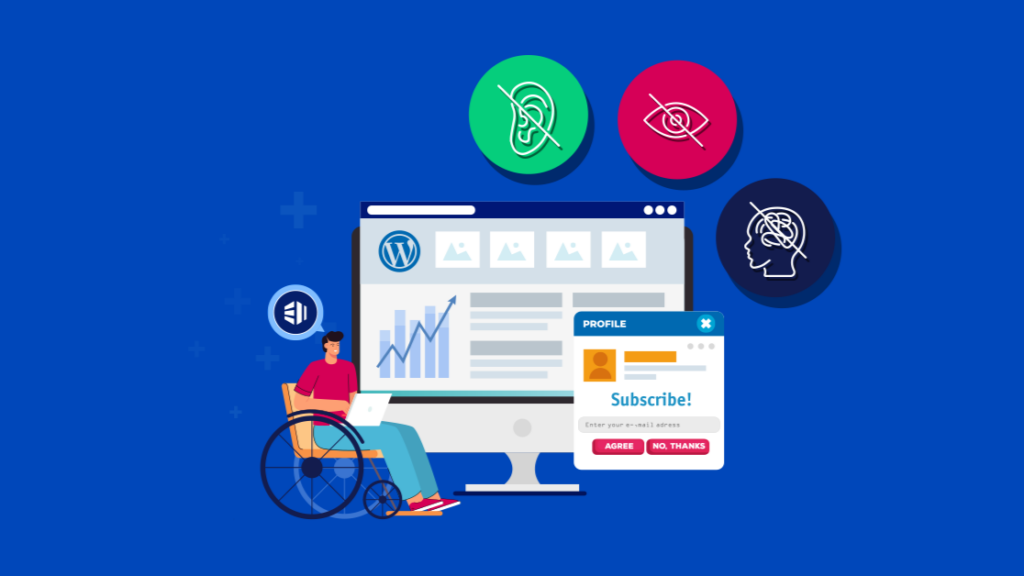
When people talk about building a website, they usually focus on design, speed, or SEO. But there’s a deeper layer that often gets overlooked—accessibility.
Accessibility isn’t just about compliance. It’s about making sure your website can be understood, navigated, and used by everyone, including people with disabilities, screen readers, and assistive technologies.
This is where the concept of “WordPress reads accessible data” becomes critical.
At its core, accessibility in WordPress means your content is structured in a way that machines—and humans—can interpret correctly. If your site communicates clearly through code, then screen readers can “read” your content properly, and users can fully interact with your site.
Let’s break this down in a practical, easy-to-understand way.
When we say WordPress reads accessible data, we’re not talking about WordPress “reading” content like a human. Instead, we’re talking about how WordPress outputs structured, semantic HTML that can be interpreted by:
En termes simples :
Your website isn’t just for humans—it’s also for machines that help humans.
If your site uses proper headings, labels, alt text, and semantic structure, then assistive technologies can accurately interpret your content.
Accessibility used to be considered a “nice-to-have.” Today, it’s essential.
Here’s why:
Many countries enforce accessibility standards (like WCAG). Failing to comply can lead to legal risks.

Millions of users rely on assistive technologies. If your site isn’t accessible, you’re losing potential customers.
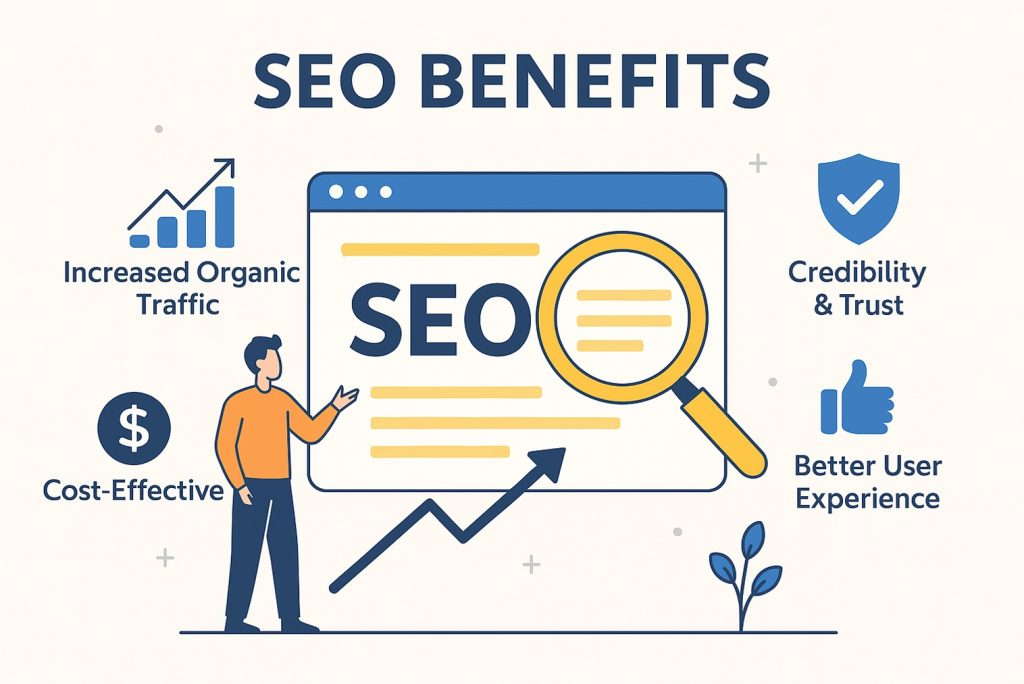
Search engines also rely on structured data—just like screen readers. Accessibility improvements often lead to better rankings.
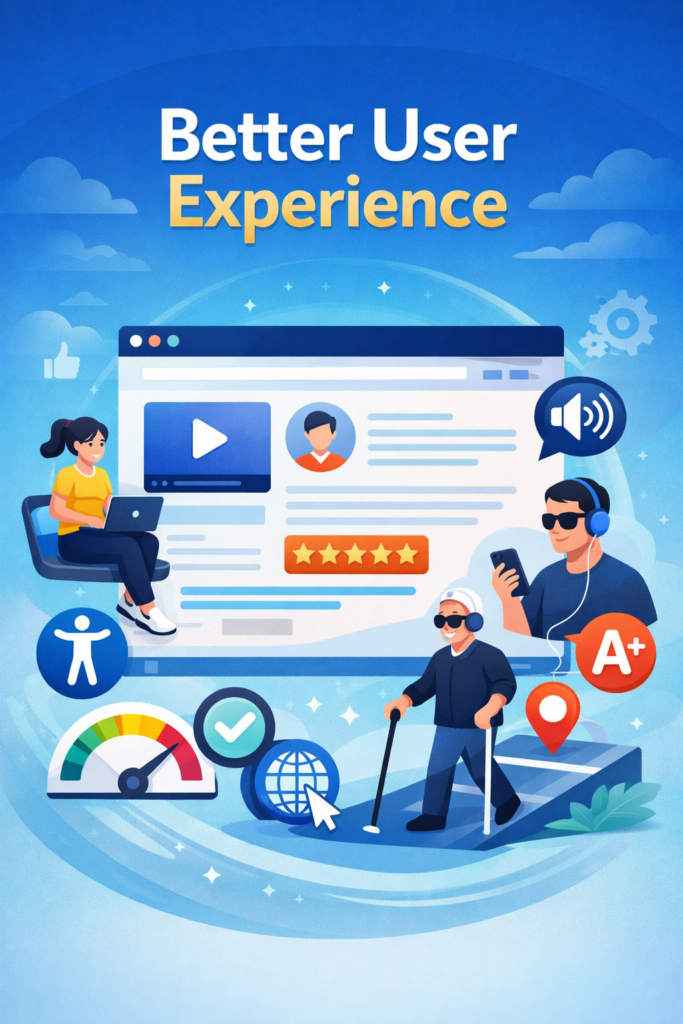
Accessible websites are usually cleaner, clearer, and easier to navigate for everyone.
One of the reasons WordPress is so powerful is that it already includes many accessibility-friendly features out of the box.
WordPress uses proper HTML elements like:
<header><nav><main><article><footer>These help screen readers understand page structure.
Many WordPress themes are labeled “accessibility-ready.” These themes follow strict guidelines to ensure usability.
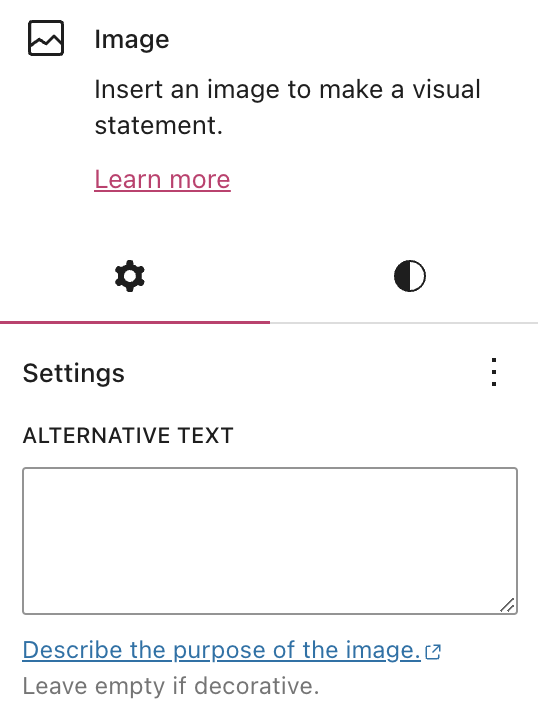
When uploading images, WordPress prompts you to add:
This is critical for screen readers.
WordPress dashboards and many themes allow navigation without a mouse.
To truly understand how WordPress reads accessible data, you need to focus on the building blocks.
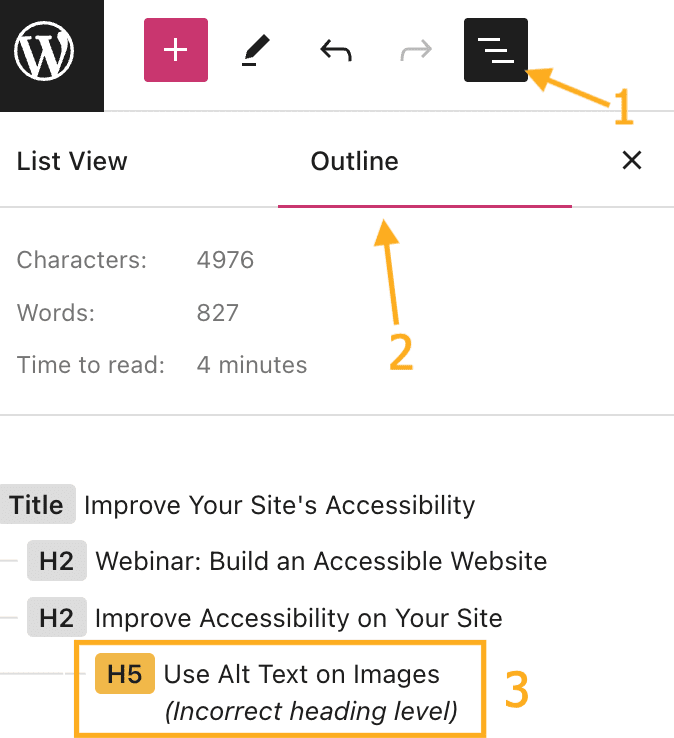
Headings create a logical structure for your content.
Bad example:
Good example:
Screen readers rely heavily on this structure.
Every image should include meaningful alt text.
Bad:
Good:
This allows visually impaired users to understand visual content.
Avoid vague links like:
Instead use:
This gives context when links are read aloud.
Forms must include proper labels:
<label> tagsWithout this, users relying on assistive tech may not be able to complete forms.
Text must be readable against its background.
Low contrast = inaccessible
High contrast = readable for all users
This impacts users with visual impairments or color blindness.
Let’s simplify how assistive tools actually “read” your website.
When a screen reader scans your page, it doesn’t see design—it sees:
If your site is well-structured, the screen reader can:
If not, the experience becomes confusing or unusable.
Even though WordPress supports accessibility, many websites still fail due to poor implementation.
Developers sometimes replace semantic elements with generic <div> blocks.
Images without alt text are invisible to screen readers.
Too many animations, popups, or overlays can break accessibility.
Accessibility also includes usability across devices.
If users can’t tab through your site, it’s not accessible.
If you want WordPress to truly “read accessible data,” here’s what you should do:
Rechercher:
Tools can help identify issues like:
Always think in hierarchy, not just visuals.
Essayer:
Images, videos, and icons should all include descriptive metadata.
Here’s something many people don’t realize:
Accessibility and SEO are deeply connected.
Search engines “read” your site similarly to screen readers.
Si votre site :
Then it becomes easier for search engines to understand your content.
This leads to:
Accessibility is not a trend—it’s the future.
As technology evolves, more users rely on:
Websites that fail to provide accessible data will fall behind.
WordPress continues to improve in this area, but the responsibility still lies with:
At the end of the day, accessibility is not just about rules—it’s about respecting users.
When your website is accessible:
And most importantly, your content becomes truly universal.
If you’re building a website for cross-border business, accessibility becomes even more important—because your audience is global.
We focus exactly on this.
From WordPress et Shopify website design to conversion-focused layouts and international user experience, we help brands create websites that are not only visually appealing—but also structured, readable, and accessible.
If you’re looking to improve how your site communicates, performs, and converts, feel free to explore what we do at AIRSANG.


















