











Keine Produkte im Warenkorb.

Creating a website used to require coding knowledge, expensive developers, and long development cycles. Today, thanks to WordPress, anyone can build a professional, fully functional website without writing a single line of code. Whether you want to launch a business site, portfolio, blog, or eCommerce store, WordPress provides a flexible and scalable solution.
This guide explains how to build a WordPress website in a clear, beginner-friendly way. Instead of focusing on technical complexity, it breaks the process into practical steps so you can understand not just what to do, but why it matters.
Before diving into the steps, it’s important to understand what WordPress actually is.
WordPress is a content management system (CMS) that allows users to create, manage, and publish website content through an intuitive interface. It powers over 40% of websites globally, making it the most widely used platform on the internet.
There are two versions:
For building a professional website with full control, WordPress.org is the better choice.
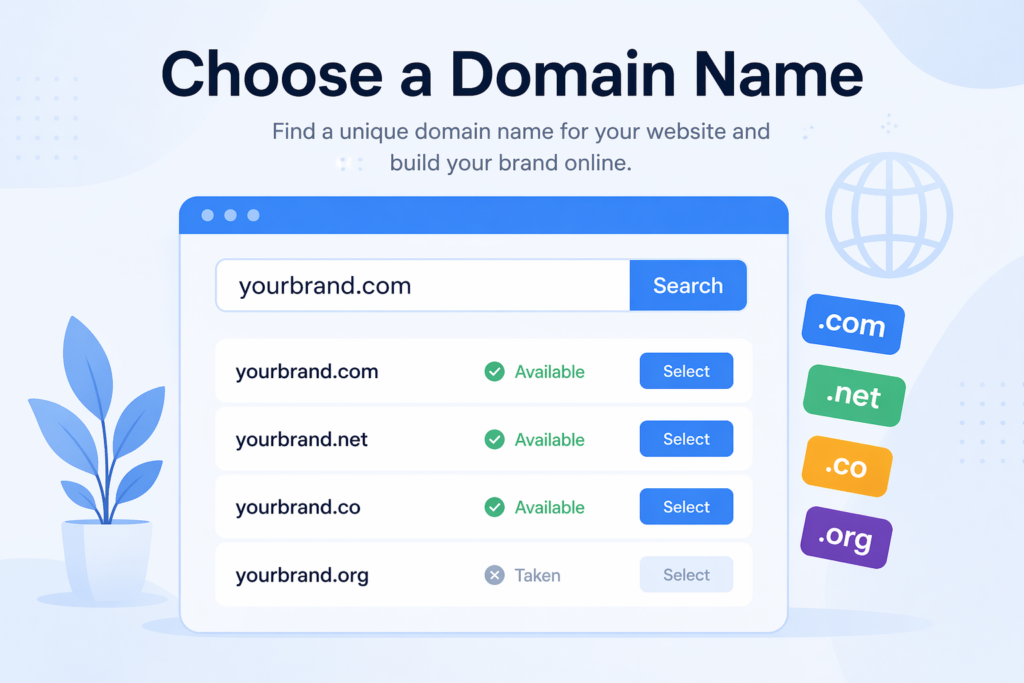
Your domain name is your website’s address on the internet (e.g., yourbrand.com). It plays a major role in branding and user trust.
A strong domain name helps users recognize your brand and improves credibility.
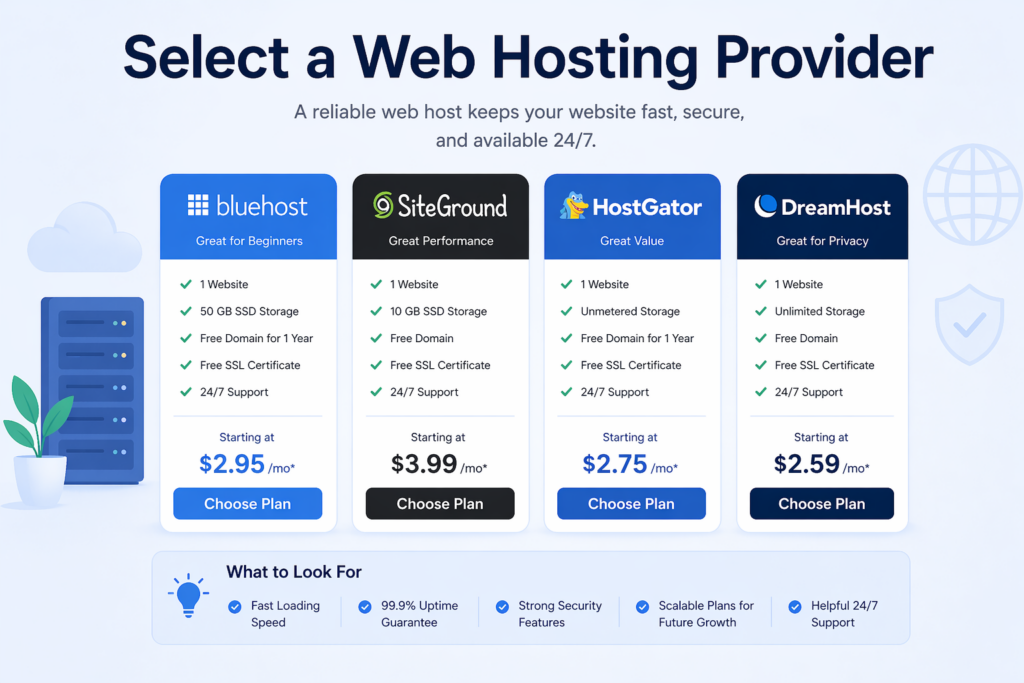
Web hosting is where your website files are stored. Without hosting, your website cannot be accessed online.
Shared hosting is suitable for beginners, while VPS or cloud hosting is better for growing websites.
Most hosting providers offer a one-click WordPress installation, making this step very simple.
After installation, you’ll get access to your dashboard:
IhreDomain.com/wp-adminThis is your control center where you’ll manage everything—design, content, plugins, and settings.
A theme controls the appearance of your website, including layout, colors, and typography.
Choosing the right theme is critical because it directly impacts user experience and conversion rates.
Once your theme is installed, you can begin customizing your website.
Most modern themes work with page builders like Elementor, allowing drag-and-drop editing.
A well-structured design builds trust and helps users navigate your site effortlessly.
Every professional website needs a set of core pages.
Each page should have a clear purpose and guide users toward taking action.
Plugins extend the functionality of your website.
Plugins are powerful, but overusing them can slow down your site.

Search engine optimization (SEO) helps your website rank higher in search results.
SEO is not a one-time task—it requires continuous improvement.
Website speed is crucial for both user experience and search rankings.
A faster website leads to better engagement and higher conversion rates.
More than half of web traffic comes from mobile devices.
Always test your website on multiple devices before launching.
Security is essential to protect your website and user data.
Ignoring security can lead to data breaches and downtime.
Before going live, test everything thoroughly.
Testing ensures a smooth experience for your visitors from day one.
Once everything is ready, it’s time to publish your website.
Launching is just the beginning—the real growth comes afterward.
Even with the right steps, beginners often make avoidable mistakes.
Avoiding these mistakes will save time and improve your results.
The timeline depends on your goals and experience.
Planning and design decisions usually take more time than the actual setup.
Learning how to build a WordPress website is one of the most valuable skills in today’s digital world. By following a structured approach—choosing the right domain, hosting, theme, and plugins—you can create a professional website that looks great, performs well, and supports your goals.
WordPress simplifies the technical side of website creation, allowing you to focus on what truly matters: content, user experience, and growth. With continuous optimization and updates, your website can evolve into a powerful platform for business, branding, or personal expression.
No, you don’t need coding skills. WordPress allows you to build and customize websites using themes and page builders with drag-and-drop functionality.
Costs can vary. A basic website may cost $50–$150 per year (domain + hosting), while more advanced sites with premium themes and plugins can cost several hundred dollars.
A simple website can be built in a few hours to a couple of days. More complex websites may take one to two weeks depending on design and content.
WordPress.com is a hosted platform with limitations, while WordPress.org is self-hosted and offers full control, customization, and scalability.
Common essentials include SEO plugins, security plugins, caching tools, backup solutions, and contact form plugins to improve performance and functionality.
Use proper keywords, optimize titles and meta descriptions, improve site speed, use clean URLs, and regularly publish high-quality content.


















