











Keine Produkte im Warenkorb.

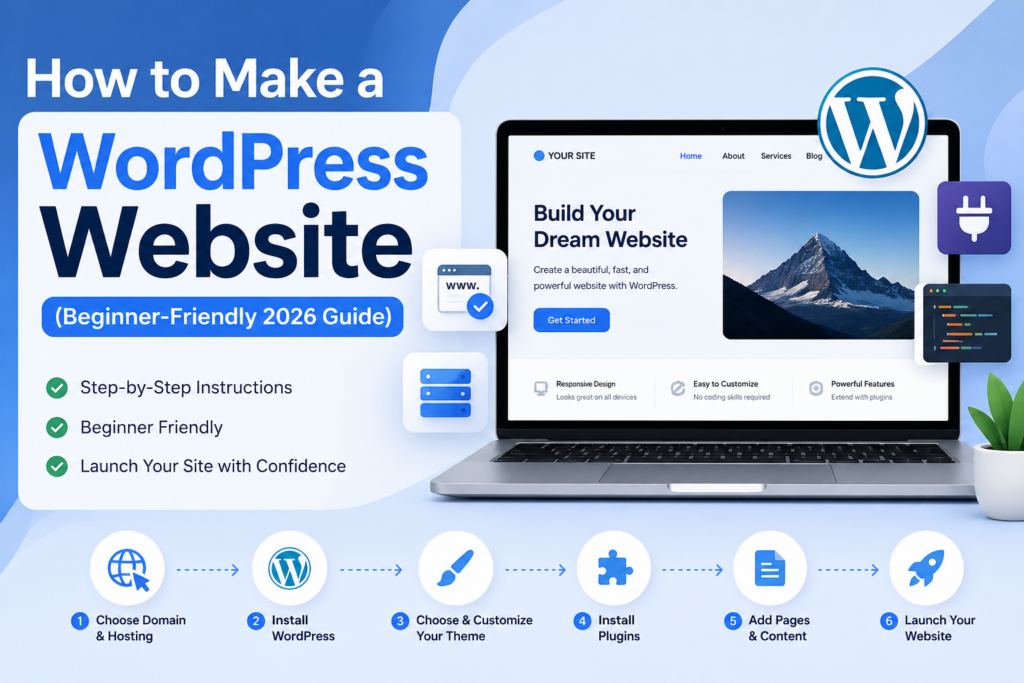
If you’ve ever thought about building your own website, you’ve likely come across WordPress. Today, WordPress powers over 40% of all websites on the internet, making it one of the most popular and flexible platforms available. Whether you want to launch a blog, an online store, a portfolio, or a business site, learning how to make a WordPress website is a valuable skill.
This guide breaks down the entire process into clear, beginner-friendly steps. Instead of overwhelming you with technical jargon, it explains everything in a simple, educational way—so you can understand not just what to do, but why it matters.
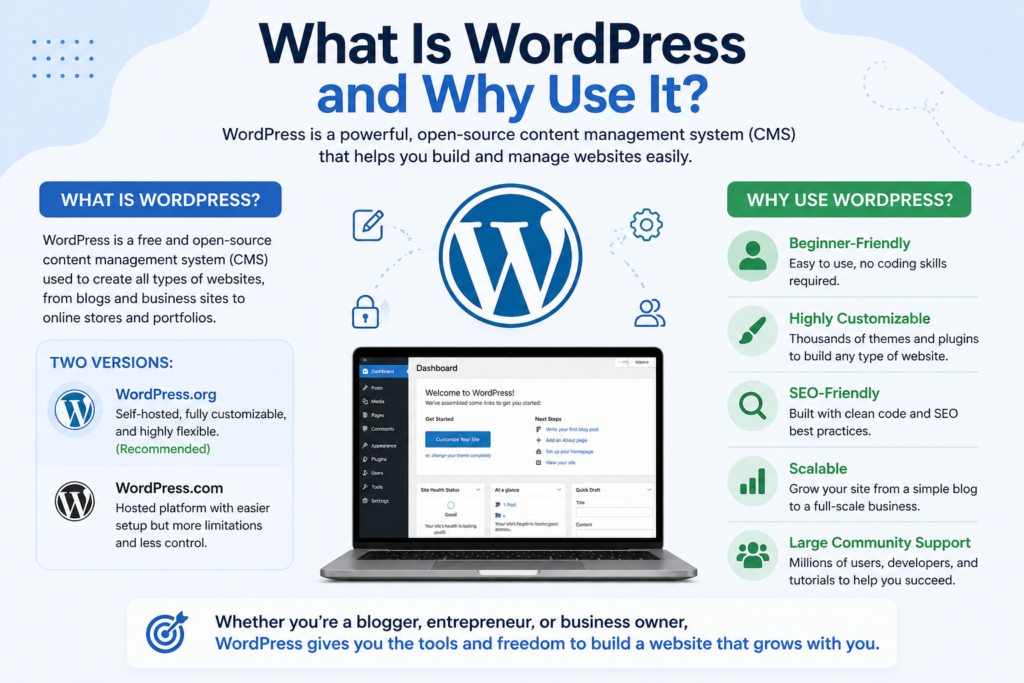
Before diving into the steps, it’s important to understand what WordPress actually is.
WordPress is a content management system (CMS). It allows you to create, manage, and publish content online without needing to write code. There are two versions:
For anyone serious about building a professional website, WordPress.org is the better choice. It gives you full control over design, functionality, and monetization.
The first step in learning how to make a WordPress website is securing your online identity.
Your domain name is your website’s address (e.g., yoursite.com). It should be:
Hosting is where your website files are stored. A hosting provider makes your website accessible online.
Many hosting providers offer bundled domain + hosting packages, making setup easier for beginners.
Once you have hosting, the next step is installing WordPress.
Most hosting platforms offer one-click installation, which simplifies the process:
Within minutes, your WordPress website will be live.
After installation, you can log in via:
IhreDomain.com/wp-admin
This is your control center where you manage everything.
Before customizing your site, take a moment to explore the dashboard.
Understanding these sections helps you navigate WordPress efficiently.
A theme controls how your website looks.
When selecting a theme, consider:
You can browse free themes directly in WordPress or upload premium themes from third-party providers.
Use the Customizer to adjust:
This is where your website starts to reflect your brand identity.
Plugins extend your website’s functionality.
Plugins are like apps for your website. They allow you to add features without coding.
Be selective—too many plugins can slow down your site.
A complete website includes essential pages that provide structure and clarity.
You can use page builders for more advanced layouts if needed.
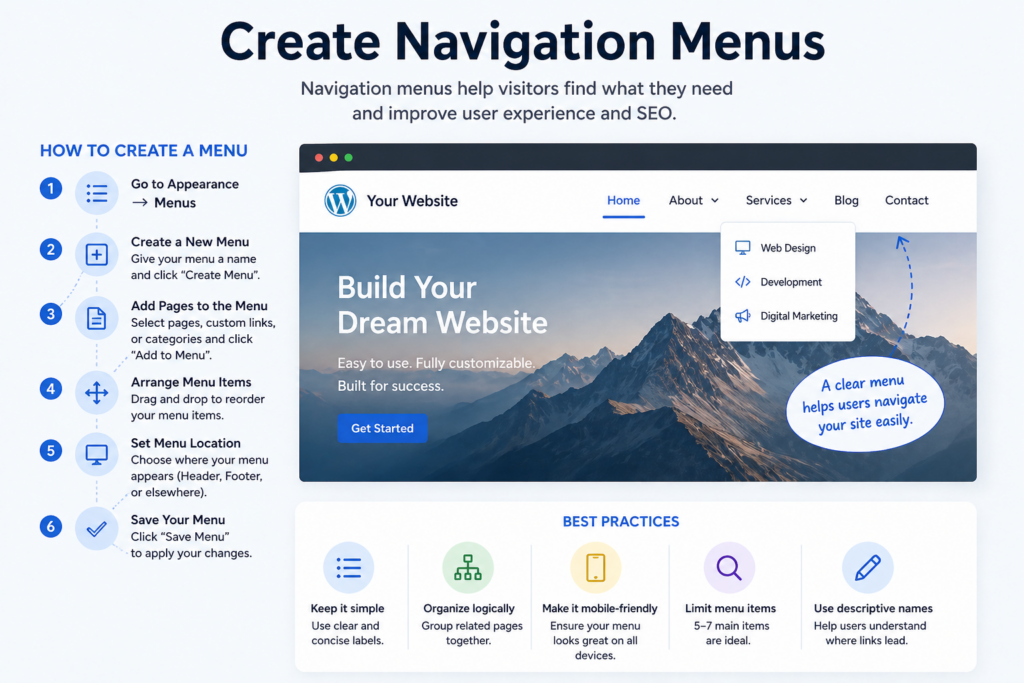
Menus help users navigate your website easily.
A clear navigation structure improves user experience and SEO.
Content is what brings your website to life.
Consistent content creation helps your website grow over time.
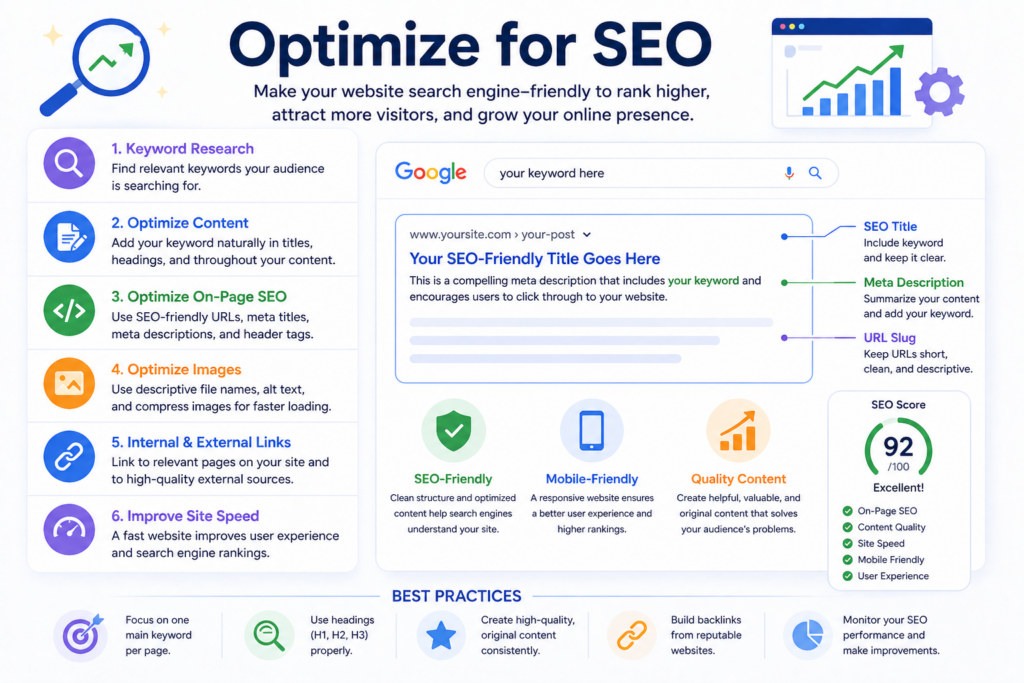
If you want people to find your website, SEO is essential.
Search Engine Optimization (SEO) improves your visibility in search engines like Google.
SEO is not a one-time task—it’s an ongoing process.
Most users browse on mobile devices, so responsiveness is critical.
A mobile-friendly site improves both user experience and search rankings.
Speed plays a major role in user satisfaction.
A fast website keeps visitors engaged and reduces bounce rates.
Security is often overlooked but extremely important.
These steps help protect your website from threats and data loss.
Once everything is ready, it’s time to go live.
After launching, your website is accessible to the world.
When learning how to make a WordPress website, beginners often make these mistakes:
Avoiding these pitfalls will save time and effort.
The timeline depends on your goals:
The more you customize, the longer it takes—but also the better the result.
Learning how to make a WordPress website doesn’t have to be complicated. By following a structured process—choosing a domain, setting up hosting, installing WordPress, customizing your design, and adding content—you can build a fully functional website step by step.
WordPress gives you the flexibility to grow, adapt, and improve your site over time. The key is to start simple, focus on clarity and usability, and continuously optimize your website as you gain experience.
It depends on the complexity. A simple website can be built in a few hours, while a more customized site may take several days or weeks.
No, WordPress is beginner-friendly and does not require coding knowledge. You can build and customize your site using themes and plugins.
WordPress.org is self-hosted and fully customizable, while WordPress.com is a hosted platform with more limitations and less control.
Costs vary depending on hosting, domain, and premium features. A basic site can start as low as $50–$100 per year, while advanced sites cost more.
Key plugins include SEO tools, security plugins, backup solutions, caching tools, and contact form plugins to improve functionality and performance.
Use relevant keywords, optimize titles and meta descriptions, improve site speed, create high-quality content, and ensure your site is mobile-friendly.


















