











Keine Produkte im Warenkorb.

When building a website, most beginners focus heavily on the homepage, navigation menu, and hero section, but often overlook one of the most important areas of the site—the footer. The footer appears on every page and quietly influences user trust, navigation flow, and even SEO performance. Learning how to change footer in WordPress is essential if you want to create a more professional, branded, and user-friendly website.
In WordPress, the footer is not a fixed element. It can be customized in multiple ways depending on your theme, page builder, or plugins. Some themes offer simple drag-and-drop controls, while others require editing widgets or theme files. The flexibility is powerful, but it can also feel confusing for beginners.
This guide breaks everything down in a clear, educational way so you can confidently modify your WordPress footer without coding experience. You will learn different methods, when to use each one, and best practices for creating a high-quality footer that improves usability and credibility.
The footer is the bottom section of your website that appears consistently across all pages. It usually contains secondary information that users may need after scrolling through content.
Common footer elements include:
Although it sits at the bottom, the footer plays a strategic role in user experience. Visitors who reach the footer are often looking for trust signals or additional navigation options. That makes it a valuable space for reinforcing your brand and guiding users deeper into your website.
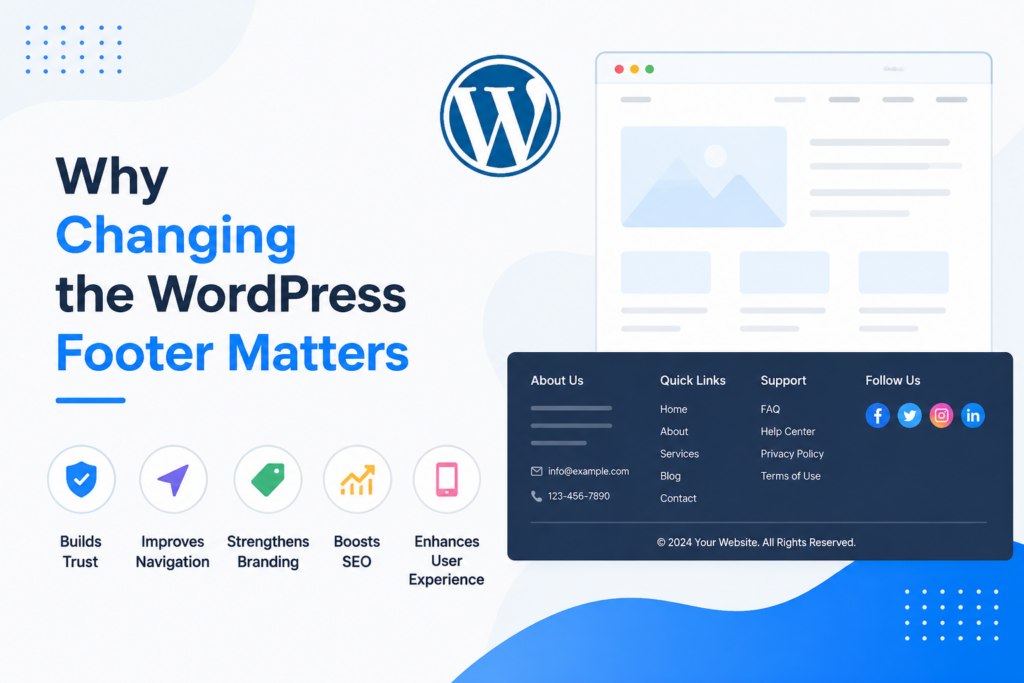
Understanding how to change footer in WordPress is not just about design preferences. It directly affects how users interact with your website.
Here are the main reasons it matters:
A default footer often contains theme credits like “Powered by WordPress.” While harmless, it does not reflect your brand identity. Customizing the footer allows you to replace generic text with your own branding.
A well-designed footer acts as a secondary navigation system. It helps users find important pages like About, Services, or Contact without scrolling back to the top.
Adding legal links, contact details, and social proof in the footer increases trust, especially for eCommerce and business websites.
Search engines use footer links to understand site structure. Properly organized footer navigation can help distribute internal link authority across important pages.
A clean and structured footer improves usability, especially for mobile users who rely on scrolling navigation.
One of the easiest ways to modify your footer is through the WordPress Customizer. This method is beginner-friendly and does not require coding.
Depending on your theme, you may be able to adjust:
This is ideal when your theme supports built-in footer settings. Many modern WordPress themes like Astra, OceanWP, and GeneratePress offer advanced footer controls in the Customizer.
Widgets are another common way to control the footer in WordPress. Many themes divide the footer into widget-ready areas such as Footer 1, Footer 2, or Footer 3 columns.
This method is best for users who want a structured footer layout without touching theme files or advanced settings.
For more advanced customization, WordPress allows direct editing of theme files. The footer is usually controlled by a file named footer.php.
Editing theme files requires caution. A small mistake can break your site. Always use a child theme or backup your website first.
footer.phpUse this method only if you need full control over your footer design or if your theme does not provide customization options.
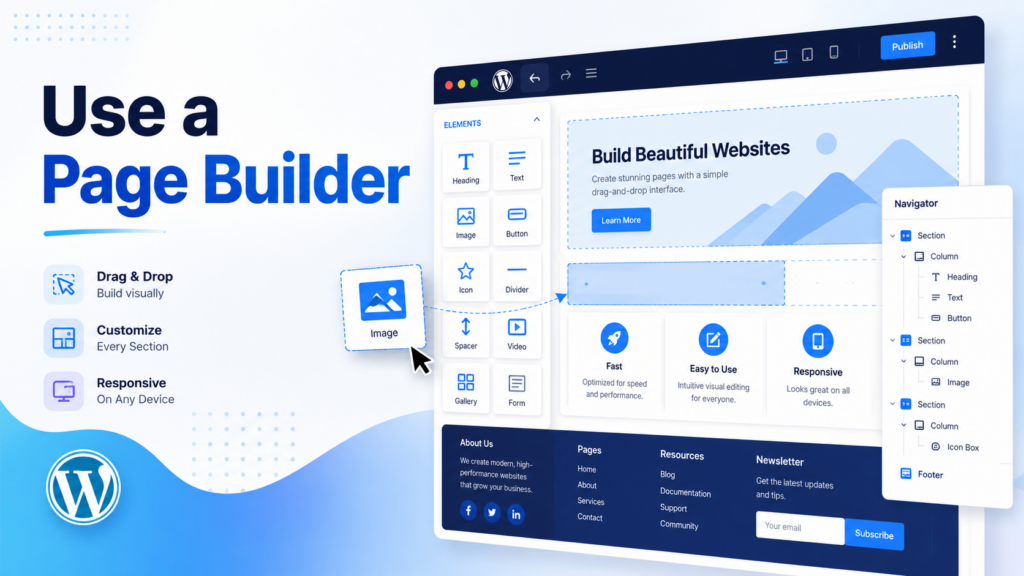
Page builders make footer customization visual and extremely flexible. Tools like Elementor allow you to design a footer just like a page.
Ideal for users who want a professional, modern, and highly customized footer design.
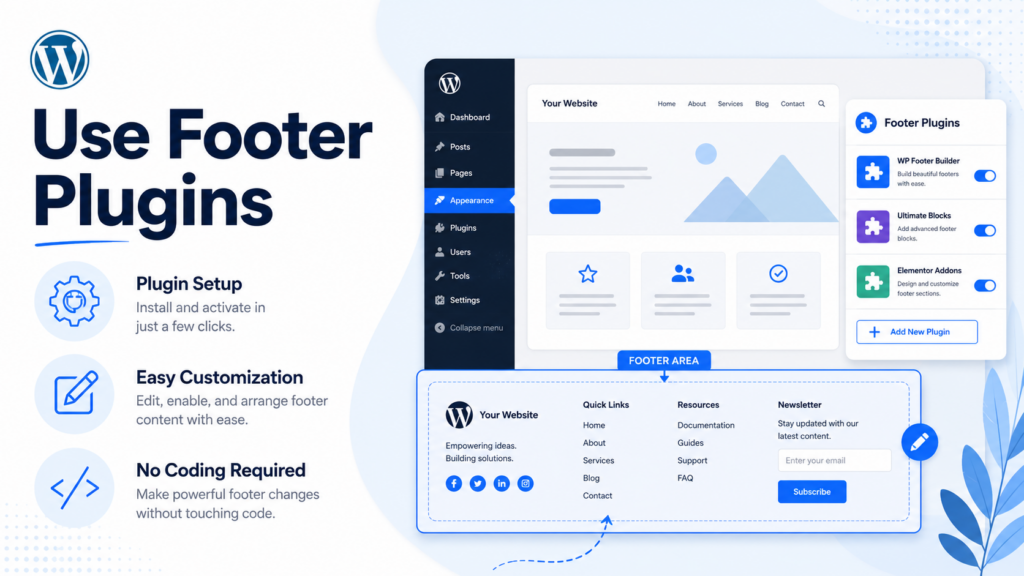
If your theme is limited, plugins can help you modify the footer without editing code.
Best for users who want quick functionality upgrades without changing theme structure.
Many beginners make simple mistakes when learning how to change footer in WordPress. Avoid these issues:
This reduces branding consistency and looks unprofessional.
Too many links or elements can confuse users and reduce readability.
A footer that looks good on desktop may break on mobile if not tested properly.
This can cause site errors or layout issues.
Random or unstructured links reduce usability and SEO value.
To create an effective footer, follow these guidelines:
Focus on essential links and avoid clutter.
Group links into categories like Company, Support, and Legal.
Include contact info, social media, or certifications.
Ensure spacing and layout adapt properly on smaller screens.
Match colors, fonts, and style with your overall website design.
Link to important pages such as About, Services, and Blog.
Learning how to change footer in WordPress gives you more control over your website’s structure, branding, and user experience. Whether you use the WordPress Customizer, widgets, theme files, page builders, or plugins, each method offers different levels of flexibility depending on your needs and skill level. A well-designed footer improves navigation, builds trust, and strengthens your site’s overall professionalism when done correctly.
You can change the footer using the WordPress Customizer, widgets, page builders, footer plugins, or by editing theme files like footer.php depending on your theme.
Yes. Most users can edit the footer without coding by using the Customizer, widgets, or page builders like Elementor.
Some themes do not include built-in footer options. In that case, you may need to use widgets, a page builder, or a footer plugin.
It is safe only if you know what you are doing. Always use a child theme or backup your site before editing footer.php.
The easiest way is using the WordPress Customizer or footer widgets because they require no coding and are beginner-friendly.
Customizing your footer improves branding, adds important navigation links, increases trust, and helps with SEO and user experience.


















