











Keine Produkte im Warenkorb.

Search engine optimization (SEO) helps your WordPress website show up higher in search engine results, so more people can discover your content, products, or services. Whether you run a blog, a small business site, or an online store, understanding how to increase SEO on WordPress is essential for growing organic traffic — visitors who find you through Google and other search engines without paid ads. This guide breaks down the most important strategies in simple, practical terms so you can start improving your SEO today.
At its core, SEO is the process of tailoring your website so search engines can find, understand, and rank your pages for relevant search queries. Think of it as making your site easier for both users and Google to interpret, which leads to better visibility in search results.
Search engines evaluate websites based on many factors, including:
Doing well in these areas is key to ranking higher — and getting more visitors organically.
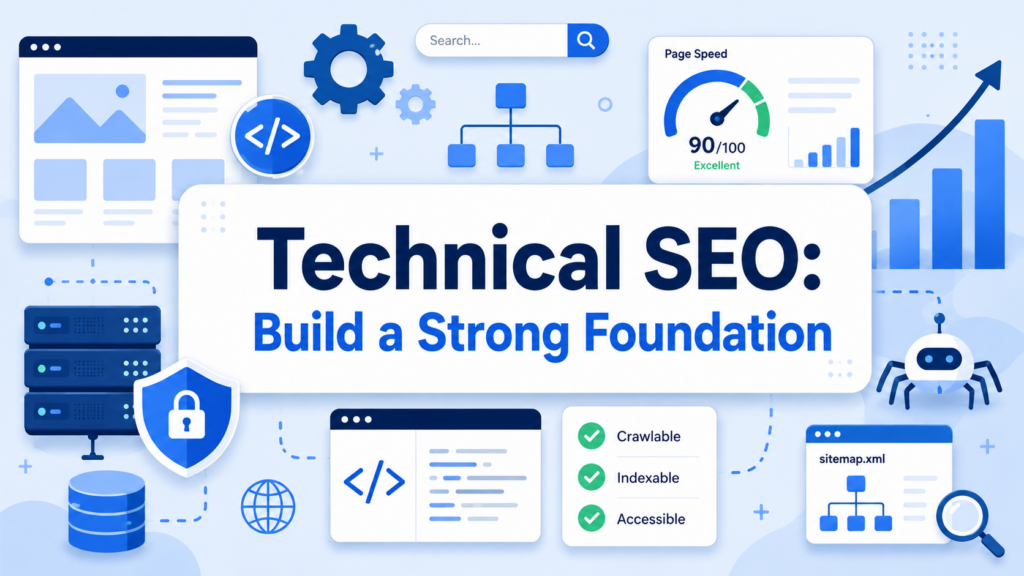
Before focusing on content and keywords, make sure your WordPress site is technically sound. Technical SEO refers to the behind‑the‑scenes setup that helps search engines crawl and index your pages efficiently.
Your hosting provider affects speed and uptime — both critical ranking factors. A fast, reliable host will boost site performance and improve your SEO potential. Search engines favor websites that load quickly and stay online consistently.
Always update WordPress core, themes, and plugins to their latest versions. Updates often include performance improvements and security patches that keep your site running smoothly — and safer from threats that could harm SEO indirectly.
HTTPS secures your website with an SSL certificate. Search engines prefer secure sites, and HTTPS is considered a ranking signal. Most hosts offer free SSL certificates you can enable in your dashboard.
Use tools like Google Search Console to see if search engines can crawl and index your WordPress pages successfully. If bots encounter errors, your pages might not get ranked properly.
On‑page SEO focuses on what visitors (and search engines) see on individual pages and posts.
Select relevant keywords that match what your audience is searching for. Place your main keyword in:
Rather than stuffing keywords unnaturally, use them where they fit — this makes your content readable and helpful.
Your priority should always be writing for humans first. Content that clearly answers questions, explains concepts, or solves problems will perform better in search results. Always structure posts with logical headings and short paragraphs to improve readability.
Images make content more engaging, but large file sizes can slow your site. Before uploading:
This helps both performance and SEO.
A meta description is a short summary that appears in search results. While it doesn’t directly impact ranking, a compelling description can improve click‑through rates, which indirectly boosts SEO.
Even after optimizing content and keywords, there’s more you can do to help your WordPress site perform technically at its best.
Speed matters. Search engines prioritize fast‑loading websites because users prefer quick experiences. You can:
These steps reduce load times and improve user satisfaction — both important SEO signals.
Most web traffic now comes from mobile devices. Make sure your theme is responsive so pages adjust smoothly to different screen sizes. Mobile usability is a confirmed ranking factor.
Google’s Core Web Vitals measure real‑world user experience metrics like loading speed, interactivity, and layout stability. Tools like Google PageSpeed Insights help you pinpoint and fix issues that affect these scores.
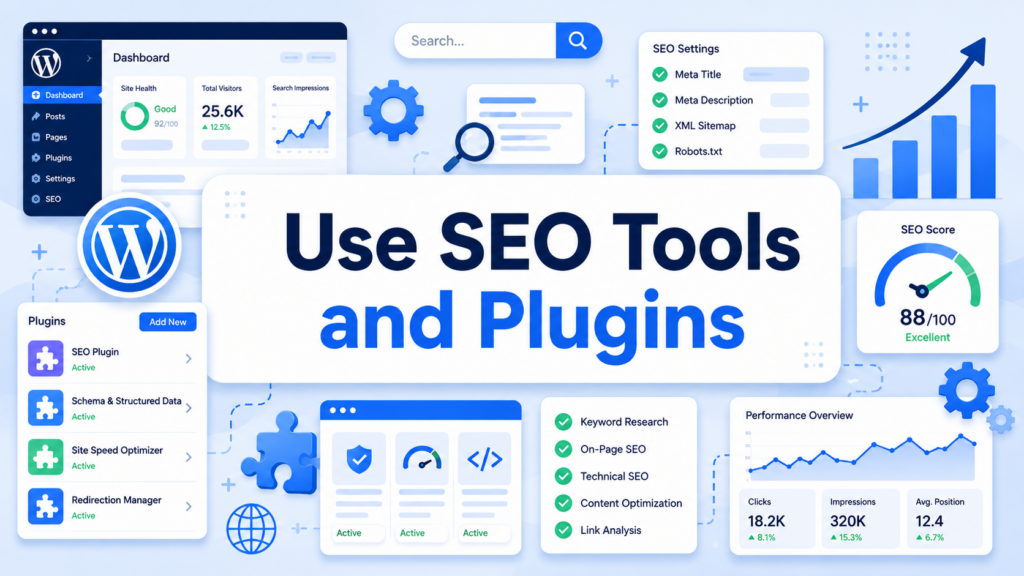
Plugins make managing SEO tasks simpler by automating common optimization steps.
WordPress has excellent plugins designed specifically for SEO. Popular options include:
These tools help you:
A good plugin will guide you through foundational SEO tasks without needing advanced technical skills.
Sitemaps are structured lists of your website pages that help search engines crawl your site more efficiently. Most SEO plugins automatically generate these, and you should submit them to Google Search Console to ensure proper indexing.
Internal links connect your content logically:
This helps search engines understand your site structure and spreads ranking power across your pages.
Search engines reward content that is up‑to‑date and valuable. Over time:
Regularly auditing your content keeps it relevant and helps maintain or improve rankings.
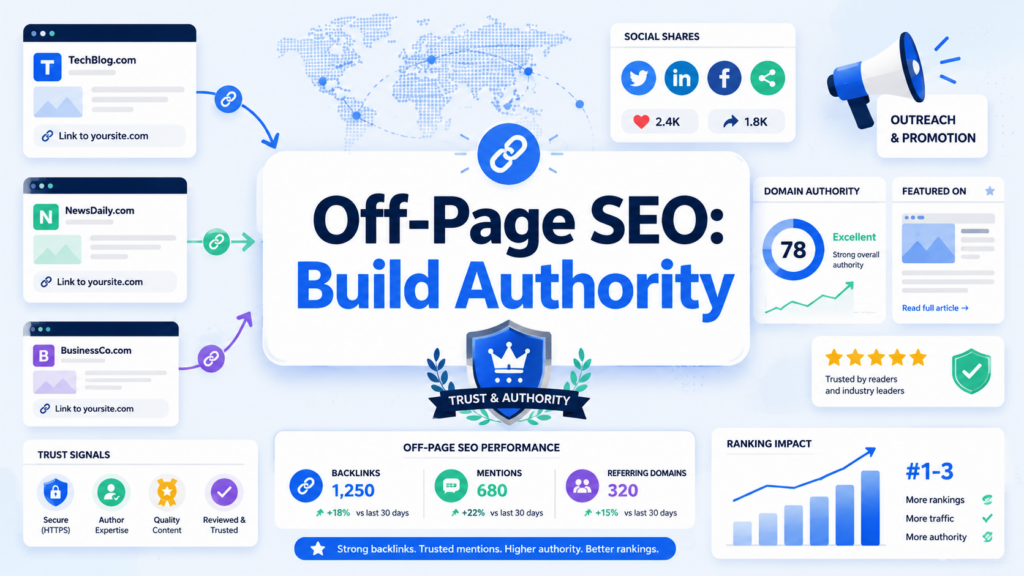
While on‑site changes are essential, search engines also look at signals from outside your site:
Backlinks — links from other reputable websites — are strong indicators of credibility. Encourage quality backlinks by:
A strong backlink profile boosts your domain authority, improving your chance to rank higher.
Even if other sites mention your brand without linking, this can signal relevance to search engines. Participating in social communities and discussions can indirectly support your SEO presence.
SEO isn’t a one‑time task — it’s a continuous process.
Connect your WordPress site to:
These tools help you see which pages are performing well and which need improvement, so you can refine your SEO strategy over time.
Track key indicators like:
Regular monitoring lets you catch issues early and adapt as needed.
Improving SEO on your WordPress site is a blend of smart content creation, technical optimization, and ongoing measurement. Start by building a strong technical foundation — fast hosting, updated software, and secure connections — then optimize your pages with keywords, engaging content, and clear structure. Use SEO plugins to automate tasks, refine your internal linking strategy, and refresh old content to keep it relevant. Over time, tracking performance and adjusting based on real data will help you climb search engine rankings and attract more organic visitors. Deeper SEO success comes from focusing not just on search engines, but on delivering the best possible experience for your readers.
1. How can I increase SEO on WordPress?
You can increase SEO on WordPress by improving site speed, using the right keywords, writing helpful content, optimizing meta titles and descriptions, adding internal links, using SEO plugins, and tracking performance with tools like Google Search Console.
2. What is the best SEO plugin for WordPress?
Popular WordPress SEO plugins include Yoast SEO, Rank Math, and All in One SEO. These tools help you manage meta tags, XML sitemaps, schema markup, readability, and on-page SEO settings more easily.
3. Does website speed affect WordPress SEO?
Yes. Website speed affects user experience and search performance. A faster WordPress site can reduce bounce rates, improve engagement, and support better rankings in search engine results.
4. How often should I update WordPress content for SEO?
You should review and update important WordPress content regularly, especially when information becomes outdated. Refreshing old posts with new details, better headings, updated links, and improved keywords can help maintain or improve rankings.
5. Are backlinks important for WordPress SEO?
Yes. Backlinks from trustworthy websites can help improve your site’s authority. High-quality backlinks signal to search engines that your content is useful, credible, and worth ranking higher.
6. How long does it take to see SEO results on WordPress?
SEO usually takes time. Some improvements, like fixing technical issues or optimizing titles, may show results faster, but meaningful organic traffic growth often takes several weeks or months depending on competition, content quality, and site authority.


















