When people talk about WordPress security, most conversations revolve around familiar threats: brute-force attacks, malware injections, outdated plugins, or weak passwords. But there is another type of attack that often flies under the radar—replay attacks.
This naturally raises an important question many site owners and developers ask:
Is replay attacks applicable to WordPress site?

The short answer is: yes, replay attacks can be applicable to WordPress sites, depending on how authentication, APIs, forms, and third-party integrations are implemented.
In this article, we’ll break down replay attacks in plain English, explain how they work, why WordPress can be vulnerable under certain conditions, and—most importantly—what practical steps you can take to reduce the risk.
This is a security topic that sounds technical, but once you understand the logic behind it, the threat becomes much easier to recognize and defend against.
What Is a Replay Attack? (In Simple Terms)
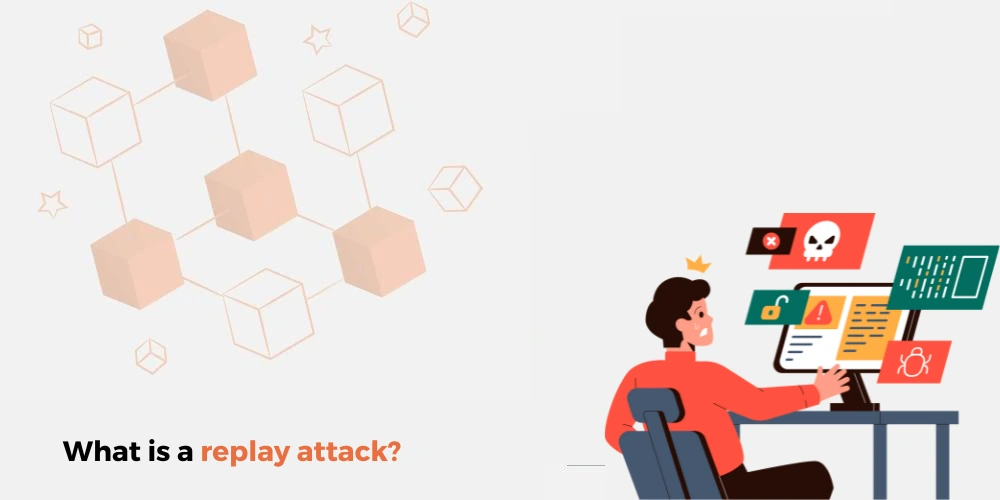
A replay attack happens when an attacker captures valid data from a legitimate request and reuses it later to impersonate a real user or system.
Think of it like this:
- You swipe your access card to enter a building
- Someone secretly records the signal
- Later, they replay the same signal to unlock the door again
No password cracking.
No guessing.
Just reusing something that already worked once.
In web security, that “signal” could be:
- A login request
- A session token
- An API signature
- A form submission
- An authentication header
If the system doesn’t verify freshness, timing, or uniqueness, the replayed request may be accepted as legitimate.
Is Replay Attacks Applicable to WordPress Site?
Yes—but not always in the same way as enterprise systems or financial APIs.
WordPress itself has built-in protections that reduce the risk, but replay attacks can still become relevant in certain scenarios, especially when:
- Custom code is added
- REST APIs are exposed
- Authentication tokens are reused improperly
- Security best practices are skipped
So instead of asking whether replay attacks exist in WordPress, the better question is:
Under what conditions does a WordPress site become vulnerable to replay attacks?
Let’s break that down.
How WordPress Handles Requests and Authentication
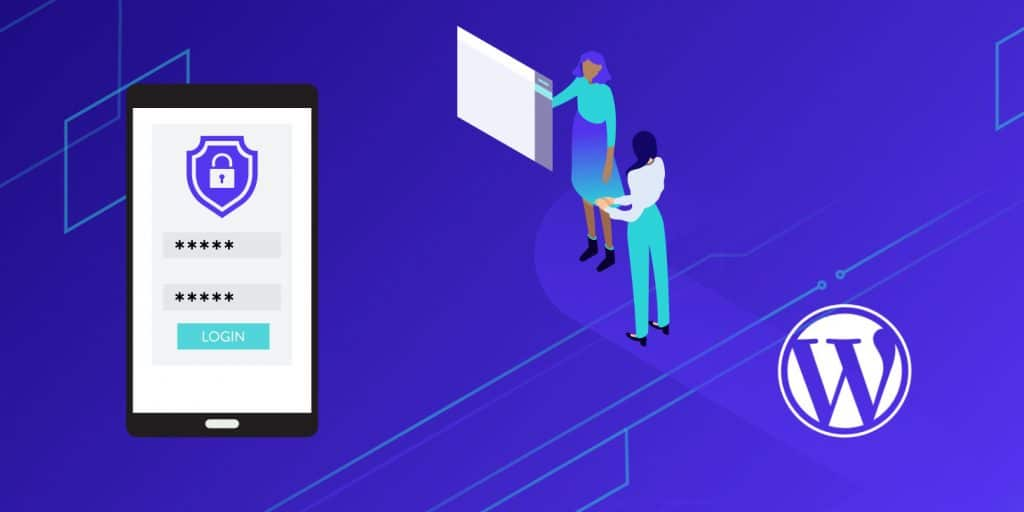
To understand replay attacks in WordPress, we need to understand how WordPress normally protects requests.
1. WordPress Nonces (What They Actually Do)
WordPress uses nonces (number used once) to protect actions such as:
- Form submissions
- AJAX requests
- Admin actions
A nonce helps ensure:
- The request came from a valid user
- The request is recent (usually time-limited)
- The request hasn’t been reused indefinitely
This alone prevents many classic replay scenarios.
However, nonces are:
- Time-based, not strictly single-use
- Not automatically applied to every custom endpoint
- Often misunderstood or misused by developers
If a developer creates a custom endpoint and skips nonce validation, replay risk increases.
2. Sessions and Cookies
WordPress primarily relies on:
- Authentication cookies
- Session identifiers stored in cookies
If an attacker steals a valid cookie (via XSS, insecure Wi-Fi, or malware), they can replay authenticated requests until the session expires or is invalidated.
This is not unique to WordPress—but it is applicable.
3. REST API Authentication
Modern WordPress sites often use:
- REST API endpoints
- Headless WordPress
- Mobile apps
- Third-party integrations
If REST API authentication is implemented using:
- Static tokens
- Long-lived API keys
- Unsigned requests
Then replay attacks become a real concern.
Common Replay Attack Scenarios in WordPress
Let’s look at where replay attacks are most likely to appear in real-world WordPress environments.
1. Custom REST API Endpoints
Many developers build custom endpoints like:
/wp-json/custom/v1/order/wp-json/app/v1/login/wp-json/integration/v1/sync
If these endpoints:
- Accept the same token repeatedly
- Do not validate timestamps
- Do not check request signatures
Then an attacker who captures one valid request can replay it multiple times.
This can lead to:
- Duplicate actions
- Unauthorized access
- Data manipulation
2. Payment and Order Processing
Replay attacks are especially dangerous when tied to:
- Order creation
- Payment confirmation
- Subscription activation
If a confirmation request can be replayed, attackers may:
- Trigger duplicate orders
- Re-activate expired services
- Bypass payment checks
WooCommerce itself includes protections, but custom payment logic is often where mistakes happen.
3. Login and Authentication APIs
Some WordPress sites expose:
- Custom login APIs
- Mobile app authentication
- JWT-based auth systems
If JWTs:
- Do not expire quickly
- Are not rotated
- Are stored insecurely
Replay attacks become feasible.
4. Webhooks and Third-Party Integrations
WordPress frequently receives incoming webhooks from:
- Payment gateways
- Shipping providers
- CRM systems
- Automation tools
If webhook requests are not:
- Signed
- Timestamped
- Verified server-side
An attacker can replay old webhook payloads to trigger actions again.
Why Replay Attacks Are Often Overlooked

Replay attacks don’t feel as dramatic as brute-force attacks or malware infections.
There’s no obvious “hack” message.
No defaced homepage.
No sudden downtime.
Instead, the damage is often subtle:
- Duplicate records
- Unexpected state changes
- Strange user behavior
- Inconsistent logs
Because everything looks “legitimate,” replay attacks can go unnoticed for a long time.
Are Default WordPress Sites Safe from Replay Attacks?
For basic WordPress sites, the answer is mostly yes.
If your site:
- Uses standard login
- Uses well-maintained plugins
- Does not expose custom APIs
- Uses HTTPS properly
Then replay attacks are not a primary concern.
However, modern WordPress sites are rarely that simple anymore.
Once you introduce:
- Headless architecture
- Mobile apps
- Custom dashboards
- External integrations
- Advanced WooCommerce flows
The relevance of replay attacks increases significantly.
How to Reduce Replay Attack Risks on WordPress
Now let’s talk about solutions—practical ones.
1. Always Use HTTPS (No Exceptions)
Without HTTPS:
- Requests can be intercepted
- Tokens can be stolen
- Replay becomes trivial
HTTPS ensures that attackers cannot easily capture valid requests in transit.
This is non-negotiable.
2. Use Nonces Correctly in Custom Code
If you build:
- AJAX actions
- Admin forms
- Custom endpoints
Always:
- Generate nonces
- Validate them server-side
- Enforce expiration windows
Never assume “logged-in users are safe.”
3. Add Timestamps and Expiration Checks
For APIs and webhooks:
- Include timestamps in requests
- Reject requests outside an acceptable time window
This makes replaying old requests useless.
4. Use Request Signatures
Instead of static tokens:
- Sign requests using shared secrets
- Verify signatures server-side
This ensures that even if a request is captured, it cannot be altered or reused easily.
5. Limit Token Lifetimes
For JWT or API tokens:
- Use short expiration times
- Rotate tokens regularly
- Revoke tokens when no longer needed
Long-lived tokens are replay-friendly.
6. Monitor Logs and Anomalies
Replay attacks often leave patterns:
- Identical payloads repeated
- Requests arriving out of sequence
- Unexpected timing behavior
Good logging makes detection possible.
Is Replay Attacks Applicable to WordPress Site in Real Business Use?
Absolutely—especially in cross-border and international use cases.
Many global WordPress sites:
- Serve users across regions
- Integrate with multiple payment systems
- Use APIs to sync data across platforms
The more distributed and automated the system becomes, the more important replay protection is.
Security is no longer just about plugins—it’s about architecture and design decisions.
Final Thoughts: Security Is Part of Good Website Design
Replay attacks are not something most WordPress beginners need to panic about—but they are very real for modern, scalable, API-driven WordPress sites.
Understanding whether replay attacks are applicable to a WordPress site depends on:
- How the site is built
- How data flows between systems
- How authentication is handled
Security is not just a technical checklist.
It’s part of professional website design.
How AIRSANG Can Help
At AIRSANG, we work primarily with cross-border businesses and international brands. Our focus goes beyond visuals—we care deeply about structure, performance, and security.
Whether you’re:
- Building a custom WordPress site
- Designing a WooCommerce store for global users
- Integrating APIs, payment systems, or third-party services
We design and implement websites that are not only beautiful, but also secure, scalable, and reliable.
If you’re wondering whether your WordPress site is properly protected—or planning a project where security matters from day one—we’re happy to help.
AIRSANG combines cross-border experience with professional website design to support businesses that want to grow safely and sustainably.