

Should your website’s FAQs go on the homepage, product pages, or a separate page? The answer depends on when questions arise. Put shared concerns about an unfamiliar brand on the homepage, specific purchase or inquiry concerns on product pages, and cross-product policies and procedures that customers repeatedly consult on a dedicated FAQ page. All three can coexist, but do not mechanically copy the same answer three times. Identify the user’s current task before arranging questions, answers, and links to the next step.
Choose placement by user task, not by empty space in a template
The homepage, product pages, and dedicated pages serve different purposes. The homepage helps visitors decide whether the company can solve their problem. A product page helps them confirm whether this particular option suits them. A dedicated FAQ page lets people with specific questions quickly find reusable answers. The table below offers editorial guidance, not fixed placements or quantities prescribed by any search engine.
| Location | Suitable questions | Main limitation | Next step |
|---|---|---|---|
| Homepage | Service scope, delivery process, and whether particular customer types are supported | Limited space; avoid collecting every rule here | Guide visitors to products or the complete FAQ |
| Product page | Specifications, compatibility, lead times, minimum orders, and pre-purchase checks | The same policy can become scattered across multiple maintenance points | Provide an inquiry or quote request entry point |
| Dedicated page | Shipping, payment, after-sales support, accounts, and other cross-product questions | Further from the purchase decision; needs links from relevant pages | Link by topic to corresponding products and contact pages |

Homepage: shared questions that determine whether visitors keep browsing
Homepage FAQs can explain whom you serve, the scope of cooperation, delivery methods, and what to prepare before contacting you. These questions apply to most visitors and connect to your positioning and main calls to action. Do not list every product’s colors, models, and stock here. Visitors have not yet selected a product, and these details can dilute the homepage’s main message.
Start by identifying recurring shared questions in sales and support records. Lead each answer with a direct conclusion, then explain limitations in one or two sentences. Where an answer concerns a specific product, provide a text link to its page. For arranging homepage navigation and product entry points, see homepage navigation and product-finding journeys . Google’s ecommerce site structure guide also emphasizes connecting navigation, categories, and product pages with followable links. An FAQ’s View details should therefore be a real link, rather than only a popup button that cannot lead directly to the content.
Product pages: resolve the specific obstacles to this order
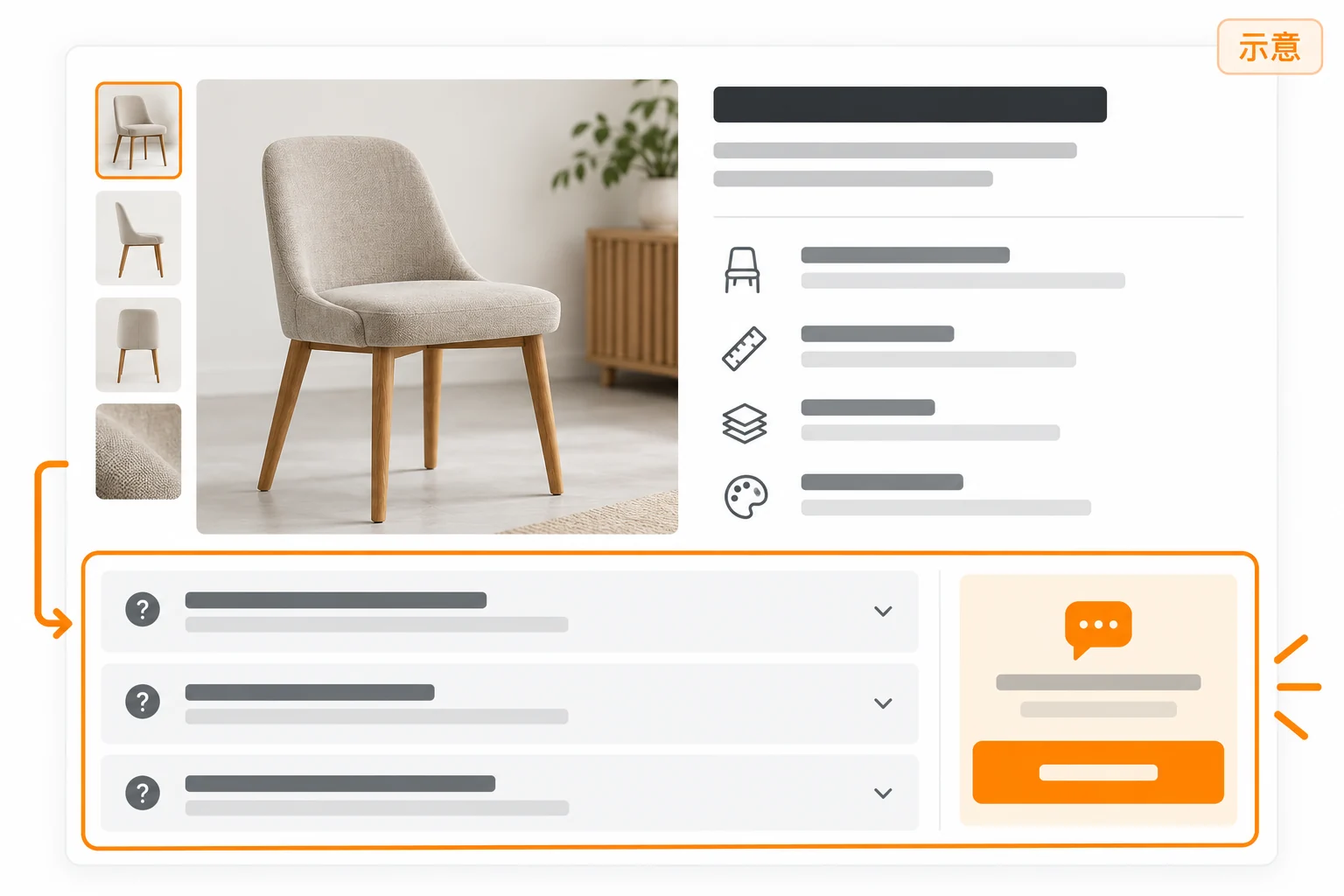
Product-page FAQs should closely match the current product or service. For physical products, prioritize fit and dimensions, materials, packaging, lead times, minimum quantities, and sample policies. For custom services, prioritize required materials, design scope, revision rounds, and delivery formats. State the applicable conditions in every answer. If lead times vary by country or order quantity, do not make an unverified universal promise.
Place key questions near specifications, delivery information, or the inquiry button so visitors can check before submitting their details. Use language customers actually use, such as What packaging options does this product support? State what can be confirmed first, followed by the conditions or information needed. Where sales must verify, explicitly say Subject to order confirmation and list the materials customers can submit. Product detail pages and inquiry journeys can help you check the sequence of FAQs and forms.
Dedicated FAQ pages: cross-product questions requiring ongoing maintenance
A separate page becomes especially useful when questions span multiple product lines, markets, or the full after-sales process. Grouping by tasks such as Ordering and payment, Shipping and duties, Use and maintenance, and Support and contact is easier for customers than grouping by internal departments. Make each group title and question specific. Other questions should not become a dumping ground for content nobody maintains.
Provide a short table of contents at the top and relevant product, policy, or contact links below answers. Do not hide important answers exclusively in internal search results. Once the page exists, link to it from the homepage, product pages, and support emails. After creating it, verify that menus and relevant product pages really can reach it.
Make FAQs maintainable content, not just expanding animations
Write verifiable answers before choosing a display format
Check at least four things in every answer: whether it directly addresses the question, whether applicable markets and products are clear, whether the responsible person confirmed the policy, and whether the last update date can be found. When payment, shipping, returns, or warranty terms change, update the single authoritative policy first, then review every displayed short answer. Mark unconfirmed costs or timelines as Requires confirmation; do not substitute vague wording such as Usually fast for actual conditions.
Accordions must work with a keyboard too
Common accordion panels can save FAQ space, but expanded states, focus order, and keyboard operation must work. W3C WAI’s accordion pattern explains buttons, expanded states, and keyboard interactions including Enter and Space. When using a ready-made theme component, test with a keyboard and phone rather than only checking desktop mouse clicks. Keep answers in readable text; do not bury important terms in images.
A ready-to-fill FAQ placement checklist
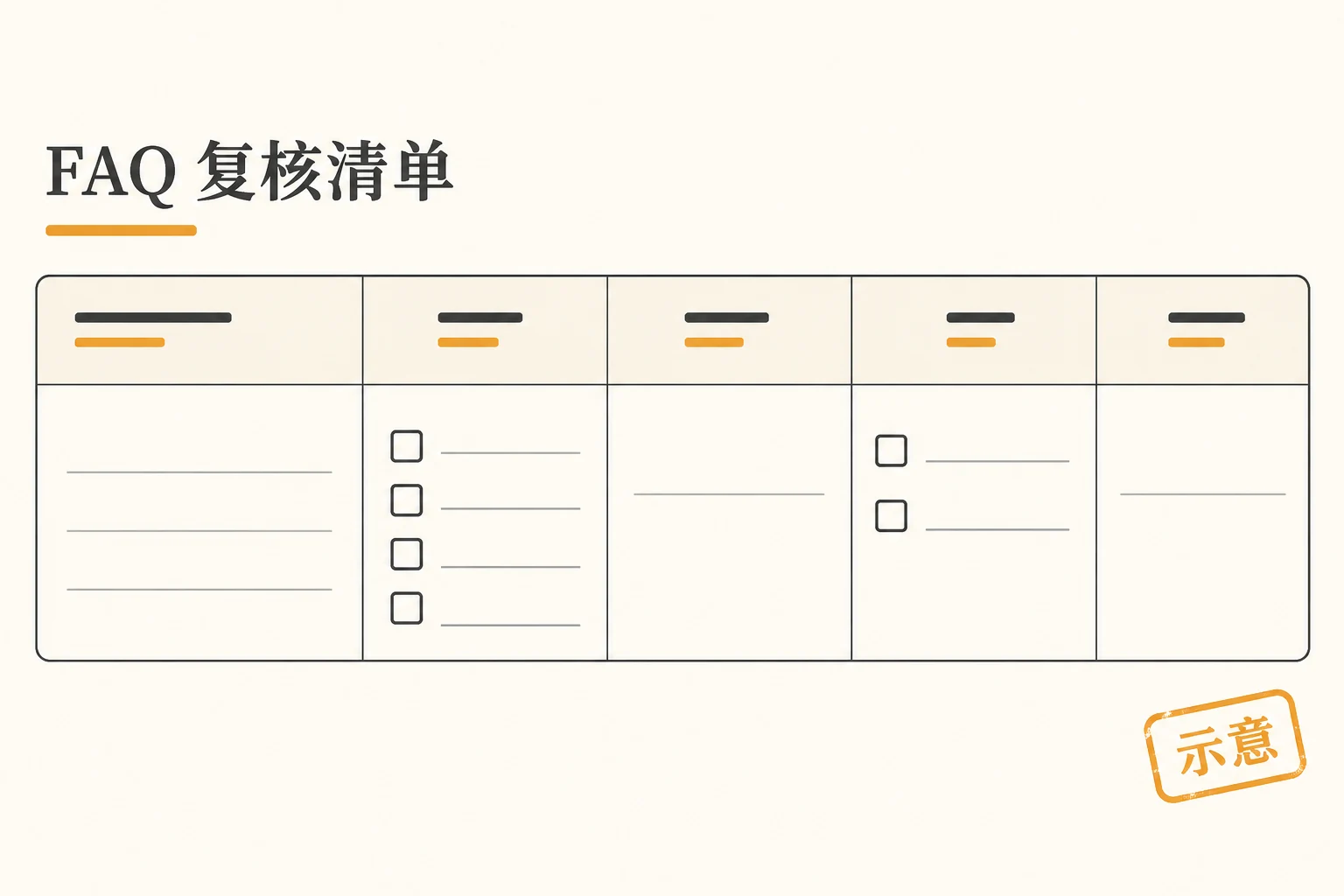
Before changing pages, copy current questions into a spreadsheet or document. For each row, record Customer’s exact words | Stage where it arises | Applicable products and countries | Person responsible for confirmation | Best location | Next-step link | Review date. Which categories do you offer? belongs on the homepage; Does this model support a particular specification? belongs on its product page; How are refunds handled? belongs on a dedicated policy or FAQ page, with a summary on relevant product pages. This is an editorial template requiring no paid tool, and there is no universal best number of questions.
Do not choose placement for FAQ rich results
FAQ placement is primarily about information architecture and user tasks. Google’s search documentation updates log records that FAQ rich results stopped appearing in Google Search on May 7, 2026, and that the related documentation was removed that June. You therefore cannot promise expandable search displays simply by putting FAQs on a particular page or adding FAQPage markup. Even if other systems still recognize question-and-answer structures, first ensure answers are accurate, visible, and maintainable, then consider machine-readable formats.
Conclusion: place answers at the stage where questions arise
Put shared evaluation questions on the homepage, specific pre-purchase or pre-inquiry obstacles on product pages, and complete cross-product policies and ongoing reference content on dedicated pages. Build a list from real customer questions, noting context, owners, and links, then allocate short and detailed answers according to those three roles. After launch, check whether customers still repeat the same questions and whether they can reach products or inquiry entry points smoothly. These observations guide improvements better than pursuing a fixed FAQ count.