











Giỏ hàng hiện không có sản phẩm nào.

Creating a website today is no longer reserved for developers or tech professionals. With WordPress, anyone—from small business owners to freelancers—can build a fully functional website without writing code. If you’ve been searching for a clear, beginner-friendly explanation of how to make a website from WordPress, this guide will walk you through every step in a simple and practical way.
This article breaks down the entire process into easy-to-follow stages, helping you understand not only what to do, but also why each step matters.
Before diving into the process, it’s important to understand what WordPress actually is.
WordPress is a content management system (CMS) that allows users to build, manage, and customize websites without needing advanced technical skills. It powers over 40% of all websites globally, making it the most widely used platform for web creation.
There are two versions:
For anyone serious about building a scalable and flexible website, WordPress.org is the preferred choice.
Before setting up anything technical, clarify your goal.
Hãy tự hỏi bản thân:
Having a clear purpose helps guide design decisions, content structure, and functionality. A well-defined goal ensures your site is not just visually appealing but also effective.
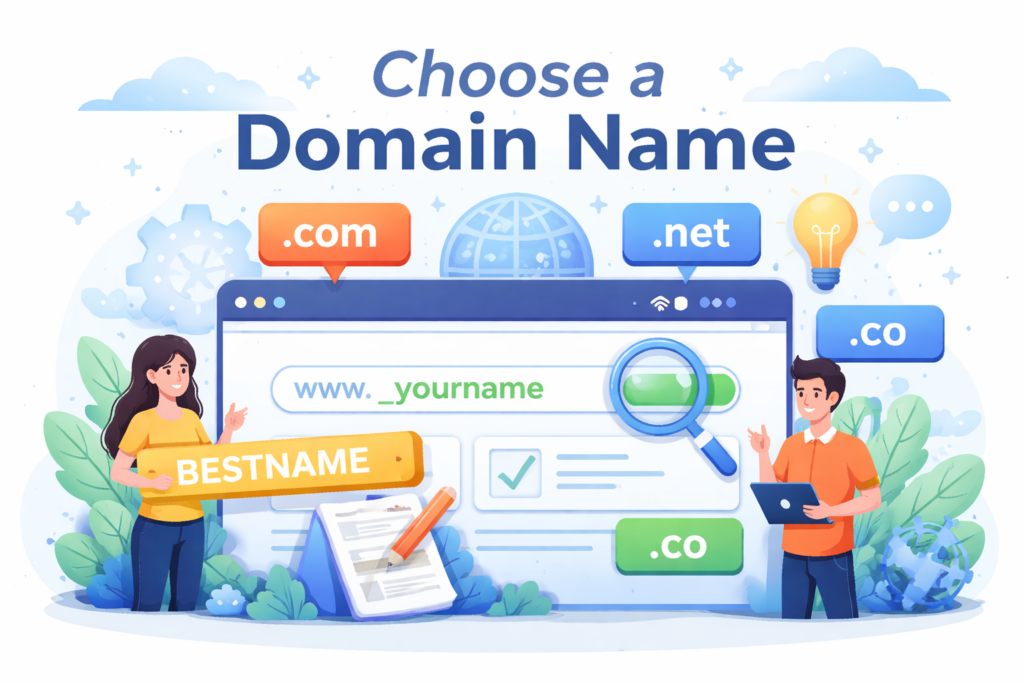
Your domain name is your website’s address on the internet.
Tips for choosing a good domain:
A strong domain builds credibility and makes it easier for users to find and remember your site.
Hosting is where your website’s files are stored and made accessible online.
When choosing hosting, consider:
Many hosting providers offer one-click WordPress installation, making setup quick and beginner-friendly.
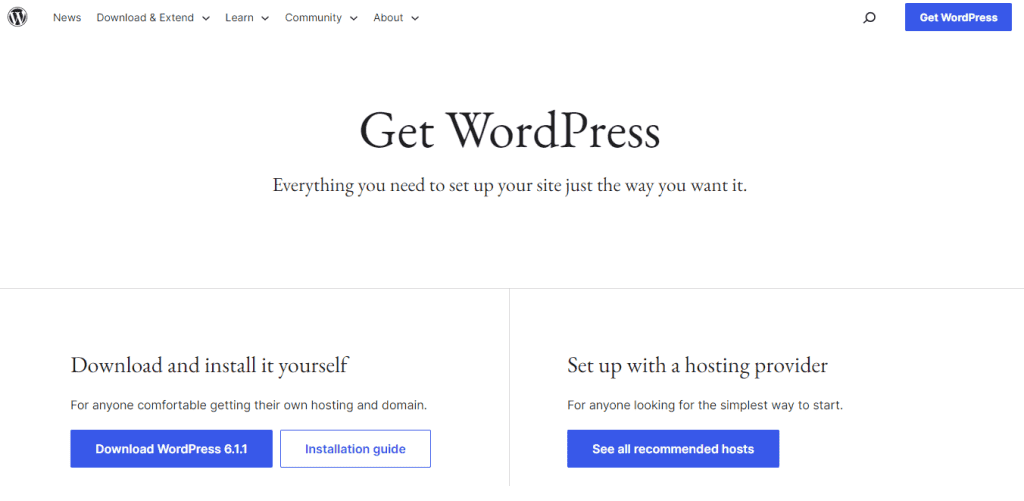
Once you have hosting, installing WordPress is straightforward.
Most hosting platforms provide:
After installation, you can access your site backend through:yourdomain.com/wp-admin
This is where all your website management happens.
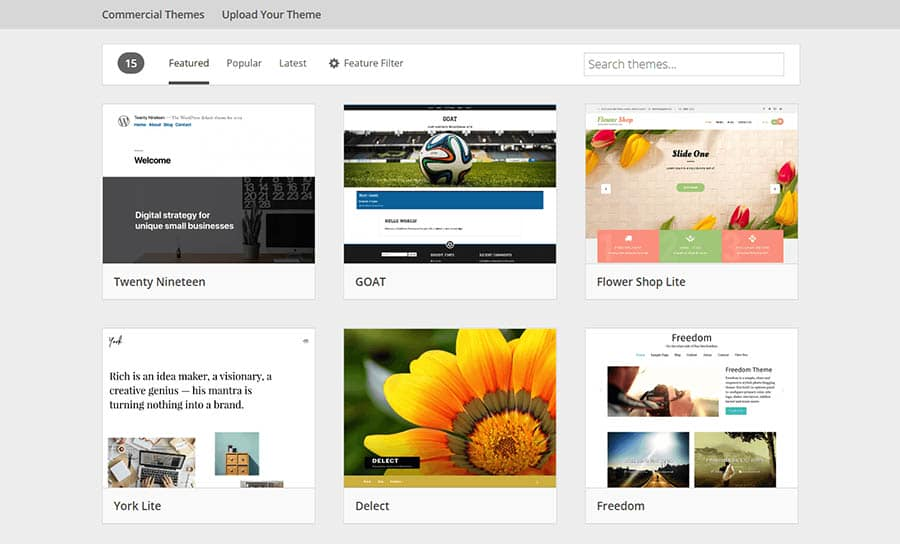
A WordPress theme controls your website’s design and layout.
There are thousands of free and premium themes available. When selecting a theme, look for:
Once installed, you can customize:
A good theme should align with your brand and provide a smooth user experience.
Plugins extend your website’s functionality.
Some essential plugin categories include:
While plugins are powerful, avoid installing too many, as they can slow down your site.
Every website needs a few essential pages.
Hãy bắt đầu với:
Each page should be clear, easy to navigate, and focused on guiding users toward a goal.
A well-structured website improves user experience and SEO.
Key elements:
Visitors should be able to find information quickly without confusion. Simplicity always performs better than complexity.
Most users browse websites on mobile devices. Your site must look and function well on smaller screens.
Kiểm tra:
A mobile-friendly design is not optional—it directly impacts user experience and search rankings.
Website speed plays a critical role in user retention and SEO.
Ways to optimize speed:
Fast-loading websites reduce bounce rates and improve conversions.
To attract organic traffic, your site needs to be optimized for search engines.
Basic SEO practices include:
SEO is an ongoing process, but starting with the basics ensures your site is discoverable.
Website security protects your data and your visitors.
Essential steps:
A secure website builds trust and prevents potential issues.
Before making your site public, test everything.
Kiểm tra:
Testing ensures your site delivers a smooth and professional experience from day one.
Once everything is ready, it’s time to go live.
Hãy đảm bảo:
After launching, your website becomes accessible to users worldwide.
A website is never truly “finished.” Regular updates keep it relevant and functional.
Ongoing tasks include:
Consistent maintenance ensures long-term success.
When learning how to make a website from WordPress, beginners often make a few common mistakes:
Avoiding these pitfalls saves time and prevents future problems.
Building a website with WordPress is a practical and accessible process for anyone willing to learn. By following a structured approach—starting with planning, then setting up the technical foundation, and finally optimizing for performance—you can create a professional website that serves your goals effectively.
Understanding how to make a website from WordPress is not just about launching a site; it’s about creating a platform that grows, adapts, and delivers value over time.
No, you don’t need any coding skills. WordPress provides themes and plugins that allow you to build and customize a website using simple visual tools.
The cost can vary, but typically includes a domain (around $10–$15/year) and hosting (around $3–$10/month). Premium themes or plugins may add extra costs.
A basic website can be built in a few hours, while a more customized or content-rich site may take several days to complete.
Yes, you can easily build an eCommerce website using plugins like WooCommerce, which allows you to sell products and manage orders.
Yes, WordPress is highly SEO-friendly. With the help of plugins like Yoast SEO, you can optimize your website for better search engine rankings.
WordPress.com is a hosted solution with limited customization, while WordPress.org gives you full control over your website, including themes, plugins, and hosting choice.


















