






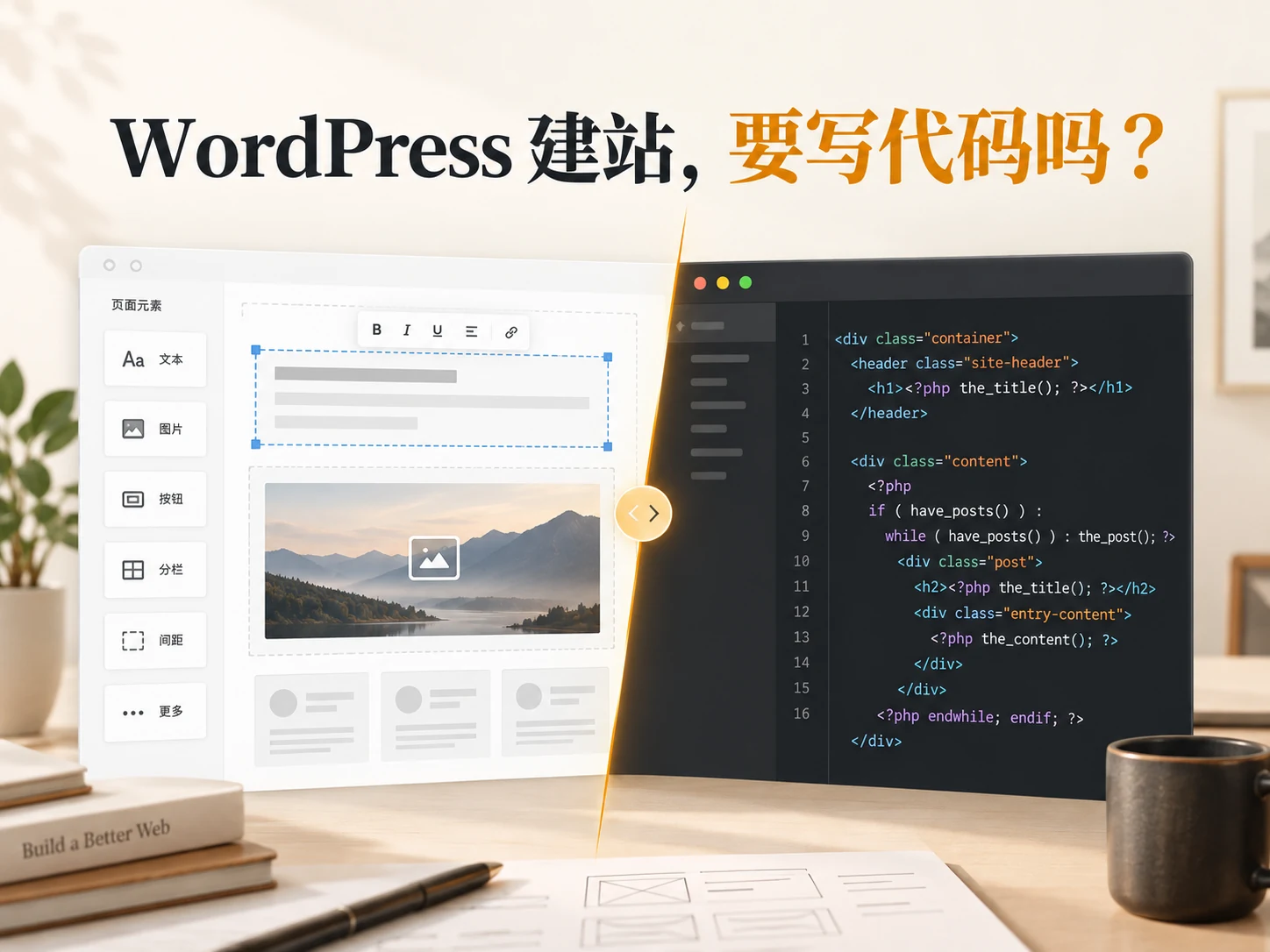
When comparing website development plans, many business leaders will ask: Does WordPress website development require coding? If the goal is to display company information, publish articles, organize service pages, and keep them updated by internal colleagues, there’s usually no need to write HTML, CSS, or PHP from scratch. WordPress itself provides content management and block editing; with a suitable theme or visual editor, most regular pages can be completed. But “not writing code” only means that the editing entrance is intuitive enough, but it does not mean that website planning, domain name host configuration, performance maintenance and special functions will be completed automatically. Before deciding on the implementation method, first clearly list the pages you want to create and the long-term maintenance responsibilities.
First let’s clarify: what kind of work does “website development” you mean include?
From an idea to being available to the outside world, a corporate website must at least go through requirements sorting, page structure, visual layout, content entry, domain name and host configuration, online inspection and future maintenance. Writing code is only one means of implementation. The person in charge does not need to do the programming himself, but still needs to confirm who has background permissions, who updates the data, and who checks the form and backup. If these responsibilities are not assigned, no matter how convenient an editor is to use, it cannot replace operations.
WordPress officially states that pages can be created in the background and content can be added through the block editor; Page and Post have different uses. The former is suitable for relatively long-term stable information, while the latter is suitable for articles that are continuously published according to time. For enterprises, this means that “Company Introduction”, “Services” and “Contact Us” can be planned as fixed pages first, and dynamic content can then be managed by the blog. Related readings can be found in How to choose brand website website development tools , but this article focuses on the editing and development boundaries of WordPress.
Which WordPress pages usually don’t require coding?
Create a basic page using the block editor
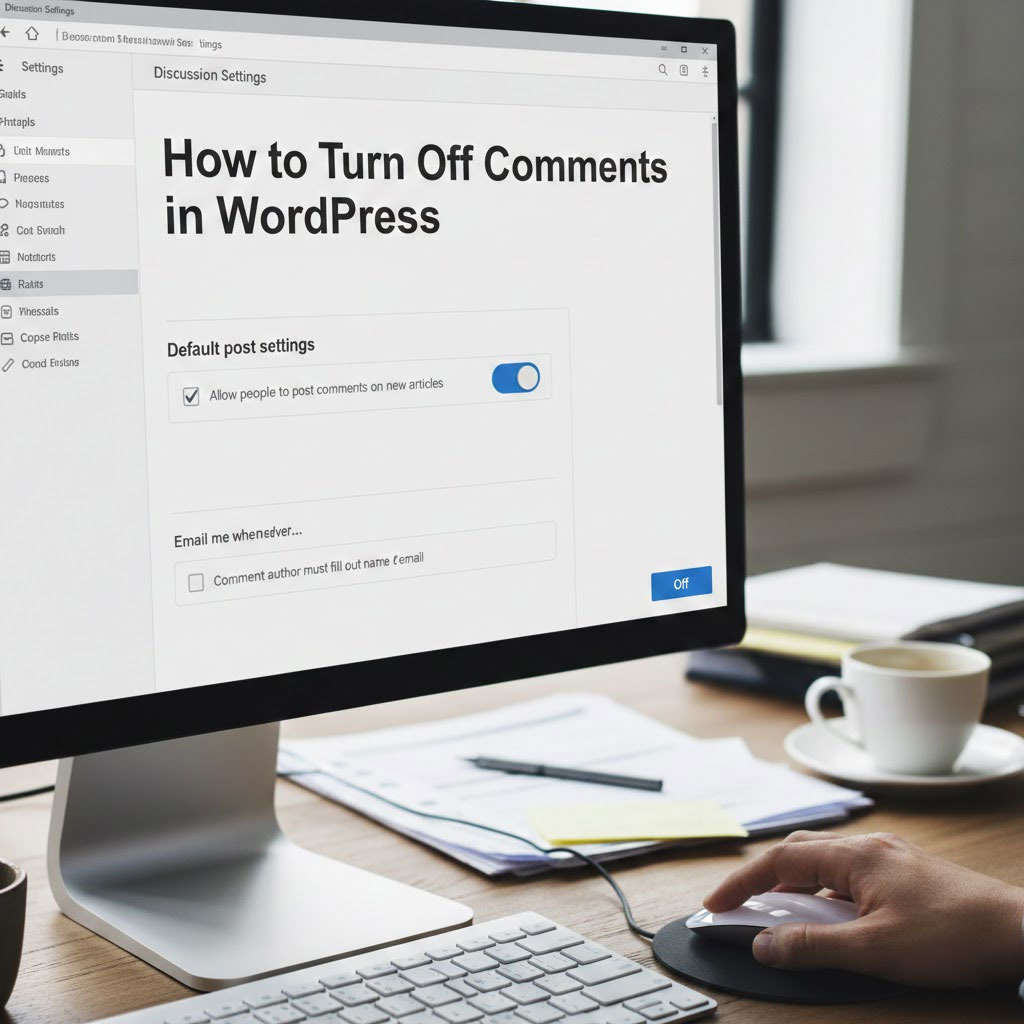
For common content such as text, pictures, buttons, columns, and simple forms, first confirm whether the selected theme and plug-in provide the required components, and then assemble the page in the background. It is more like the editor is organizing content modules rather than starting from a blank file to write a program. WordPress official Create page description Provides the basic path for creating new pages in the background. If the team is just changing titles, replacing images, adding or deleting paragraphs, the training should focus on content specifications, media sizes, and preview checks rather than teaching everyone to read PHP.
But being able to save the page does not mean that the foreground is completed. Mobile and desktop layouts, menu entries, button destinations, form receipts, image alt text, and page titles should all be examined separately. Without code there can be broken links, overlaps, blank modules or incorrect contact information. Setting aside time for acceptance is more important than quickly dragging all the modules in the editor.
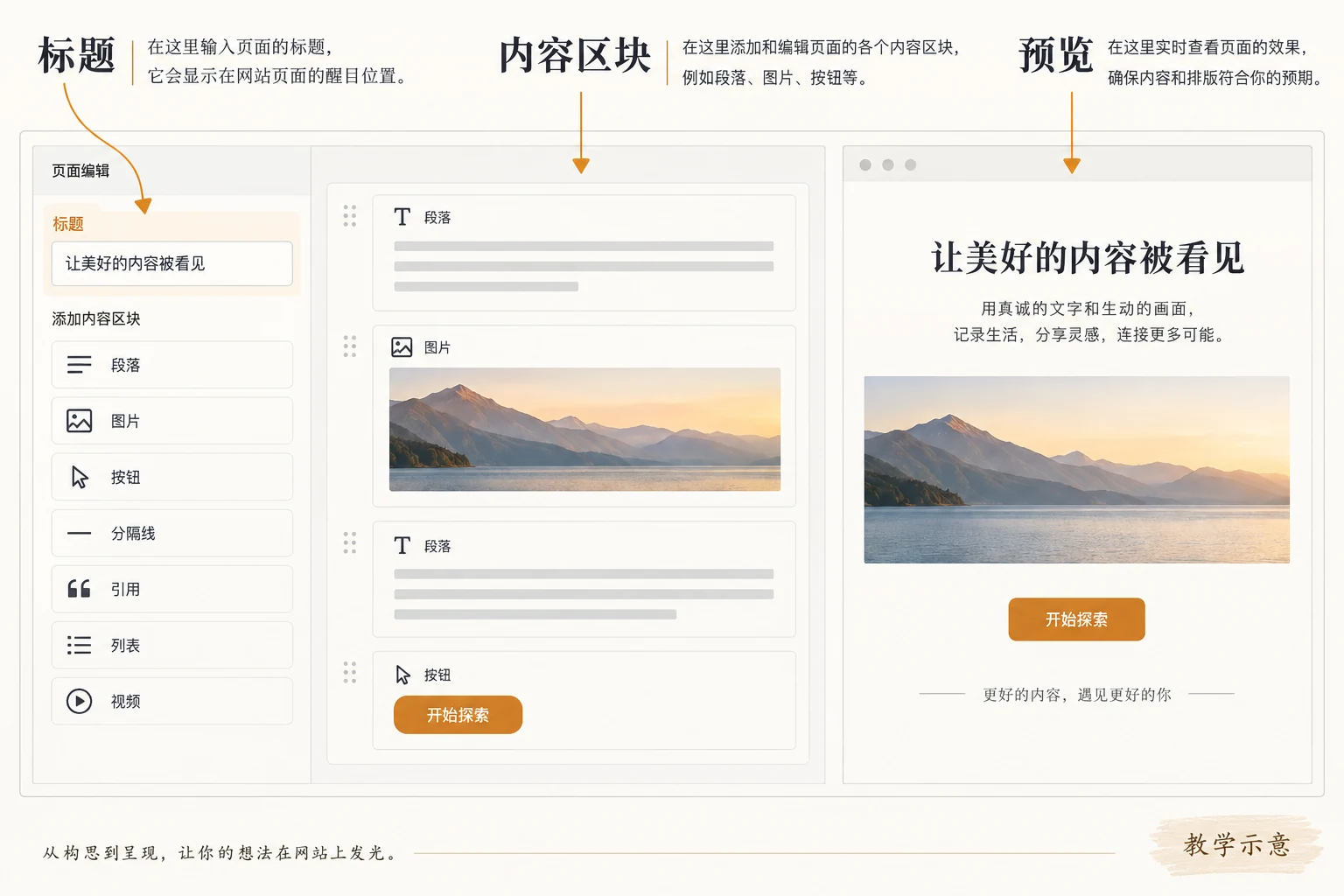
Use the site editor to manage templates, first confirm the theme type
The WordPress site editor allows websites using block themes to edit page content and some templates, but this portal does not appear in all themes. official Site Editor Page Documentation Explicitly tie the corresponding menu to the enabled block theme. If you are currently using a classic theme, you should not regard other people’s backend screenshots as a function you must have; you need to first check the theme type, editing permissions, and whether the template is locked.
Elementor can reduce handwritten code, but it does not mean that all functions are ready-made
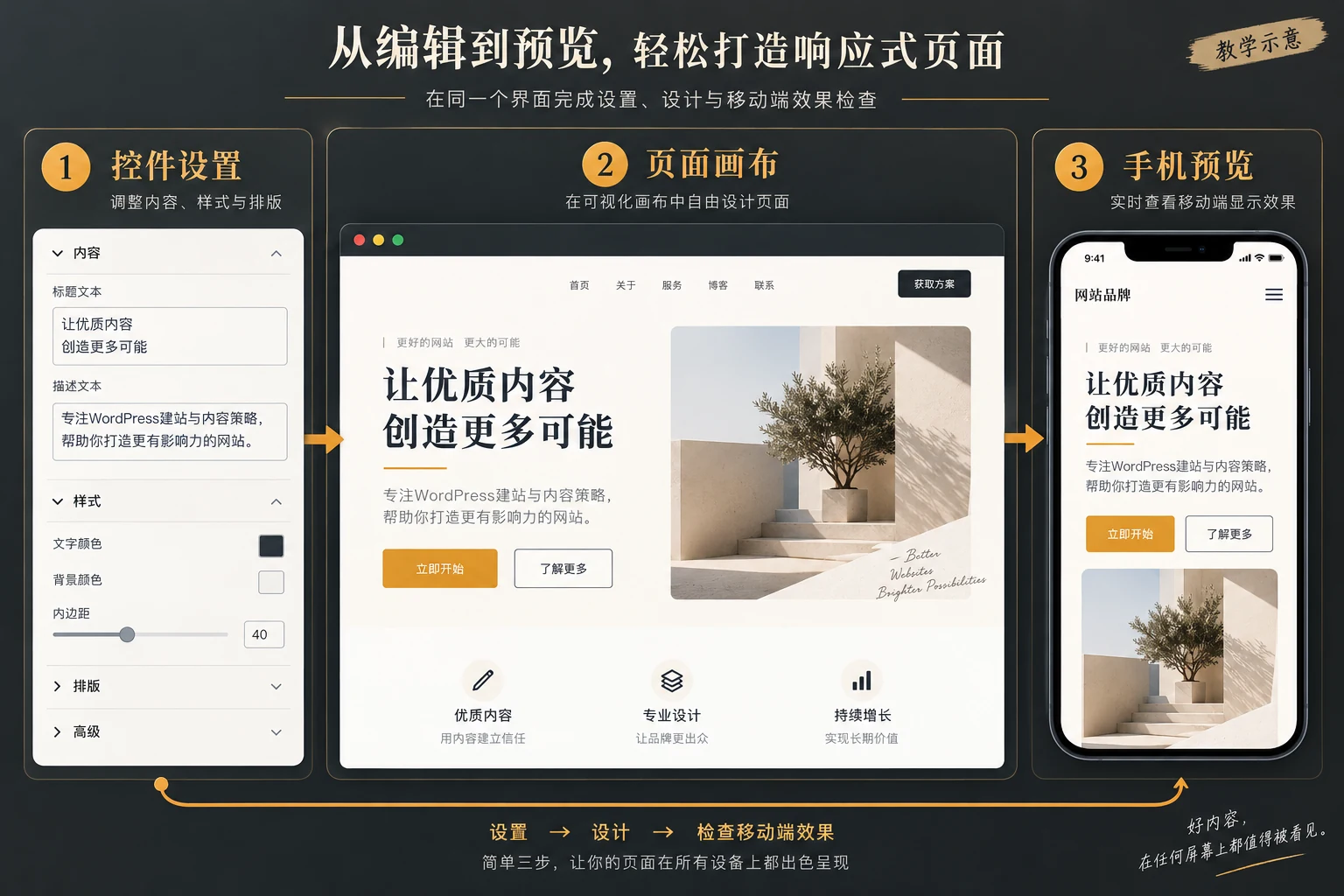
Elementor officially describes its editor as a visual tool for building pages through the left control panel and canvas. For teams that need to frequently adjust banners, service modules, or marketing landing pages, this method makes it easy to see layout changes directly. You can refer to Elementor’s Editor introduction . But “visualization” doesn’t automatically address content quality, responsiveness details, plug-in conflicts, or permission transfers.
If you entrust a service provider to build it, it is best to ask the other party to show a real editing process: modify the title, change the picture, adjust the button link, view the mobile and computer respectively, and explain which fields can be changed in the control. For example, a delicate animation block may be generated by a custom gadget; delivering only the final picture without delivering editable controls will make future small changes dependent on developers. We have another article about Elementor page editable delivery The inspection angle can be used to develop an acceptance checklist.
Which requirements may require HTML, CSS, PHP or development assistance
When existing components cannot accurately express the brand style, CSS can be used to control specific layout and response behavior; HTML is used for special structures; PHP often involves WordPress templates, plug-in extensions and server-side logic. If you want to automatically synchronize product data with third-party systems, implement conditional quotation processes, and establish special permissions or complex queries, you cannot just ask “can you drag it out?” You must also clearly understand where the data comes from, how to verify it, and what to do if it fails.
The comparison table below is intended to identify working boundaries, not to judge any one method as “best.” The same item can be mixed. “Coding required” in the table refers to the usual implementation path, and the actual implementation still depends on the selected theme, plug-ins and specific requirements.
| demand | usually try first | Situations that may require development | Confirm when handing over |
|---|---|---|---|
| Company introduction and service page | Page and block editing | Special templates or complex interactions | Who updates the text, pictures, and menus? |
| Marketing landing page | Visual editor and ready-made controls | Custom component or multi-step state | Is the mobile version and desktop version adjustable? |
| Forms and external systems | Mature plug-ins and official integration | Complex field verification or data synchronization | Submission, delivery and failure records |
| Daily article updates | Backstage article editing | Special content models or automated workflows | Category, SEO, image reviewer |
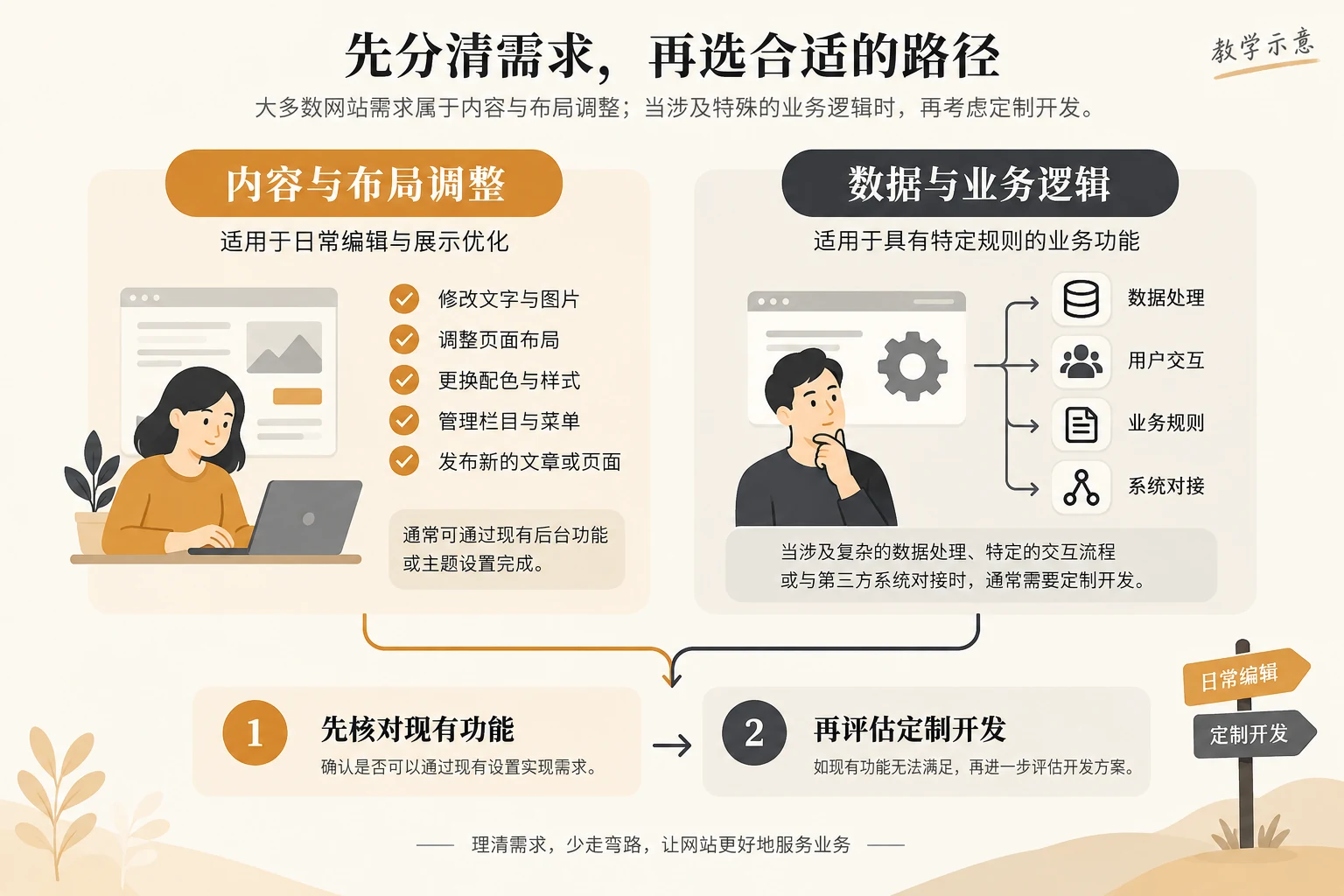
How should companies choose the dividing line between “editing by yourself” and “finding someone to develop”?
List the things that will really change first
Don’t just click on the home page screenshot to inquire. First, list the content that needs to be revised frequently in the next three months: products, services, teams, cases, articles, activities and contact information. For fields that change frequently, a clear entrance is required in the background; for structures that change occasionally, it is acceptable to be maintained by the implementation party. This avoids paying for controls that are rarely used, and avoids having to find a developer every time you change images.
Then divide the requirements into “must have it online” and “may have it in the future”. In the early stage, only display and customer inquiry are used, and the basic pages, contact forms and notifications are first verified to be stable; complex membership logic or automatic quotation can be designed after the business process is determined. Don’t install tons of plugins at once for hypothetical future functionality. The need for customization should be triggered by a clear workflow, not by the general question of “should I write code for WordPress?”
Verify maintainability with a handover demonstration
Let non-technical colleagues complete four things independently in the test environment: change a text, replace a picture, adjust a button, and submit a form. The implementer only observes and records the stuck areas. If you need to open a PHP file to modify ordinary content, or you can only get new static HTML from the outside and then overwrite it manually, it means that the delivery method does not meet the goal of “internally editable”. On the other hand, if a complex structure has been encapsulated as a security control, there is no need to insist that everyone can change the underlying code.
The handover should also include the ownership of the administrator account, backup and recovery methods, theme and plug-in update responsibilities, and who will judge when an exception occurs. The management portal for the host, domain name, and email address must be retrievable; the “Send Successfully” prompt on the form must be distinguished from the actual receipt verification. You can read more about the maintenance details after the website is online. WordPress website speed optimization check , but speed is only part of maintenance.

Common misconception: If you don’t write code, you won’t have a technical job
No. No-code editing lowers the barrier to produce regular content without eliminating information architecture, accessibility, search rendering, security updates, and cross-device testing. Even if the page is composed entirely of controls, confirm title hierarchy, image alt text, internal links, form privacy statements, and mobile reading order. For sites that connect to external platforms, data permissions and fault handling must also be determined.
Conclusion: Deducing technical solutions from editorial responsibilities
Does wordpresswebsite development require writing code? When doing regular corporate official websites, service pages, and blogs, the person in charge can usually complete daily editing through WordPress pages, blocks, or visual tools without having to program them themselves; when it comes to unique interactions, system integration, or specialized data rules, development support may be required. First list the pages and change frequency, then do a real editing demonstration, and finally confirm the form, backup and permission transfer. This gives you a more reliable answer than simply labeling your site “no-code” or “custom developed.”