









Project overview
The product image of the electric toothbrush with a black display screen needs to be checked with the display, cleaning structure and accessories to form a complete reading sequence. This case focuses on the existing 7 Russian works of Ozon, dismantling the arrangements for product identification, theme description and condition verification. For brands and sellers who are preparing to produce pictures of similar products, the focus is not only on the style of the pictures, but also on understanding how different pictures distribute information so that product-related questions have corresponding reading positions.
| Services | Industry | Plate-forme |
| Ozon product primary and secondary product images design | Digital 3C | Ozon |
| Project requirements | target market | design style |
| Check out displays, clean structures and accessories to create a complete reading sequence | Russia | Refreshing technology, blue gradient, exquisite texture |
| project budget | Delivery content | Delivery time |
| ¥700 | 7 case display pictures | 7 working days |
design challenge
The display screen, sonic parameters, battery life and brush head details of an electric toothbrush belong to different information levels. The design needs to maintain a clear priority between products and characters, and explain the internal principles, daily maintenance and packaging contents separately.
Design strategy: Let the entire group of works form a clear information relationship
01 Allocate information tasks first, and then arrange the key points of the screen
The work is expanded according to “Main vision of the character → Display and mode → Sound wave signal → Battery life and charging → Waterproof theme → Brush head details → Packaging content”. Figure 1 establishes the identification first, and then switches the composition and description position according to the actual theme. This division of information allows different questions to have their own place, reducing the need to pile up all the text in the first image, and preventing subsequent images from simply repeating the same product photo.
02 Use a consistent visual language to connect different reading tasks
The light blue background, black body and purple numbers form a refreshing contrast; the white card carries instructions, and the water droplets and bristles connect the cleaning theme at a macro distance. The unified style serves the entire group identification, and composition changes serve different contents; the main title, auxiliary labels and product proportions in the picture jointly determine the reading order.
03 Reduce the explanation to specific parts, actions or choices
The focus of this set of works is to use displays, clean structures and accessories to check to form a complete reading sequence. When dismantling, look at the correspondence between the whole machine and parts, themes and conditions: when there is structural information, look at the positional relationship, when there is scene information, look at the objects used, and when there are numbers, look at the categories and limiting conditions. Letting each picture answer a specific question has more explanatory value than repeatedly emphasizing the excellence of the product.
Dismantling the work: explaining the screen arrangement and information responsibilities of each picture
Figure 1 | Main vision of the character: first identify the product and core information
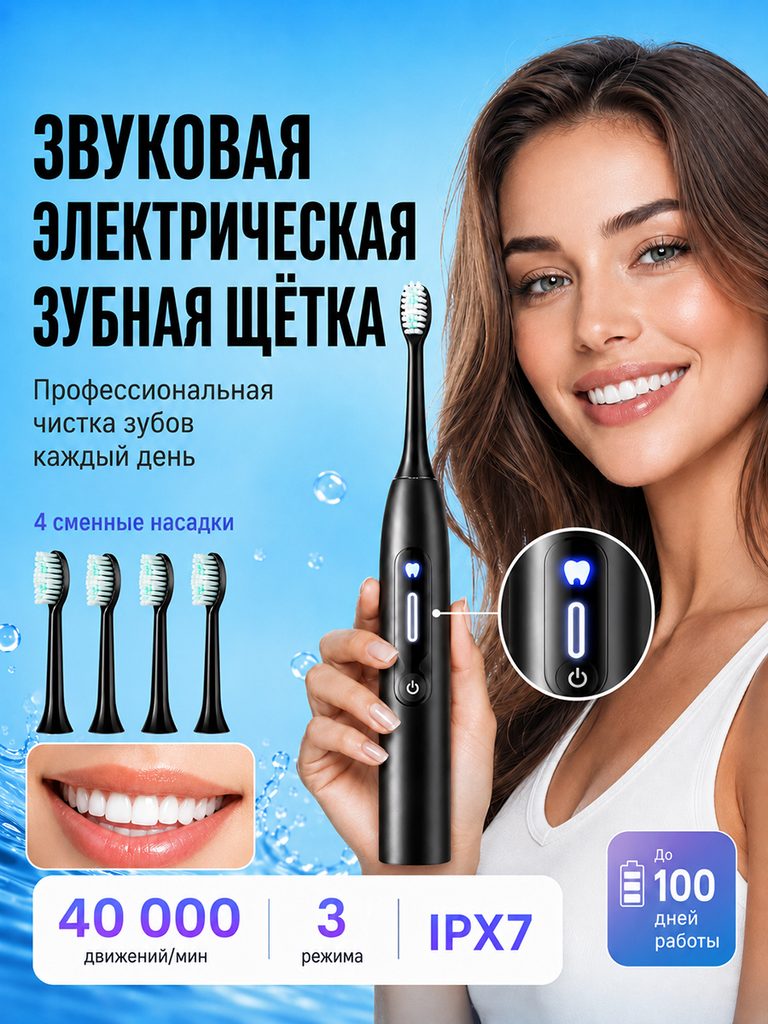
The character is holding a black toothbrush. Four replacement brush heads are displayed on the left side. The card at the bottom lists information such as 40,000, 3 modes, and IPX7.
The character is responsible for providing a holding reference, the parameter bar is responsible for quick browsing, and the accessories are arranged independently. The first image therefore takes into account both category and configuration identification.
Figure 2 | Intelligent display: divide mode and status into two groups
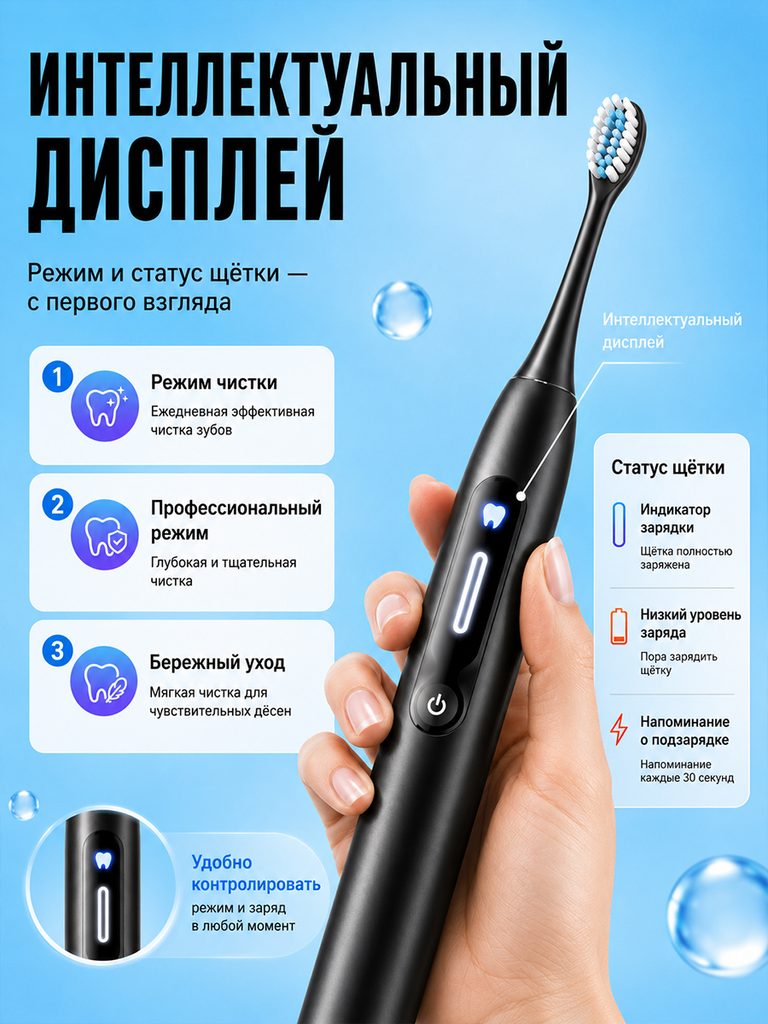
A large hand-held toothbrush highlights the luminous screen, with three modes listed on the left, power and reminder status arranged on the right, and a partial round frame that once again enlarges the display area.
Interface close-ups and status cards correspond to each other, answering what the screen can display and how to understand different icons, rather than just describing one screen.
Figure 3|Sound wave diagram: connecting internal themes and brush head movements
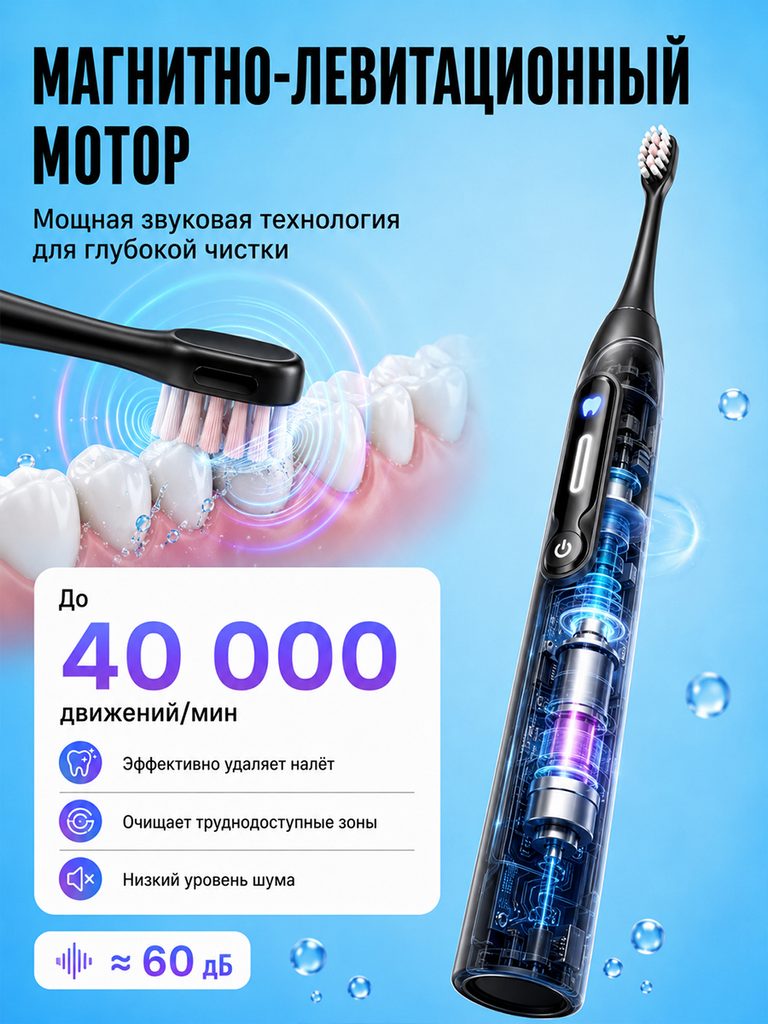
The entire machine uses a translucent structure to display the internal theme, with ripples appearing next to the teeth and brush head, and 40,000 and noise annotations concentrated in white information cards.
The technical diagram explains where the information is involved, and the digital card retains the reading boundary; visual ripples are not used as a measurement of cleaning effectiveness.
Figure 4 | Battery life and charging: displaying wires and travel storage at the same time
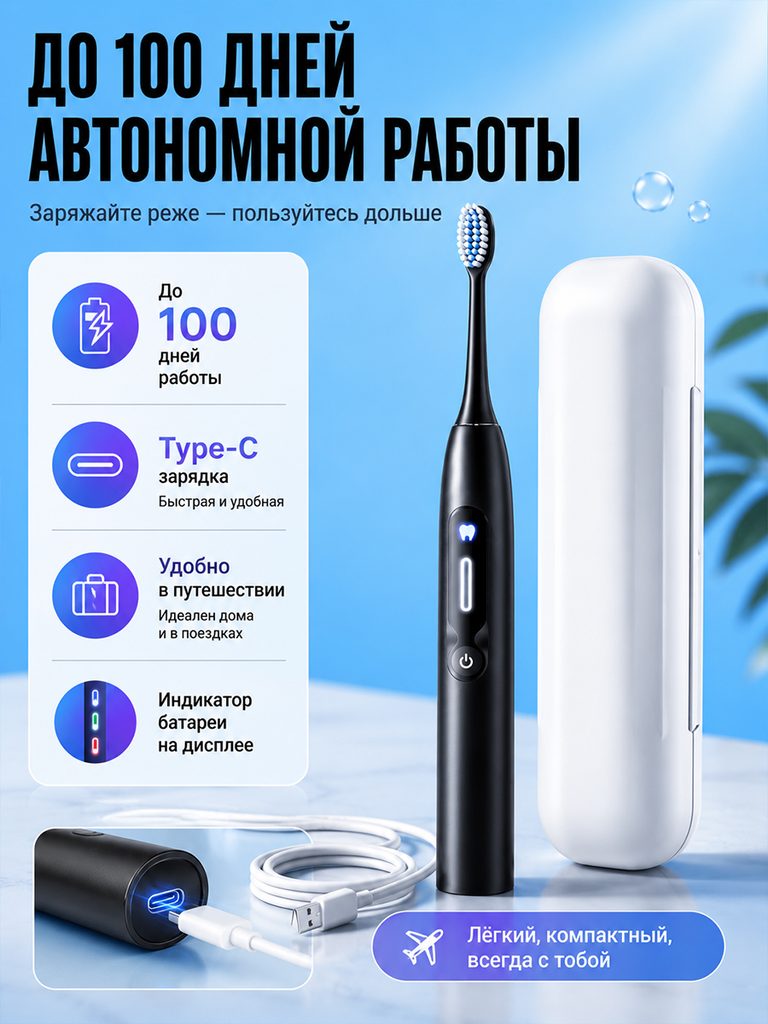
The left side organizes the battery life, Type-C and status prompts, the right side retains the toothbrush and white storage box, and the bottom shows the charging connection.
Put the usage time and energy replenishment method on the same page, and use the storage box to connect the travel situation to answer questions about daily management and carrying.
Figure 5|Waterproof theme: let maintenance methods have a clear position
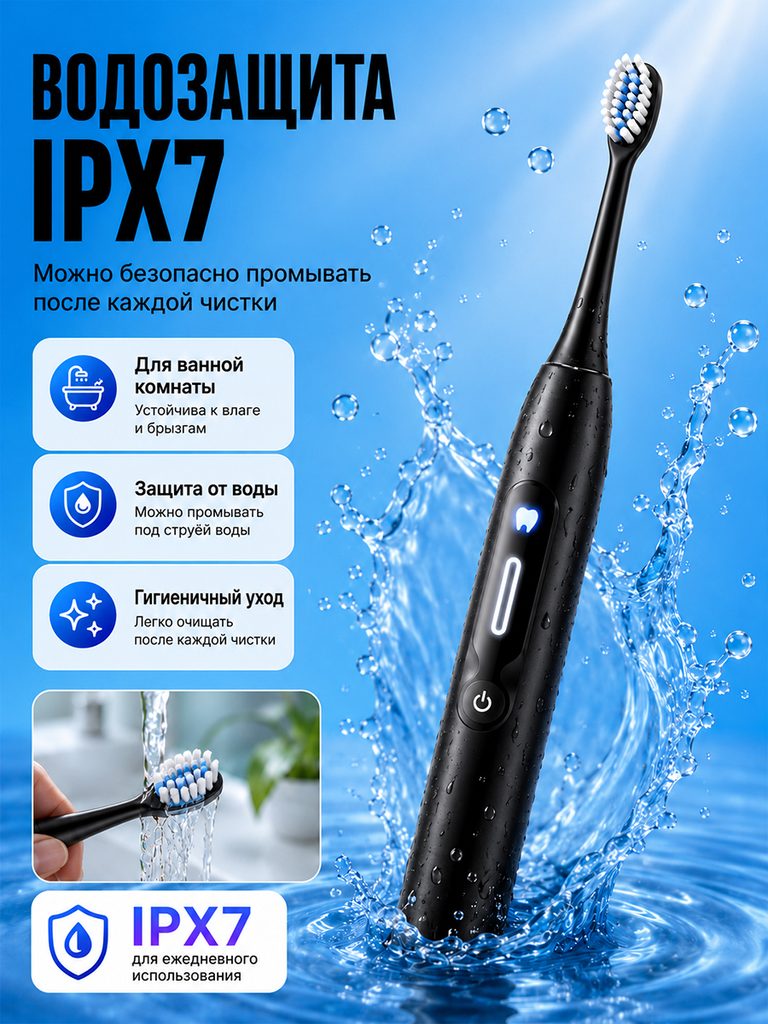
IPX7 is presented in large characters, the body is tilted through the water spray, and the small picture below supplements the brush head rinsing action and corresponding instructions.
The water splash establishes the theme, and the flushing diagram explains the maintenance actions; the specific applicable conditions should still correspond to the product information and grade requirements.
Figure 6|Details of the brush head: use macro to illustrate the contact area
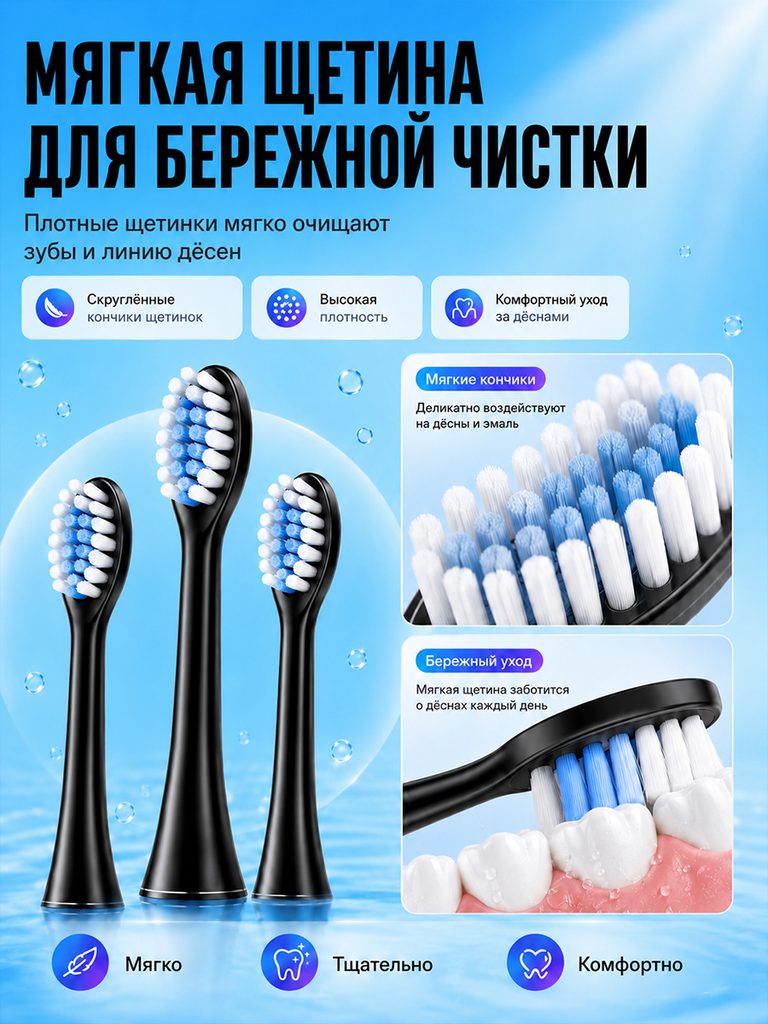
The three brush heads are arranged vertically. The tips of the bristles are shown in macro on the right side, and the instructions are organized with tooth contact diagrams and icons.
From the whole machine to the parts that directly contact the oral cavity, the shape, arrangement and theme text of the brush head can be compared and viewed.
Figure 7|Package contents: complete list of purchase objects
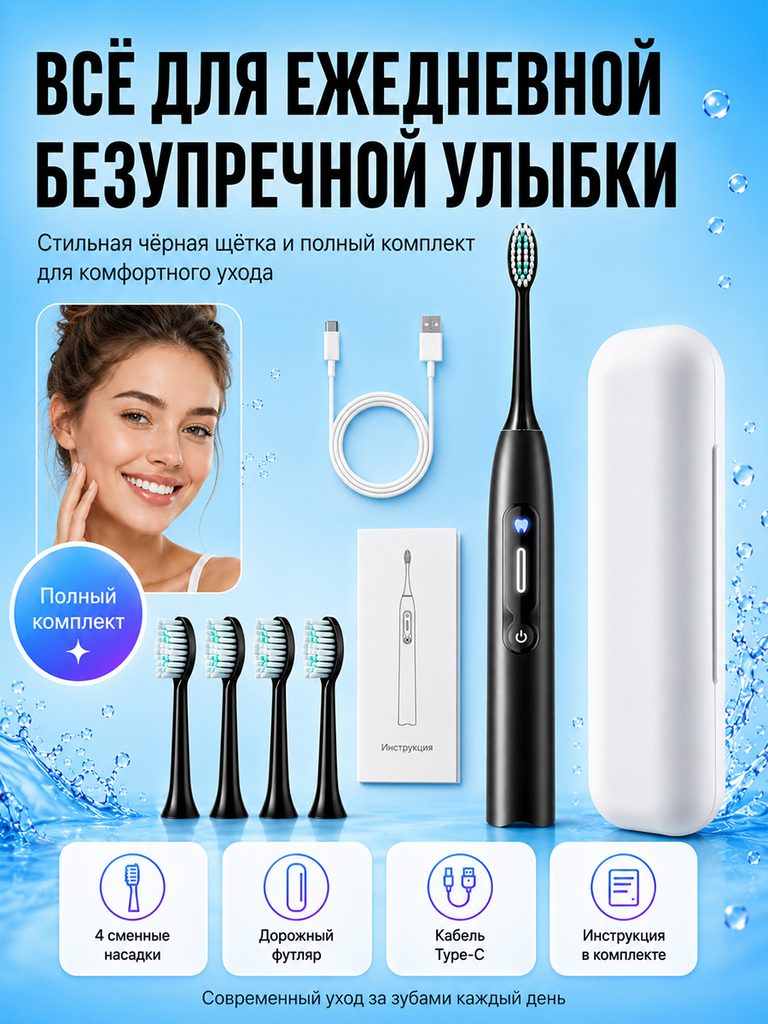
The toothbrush, storage box, four brush heads, Type-C cable and instruction manual are displayed separately, and the card at the bottom once again corresponds to the accessory category.
The last page of the series shifts from functions to lists to help consumers check the contents of the packages they see and reduce the chance of only looking at the console and ignoring the accessories.
Delivery summary and design value
The entire team delivers with a clear division of labor
The 7 works in this case respectively cover “the main vision of the character → display and mode → sound wave signal → battery life and charging → waterproof theme → brush head details → packaging content”. The number of images depends on the actual content, and each image has its own theme while maintaining an overall identity through color, text hierarchy, or composition.
Procurement issues can be more easily mapped to specific information
Focusing on the electric toothbrush with a black display screen, the work will “use the display, cleaning structure and accessories to check to form a complete reading sequence” and implement it into different pictures. When brands plan similar designs, they can first list the content that consumers need to identify, understand and check, and then determine the tasks and order of primary and secondary product images.
Value is based on interpretive methods and authentic works
The whole machine, part, scene and information cards provide different reading entrances, helping to organize product descriptions more clearly. The value of this case is the visible design expression and information division of labor; changes in click-through rates, sales, and conversion rates require additional statistical or test data support.
The parameters, materials and functions in this article are used to explain the content of the accompanying pictures. The specific specifications, applicable conditions and accompanying items are subject to the product information of the corresponding model.
Plan clearer product images for your Ozon products
If you also need to plan primary and secondary product images for your Ozon black display electric toothbrush, you can submit product links, existing pictures or product information to AIRSANG, explain the target market and required picture group range, and communicate the information organization and visual direction suitable for the product.
Consultation email: [email protected] · Telephone: 177-5952-2770