











Aucun produit dans le panier.

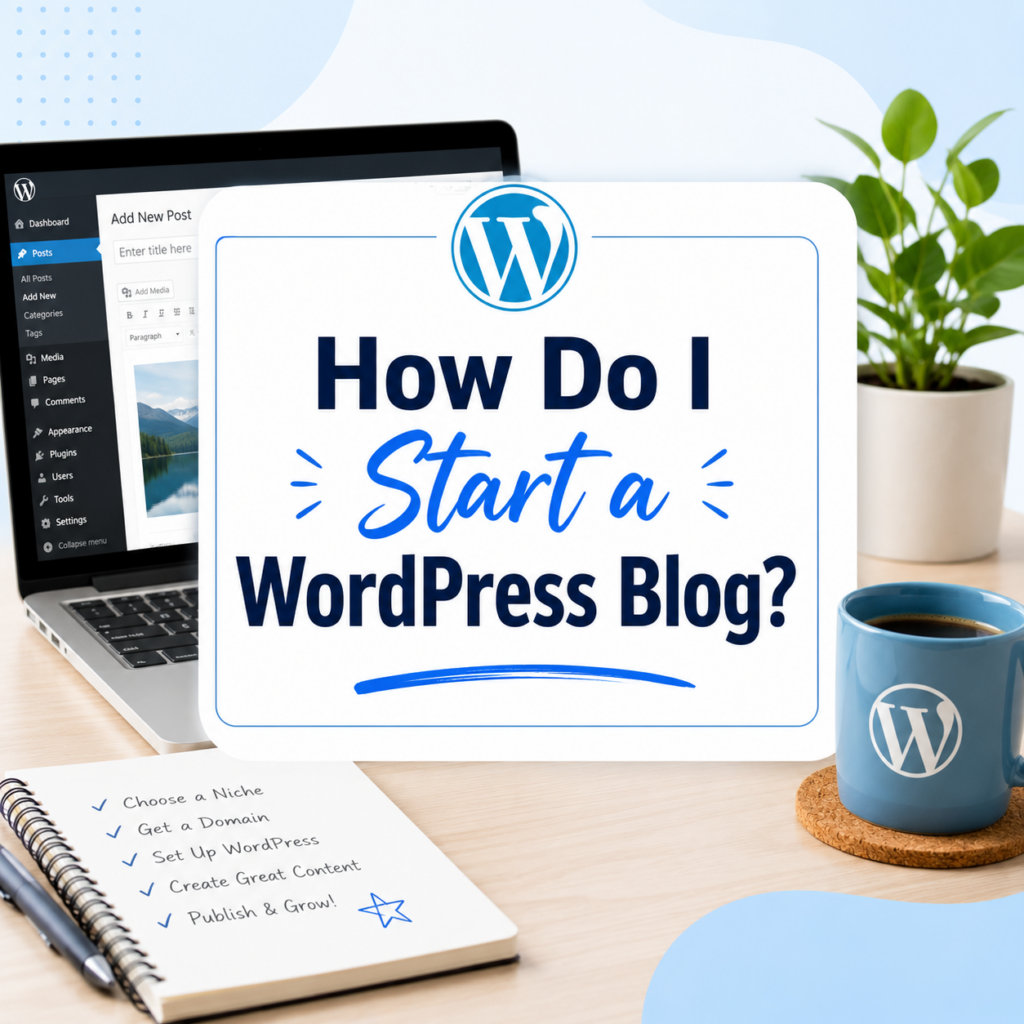
Starting a blog can feel exciting and confusing at the same time. You may have an idea, a topic you care about, or a skill you want to share, but the technical side can make the process look harder than it really is. Many beginners ask the same question: how do I start a WordPress blog without knowing how to code, design, or manage a website?
The good news is that WordPress makes blogging much easier than it used to be. You do not need to be a developer to publish articles, add images, create pages, or customize the look of your site. WordPress gives beginners a flexible system for building a blog, and it also gives advanced users room to grow later.
A WordPress blog is more than a place to write random posts. It can become a personal brand, a business tool, a portfolio, a learning journal, a niche content site, or even the beginning of an online income stream. The most important part is not starting perfectly. The most important part is understanding the basic steps and taking action in the right order.
This guide explains how to start a WordPress blog from the ground up in a beginner-friendly way. You will learn what you need before launching, how hosting and domains work, how to install WordPress, how to choose a theme, what pages to create, how to write your first post, which plugins matter, and how to grow your blog after publishing.
A WordPress blog is a website built with WordPress that focuses mainly on publishing articles, guides, updates, opinions, tutorials, or stories. WordPress works like the control center of your website. It lets you log in, write content, upload media, manage design settings, organize posts, and add features through plugins.
There are two common versions people often confuse: WordPress.com and WordPress.org. WordPress.com is a hosted platform where much of the setup is handled for you, but it may come with more limits depending on the plan. WordPress.org is the self-hosted version, which gives you more control over your website, theme, plugins, monetization, and long-term growth.
When most people ask, “how do I start a WordPress blog,” they usually mean the self-hosted WordPress.org route. This is the option many serious bloggers, small businesses, and content creators choose because it gives them full ownership and flexibility.
Before buying hosting or installing WordPress, decide what your blog will be about. A clear topic makes everything easier, from choosing a domain name to writing content and attracting readers.
Your blog topic should sit between three things: what you know, what you enjoy, and what other people search for. For example, a blog about home organization, budget travel, skincare tips, pet care, fitness for beginners, digital tools, parenting, recipes, or small business advice can all work if the content solves real problems.
Try not to choose a topic only because it sounds profitable. If you have no interest in the subject, you may stop writing after a few posts. At the same time, avoid a topic that is too broad. A blog about “life” is harder to grow than a blog about “simple meal prep for busy college students” or “beginner gardening for small apartments.”
A focused blog gives readers a reason to remember you.
Your domain name is your blog’s address on the internet. It is what people type into a browser to find your site. A strong domain name should be short, easy to spell, easy to remember, and related to your blog topic or brand.
For example, if your blog is about beginner cooking, a simple food-related name will usually work better than a long or confusing name. Avoid too many numbers, hyphens, strange spellings, or words that are hard to pronounce.
A good domain name does not need to be perfect. Many successful blogs started with simple names. What matters most is that the name feels clear, professional, and flexible enough for future growth.
If possible, choose a .com domain because it is familiar to most users. However, other extensions can also work if they fit your brand.
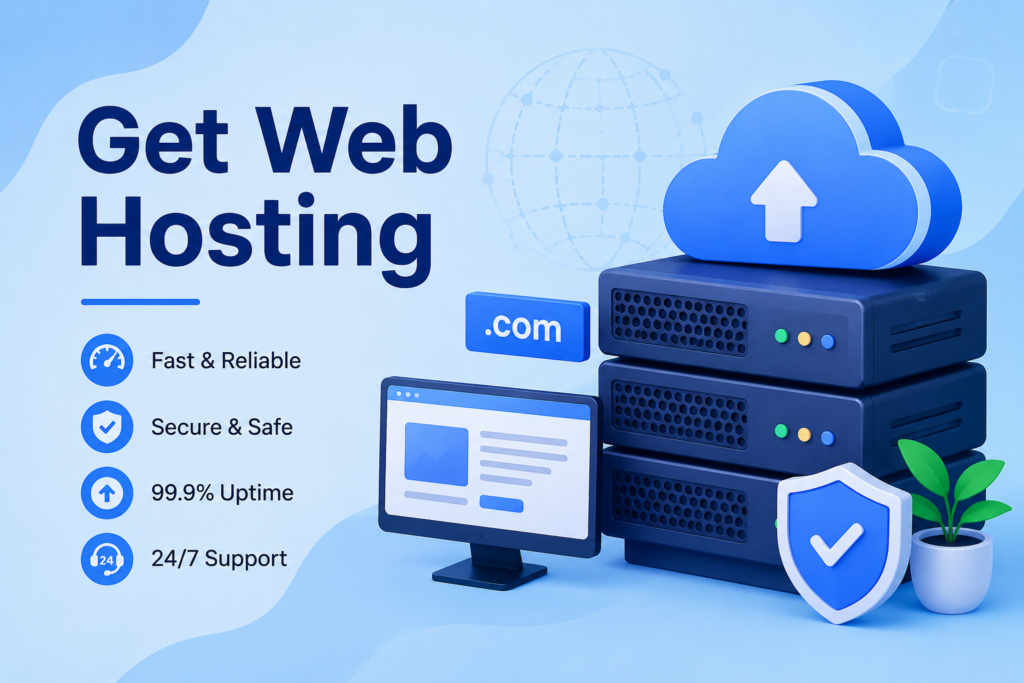
A domain is your address, but hosting is where your blog actually lives. Web hosting stores your website files, images, posts, and database so people can access your blog online.
For a new WordPress blog, shared WordPress hosting is usually enough. It is affordable and beginner-friendly. Many hosting companies also include one-click WordPress installation, which makes the setup process much simpler.
When comparing hosting providers, look for these features:
You do not need the most expensive hosting plan when starting. A basic plan is usually fine for a new blog with low traffic. As your audience grows, you can upgrade to faster hosting.
After you purchase hosting and connect your domain, the next step is to install WordPress. Most beginner-friendly hosts now offer a simple installation wizard. In many cases, you only need to enter your site name, create an admin username, set a password, and click through the setup screen.
Once WordPress is installed, you can usually log in by visiting:
votredomaine.com/wp-admin
This login page takes you to the WordPress dashboard. The dashboard is where you control your blog. From there, you can write posts, create pages, change your design, install plugins, upload images, and manage settings.
At first, the dashboard may look unfamiliar. That is normal. You do not need to understand every menu right away. For a beginner blog, the most important areas are Posts, Pages, Appearance, Plugins, Media, and Settings.
A WordPress theme controls the design of your blog. It affects your layout, fonts, colors, header, footer, blog archive pages, and overall visual style.
WordPress offers a large theme ecosystem. The official WordPress theme directory says there are over 14,000 free themes available, giving beginners many design options without needing to pay for a premium theme right away.
When choosing a theme, do not focus only on how pretty the demo looks. A good blog theme should be fast, mobile-friendly, easy to customize, and suitable for reading. Since blogs depend heavily on content, readability matters more than flashy effects.
Look for a theme with:
After choosing a theme, go to your WordPress dashboard, open Appearance > Themes, click Add New, search for the theme, install it, and activate it.
Once your theme is active, you can start customizing your blog. Depending on your theme, you may use the WordPress Customizer or the Site Editor.
Start with the basics. Add your site title, logo if you have one, brand colors, menu links, homepage settings, and footer information. Do not spend weeks trying to make the design perfect. A simple, clean blog is better than an unfinished blog with endless design adjustments.
Your design should help readers focus on your content. Use enough white space, readable font sizes, clear navigation, and consistent colors. Avoid cluttering the homepage with too many widgets, popups, banners, or unrelated links.
For a beginner WordPress blog, the goal is simple: make the site look trustworthy and easy to read.
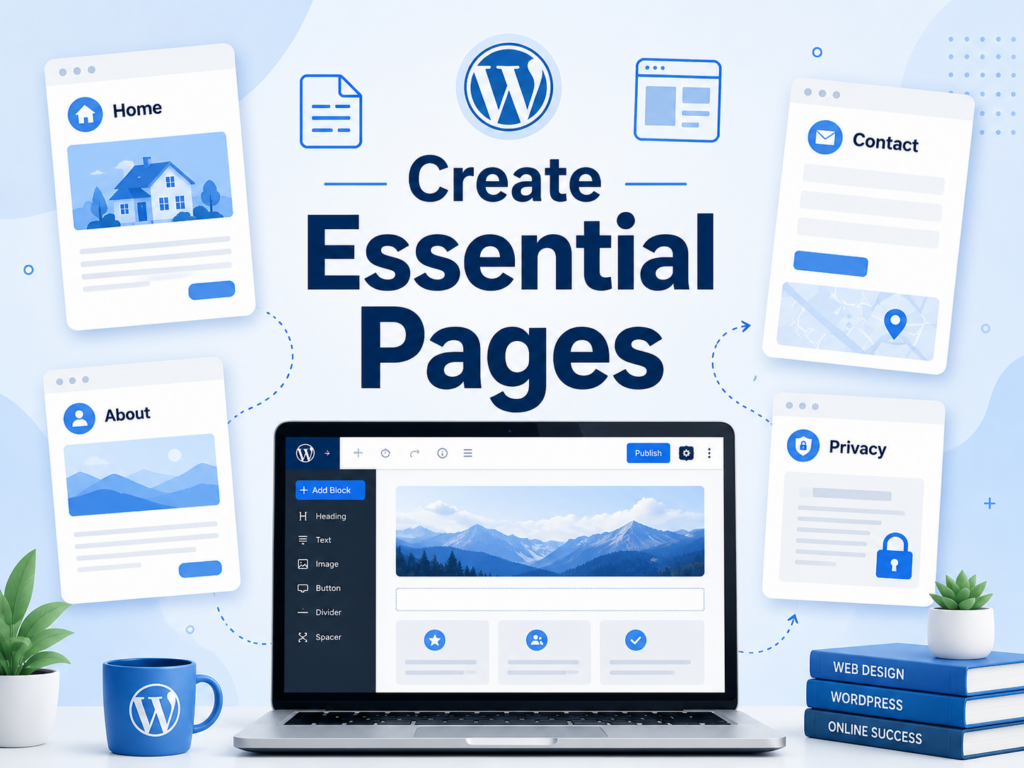
Before publishing many blog posts, create a few basic pages. These pages help visitors understand who you are, what your blog offers, and how to contact you.
The most important pages include:
About Page
This page explains who you are, why you started the blog, and what readers can expect. It should build trust and make your blog feel personal.
Page de contact
This page gives readers, brands, potential clients, or collaborators a way to reach you. You can add a simple contact form or email address.
Privacy Policy Page
If your blog uses analytics, contact forms, ads, affiliate links, or cookies, a privacy policy is important. It explains how your site handles visitor data.
Start Here Page
This page is optional, but useful. It can guide new visitors to your best posts, main categories, or recommended resources.
Services or Work With Me Page
If you want your blog to support freelancing, consulting, coaching, or business inquiries, create a page that explains what you offer.
These pages do not need to be long. They just need to be clear and helpful.
Categories help organize your content. They also make your blog easier to navigate.
For example, if you start a travel blog, your categories might include Travel Tips, Destination Guides, Packing, Budget Travel, and Hotel Reviews. If you start a food blog, your categories might include Breakfast, Dinner, Desserts, Meal Prep, and Kitchen Tips.
Avoid creating too many categories at the beginning. Start with three to six main categories. You can always add more later as your content grows.
Good categories help both readers and search engines understand your blog structure.
Now comes the most important part: writing your first post. Many beginners delay this step because they want the website to look perfect first. Do not make that mistake. A blog grows through content, not just design.
Your first blog post should answer a real question or solve a simple problem for your target reader. Instead of writing only about yourself, think about what your audience needs.
A strong beginner blog post usually includes:
For example, if your blog is about fitness for beginners, your first post could be “How to Start Working Out at Home Without Equipment.” If your blog is about personal finance, you could write “How to Build a Simple Monthly Budget.”
In WordPress, go to Posts > Add New. Add your title, write your content, use headings to divide sections, add images if needed, and click Publish when the post is ready.
Do not worry if your first post is not perfect. Blogging is a skill, and you improve by publishing consistently.
Plugins are add-ons that extend what your WordPress blog can do. They can help with SEO, security, backups, forms, speed, image optimization, and more.
The official WordPress plugin directory says it has over 65,000 free plugins, which shows how flexible WordPress can be. However, more plugins do not always mean a better blog. Too many plugins can slow down your site or create conflicts.
For a new blog, focus on essential plugin types:
SEO Plugin
Helps you optimize titles, meta descriptions, sitemaps, and search visibility.
Backup Plugin
Protects your site by saving copies of your content and settings.
Security Plugin
Adds protection against common threats and suspicious login activity.
Contact Form Plugin
Lets visitors send messages without exposing your email publicly.
Caching or Performance Plugin
Helps your blog load faster.
Image Optimization Plugin
Compresses images so your pages do not become too heavy.
Install only what you need. Keep plugins updated, delete unused ones, and choose plugins with good reviews and active maintenance.
Before promoting your blog, review your basic WordPress settings.
Go to Settings > Permalinks and choose a clean URL structure. Many bloggers use the “Post name” option because it creates readable URLs like:
yourdomain.com/sample-post-title
Next, check your site title and tagline under Settings > General. Make sure your blog name is correct and your tagline explains what the blog is about.
You should also check discussion settings. Decide whether you want readers to leave comments. Comments can build community, but they also require moderation.
Finally, make sure your blog is visible to search engines. In WordPress, there is a setting that can discourage search engines from indexing your site. Make sure this option is not selected when you are ready to launch.
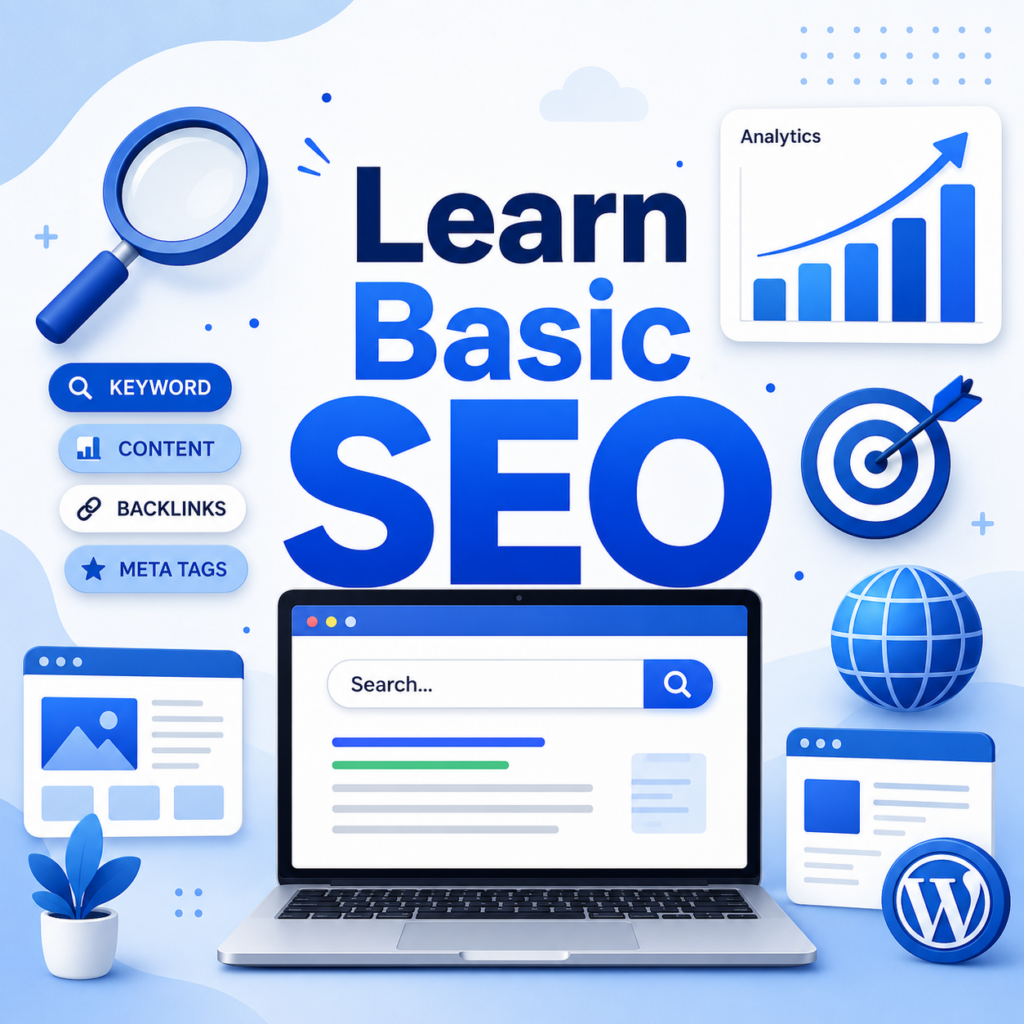
SEO stands for search engine optimization. It helps people find your blog through Google and other search engines.
You do not need to become an SEO expert on day one, but you should understand the basics. Each blog post should target a clear topic, answer a useful question, and include words that readers naturally search for.
For example, the keyword “how do i start a wordpress blog” works because it matches a real beginner question. A good SEO article around this keyword should explain the process clearly instead of repeating the phrase unnaturally.
Basic SEO tips include:
Search engines reward useful content. Write for humans first, then optimize for search.
A blog needs consistency. You do not need to publish every day, but you should create a realistic schedule.
Start with a list of 20 to 30 article ideas. These can come from questions people ask, keyword research tools, competitor blogs, YouTube comments, forums, social media discussions, or your own experience.
Group your ideas by category. Then decide how often you can publish. For many beginners, one high-quality post per week is better than five rushed posts.
A simple content plan keeps you from staring at a blank screen every time you want to write.
Publishing a post does not automatically bring traffic. You need to help people discover your content.
Start with simple promotion channels. Share your posts on social media platforms where your audience spends time. Add your blog link to your profiles. Join relevant communities and answer questions genuinely. Build an email list if you plan to grow long term.
You can also repurpose blog posts into short videos, carousels, newsletters, or social captions. One strong article can become several pieces of content.
Promotion is not about spamming links. It is about putting helpful information in front of the right people.
After your blog is live, track what happens. Analytics tools can show which posts get traffic, where visitors come from, how long people stay, and which pages perform best.
This data helps you make smarter decisions. If one topic brings more readers, you can write more related posts. If visitors leave quickly, your content may need a stronger introduction, better formatting, or faster loading speed.
Blog growth takes time. Most new blogs do not get large traffic immediately. Consistent publishing, SEO improvement, and smart promotion usually matter more than overnight results.
Many new bloggers make the same mistakes. The first mistake is waiting too long to publish. Your blog will improve as you work on it, so do not delay until everything feels perfect.
The second mistake is choosing a topic that is too broad. A focused niche helps readers understand why they should follow your blog.
The third mistake is installing too many plugins. Keep your site lightweight and only use tools that serve a clear purpose.
The fourth mistake is ignoring mobile users. Many people will read your blog on a phone, so your design must look good on smaller screens.
The fifth mistake is writing only for yourself. Personal stories can be powerful, but your content should still offer value to readers.
You can set up the basic structure of a WordPress blog in a short amount of time, especially if you use beginner-friendly hosting. However, building a successful blog takes longer.
The technical launch may take a day or less. Writing strong content, improving SEO, building trust, and attracting regular readers can take months. That is normal.
Think of your blog as a long-term project. The first version does not need to be perfect. It only needs to be clear, functional, and ready for content.
So, how do I start a WordPress blog? The process is simple when you break it into steps. Choose a focused topic, pick a domain name, get web hosting, install WordPress, select a clean theme, create essential pages, publish your first post, install useful plugins, learn basic SEO, and promote your content consistently.
WordPress gives beginners a practical way to build a blog without needing advanced technical skills. The platform is flexible enough for personal blogs, niche websites, business content, portfolios, and long-term publishing projects.
The key is to start with the basics and improve over time. Your design can evolve. Your writing can get better. Your SEO skills can grow. What matters most is publishing helpful content, understanding your audience, and staying consistent.
You can start a WordPress blog by choosing a blog topic, buying a domain name, getting web hosting, installing WordPress, selecting a theme, creating essential pages, and publishing your first post.
No. You do not need coding skills to start a WordPress blog. WordPress allows beginners to create posts, pages, menus, and designs through a visual dashboard.
WordPress.com is a hosted platform with easier setup but more limitations. WordPress.org is self-hosted and gives you more control over themes, plugins, SEO, monetization, and website ownership.
The basic cost usually includes a domain name and web hosting. You can begin with free themes and free plugins, then upgrade to premium tools later as your blog grows.
A new WordPress blog should usually have an About page, Contact page, Privacy Policy page, and main blog page. These pages help build trust and make your site easier to use.
Blog growth usually takes time. You may set up the blog quickly, but building traffic requires consistent content, basic SEO, promotion, and regular improvement.


















