











No hay productos en el carrito.


If you’ve ever logged into your WordPress dashboard and suddenly found yourself being redirected to an unexpected page, you’re not alone. One common culprit behind this behavior is something known as a “Sky Login Redirect”—a modification that forces users away from the default WordPress login flow.
For website owners, especially those running eCommerce or cross-border businesses, this can be more than just an annoyance. It can affect user trust, disrupt workflows, and even signal potential security or plugin conflicts.
In this guide, we’ll walk you through how to uninstall sky login redirect from WordPress, explain why it happens, and show you safe, effective ways to regain full control of your login system.
Before removing it, it’s important to understand what you’re dealing with.
A “Sky Login Redirect” isn’t an official WordPress feature. Instead, it typically refers to:
Its main function is simple:
👉 After login, instead of going to /wp-admin, users are redirected elsewhere.
This might be intentional (for custom user flows) or accidental (from leftover code or plugin conflicts).
There are several reasons why uninstalling this redirect is important:
Unexpected redirects confuse users and reduce trust.
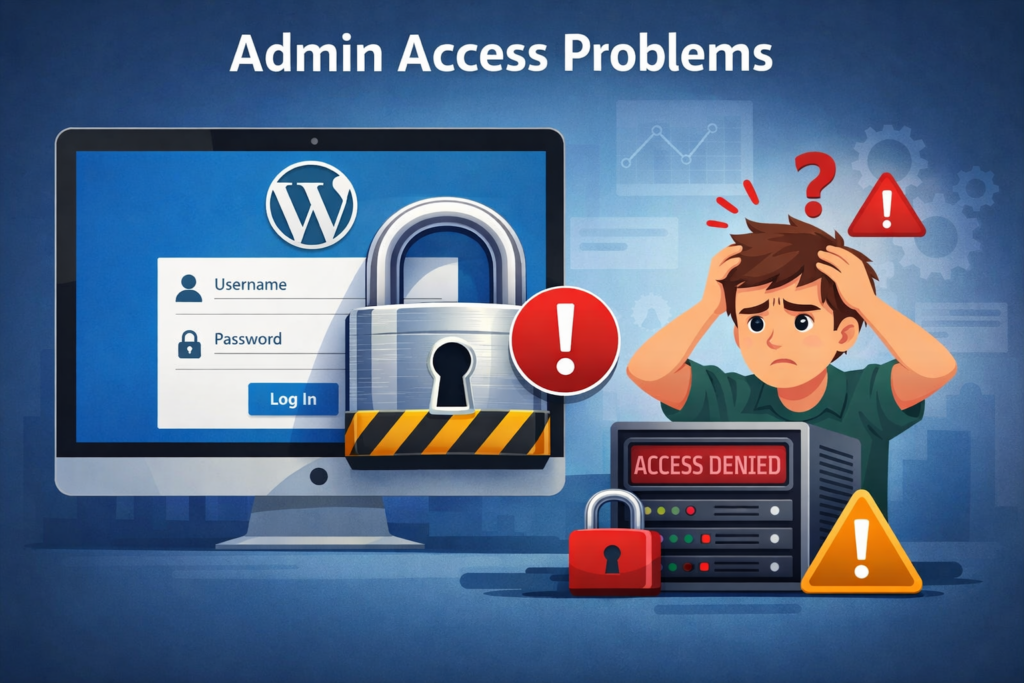
You might lose direct access to your dashboard or key backend features.
Redirect scripts often interfere with membership plugins, WooCommerce, or custom login systems.

If the redirect was added maliciously, it could expose your site to further vulnerabilities.
Let’s break it down into practical steps you can follow.
Start with the simplest possibility.
Common signs:
👉 Action:
Deactivate suspicious plugins one by one and test your login behavior.
If the redirect isn’t from a plugin, it may be embedded in your theme.
Look for code like:
add_action('wp_login', 'custom_login_redirect');or:
wp_redirect('https://example.com');
exit;
👉 Action:
Remove or comment out any redirect-related code.
⚠️ Always back up your file before editing.
El .htaccess file can also enforce redirects.
.htaccess in the root directoryLook for lines like:
Redirect 302 /wp-login.php https://example.com
👉 Action:
Delete suspicious redirect rules and save the file.
If you didn’t intentionally install anything, the redirect might be injected.
Utilice herramientas como:
Controlar:
👉 Action:
Remove any unfamiliar scripts or obfuscated code.
Sometimes redirects are stored in the database.
wp_optionswp_usermetaSearch for keywords:
👉 Action:
Delete or update incorrect values.
To restore default WordPress behavior:
Understanding the root cause helps prevent it in the future.
Some plugins add redirects but don’t clean up properly after uninstall.
Developers sometimes hardcode redirects for specific workflows.
Certain tools hide or redirect login pages for protection.
Unauthorized scripts can hijack login behavior.
It’s usually caused by a plugin or theme that has a custom login redirect feature. It may also happen if someone added custom code.
Yes. If the redirect came from a plugin, deactivate or delete the plugin. If not, you can use another plugin to override the redirect.
No. Removing the redirect sends users back to the standard WordPress dashboard after logging in. It won’t break anything unless the feature is deeply built into your theme.
You can check your browser address bar after login or use a plugin like Query Monitor to track what’s happening behind the scenes.
Here are some simple but powerful habits:
Avoid unknown or poorly reviewed plugins.
Always keep a recent backup before making changes.
Test changes before applying them to your live site.
Outdated systems are more vulnerable to issues.
If something changes unexpectedly, investigate immediately.
Interestingly, not all login redirects are bad.
Some use cases include:
The key is control and intention.
If you didn’t set it up, it shouldn’t be there.
If the issue persists, run through this quick list:
If everything looks clean but the issue remains, it may require deeper debugging.
Fixing login redirect issues in WordPress may seem technical at first, but when broken down step by step, it becomes manageable. The key is identifying whether the source is a plugin, theme, server rule, or something more serious like malware.
By following this guide on how to uninstall sky login redirect from WordPress, you can restore your site’s normal login flow and ensure a smoother, more secure experience for both admins and users.
En AIRSANG, we specialize in cross-border digital solutions, including WordPress y Shopify website design focused on conversion and user experience.
From fixing technical issues like login redirects to building high-performing eCommerce websites, we help brands create seamless, trustworthy online experiences that drive growth globally.
If you’re facing challenges with your website—or want to build something better—feel free to reach out. We’re here to help you scale with design-driven strategy.


















