











Giỏ hàng hiện không có sản phẩm nào.

If you are planning to build a website, you will probably hear the phrase “what is WordPress hosting” very early in your research. It sounds technical at first, but the idea is simple: WordPress hosting is web hosting that is set up specifically to run WordPress websites smoothly, safely, and efficiently.
To understand it, picture a website as a house. Your domain name is the street address, WordPress is the system you use to build and decorate the house, and hosting is the land where that house sits. Without hosting, your website has nowhere to live. Without the right kind of hosting, your WordPress site may still work, but it may load slowly, break more often, or require more technical work from you.
WordPress itself is a popular open-source content management system, often called a CMS. A CMS lets people create pages, publish blog posts, upload images, manage menus, install design templates, and add features without writing code from scratch. WordPress.org describes WordPress as an open-source publishing platform used by millions of websites worldwide. WordPress also supports themes and plugins, which means users can change how a site looks and what it can do without rebuilding the whole website.
But WordPress is software. Like any software, it needs a server environment to run. That is where WordPress hosting comes in.
WordPress hosting is a type of web hosting designed for websites built with WordPress. A normal hosting plan gives you server space, storage, bandwidth, and basic tools to put a website online. WordPress hosting goes a step further by offering features that match the needs of WordPress sites.
These features may include one-click WordPress installation, automatic WordPress updates, server-level caching, WordPress-focused security rules, daily backups, staging tools, and support teams familiar with WordPress problems. The goal is to make the experience easier for website owners and better for visitors.
A regular hosting plan can run WordPress if it supports the required technologies. WordPress is built on PHP and uses a database such as MySQL or MariaDB. WordPress.org’s own information notes that WordPress is built on PHP and MariaDB. However, a general hosting plan is not always tuned for WordPress performance. WordPress hosting is usually configured so the server, software, database, and caching system work well with WordPress from the beginning.
That difference matters because WordPress sites are dynamic. When someone visits a WordPress page, the site may need to pull information from a database, load a theme, run plugins, process images, and display the final page in a browser. A hosting setup optimized for WordPress can reduce delays in that process.
Many beginners think all hosting is the same. In reality, hosting affects speed, security, reliability, and ease of management.
Speed is one of the biggest reasons to choose good WordPress hosting. A slow website can make visitors leave before the page finishes loading. It can also affect conversions, especially for business websites, online stores, and lead generation pages. WordPress hosting often includes caching, content delivery network options, and server settings designed to reduce loading time.
Security is another major factor. Because WordPress is widely used, it is also a common target for automated attacks. That does not mean WordPress is unsafe. It means site owners need to keep WordPress core files, themes, and plugins updated. WordPress documentation explains that updates for WordPress, plugins, themes, and translations can be managed from the dashboard, and that automatic updates are available for plugins and themes. A good WordPress hosting provider may help with malware scanning, firewalls, login protection, SSL certificates, and backup recovery.
Reliability also matters. If your hosting server goes down often, visitors cannot reach your website. For a personal blog, that may be annoying. For an online business, it can mean lost sales. Better WordPress hosting plans usually offer stronger uptime, monitoring, and support.
Ease of use is just as important, especially for beginners. If you are not a developer, you probably do not want to manually create databases, configure server settings, or troubleshoot PHP errors. WordPress hosting usually simplifies these tasks through a control panel, one-click setup, automatic maintenance, and customer support trained in WordPress.
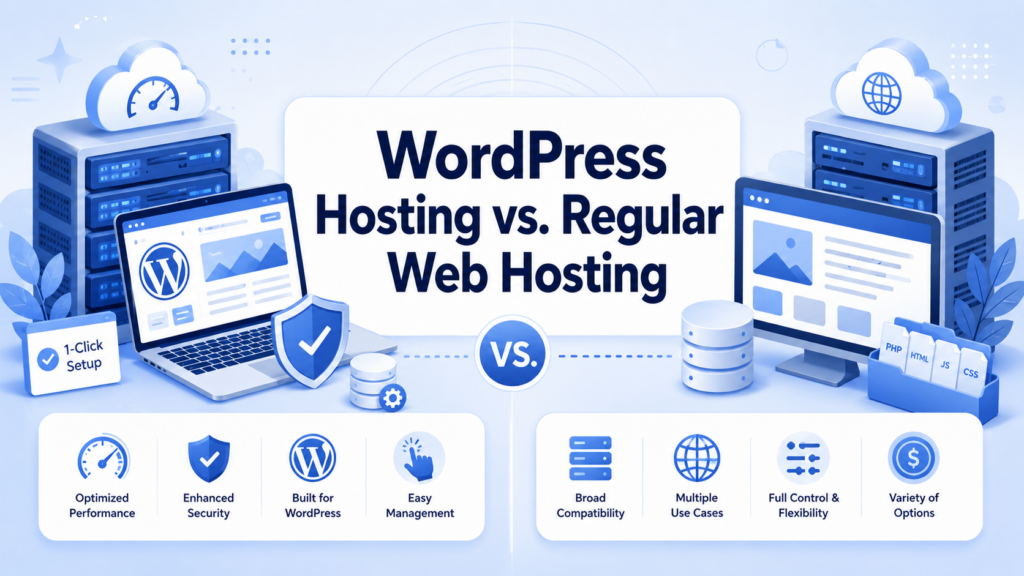
The simplest way to compare them is this: regular web hosting is general-purpose, while WordPress hosting is specialized.
Regular web hosting can support many types of websites. You might use it for a custom-coded site, a static HTML website, an app, or a CMS like WordPress. It gives you flexibility, but you may need to handle more setup and optimization yourself.
WordPress hosting is built around one main platform: WordPress. That means the provider may preinstall WordPress, recommend compatible settings, optimize server resources, and offer WordPress-specific tools. It is like buying a kitchen already designed for the way you cook, instead of renting an empty room and installing everything yourself.
For small websites, the difference may not seem huge at first. But as your site grows, the benefits become clearer. Faster page delivery, easier updates, safer backups, and better support can save time and reduce stress.
There is not just one kind of WordPress hosting. Different plans serve different needs, budgets, and skill levels.
Shared WordPress hosting is usually the most affordable option. Your website shares one server with many other websites. This keeps costs low because the server resources are split among multiple users.
For beginners, bloggers, small portfolio sites, and early-stage business websites, shared WordPress hosting can be a good starting point. It often includes one-click installation, basic email tools, SSL, and beginner-friendly support.
The downside is that shared hosting has limits. If another website on the same server uses too many resources, your site may slow down. If your traffic grows quickly, you may outgrow the plan. Shared hosting is best for low to moderate traffic websites.
Managed WordPress hosting is a more hands-off solution. The hosting company takes care of many technical tasks for you. These may include updates, backups, performance optimization, malware monitoring, server configuration, and expert support.
This type of hosting is popular with business owners, agencies, bloggers with growing audiences, and anyone who wants to spend less time on technical maintenance. Managed hosting usually costs more than shared hosting, but it can save time and reduce risk.
The main advantage is convenience. Instead of learning every technical detail, you can focus on publishing content, improving your design, marketing your products, or serving your customers.
VPS stands for virtual private server. With VPS hosting, one physical server is divided into separate virtual environments. You still share the physical machine, but your website gets a more dedicated portion of resources compared with shared hosting.
VPS WordPress hosting is useful for websites that need more power, control, and stability. It can be a strong option for growing businesses, membership websites, high-traffic blogs, and developers who want more server access.
However, VPS hosting can be more technical. Some VPS plans are managed, meaning the provider helps maintain the server. Others are unmanaged, meaning you are responsible for setup, updates, security, and troubleshooting.
Dedicated hosting gives your website an entire physical server. This is powerful but expensive. It is usually not necessary for beginners or small websites.
Large businesses, major publishers, high-traffic ecommerce stores, and enterprise-level projects may consider dedicated hosting when they need maximum control, privacy, and performance. The tradeoff is cost and complexity.
Cloud WordPress hosting uses a network of connected servers instead of relying on just one physical machine. If your site needs more resources, the cloud environment can often scale more easily.
This type of hosting is useful for websites with changing traffic patterns. For example, an online store may get traffic spikes during promotions, holidays, or product launches. Cloud hosting can help handle those changes better than some traditional hosting setups.
When choosing WordPress hosting, do not look only at the price. A cheap plan may seem attractive, but the best choice depends on what is included.
One important feature is easy installation. Many WordPress hosting plans offer one-click WordPress setup, so you do not need to manually upload files or create databases.
Backups are also essential. A backup is a saved copy of your website. If something breaks, gets deleted, or becomes infected, you can restore an earlier version. Ideally, your hosting plan should include automatic backups and a simple restore option.
Security features are another priority. Look for SSL certificates, malware scanning, firewalls, login protection, and update tools. SSL is especially important because it helps secure the connection between your site and visitors.
Performance tools matter too. Caching, image optimization, CDN integration, modern PHP versions, and fast storage can all improve loading speed. WordPress sites can become heavy when they use many plugins, large images, or complex themes, so performance support is valuable.
Support quality should not be ignored. When something goes wrong, you want help from people who understand WordPress. General hosting support may answer basic questions, but WordPress-focused support can be more useful when dealing with plugin conflicts, theme issues, database errors, or update problems.
Staging is another helpful feature. A staging site is a private copy of your website where you can test changes before publishing them. This is useful when updating plugins, redesigning pages, or adding new features.
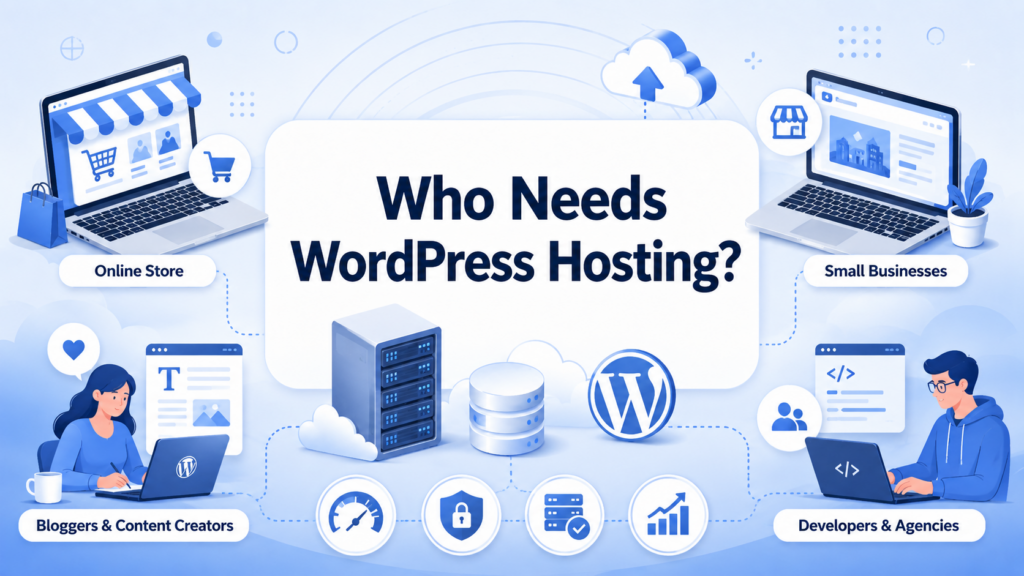
WordPress hosting is useful for almost anyone building a WordPress website, but the right plan depends on the project.
A beginner starting a personal blog may only need basic shared WordPress hosting. A small business website may need better performance, automatic backups, and stronger support. An online store should look for hosting that can handle secure transactions, product pages, customer accounts, and traffic spikes. A growing content website may need managed hosting or cloud hosting to keep pages fast as traffic increases.
Developers and agencies may prefer VPS or cloud hosting because they need flexibility, staging environments, command-line tools, and advanced control. Non-technical users may prefer managed WordPress hosting because it removes much of the maintenance burden.
The key is to match hosting to your actual needs. Paying for enterprise-level hosting when you have a small blog may be unnecessary. Choosing the cheapest shared plan for a busy ecommerce store may create performance and security problems.
Many beginners also get confused by WordPress.com and WordPress.org.
WordPress.org is where you can get the open-source WordPress software. With this version, you choose your own hosting provider, install WordPress, and control your site. This is often called self-hosted WordPress.
WordPress.com is a hosted platform that lets users create websites with hosting included. It can be easier for beginners because much of the technical setup is handled for them. WordPress.com itself describes its service as a way to create a WordPress website with built-in hosting, themes, and tools.
Self-hosted WordPress usually gives you more flexibility. You can choose your hosting company, install many plugins, customize deeply, and move your site more freely. WordPress.com can be simpler, but some features may depend on the plan you choose.
One common mistake is choosing hosting based only on the lowest monthly price. Price matters, but poor performance, weak support, or missing backups can cost more in the long run.
Another mistake is installing too many plugins. Plugins are useful, but too many poorly coded or unnecessary plugins can slow down your website and increase security risk. WordPress has official developer resources for plugins and themes, showing how important these extensions are to the platform. Still, every plugin should have a clear purpose.
Ignoring updates is also risky. WordPress, themes, and plugins need updates to fix bugs, improve features, and close security gaps. If your hosting plan includes automatic updates or update reminders, use them carefully.
Many site owners also forget about backups until something goes wrong. Backups are not exciting, but they are one of the most important parts of website management.
Finally, some people choose hosting without thinking about growth. Your site may be small today, but if your traffic increases, you need a path to upgrade. Good WordPress hosting should make it easy to move from shared hosting to managed, VPS, or cloud options when needed.
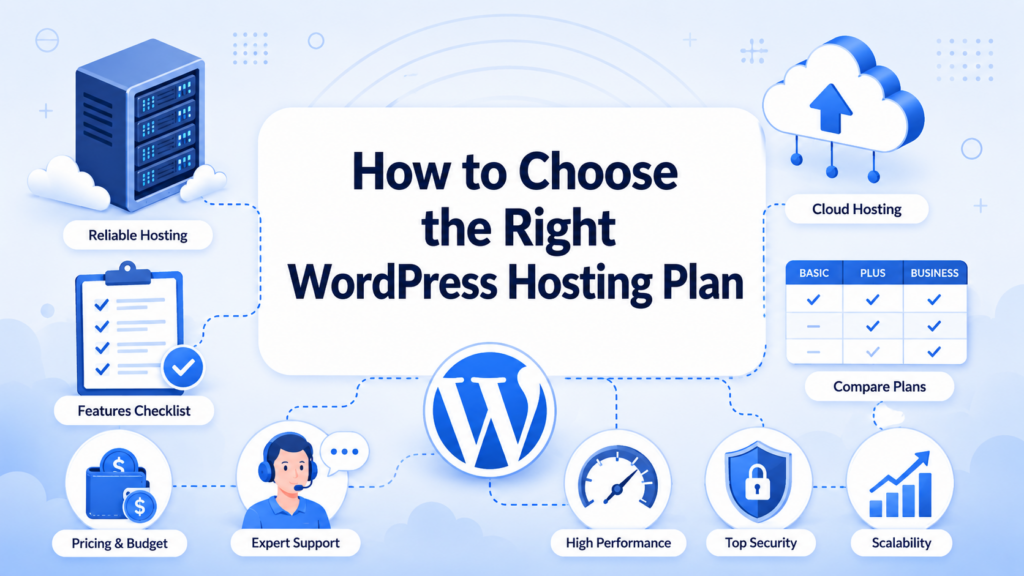
Start by asking what kind of website you are building. A personal blog, service business site, online store, portfolio, and membership site all have different needs.
Next, estimate your traffic. You do not need exact numbers, but you should know whether you expect a few hundred visitors per month or thousands per day.
Then consider your technical comfort level. If you enjoy managing server settings, VPS hosting may be attractive. If you want a simpler experience, managed WordPress hosting may be better.
Look closely at the features included in the plan. Check whether backups, SSL, caching, staging, email, support, migration, and security tools are included or sold separately.
Also read the renewal price, not just the first-year discount. Some hosting plans look very cheap at signup but become more expensive later.
Most importantly, choose hosting that supports your goals. The best WordPress hosting is not always the most expensive plan. It is the plan that gives your website the right balance of speed, safety, support, flexibility, and cost.
So, what is WordPress hosting? It is web hosting designed specifically for WordPress websites. It gives your site a place to live online while adding tools that help WordPress run faster, stay safer, and become easier to manage.
WordPress hosting can include simple installation, automatic updates, backups, security protection, caching, staging tools, and expert support. Different types of WordPress hosting serve different needs: shared hosting works well for beginners, managed hosting reduces technical work, VPS hosting offers more control, dedicated hosting supports large projects, and cloud hosting helps with scalability.
For anyone building a WordPress website, the hosting choice matters. It affects how quickly pages load, how safe the site is, how easy it is to maintain, and how well the website can grow. A good hosting plan should match your budget, traffic, technical skill, and long-term goals.
WordPress hosting is a type of web hosting designed specifically for WordPress websites. It usually includes WordPress-friendly server settings, easy installation, security tools, backups, and performance optimization to help WordPress sites run more smoothly.
Yes. Regular web hosting can support many types of websites, while WordPress hosting is optimized for WordPress. It may offer one-click WordPress installation, automatic updates, caching, WordPress security protection, and support teams familiar with WordPress issues.
Yes, WordPress hosting is a good choice for beginners because it makes website setup and management easier. Many plans include simple dashboards, automatic updates, SSL certificates, backups, and customer support, so users do not need advanced technical knowledge.
Beginners and small websites can start with shared WordPress hosting. Growing businesses may prefer managed WordPress hosting. Websites with higher traffic or special performance needs may choose VPS, cloud, or dedicated WordPress hosting.
Managed WordPress hosting is worth it if you want less technical work. The hosting provider usually handles updates, backups, security checks, speed optimization, and server maintenance, allowing you to focus more on content, design, marketing, or business growth.
Yes. WordPress can run on many regular hosting plans as long as the server supports WordPress requirements. However, WordPress hosting usually provides a better experience because it is built to improve WordPress performance, security, and ease of use.


















