Giỏ hàng hiện không có sản phẩm nào.

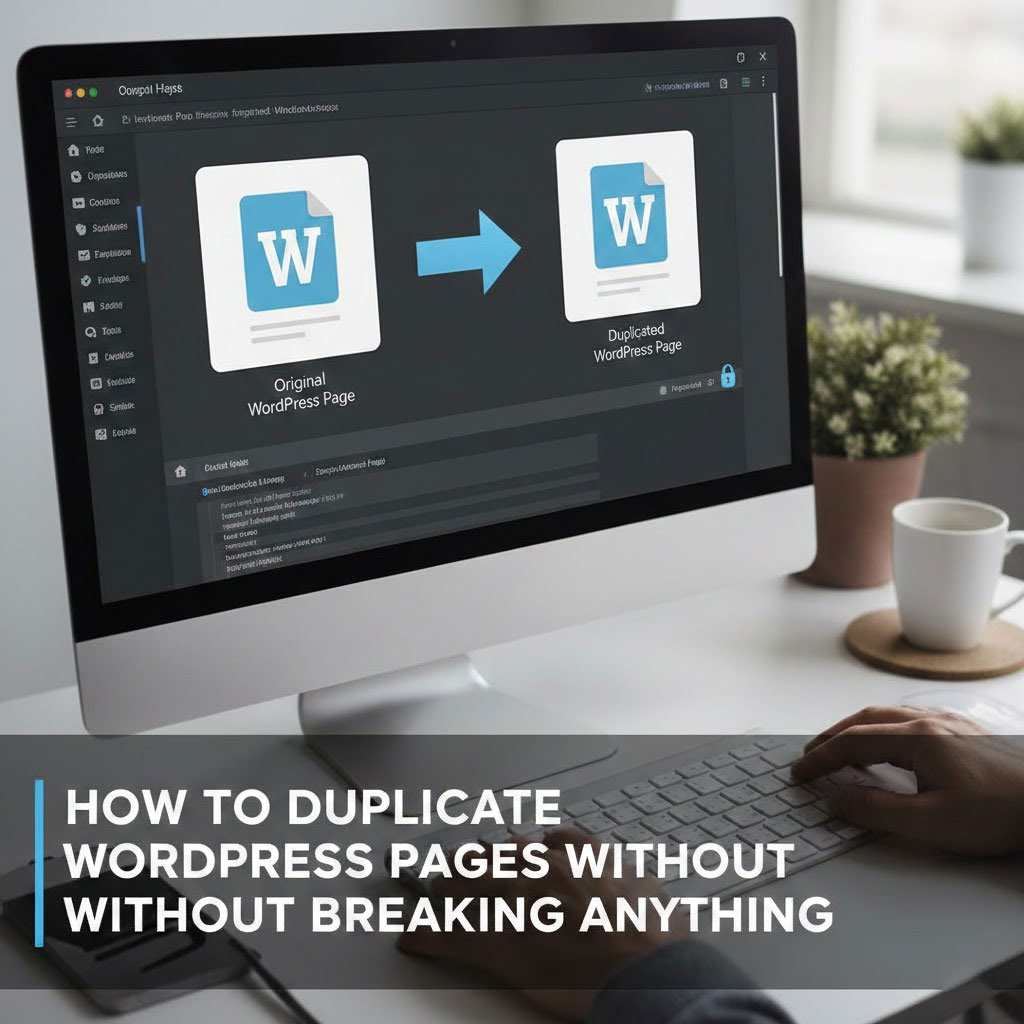
Let’s face it.
Sometimes you don’t want to create a new page.
You just want the same page… but slightly different.
Same layout.
Same blocks.
Same settings.
Because rebuilding a page from scratch is nobody’s idea of a good time.
Good news: WordPress makes copying pages and posts surprisingly easy—once you know where to click.

Before we duplicate anything, make sure your setup qualifies.
You’ll need one of these:
If that box is checked, you’re good to go.
This is the fastest and most popular method.
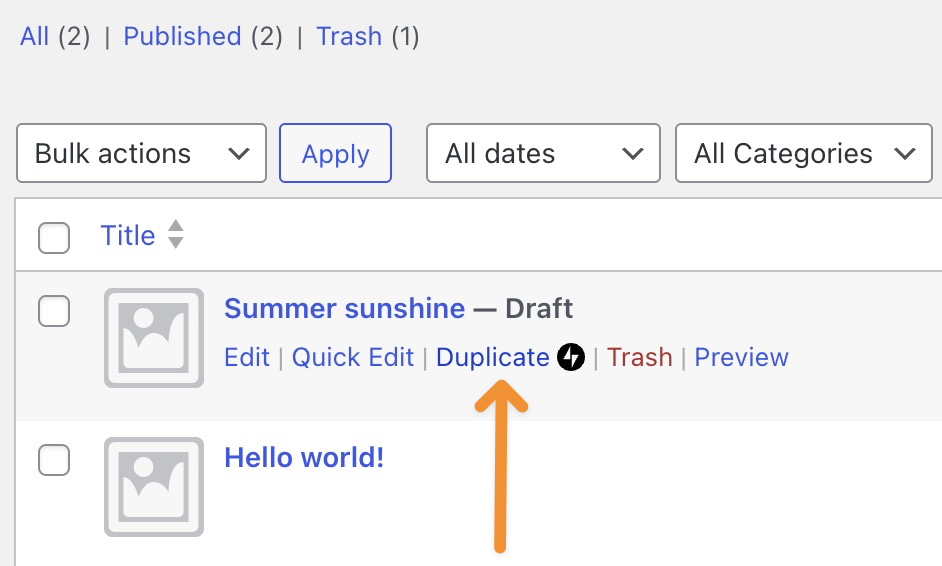
That’s it. WordPress opens a new draft that already includes:
Basically, it’s a perfect twin—minus the existential crisis.
Mid-edit and suddenly think, “I should make a copy of this”?
WordPress has your back.
Boom. Copy created. Productivity preserved.
No duplicate button usually means one of three things:
If you’re using Jetpack:
Once enabled, the duplicate option will appear like it was always there.
If all else fails, there’s always the manual-but-reliable method.
Not fancy—but effective.
Duplicating pages isn’t cheating.
It’s called working smarter.
Whether you’re creating landing page variations, A/B testing layouts, or building multilingual versions, page duplication saves time and sanity.
Tại AIRSANG, this is exactly how we build and scale cross-border WordPress and Shopify websites—efficiently, cleanly, and without unnecessary repetition. Website design isn’t just about visuals; it’s about structure, workflow, and long-term growth.
If you’re planning to redesign your site, expand internationally, or want a WordPress setup that actually works with you, follow AIRSANG.
We don’t just design pages—we design systems that scale.