












In today’s digital world, websites are no longer limited to static images and simple product photos. Users expect immersive and interactive experiences that help them understand products, places, and services more intuitively. One of the most effective ways to achieve this is through 360-degree panoramic viewing technology.
For businesses such as real estate agencies, travel companies, hotels, museums, and e-commerce brands, allowing visitors to explore environments or products in a full panoramic view can dramatically improve engagement and trust. Instead of just showing a few photos, you can let visitors “step inside” the scene and explore every angle.
This is where a วordpress website plugin for 360 panorama viewer becomes incredibly useful. With the right plugin, even beginners can integrate immersive panoramic displays directly into their WordPress site—without advanced coding knowledge.
In this guide, we will explore how 360 panorama plugins work, why they are valuable for websites, and some of the most popular WordPress plugins that allow you to create interactive panoramic experiences.
What Is a 360 Panorama Viewer in WordPress?

A 360 panorama viewer allows website visitors to explore an environment by rotating the view in all directions—left, right, up, and down—using their mouse, touch gestures, or device sensors.
Instead of displaying flat images, the viewer creates an interactive spherical environment that simulates standing inside the scene.
When integrated into a WordPress site using a plugin, it allows site owners to:
- Upload panoramic images or 360 photos
- Display immersive environments directly on web pages
- Allow users to rotate and explore the scene
- Add interactive hotspots and navigation points
This technology is often used for:
- Virtual real estate tours
- Hotel room previews
- Travel destination showcases
- Museum exhibitions
- Product demonstrations
- Architecture and interior design portfolios
With the right wordpress website plugin for 360 panorama viewer, these experiences can be embedded easily into posts, landing pages, or product pages.
Why Use a 360 Panorama Plugin on Your Website?
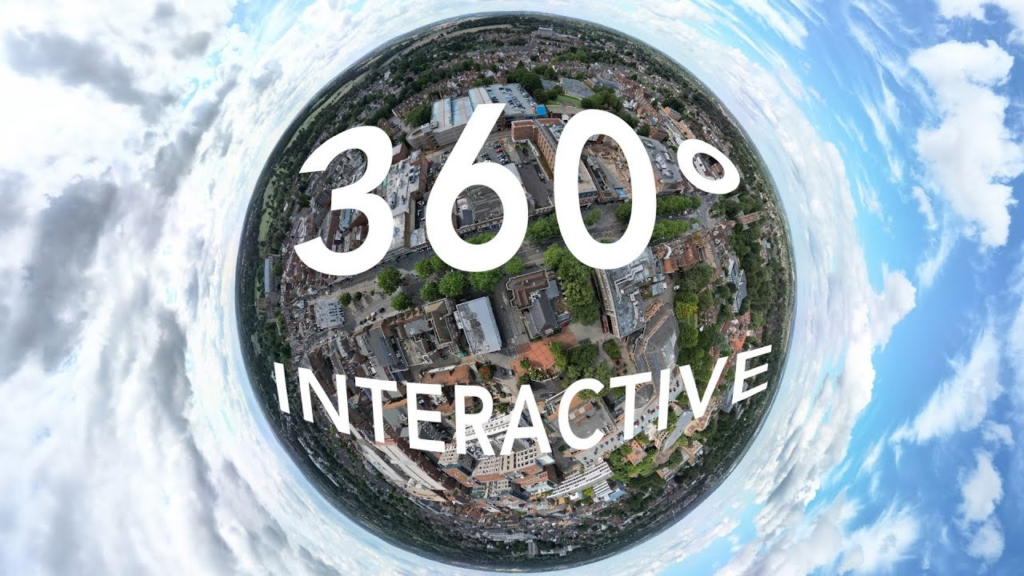
Interactive content has become increasingly important for improving user engagement and conversion rates.
Adding a 360 panorama viewer to your WordPress website can offer several advantages.
1. Better User Engagement
Static images only show one perspective at a time. In contrast, panoramic viewers allow visitors to control the experience themselves.
This sense of exploration encourages users to stay longer on your website, increasing overall engagement.
2. Stronger Trust and Transparency
When visitors can explore a product or environment from every angle, they feel more confident in what they are seeing.
ตัวอย่างเช่น:
- Home buyers can explore properties remotely
- Hotel guests can view rooms before booking
- Customers can inspect products in detail
This transparency helps build credibility and reduces hesitation.
3. More Immersive Storytelling
Panoramic content allows brands to tell richer visual stories.
A travel website, for example, can transport users to a beach destination or mountain landscape without them leaving their browser.
This immersive experience often creates a stronger emotional connection with visitors.
4. Competitive Advantage
Many websites still rely only on images and videos.
By adding interactive panoramas, your website can stand out visually and technologically, giving visitors a memorable browsing experience.
How 360 Panorama Plugins Work
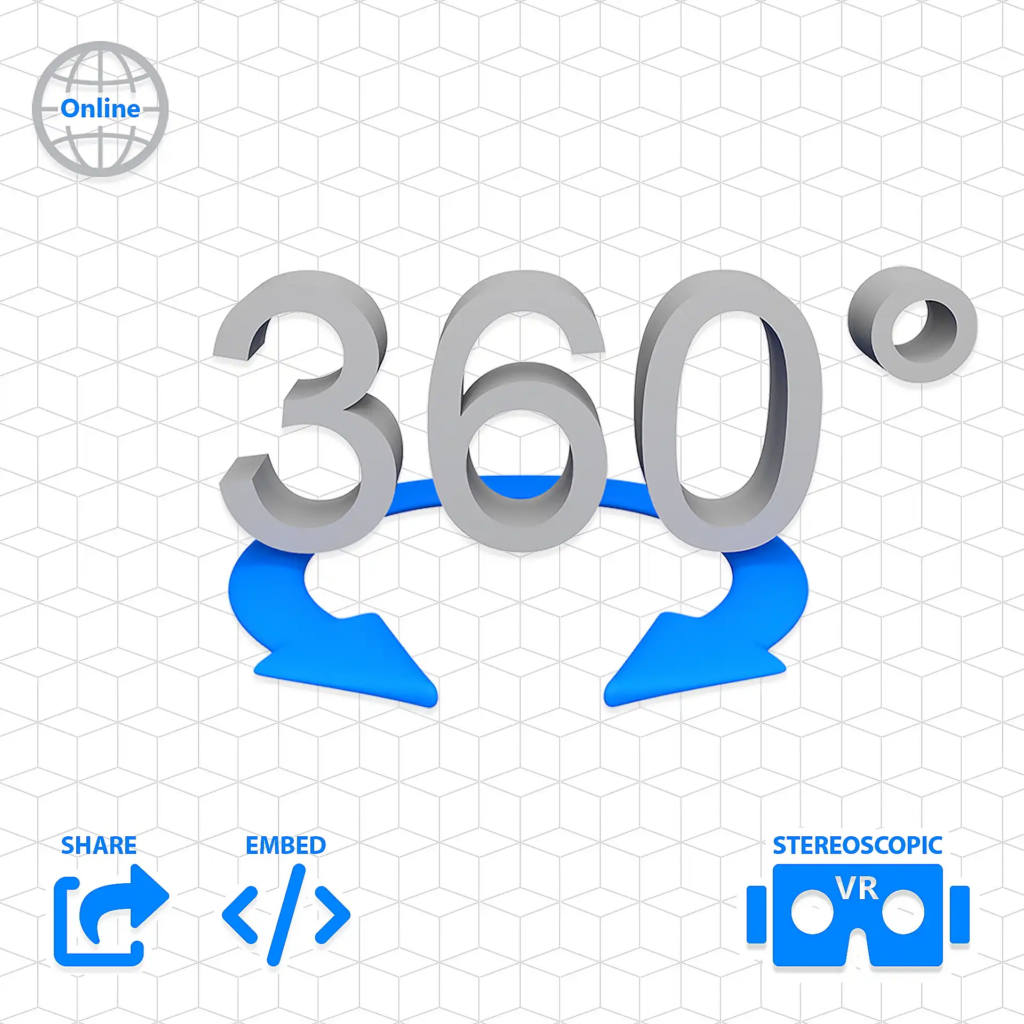
Most WordPress panorama plugins follow a similar workflow.
Step 1: Capture a Panorama Image
First, you need a 360-degree panoramic image. These can be captured using:
- 360 cameras
- DSLR panoramic stitching
- Smartphone panorama apps
- Professional virtual tour software
Once created, the panorama image is usually exported as a equirectangular image.
Step 2: Upload the Panorama
Next, you upload the panorama image to your WordPress media library.
Most plugins support drag-and-drop uploads.
Step 3: Configure the Viewer
The plugin converts the image into an interactive viewer. You can typically customize:
- rotation speed
- zoom levels
- control buttons
- navigation style
Some plugins also allow the addition of interactive hotspots.
Step 4: Embed on a Page
Finally, the panorama viewer can be inserted into a page using:
- a shortcode
- Gutenberg block
- page builder module
This allows the panorama to appear seamlessly within your website layout.
Popular WordPress Website Plugin for 360 Panorama Viewer
There are several plugins available that make it easy to add panoramic experiences to WordPress websites. Below are some widely used options.
1. WP VR
WP VR is one of the most popular panorama plugins for WordPress.
It allows users to create interactive virtual tours with ease. The plugin supports both single panorama scenes and multi-scene tours connected through navigation points.
Key features include:
- drag-and-drop panorama builder
- hotspot navigation
- compatibility with Gutenberg and page builders
- responsive design for mobile devices
- VR headset support
This plugin is particularly useful for real estate websites and tourism businesses.
2. PanoPress
PanoPress is another well-known plugin designed for displaying panoramic images inside WordPress posts and pages.
It supports both 360 panoramas and virtual tours, and it works smoothly with modern browsers and mobile devices.
Important features include:
- easy embedding with shortcodes
- support for multiple panorama scenes
- interactive hotspots
- responsive display
PanoPress is often chosen by photographers, bloggers, and educators who want to showcase immersive environments.
3. iPanorama 360
iPanorama 360 is a premium plugin focused on building fully interactive virtual tours.
Unlike simpler panorama viewers, this plugin allows site owners to create complex navigation experiences with multiple scenes and interactive elements.
Features include:
- visual editor interface
- hotspot linking between scenes
- custom icons and tooltips
- responsive panorama display
- compatibility with modern page builders
This makes it ideal for professional virtual tour projects.
4. Algori 360 Image
Algori 360 Image is a lightweight plugin designed to display simple 360 images using the Gutenberg editor.
It’s particularly suitable for beginners who want a straightforward way to display panoramas without complex configuration.
Features include:
- Gutenberg block integration
- smooth drag-to-rotate viewing
- simple image upload workflow
- responsive mobile support
For small projects or blogs, this plugin provides a quick and efficient solution.
5. Photo Sphere Viewer Integration
Some WordPress plugins are based on Photo Sphere Viewer, an open-source JavaScript library used to render 360 panoramas.
These integrations allow developers to embed highly customizable panoramic experiences into WordPress pages.
Advantages include:
- flexible configuration options
- modern WebGL rendering
- advanced interaction support
However, these plugins may require slightly more technical knowledge.
Key Features to Look for in a Panorama Viewer Plugin
When choosing a wordpress website plugin for 360 panorama viewer, it’s important to consider the following features.
ใช้งานง่าย
A user-friendly interface makes it easier to upload panoramas and configure viewers without coding.
Mobile Compatibility
Since many users browse websites on mobile devices, the panorama viewer should support touch gestures and responsive layouts.
Hotspot Interaction
Hotspots allow you to add clickable points within the panorama.
These can link to:
- other panorama scenes
- หน้าสินค้า
- additional information
This transforms the panorama into an interactive experience.
Page Builder Integration
If you use page builders like Elementor or WPBakery, choose a plugin that integrates easily with those tools.
การเพิ่มประสิทธิภาพการทำงาน
Panorama images can be large. A good plugin should include optimization features to ensure fast loading times.
Use Cases for 360 Panorama Viewers
Many industries are adopting panoramic technology to improve online experiences.
Real Estate
Property buyers can explore homes remotely through immersive virtual tours.
Tourism
Travel websites can showcase destinations, hotels, and attractions through panoramic experiences.
Hospitality
Hotels can allow visitors to preview rooms, lobbies, and facilities.
Education
Museums and schools can create interactive exhibitions.
E-commerce
Brands can present products in a more immersive format, helping customers understand them better before purchasing.
Best Practices for Using Panorama Viewers
To get the best results from a panorama viewer plugin, consider these tips.
Use High-Quality Images
A blurry panorama can ruin the immersive experience. Always use high-resolution panoramic photos.
Optimize File Size
Large images can slow down your website. Compress images while maintaining quality.
Keep Navigation Simple
Too many hotspots or controls can confuse users. Focus on a clean and intuitive interface.
Combine with Storytelling
Instead of just displaying a panorama, use captions, descriptions, or guided navigation to tell a story.
The Future of Interactive Websites
Interactive experiences are becoming a core part of modern web design.
Technologies like:
- 360 panoramas
- virtual tours
- AR and VR experiences
are reshaping how users interact with websites.
As expectations continue to rise, businesses that adopt immersive technology early will have a strong advantage in attracting and engaging visitors.
Using a wordpress website plugin for 360 panorama viewer is one of the easiest ways to start building these interactive experiences.
ข้อคิดส่งท้าย
Adding a 360 panorama viewer to your WordPress website can dramatically enhance user engagement, storytelling, and trust.
Whether you are running a real estate website, a travel platform, or an e-commerce store, immersive panoramic content allows visitors to explore environments and products in a far more engaging way than traditional images.
With the help of the right wordpress website plugin for 360 panorama viewer, you can integrate this technology into your website quickly and without complex development.
If you’re planning to build or redesign a WordPress website that includes immersive visuals, virtual tours, or interactive shopping experiences, thoughtful design plays a critical role.
ที่ AIRSANG, we specialize in cross-border e-commerce website design and user experience optimization. From ช็อปฟี่ stores to วordpress websites, our focus is on creating visually engaging, conversion-focused designs that help brands stand out in global markets.
If you’re looking to create a modern website with immersive features like 360 panoramas, virtual tours, or interactive product experiences, feel free to explore our services or reach out to the AIRSANG team for professional design support.


ออกแบบและสร้างเว็บไซต์ WordPress หรือเว็บไซต์องค์กรพร้อมระบบอีคอมเมิร์ซครบวงจรสำหรับคุณ.
ช่วงราคา: $200.00 ถึง $2,500.00custom-requirements-or-special-quotations
ราคาเดิมคือ: $2.00.$1.00ราคาปัจจุบันคือ: $1.00. การใช้ปลั๊กอิน 50 ตัวมากเกินไปสำหรับร้านค้าออนไลน์ที่ใช้ WordPress หรือไม่?
การเข้าใจผลกระทบที่แท้จริงต่อประสิทธิภาพ การมีปลั๊กอิน 50 ตัวบนเว็บไซต์อีคอมเมิร์ซ WordPress ไม่ใช่ปัญหาโดยอัตโนมัติ จริงๆ แล้ว จำนวนเพียงอย่างเดียวแทบจะไม่สามารถกำหนดประสิทธิภาพได้....

ภาพหลักสำหรับการออกแบบอุปกรณ์กายภาพบำบัดที่บ้านของ Amazon (อธิบายรายละเอียด)
บทนำ: การสร้างภาพลักษณ์ที่น่าเชื่อถือสำหรับอุปกรณ์บำบัดที่บ้านบน Amazon เมื่อออกแบบภาพหลักสำหรับอุปกรณ์บำบัดที่บ้านบน Amazon สิ่งสำคัญอันดับแรกของเราคือ...

ภาพหลักสำหรับการแปลงลิปสติกเป็นสินค้าสำหรับ Amazon
บทนำ: การออกแบบภาพหลักลิปสติกที่ขายได้บน Amazon เมื่อเราออกแบบภาพหลักสำหรับลิปสติกบน Amazon ความรับผิดชอบของเราไม่ได้จำกัดอยู่แค่...

แฮกเกอร์ขโมยอีเมลผู้ดูแลระบบ WordPress ได้อย่างไร (และวิธีป้องกัน)
มาเริ่มกันด้วยความจริงที่ไม่น่าสบายใจ: อีเมลแอดมิน WordPress ของคุณอาจเปิดเผยต่อสาธารณะมากกว่าที่คุณคิด และแฮกเกอร์? พวกเขาชอบมาก สำหรับพวกเขา...

อะไรทำให้รองพื้นชนิดเหลวของ Amazon (ภาพหลัก) ขายดี?
บทนำ การออกแบบภาพหลักสำหรับรองพื้นชนิดเหลวบน Amazon ไม่ใช่แค่การทำให้ผลิตภัณฑ์ดูสวยงามเท่านั้น บน Amazon ภาพหลักและ...

การออกแบบภาพหลัก Amazon ที่มีประสิทธิภาพสำหรับตลับกรอง
บทนำ การออกแบบภาพหลักสำหรับ Amazon ไม่ใช่แค่การทำให้สินค้าดูน่าดึงดูดเท่านั้น แต่ยังเกี่ยวกับความชัดเจน ความน่าเชื่อถือ และความเข้าใจได้ในทันที โดยเฉพาะอย่างยิ่งสำหรับ...

การโจมตีแบบ Replay Attack บน WordPress: ภัยคุกคามจริงหรือแค่เรื่องที่ถูกพูดเกินจริง?
ก่อนอื่นขอชี้แจงให้ชัดเจนก่อน การโจมตีแบบ Replay Attack นั้นดูไม่น่ากลัว มันไม่ได้ทำลายรหัสผ่าน มันไม่ได้แทรกโค้ดที่เป็นอันตรายพร้อมข้อความแฮ็กเกอร์สีเขียวกระจัดกระจายไปทั่ว มันแนบเนียนกว่า...

วิธีคัดลอกหน้าเว็บ WordPress โดยไม่ทำให้ระบบเสียหาย
ยอมรับกันเถอะ บางครั้งคุณอาจไม่อยากสร้างหน้าเว็บใหม่ คุณแค่อยากได้หน้าเว็บเดิม...แต่แตกต่างไปเล็กน้อย รูปแบบเหมือนเดิม บล็อกเหมือนเดิม การตั้งค่าเหมือนเดิม เพราะ...

เปรียบเทียบธีม WordPress สำหรับสัตว์เลี้ยง 5 แบบ
บทนำ การเลือกธีม WordPress ที่เหมาะสมสำหรับธุรกิจเกี่ยวกับสัตว์เลี้ยงนั้นไม่ใช่แค่เรื่องของการออกแบบเท่านั้น แต่ยังส่งผลโดยตรงต่อการใช้งาน ความสามารถในการขยายขนาด และการเติบโตของธุรกิจในระยะยาว การดูแลสัตว์เลี้ยงและ...

เปรียบเทียบธีมอีคอมเมิร์ซชุดว่ายน้ำ 5 แบบ
บทนำ การเลือกธีมที่เหมาะสมสำหรับร้านค้าอิสระที่จำหน่ายชุดว่ายน้ำหรือชุดชั้นในนั้นไม่ใช่แค่การตัดสินใจด้านภาพลักษณ์เท่านั้น แต่ยังส่งผลโดยตรงต่ออัตราการเปลี่ยนลูกค้าให้เป็นผู้ซื้อ ความสามารถในการขยายธุรกิจ และความยั่งยืนในระยะยาว...

วิธีปิดการแสดงความคิดเห็นใน WordPress (โดยไม่ต้องเสียสติ)
มาพูดถึงระบบแสดงความคิดเห็นของ WordPress กันดีกว่า ในทางทฤษฎีแล้ว ความคิดเห็นนั้นยอดเยี่ยมมาก มันช่วยกระตุ้นการสนทนา สร้างชุมชน และทำให้เว็บไซต์ของคุณดูมีชีวิตชีวา แต่ในความเป็นจริงแล้ว มันมักจะเป็นเหมือนแม่เหล็กดึงดูด...

ข้อผิดพลาด WordPress 500: เมื่อเว็บไซต์ของคุณเกิดอาการผิดปกติ
เว็บไซต์ WordPress ของคุณยังใช้งานได้ปกติดีเมื่อสักครู่ คุณรีเฟรชหน้าเว็บ แล้วจู่ๆ ก็เกิดข้อผิดพลาด 500 Internal Server Error ขึ้นมา ไม่มีคำอธิบาย ไม่มีคำขอโทษ มีเพียงข้อความที่เย็นชาและสับสนซึ่งโดยพื้นฐานแล้ว...

การสร้างเว็บไซต์ WordPress ที่ปรับขนาดได้สำหรับแบรนด์ที่ขับเคลื่อนด้วยวิทยาศาสตร์: โครงการ AminoUSA
บทนำ ในยุคดิจิทัลปัจจุบัน เว็บไซต์เป็นมากกว่าแค่สถานที่สำหรับแสดงรายการสินค้า สำหรับแบรนด์ที่ขับเคลื่อนด้วยวิทยาศาสตร์ซึ่งดำเนินงานในอุตสาหกรรมที่มีการควบคุมหรือเน้นการวิจัย...

สร้างร้านค้า Shopify ที่ปรับขนาดได้สำหรับแบรนด์ใบมีดระดับโลก: โครงการ CoolKatana
บทนำ ในธุรกิจอีคอมเมิร์ซข้ามพรมแดน เว็บไซต์ Shopify เป็นมากกว่าแค่หน้าร้าน สำหรับแบรนด์ที่ดำเนินธุรกิจในกลุ่มเฉพาะหรือกลุ่มที่ขับเคลื่อนด้วยวัฒนธรรม เว็บไซต์ต้องทำมากกว่านั้น...

การออกแบบร้านค้า Shopify ที่มีอัตราการแปลงสูงสำหรับขายการ์ดโปเกมอน
บทนำ ในโลกของอีคอมเมิร์ซสินค้าสะสม โดยเฉพาะอย่างยิ่งในตลาดเกมการ์ดโปเกมอน (TCG) เว็บไซต์จะต้องทำมากกว่าแค่แสดงรายการสินค้า...

ดีไซน์ Shopify ที่เพิ่มยอดขายสำหรับแบรนด์อิฐสั่งทำพิเศษ
บทนำ ในสภาพแวดล้อมการแข่งขันอีคอมเมิร์ซในปัจจุบัน โดยเฉพาะอย่างยิ่งในตลาดของขวัญส่วนบุคคลและของสะสม เว็บไซต์ Shopify ต้องทำมากกว่าแค่แสดงสินค้า...

วิธีติดต่อฝ่ายสนับสนุนของ Shopify: คู่มือที่ง่ายและไม่ยุ่งยาก
การบริหารร้านค้า Shopify ควรเป็นเรื่องที่น่าตื่นเต้น ไม่ใช่เรื่องที่ทำให้สับสน เมื่อมีคำถามหรือปัญหาเกิดขึ้น Shopify มีช่องทางการสนับสนุนหลายช่องทาง ขึ้นอยู่กับสถานการณ์...

วิธีปิดใช้งานร้านค้า Shopify: คู่มือที่ชัดเจนและใช้งานได้จริง
การปิดใช้งานร้านค้า Shopify นั้นไม่ซับซ้อน แต่ก็มีผลกระทบหลายอย่างที่ผู้ขายหลายรายมองข้ามไป คู่มือนี้จะอธิบายขั้นตอนอย่างละเอียดและเข้าใจง่าย...