











 Japanese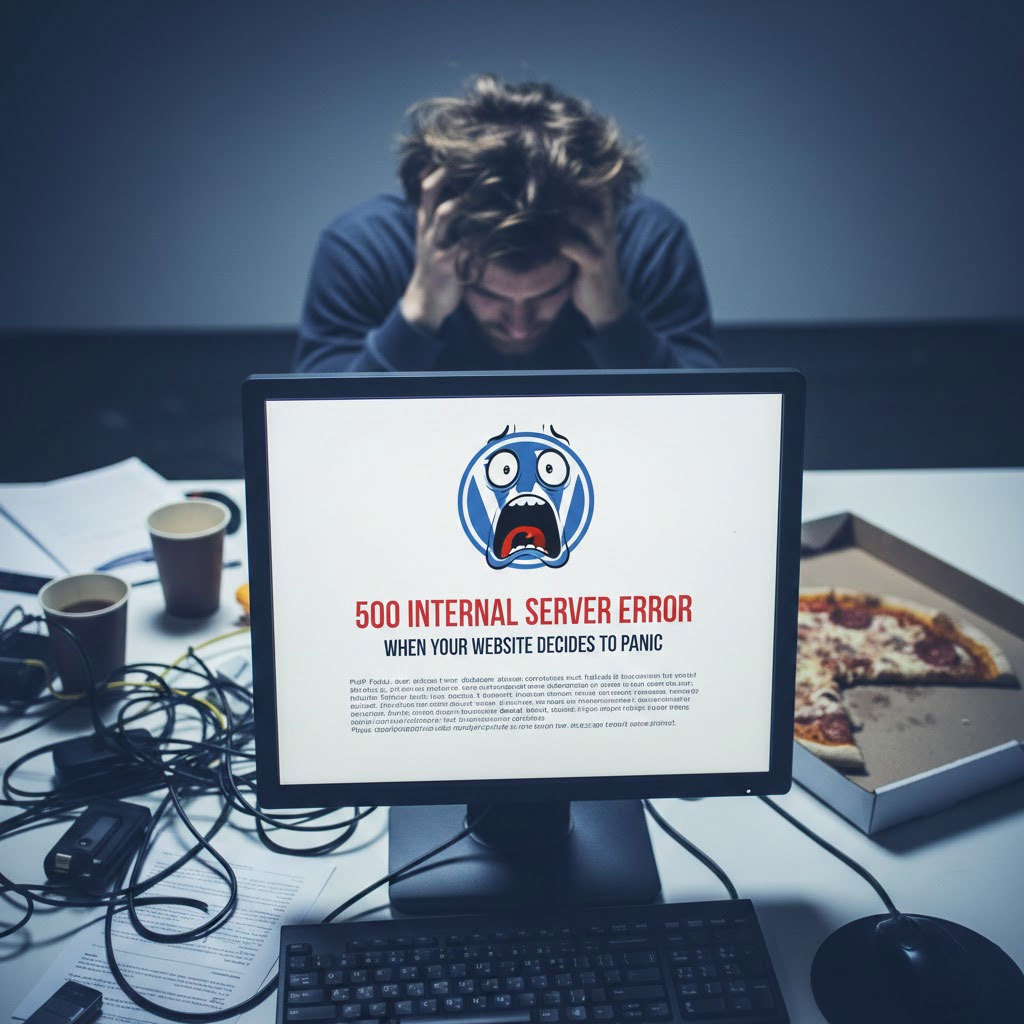
あなたの ワードプレス 1分前まではサイトは正常でした。.
ページを更新しました。.
そして突然、ドカン💥500 内部サーバー エラーが発生してしまいました。.
説明はありません。.
謝罪はありません。.
基本的には次のような、冷たく混乱を招くメッセージです。
“「問題が発生しました。」.
「何が?」と聞かないでください。”
このエラーをまるで裏切られたかのように見つめたことがあれば、おめでとうございます。あなたは正式に WordPress ユーザーです。.
このエラーが実際には何を意味するのか、なぜ発生するのか、そしてあなたの正気(またはサイト)を失うことなくこれを修正するにはどうすればよいのかを分析してみましょう。.
まず最初に: 500 内部サーバー エラーとは何ですか?
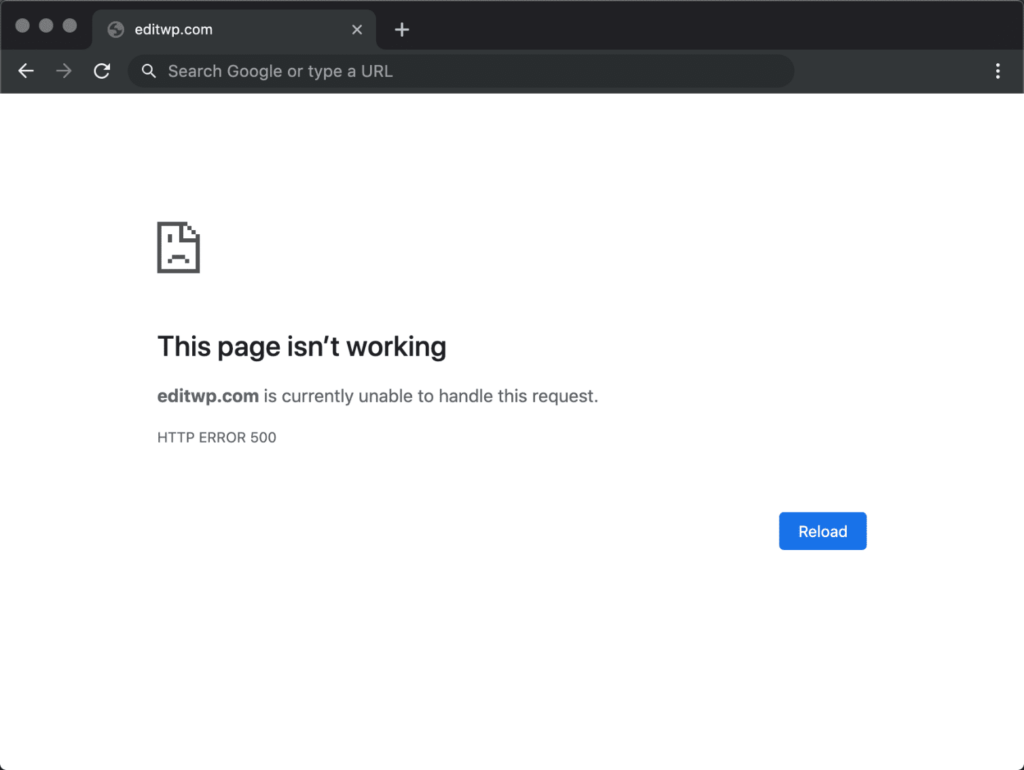
500 エラーは WordPress が次のように言っていることを示します。
“"私は試した。.
何かが失敗しました。.
それが何なのかは分かりません。.
幸運を。"”
これはサーバー側のエラーであり、テーマの問題でも、タイプミスでも、水星の逆行でもありません。.
サーバーはリクエストを処理できませんでした。.
迷惑?はい。.
一般的ですか?非常に。.
修理可能?もちろんです。.
WordPressが500エラーを出す最も一般的な理由
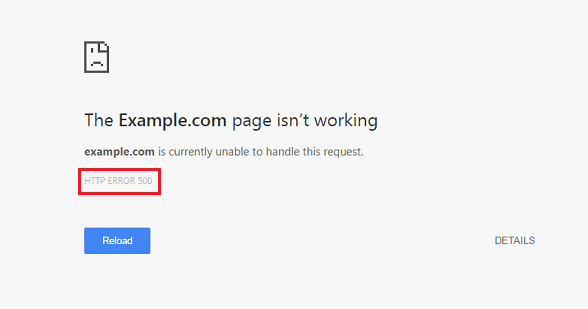
このエラーは、WordPress に調子が悪いときに発生するものと考えてください。.
いつもの容疑者は次のとおりです:
1. プラグインが目覚め、暴力を選択した
プラグインは素晴らしいものですが、1 つのアップデートですべてが壊れてしまいます。.
何をするか:
- すべてのプラグインを無効にする
- サイトをリロードする
- 一つずつ再度有効にする
エラーが再発すると、問題の原因が判明します。.
(プロのヒント:通常は「マイナーアップデート」と書かれたものです。)
2. あなたのテーマは実存的危機です
カスタムコード、壊れたアップデート、または編集途中の 関数.php ファイルによりサイト全体がクラッシュする可能性があります。.
クイックテスト:
- デフォルトのテーマに切り替える(Twenty Twenty-Fourなど)
- サイトが読み込まれる場合、WordPressではなくテーマに問題があります。
3. .htaccess ファイルは今日あなたの友達ではありません
破損した .htaccess ファイルはあなたのウェブサイトの夢を静かに破壊する可能性があります。.
修正方法:
- 名前を変更
.htaccessへの.htaccess_old - サイトを更新する
- 「設定」→「パーマリンク」に移動し、「保存」をクリックします。
WordPress がクリーンなものを生成します。.
4. PHPのメモリ制限:サイレントキラー
あなたのサイトは飢えています。.
サーバーから「メモリが不足しています」というメッセージが表示されます。“
解決:
PHPのメモリ制限を増やす wp-config.php:
'WP_MEMORY_LIMIT'、'256M'を定義します。;
2025年に64MBというのは失礼です。.
5. サーバーまたはホスティングの問題(はい、起こります)
時々それはあなたではありません。.
それはサーバーです。.
共有ホスティングの過負荷、PHP バージョンの設定ミス、一時的なクラッシュなどにより、500 エラーが発生する可能性があります。.
他のすべてが失敗した場合:
- サーバーログを確認する
- ホスティングプロバイダーにお問い合わせください
- あるいは、サイトが再び反乱を起こす前にアップグレードを検討してください
冷静で責任ある大人のようにデバッグする方法
WordPress デバッグ モードを有効にします。
'WP_DEBUG' を true で定義します。'WP_DEBUG_LOG' を true で定義します。;
これにより、WordPress が肩をすくめるのではなく、実際のエラー メッセージが表示されます。.
知識 = 力。.
500エラーが想像以上にダメージを与える理由
500 エラーは見た目が悪いだけではありません。次のような問題もあります。
- SEOインデックスを破壊
- コンバージョンを阻害する
- ユーザーの信頼を破壊する
- Googleが静かにあなたを判断する
広告やプロモーション、またはトラフィックのピーク時にサイトがダウンした場合…
それは本当にお金が消えていくということです。.
最終的な考え(そして友好的な現実確認)
どこを確認すればよいかがわかっていれば、ほとんどの 500 内部サーバー エラーは数分で修正できます。.
しかし、これが起こり続けるとしたら?
アップデートが危険だと感じた場合は?
サイトにアクセスするたびにサイトが壊れてしまう場合はどうすればよいでしょうか?
これは「通常の WordPress の動作」ではありません。“
それは構造上の問題です。.
ここで専門家の出番です。.
突然爆発しない安定した WordPress サイトが必要ですか?
で エアサン, 、私たちは以下の分野に特化しています:
私たちは、サイトの見栄えを良くするだけでなく、サイトがオンライン状態を維持し、コンバージョンを実現し、グローバルに拡張できるようにします。.
突然のエラーや深夜のパニック更新にうんざりしているなら、,
フォローする エアサン あるいは、何かしっかりしたものを構築する準備ができたら、ご連絡ください。.
サーバーも感謝してくれるでしょう。😌


WordPressのウェブサイトや、完全なeコマースシステムを備えたコーポレートサイトをデザイン・構築します。.
価格帯$200.00~$2,500.00カスタム要件または特別見積もり
元価格は$2.00。.$1.00現在の価格は$1.00。. WordPress の電子商取引ストアに 50 個のプラグインは多すぎますか?
WordPressのeコマースサイトに50個のプラグインがあるからといって、それが自動的に問題になるわけではありません。実際、数だけでパフォーマンスが決まることはほとんどありません。.

ハッカーがWordPress管理者のメールアドレスを盗む方法(そしてそれを阻止する方法)
WordPressの管理者メールアドレスは、あなたが思っている以上に公開されているのです。ハッカーはそれが大好きです。彼らにとって、あなたの...

WordPress へのリプレイ攻撃: 本当の脅威か、それとも誇張された神話か?
まず最初に明確にしておきましょう。リプレイ攻撃は見た目には怖くありません。パスワードを破壊したり、緑色のハッカーテキストが飛び交うような悪質なコードを挿入したりもしません。彼らは狡猾なのです…。.

WordPressページを何も壊さずに複製する方法
正直に言って、新しいページを作りたくない時もあるでしょう。同じページを少しだけ変えたいだけなのに。レイアウトもブロックも設定も全部同じ。なぜなら….

WordPressでコメント機能をオフにする方法(気が狂わずに)
WordPressのコメントについてお話しましょう。理論上は、コメントは素晴らしいものです。議論を促し、コミュニティを築き、ウェブサイトに「活気」を与えてくれます。しかし実際にはどうでしょうか?コメントはしばしば人を惹きつけ….

Shopifyサポートへの問い合わせ方法:シンプルでストレスフリーなガイド
Shopifyストアの運営は、混乱するのではなく、ワクワクするものであるべきです。疑問が生じたり、問題が発生して作業が滞ったりした場合でも、Shopifyは状況に応じて複数のサポートパスをご用意しています。.

Shopifyストアを非アクティブ化する方法:分かりやすく実践的なガイド
Shopifyストアの無効化はそれほど複雑ではありませんが、多くのマーチャントが見落としている影響があります。このガイドでは、そのプロセスを分かりやすく解説します。.

5つの靴店のテーマを比較
はじめに フットウェアを専門とする独立系ストアに適切なテーマを選択することは、見た目だけの問題ではなく、拡張性、日々の業務、長期的なコンバージョン パフォーマンスに直接影響します。...

Shopify vs Etsy:究極のオンライン販売対決
はじめに: 2 つのプラットフォームがバーにやって来ました... Shopify と Etsy が人間だとしたら、Etsy はすでにブースを構えている魅力的な友人のような存在でしょう...

ShopifyまたはWordPressサイトがハッキングされたら?対処法はこちら
はじめに: 割れた窓で目覚めることのデジタル版 目覚めて、朝のコーヒーを手に取り、ノートパソコンを開いて…そして自分の Web サイトを発見するところを想像してみてください….

頭を悩ませることなくShopifyストアを始める方法
Shopifyストアを始めるなんて、なんだか華やかに聞こえますよね。お昼にコーヒーを飲みながら、セールの通知をチェックしながら、友達に「そうそう、うちのストア、結構売れたんだよね…」なんてさりげなく話している自分を想像してみてください。.

Shopifyは本当に信頼できるのか?オンラインセラー初心者のための分かりやすいガイド
eコマースプラットフォームを調べているなら、Googleに「Shopifyって本当に信頼できるの?」という具体的な質問を入力したことがあるのではないでしょうか。この疑問は当然のことです。Shopifyを立ち上げるには….

Shopifyは信頼できる?ShopifyとBigCommerceの比較ガイド
初めてeコマースに足を踏み入れる人なら、必ずと言っていいほど浮かんでくる疑問があります。「Shopifyは信頼できるのか?」これは当然の疑問です。オンラインストアを始めるということは、信頼を得ることを意味します...

Shopifyストアの作成方法:簡単なステップバイステップガイド
オンラインストアの作成は、かつては大変な作業でした。ドメイン、ホスティング、決済、デザイン、配送、マーケティングなど、すべてが技術的で、費用がかかり、わかりにくいと感じていました。だからこそ、Shopifyのようなプラットフォームが存在するのです。.

$1000未満のShopifyデザイナー向け初心者ガイド
Shopifyストアの構築に、莫大な予算や社内チームが必要なことはもうありません。多くのスタートアップ、個人創業者、そして越境販売を行う企業にとって、Shopifyを採用することは….
WordPressの重大なエラー:原因と解決策
WordPressウェブサイトを運営している方にとって、「このウェブサイトに重大なエラーが発生しました」というメッセージほど不安を掻き立てるものはほとんどありません。多くの人にとって...

WordPressのメモリ制限を安全に増やす方法
初心者向けのパフォーマンス向上ガイド WordPress ウェブサイトの動作が遅くなったり、予期せずクラッシュしたり、「許可されたメモリ サイズが不足しています」などのエラーが表示されたりするのは、あなただけではありません。.
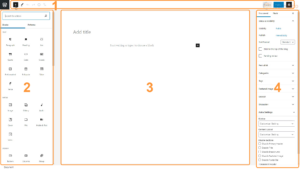
デフォルトのWordPressエディタの使い方
WordPressを初めて使う場合、最初に使うツールの一つがデフォルトのWordPressエディタです。ブログ記事を書いたり、Webサイトを構築したり….