










Shopify announced Canvas on October 1, 2026: a new workspace that lets merchants view multiple pages of their store on the same canvas and adjust theme designs with the AI assistant Sidekick. For brands preparing to revamp, the most important conclusions are: Canvas is worthy of attention, but it is still early access only open to some stores, and it cannot be regarded as a formal alternative that is already available for all themes. This article is based on Shopify’s announcement and help documentation on the day, explaining what it can do, what restrictions will affect overseas stores, and how to check before going online. This article is not AIRSANG’s personal review of the Canvas backend.
What is published in Canvas, and how is it different from regular theme editing?
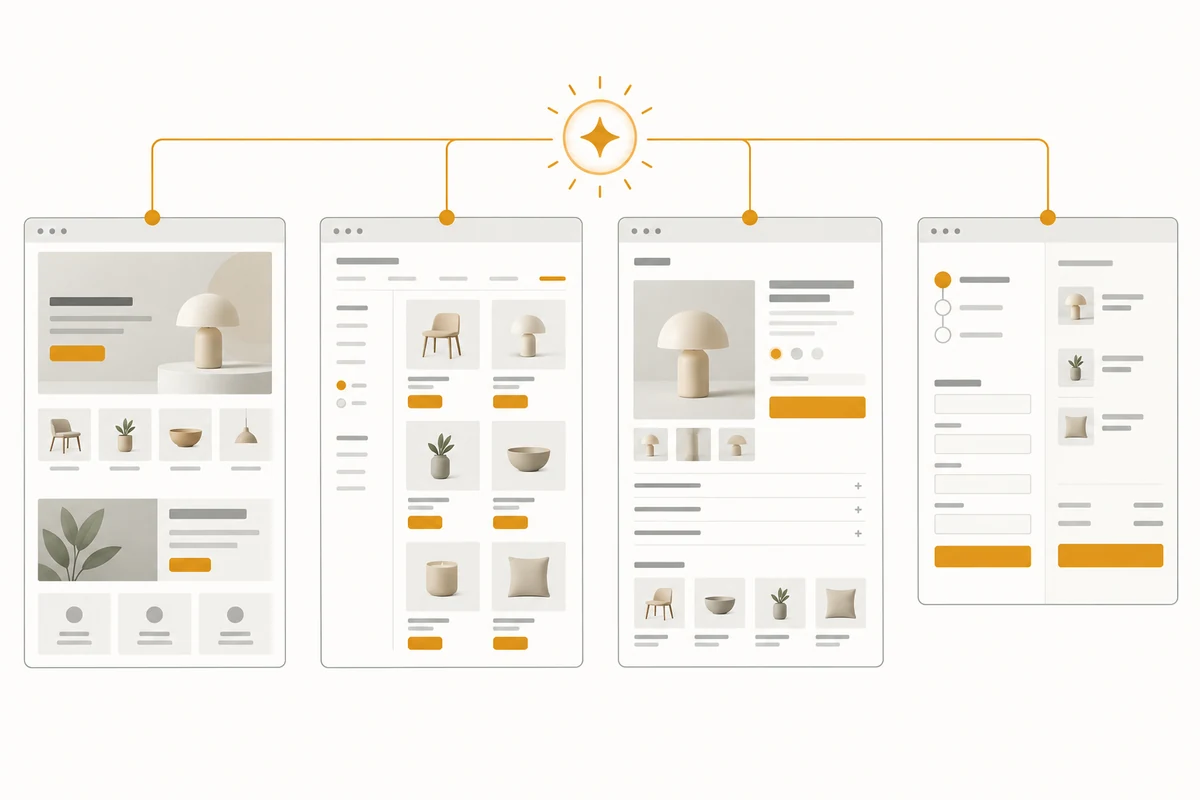
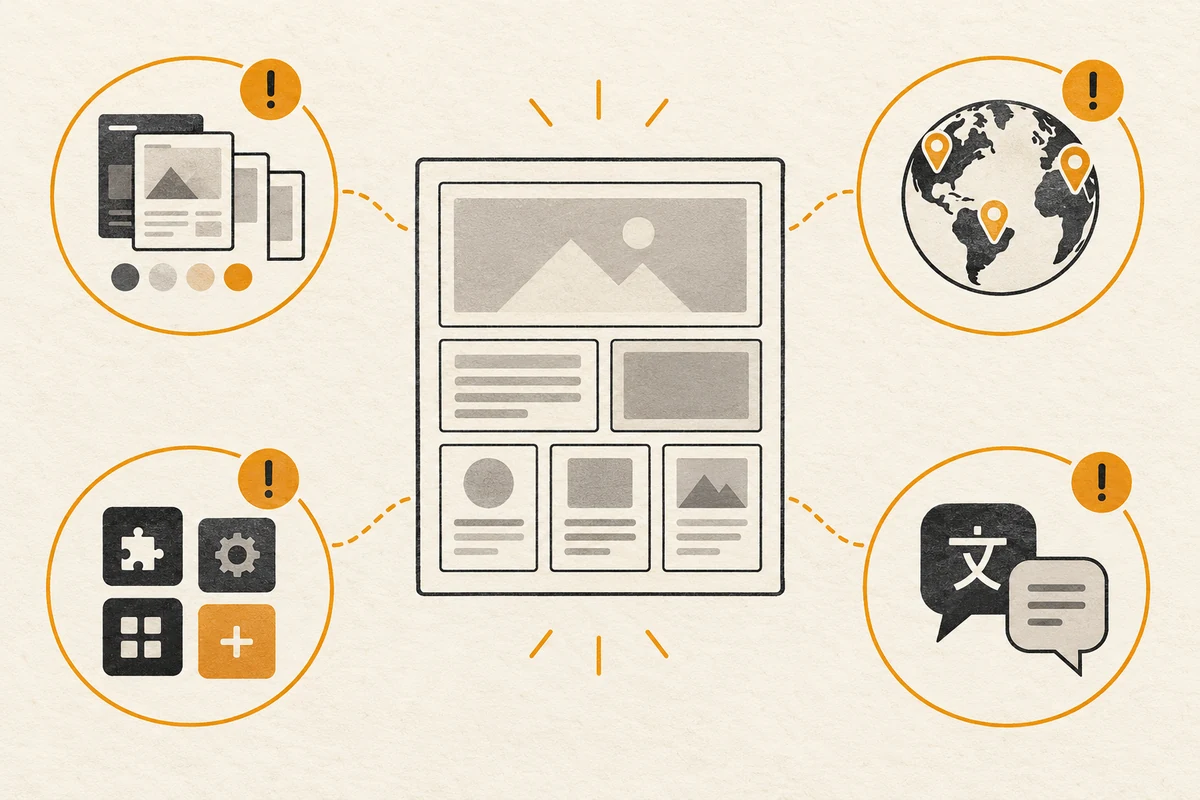
In Shopify Official announcement Here, Canvas is described as a visual workspace covering the entire site: merchants can see different pages at the same time, move and zoom on the canvas, click on page elements to modify, and can also describe the desired changes to Sidekick in the dialog box. It displays an interactive page preview formed by the theme code, with the ability to view animations, different products and collections, and different screen widths. The news date was October 1; Shopify said at the time that it would gradually open it over the next few days, rather than opening it to all accounts at once on the same day.
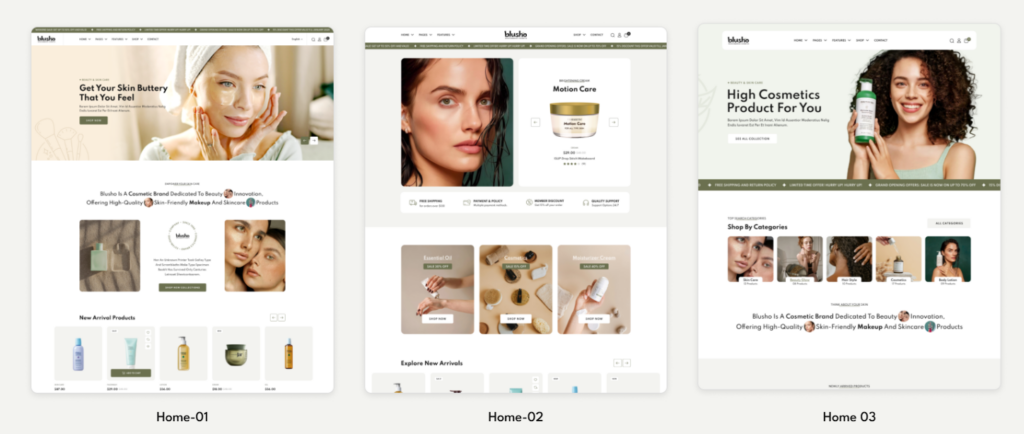
What this changes is the way you view the relationships between pages when designing. For example, after a brand changes the first screen of the homepage to a magazine-style layout, it can continuously observe whether the collection page and product page still look like the same brand; if the navigation or buttons appear crowded in the width of the mobile phone, it can also be checked before publishing. The “can observe and modify” here is the official description of the product’s capabilities; “therefore it will definitely improve conversions” has no reliable basis and cannot be derived directly from the demonstration screen.
How should Canvas compare to existing editing workflows?
Canvas does not immediately replace existing theme editors. Shopify has made it clear that the two currently work in parallel. Merchants can create a new Canvas theme in the backend Online Store → Themes, or copy a qualified Shopify/custom theme to Canvas; the original theme remains in the original editing process. The table below compares Working method confirmed from official documentation on October 5, 2026 , not performance, conversion rate, or design quality rankings.
| Compare dimensions | Canvas current stage | Existing process/Need to check separately |
|---|---|---|
| Page perspective | Multiple pages on the same screen, zoom and view the relationship between the entire site | Existing theme editors continue to be available; which method to choose depends on store conditions |
| Modification method | Click on the element, or talk to Sidekick to propose changes | Existing themes can still be maintained along the original editing process |
| Topic source | Shopify develops or customizes themes; some stores are open | Third-party Theme Store themes are currently not available in Canvas |
| Across markets and applications | It is currently not possible to customize Markets, configure app blocks/embeds, or translate directly within Canvas | The relevant configuration of the original store still needs to be checked separately; the Canvas restriction cannot be mistakenly written as Shopify does not support it as a whole. |
| Theme maintenance | Themes edited with Canvas do not receive theme updates and cannot download theme files | Keep the original theme and plan modifications, rollbacks and subsequent maintenance in advance |
Comparison based on Shopify’s Feature update record そして Conditions and restrictions of use . The existing editing process does not mean that it does not have its own adaptation issues; specific stores must also check the themes, applications and custom codes being used.
Who can use Canvas now? Check the entrance and permissions first
The Shopify Help Center labels Canvas as early access and notes that it is only available in some stores. Even if there is an entrance in the account, it must also meet the following requirements: the store package includes theme customization, the operated theme is developed by Shopify or is a custom theme, employees have Online Store → Themes → Edit code permissions; the Canvas editing workspace is currently used on the desktop. Just because you can’t edit it on the mobile phone doesn’t mean you can’t preview the mobile phone width. Third-party Theme Store themes currently do not meet Canvas’ current requirements.

Merchants can first open the backend Online Store → Themes to see if there is an entrance to create or copy to Canvas, and then the administrator can check the theme source and account permissions. If there is no entrance, it is not appropriate to interpret the news title as “You can already enable it.” And don’t replace the theme that’s hosting your transactions without evaluating it just to try out a new interface. Teams preparing for a new website can first check Shopify brand website construction Required pages, products and operational tasks, and determine which part of the problem is solved by visual editing.
Which online restrictions are most likely to be ignored?
Multilingual and Markets should be checked separately
The official limit is Canvas current editing capabilities : It cannot be customized by Markets in Canvas, nor can the topic content be translated directly in Canvas. This does not mean that Shopify stores cannot do international marketing or translation at all. Shopify Help documentation states that appropriate content can still be processed with Translate & Adapt. For existing multi-language sites, you need to check whether language switching, market domain names, navigation, product copywriting and policy pages are consistent under the new theme; market URL planning can be seen separately Shopify Markets multi-language setup special list. This does not extend the limitations of Canvas into a negation of the entire Markets product.
Application modules, updates and rollbacks are no small matter
Canvas currently cannot add or configure app blocks and app embeds within the workspace. If the store relies on reviews, subscriptions, chats or other application displays, the actual presentation and corresponding configuration location of the new theme should be confirmed one by one, and it cannot be assumed that Sidekick will automatically recover. Themes modified by Canvas also do not receive theme updates, and the theme files cannot be downloaded. The official also stated that the Canvas theme can be replaced as the main theme through rollout, but the Canvas theme cannot be edited or opened in rollout; “rollouts are not supported” so it needs to be understood according to the specific operation, rather than simply written as completely unpublishable.
For stores that are already in operation, the rollback plan should be clearly written before the trial: which original theme will be retained, who will be responsible for recording changes, which time window will be released, and who will restore it if there is a problem with the product page or the path before checkout. These are AIRSANG editorial recommendations based on current restrictions and are not Shopify’s commitment to each merchant’s process. For product pages, especially check variations, prices, stock alerts, and buy buttons; available Product Page Design Checklist Do manual review.
In what order should merchants check before trial and online?
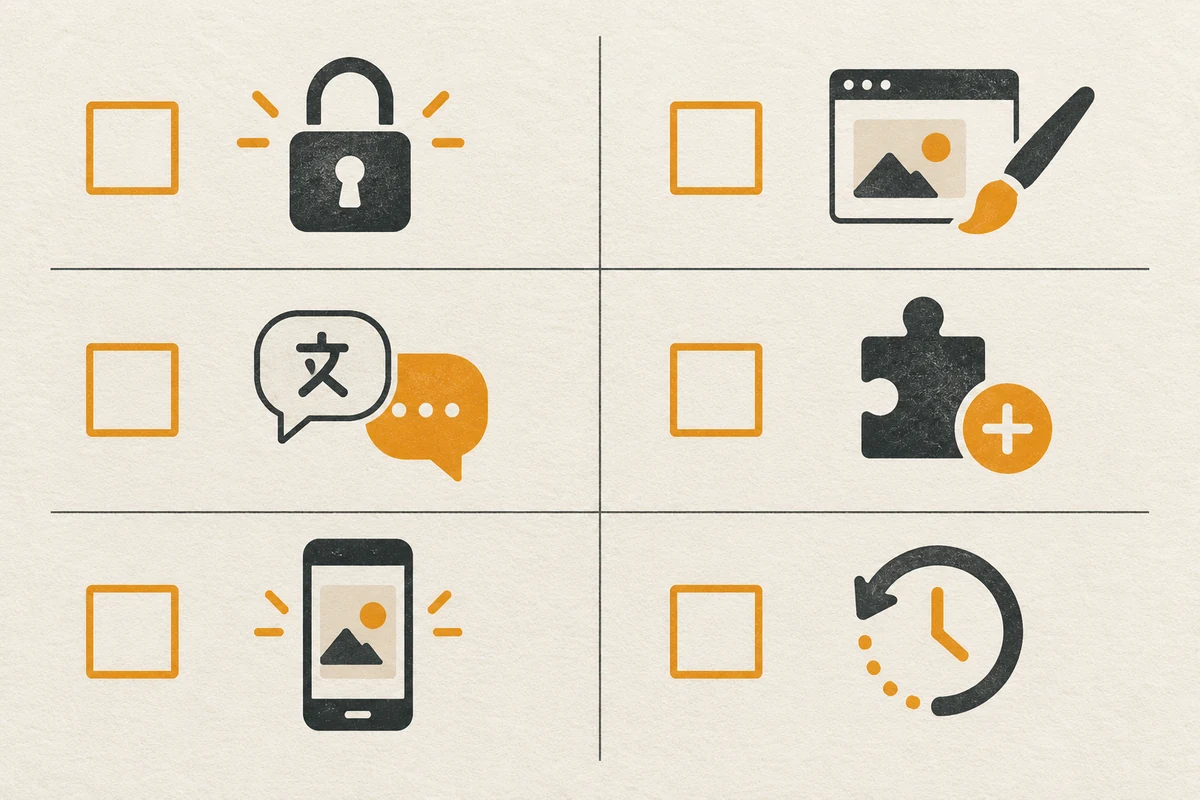
If the store has obtained the Canvas entrance, a safer trial method is to copy the eligible theme first and verify it in the unreleased version, rather than directly treating the modifications generated by a conversation as the final page. Shopify Operational documentation Note that changes in Canvas will be automatically saved, and unpublished themes can be previewed and will be visible to visitors only after they are confirmed to be published; the copy and the original theme will not be automatically synchronized. The following list is a manual acceptance suggestion:
- Confirm access: Record the entrance, package, topic source and operator permissions; if there is no entrance, maintain it along the existing process.
- Keep baseline: Confirm the original theme, original navigation and key page versions, and record the applications and custom code in use.
- Check page by page: Check at least the home page, collection pages, product pages, shopping cart, and key navigation; don’t just look at the home page in the demo.
- Check across screens: Test text, buttons, image cropping, menus, interactions, and animations in both desktop and mobile widths.
- Market and application review: For stores with multiple languages or multiple Markets, check the translation, navigation, products and policies market by market; check the dependent application modules one by one.
- Deciding to release and rollback: The person in charge will confirm the risks and windows, and conduct real front-end inspection after release; perform scheduled rollback when abnormalities in the key purchase path are found.
This list deliberately separates “the page looks complete” and “the store can trade stably”. Canvas’s interactive preview facilitates design review but does not automate accessibility, search optimization, performance, translation quality, or order process testing. The examples and speed claims in the press release should also not be construed as delivery time limits for each store.
Conclusion: It is suitable for trial operation first, not suitable for skipping online acceptance.
The value of Shopify Canvas is to put multiple pages into the same design workspace, allowing merchants and Sidekick to discuss and modify themes more intuitively. But as of October 5, 2026, it is still in the early stages of being available in some stores, with clear boundaries in terms of theme compatibility, multiple markets, translations, app modules, and subsequent updates. For merchants with simple pages, qualified themes, and who want to explore brand expression, they can try it out on a copied theme first; stores that rely on complex applications or multi-market operations should first list compatibility and rollback checks before deciding whether to migrate the design process. When you need to evaluate the redesign of your existing site, first clearly outline the issues surrounding the homepage, product pages, and purchase paths, and then choose appropriate tools and implementation methods.