









Search “What are the brand website website development tools?” You may want to find a software that can complete the website in one go. But the truly usable tool combination is usually divided into four steps: construction, content design, online acceptance and continuous monitoring. First determine whether the website requires products, payments, customer inquiries and multiple languages, and then decide who will be responsible for each step. This article provides an executable checklist for companies preparing to build a brand website. It does not recommend unproven “fastest” or “most cost-effective” tools, nor does it repeatedly discuss whether Shopify or WordPress is more suitable for all companies.
Draw the workflow first, then choose tools
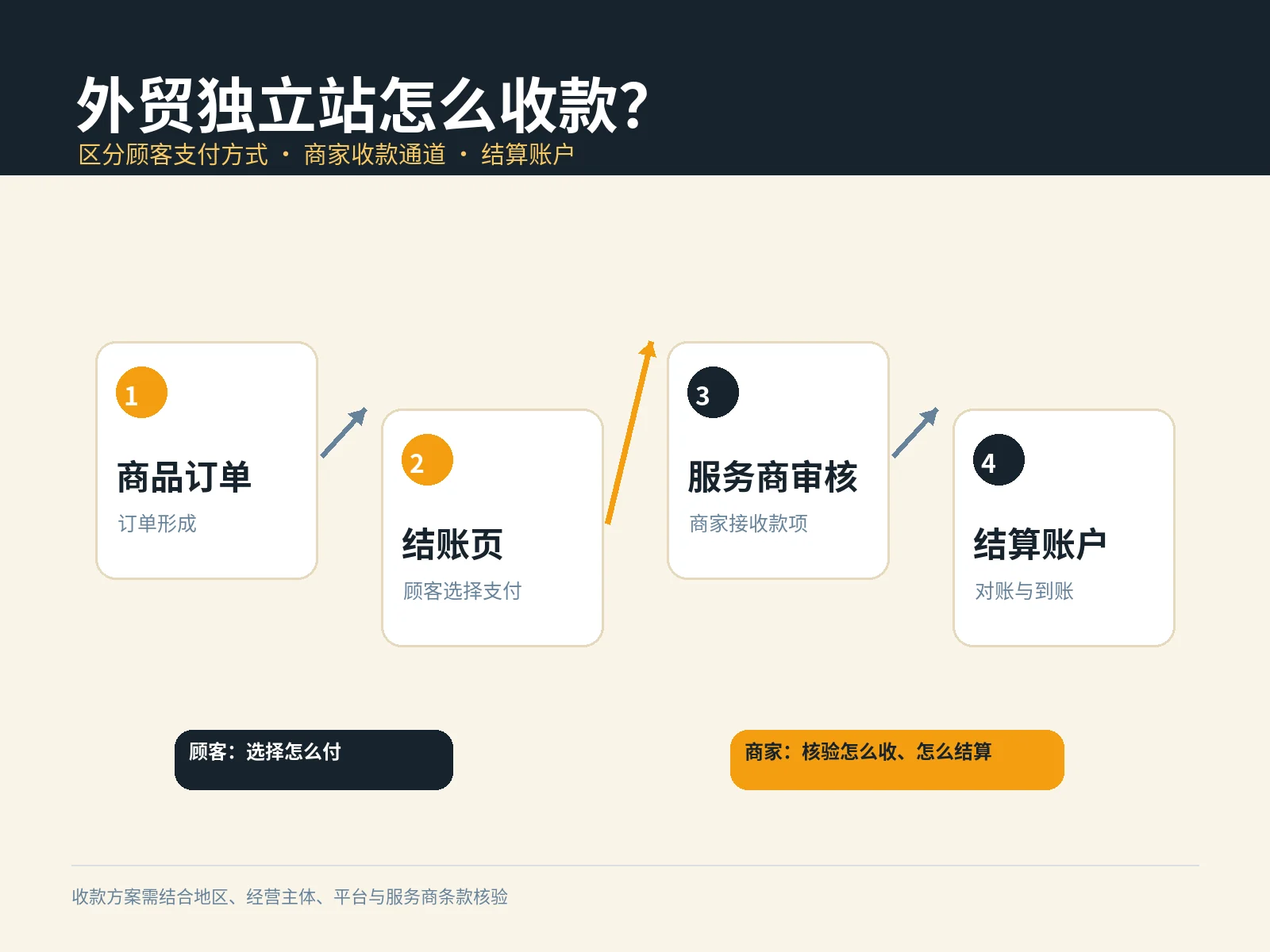
Write the goal in one sentence: Where do visitors enter the site, what information do they view, and finally complete a purchase, customer inquiry, or reservation? Then list the home page, product or service page, about us, policy page, and contact page. Corporate display stations that have no transaction requirements may not necessarily need complex shopping carts; teams preparing for cross-border retail must first confirm who will maintain payment, distribution, taxation and customer service. The tool list should serve this path, not the other way around, allowing the business to adapt to the tools.
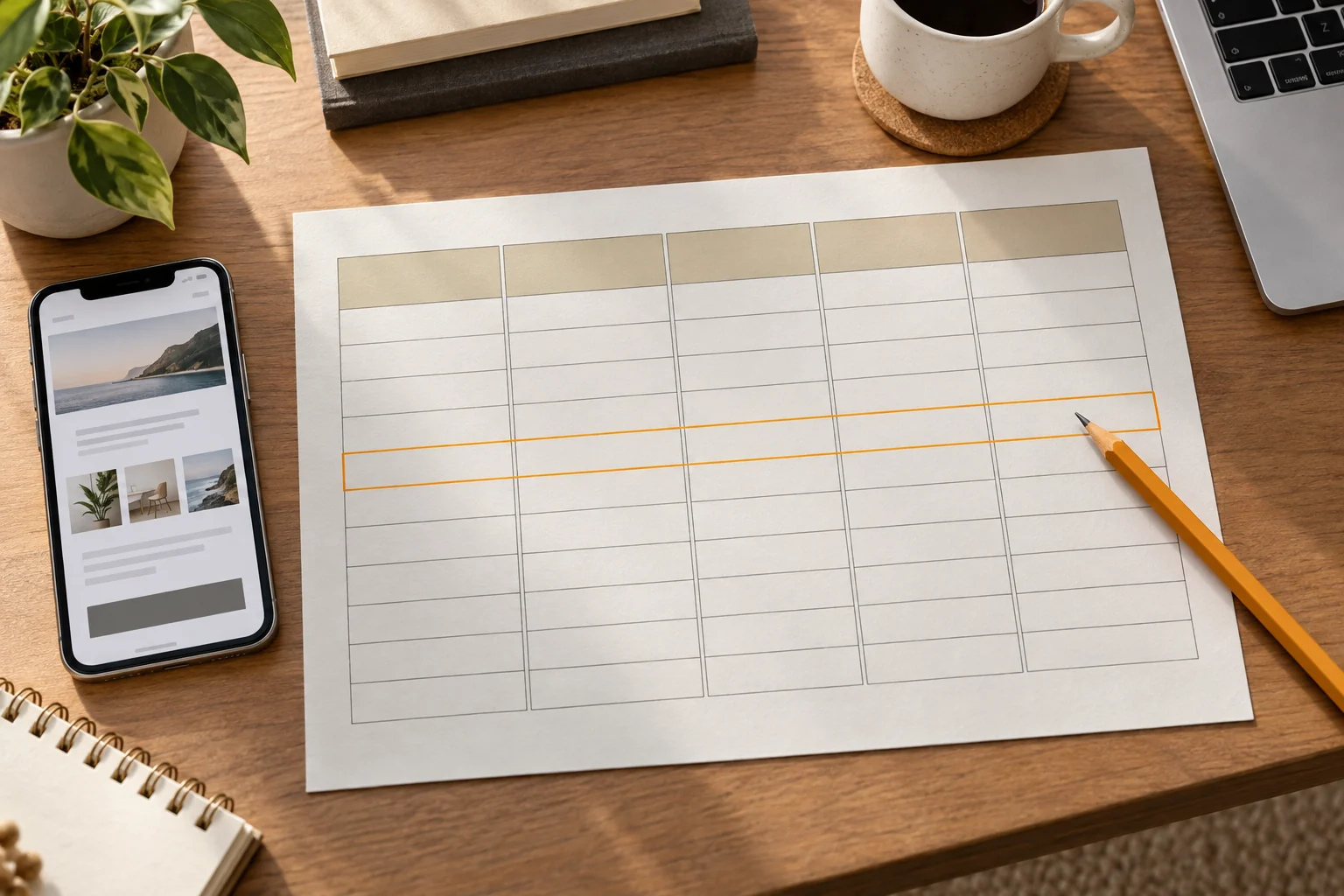
Available before start Website Design Template Filter Checklist Check the editing scope of ready-made themes. It helps you filter out unsuitable templates; this article continues to answer questions about which auxiliary tools are worth accessing after the template is selected. It is recommended to record the person in charge of each tool, login permissions, output files and acceptance methods in a table to avoid design drafts, product information and site data being scattered in different accounts.

What are the brand website website development tools? Divided into four categories according to tasks
The comparison below only illustrates the use of each tool in the workflow and does not compare unverified prices or results. For specific packages, regional availability, commercial licenses and integration restrictions, you should check the official terms on the day of purchase and try it out with your own project.
| Stages and Tools | Suitable for what to do | What to check first before using |
|---|---|---|
| Build: Shopify Theme Editor | Adjust store content, layout, fonts, colors and theme sections. | Which templates are allowed to be edited by the target theme; change them after copying the theme. |
| Design and presentation: Figma Sites | Produce browsable demos of web pages and content for the team to confirm visuals and structure. | Publish qualifications, site permissions and required trading capabilities; do not treat the demo page as a complete store. |
| Acceptance: PageSpeed Insights | Check out performance and improvement tips for mobile and desktop pages. | Enter a real URL; differentiate between lab simulation data and real user data. |
| Monitor: Google Search Console | Observe Google search queries, page clicks and impressions. | Verify site ownership first and understand data ranges by country, page and date. |
These four are not website development platforms that replace each other. The Shopify theme editor is responsible for adjusting store content; Figma Sites is more suitable for visual solutions and web page presentations; PageSpeed Insights and Search Console are responsible for different checks after going online. If you use other website development platforms, you can also follow the same four stages to find the corresponding editing, design, speed testing and search data tools.
Construction and design: let the real content flow through first
Build a tool to see “whether it can be continuously modified”, not just the demo page
If you plan to sell products, first test product pages, category pages, shopping carts, payment instructions, and after-sales portals with a small number of real SKUs. Shopify Official Theme Editor Instructions List the adjustable ranges of content, layout, fonts, colors, etc. It is also recommended to copy the theme as a backup before modification. The actual editable blocks depend on the selected theme, so work once in your own theme to record what can be maintained by operations staff and what still needs development support.
If the project focuses on brand presentation and lead collection, design tools can first help the team unify the page hierarchy. The official description of Figma Sites shows that it can create and publish web pages, but the publishing qualifications and site settings are conditional, and the functions will continue to change. Therefore, when using it to confirm the information structure, mobile visual and interactive presentation, you need to make another functional list: how to receive form data, who is responsible for permissions, and how to migrate or maintain it in the future. Don’t assume that just because a demo is clickable, the payment and order process is available.

Materials and copywriting are also part of the tool input
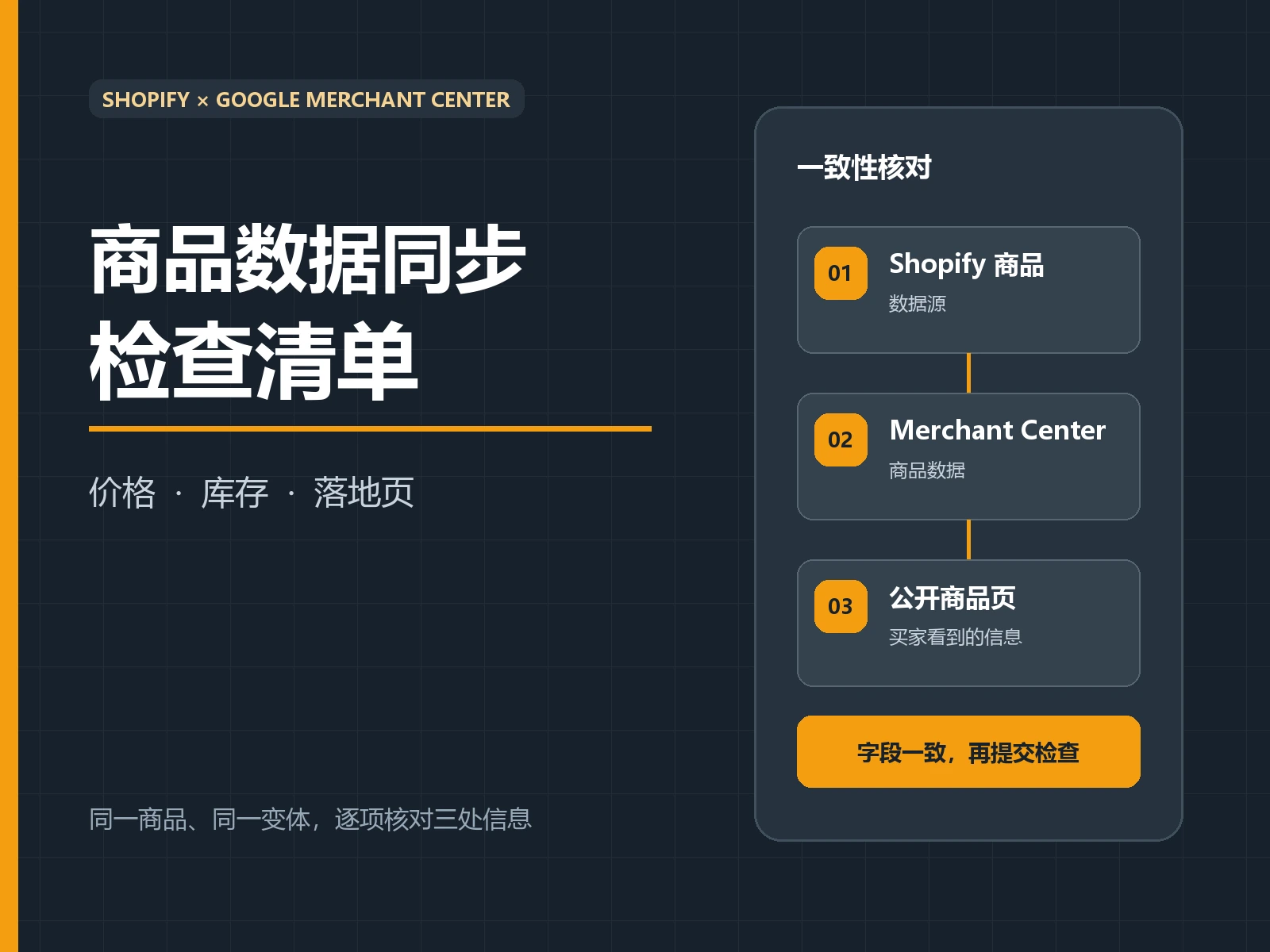
No matter how flexible the theme is, it will not automatically solve the problem of incomplete product information. Create a shared material table and fill in the product name, specifications, selling points, real photos, authorization status, target language and person in charge one by one. The page copy should answer the user’s core questions first, and then arrange the visual hierarchy; otherwise, the team will repeatedly test with placeholder text and temporary images, only to discover the lack of real content before going online. The right to use product images, font licenses and third-party component licenses must also be verified before purchasing or uploading. If unknown, leave it as “to be confirmed”.
Online acceptance: Test speed, form and mobile phone path separately
After completing the page, first ask someone who is not involved in the production to enter the homepage from the mobile phone, find the product or service, submit a test customer inquiry or complete the test order. Record whether each step can be completed, whether the failure prompt is clear, and whether the email is actually received. then press Brand website checklist before launching Verify pages, links and site configuration; don’t take “clickable buttons” as delivery.
Google PageSpeed Insights official description noted that it would provide both mobile and desktop inspections and differentiate between lab testing and real user data. Enter the actual page URL and address issues affecting the primary reading or submission path first before looking at other tips. If the new page does not have enough real user data, the report may only show lab results; this is not proof that the page is necessarily good or bad. Record the test date, device and URL, and then retest under the same conditions after modification to avoid showing scores only once.
Post-launch: Let search data determine next updates
Launching your site is not the end of your tool list. After verifying site ownership, use Google Search Console Performance Report See which queries and pages lead to impressions and clicks. First filter by page and target market, and then determine whether the title answers the user’s question, whether the content is outdated, or a certain service page lacks an entrance. The amount of impressions and clicks cannot directly explain the reason for the transaction; the quality of customer inquiry still needs to be judged based on form records, CRM or manual return visits.
It is recommended to schedule maintenance once a month: check for broken links, form reception, plug-in or theme updates, product information and image authorization. Can handle Website monthly maintenance checklist As a routine record template. Only record the problems found, the person responsible and the date of completion each time, so that you can compare the changes before and after, instead of installing more and more tools without anyone checking the results.
Conclusion: First choose a maintainable minimum combination
To answer “What are the brand website development tools?”, the most practical way is to choose according to the work stage: use the website development editor to complete maintainable pages, use design tools to check content and visuals, use PageSpeed Insights and real mobile phones to test acceptance, and use Search Console to observe search performance. Whether the tool is suitable depends on your transaction or customer inquiry path, team maintenance capabilities and actual trial results. First make a small-scale sample page and test it, and then decide whether to add complex components; write down the person in charge and the date of retesting in the list, so that you can continuously improve the website.