Aucun produit dans le panier.

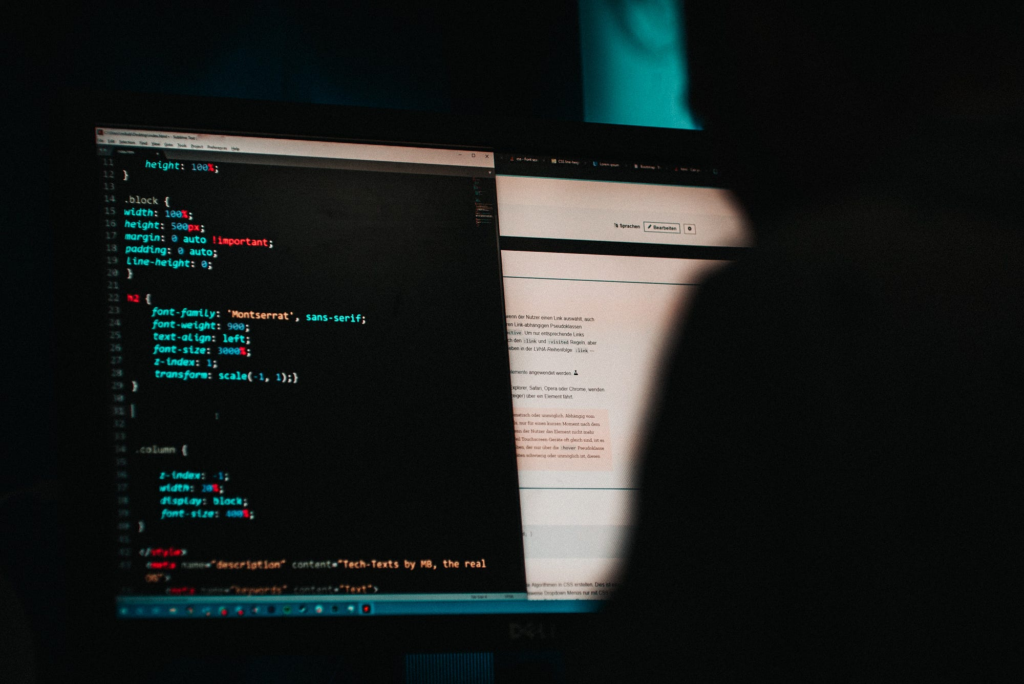

Imaginez-vous vous réveiller, prendre votre café du matin, ouvrir votre ordinateur portable… et découvrir que votre site web s’est transformé en casino, en pharmacie douteuse, ou – pire encore – en un écran blanc angoissant.
Félicitations.
Votre site web a peut-être été piraté.
Si vous gérez un Shopify ou WordPress Sur ce site, ce moment est vécu comme une agression personnelle. Comme si quelqu'un avait cambriolé votre magasin, réorganisé les rayons, tagué les murs et vous avait laissé un véritable désordre sans la moindre explication.
La bonne nouvelle ?
C'est réparable.
La meilleure nouvelle ?
Vous n'êtes pas seul·e — et vous n'êtes certainement pas maudit·e.
Dans ce guide, nous allons vous expliquer la marche à suivre lorsque votre site Shopify ou WordPress est piraté, comment le nettoyer sans perdre la tête et comment éviter que cela ne se reproduise, le tout avec humour, clarté et sans panique technique.

Avant de vous mettre à changer vos mots de passe comme un fou ou de blâmer Mercure rétrograde, faites une pause.
Un site piraté est stressant, mais ce n'est pas la fin de votre entreprise.
La plupart des piratages sont :
Les pirates informatiques ne vous ciblent pas dans l'ombre. Ils exécutent des scripts qui analysent Internet à la recherche de failles de sécurité. Votre site en a simplement laissé une déverrouillée.
Respirez. Puis agissez, calmement.
Tous les comportements étranges ne sont pas forcément synonymes de piratage.
Voici comment savoir que c'est réel :
Si vous voyez l'un de ces messages, félicitations encore une fois : vous souffrez d'un cas confirmé d'intoxication alimentaire numérique.
Si votre site est activement compromis, limitez immédiatement l'accès.
Pour WordPress:
Pour Shopify:
Cette étape empêche le pirate informatique de continuer à causer des dégâts pendant que vous faites le ménage.
Ce n’est pas le moment de réutiliser “ Password123 ”.
Changer les mots de passe pour :
Utiliser:
Si un pirate informatique a réussi à entrer une fois, supposons qu'il ait noté le code d'accès.
C'est là que les choses deviennent intéressantes — et instructives.
Les points d'entrée courants comprennent :
Pour WordPress De nombreux sites, dont 90%, présentent des failles de sécurité liées à des plugins ou des thèmes qui n'ont pas été mis à jour.
Pour Shopify Sur les sites où les violations de données sont fréquentes, on observe souvent :
Comprendre comment le piratage a eu lieu vous aide à faire en sorte qu'il ne se reproduise plus jamais.
Vient maintenant le nettoyage proprement dit.
wp-config.php, .htaccess, et les tables de base de données⚠️ Remarque importante :
Restaurer à partir d'une sauvegarde sans identifier la vulnérabilité, c'est comme remettre la vaisselle sale dans le placard.
Tu vas te faire pirater à nouveau.

Les pirates informatiques ne veulent pas seulement un accès, ils veulent de la visibilité.
Après le nettoyage :
Si Google a signalé votre site, votre trafic a peut-être chuté du jour au lendemain. Pas d'inquiétude : une fois le site nettoyé et examiné, le classement remonte souvent plus vite que prévu.
Maintenant que la crise est sous contrôle, il est temps de renforcer vos défenses.
La sécurité n'est pas une solution ponctuelle.
C'est une habitude.
Soyons honnêtes.
Shopify, c'est comme un gratte-ciel avec des agents de sécurité et des caméras.
WordPress, c'est un peu comme posséder une maison : vous avez la liberté, mais vous fermez vos propres portes à clé.
Les pros de Shopify
Les pros de WordPress
Aucune des deux plateformes n'est “ dangereuse ”.”
Mais la liberté sans contrôle implique toujours des responsabilités.
Un site piraté, c'est embêtant, mais c'est aussi instructif.
Cela vous apprend :
Les marques les plus performantes n'évitent pas les problèmes ; elles se rétablissent plus rapidement et plus intelligemment.
Si votre site Shopify ou WordPress est piraté, ce n'est pas un échec, c'est un signal d'alarme.
Correctement géré, cela devient :
Et si tout cela vous semble insurmontable, c'est normal.
Au AIRSANG, Nous travaillons quotidiennement avec des marques transfrontalières, des magasins indépendants et des entreprises en pleine croissance, dont beaucoup font appel à nous suite à une crise liée à leur site web.
Nous sommes spécialisés dans :
Nous ne nous contentons pas de rendre les sites esthétiques ; nous veillons à ce qu’ils soient conçus pour durer, évoluer à l’échelle mondiale et rester sécurisés.
Si vous devez reconstruire votre système après un piratage — ou si vous souhaitez en prévenir un avant qu'il ne se produise —, c'est exactement le type de travail que nous effectuons.