









Focusing on power tool batteries, we organized Thai series identification and interface instructions into a set of Thai product diagrams. The entire set of works adopts the visual language of black and red products, blue technological background, and yellow parameter labels. Through the division of labor in different pictures, the product appearance, local information and usage scenarios are gradually presented.
| Services | Industry | Plate-forme |
|---|---|---|
| Amazon primary and secondary product images design | Outils matériels | Amazon |
| Project requirements | target market | design style |
| Thai series identification and interface instructions | Thai content display | Black and red products, blue technology background, yellow parameter labels |
| Project quotation | Delivery content | Delivery time |
| ¥700 | 10 product primary and secondary product images | 4 days |
Design Challenge: Let different information have its place
This set of Thai product pictures also includes a variety of appearance specifications, power, and interface themes. We use a unified product perspective and colorful information blocks to organize the series relationships, and then use close-ups and disassembled images to supplement the structure.
Our design strategy
The black and red body maintains a unified identity, while the blue background and yellow labels share structure and information emphasis.
Series specifications, dimensions, interfaces, indicators, and internal diagrams are shown in separate diagrams, so numbers do not cover the entire screen.
Series overview: three volumes differentiated by pedestals
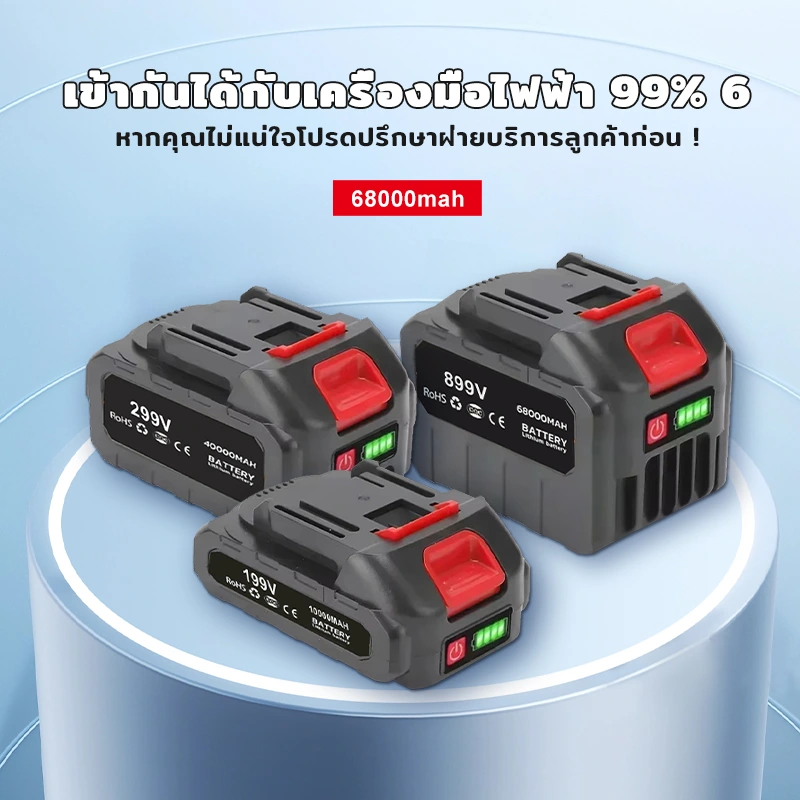
We placed the three batteries on the blue pedestal and distinguished the volume by the height of the front and rear. The main Thai title and red information logo are concentrated at the top, and the product outline retains independent space.
Dimensions page: Align and mark position item by item
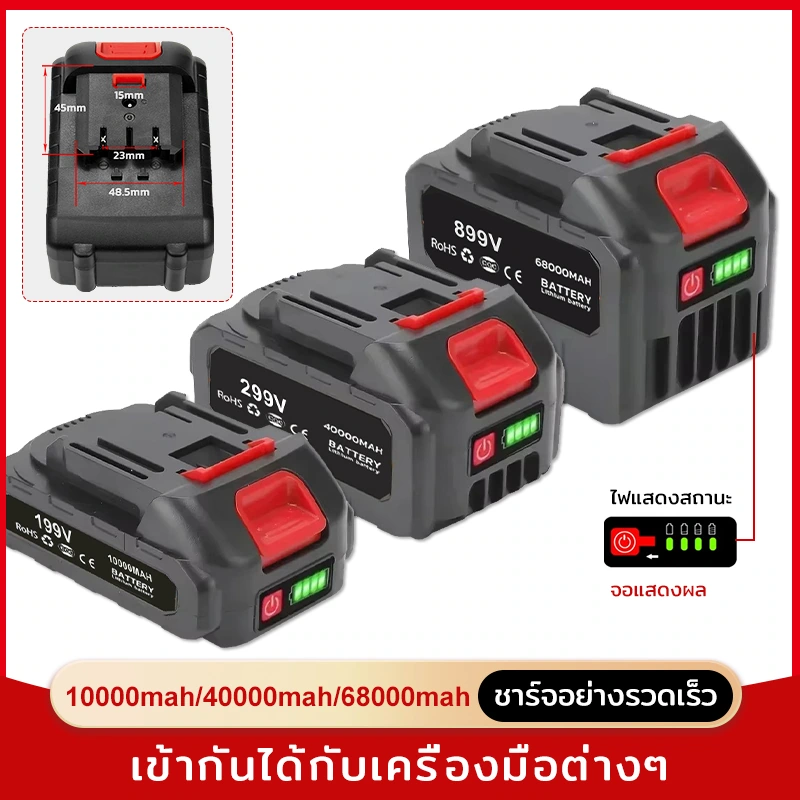
We display the three shapes side by side, with the size line next to the corresponding product, and the red strip at the bottom carrying the model information. Common baselines and similar label distances facilitate item-by-item search.
Combined display: use diagonal arrangement to increase hierarchy
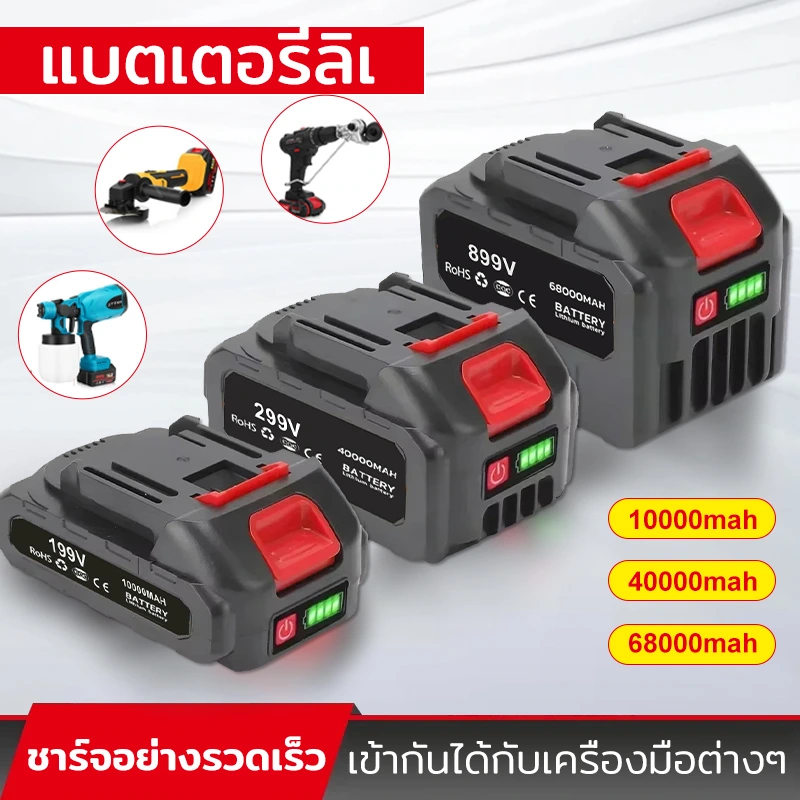
We arrange the three batteries diagonally, with the tool thumbnails on the left and the yellow labels on the right forming a group. Product, adaptation theme and specification information are presented in layers, and the screen will not become a messy collection of icons.
Single product focus: Separate labels from local images
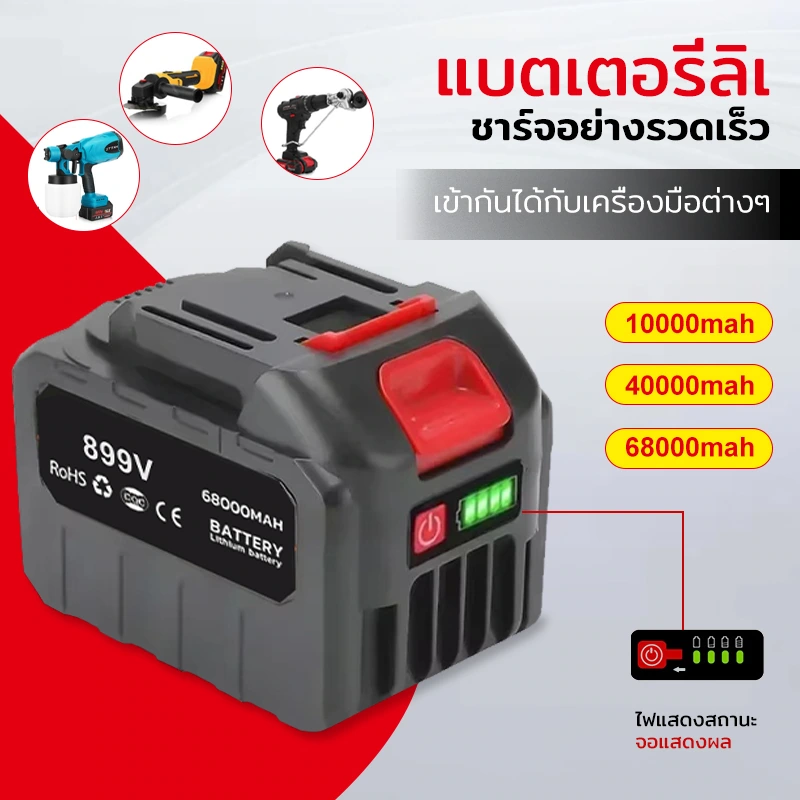
We zoom in on a single battery, three yellow information blocks are arranged along one side, and a partial window is used to extract the contacts and display area. Unifying the card size allows Thai text of different lengths to still have neat borders.
Battery indicator: deep bottom with prominent green light
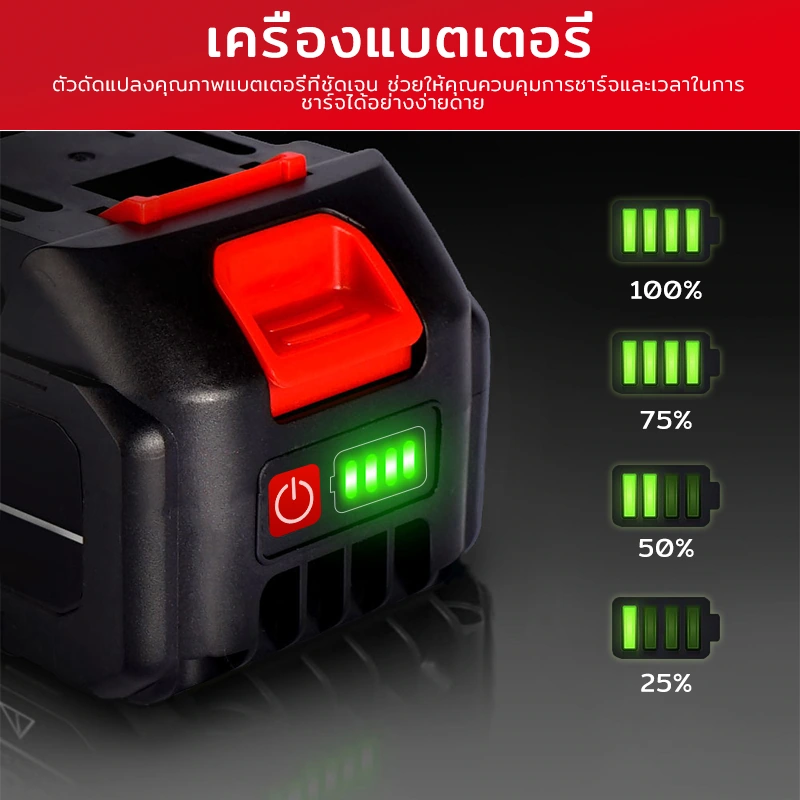
We use a dark fuselage to show the green indicator light in close-up, and the four-level legend on the right is lined up in a separate row. Bright colors fall only where attention is needed, helping the eye move from the product to the legend.
Close-up view of the interface: arrange three round frames around the single product
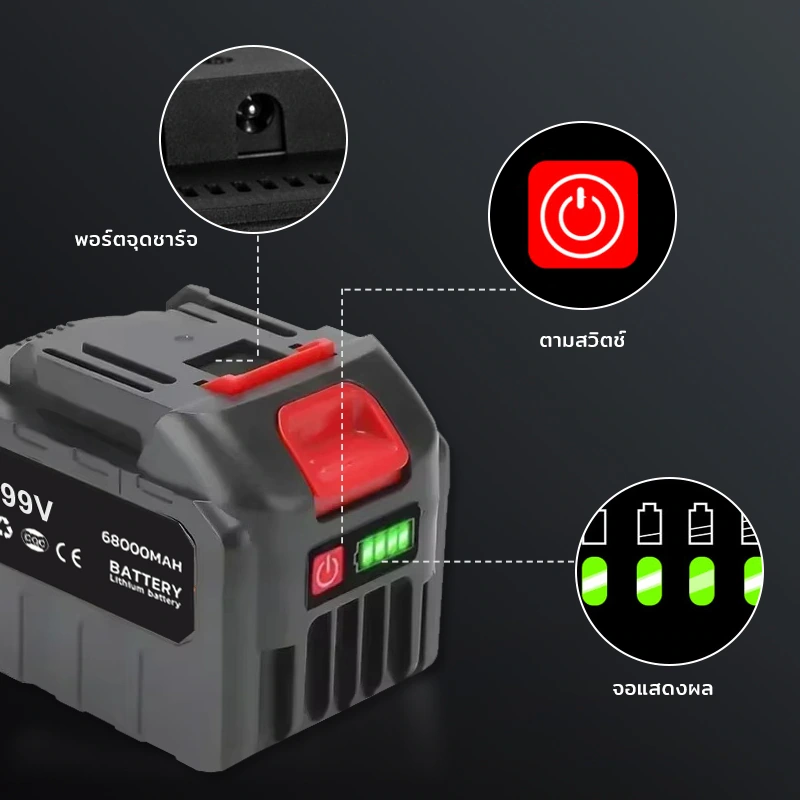
We place the main body on a dark background, and the circular window supplements the interface and button information. Keep a clear distance between the detail frame and the fuselage, and the connection lines are spread out along the outside to avoid covering the structure.
Icon Matrix: Let multiple themes revolve around the product
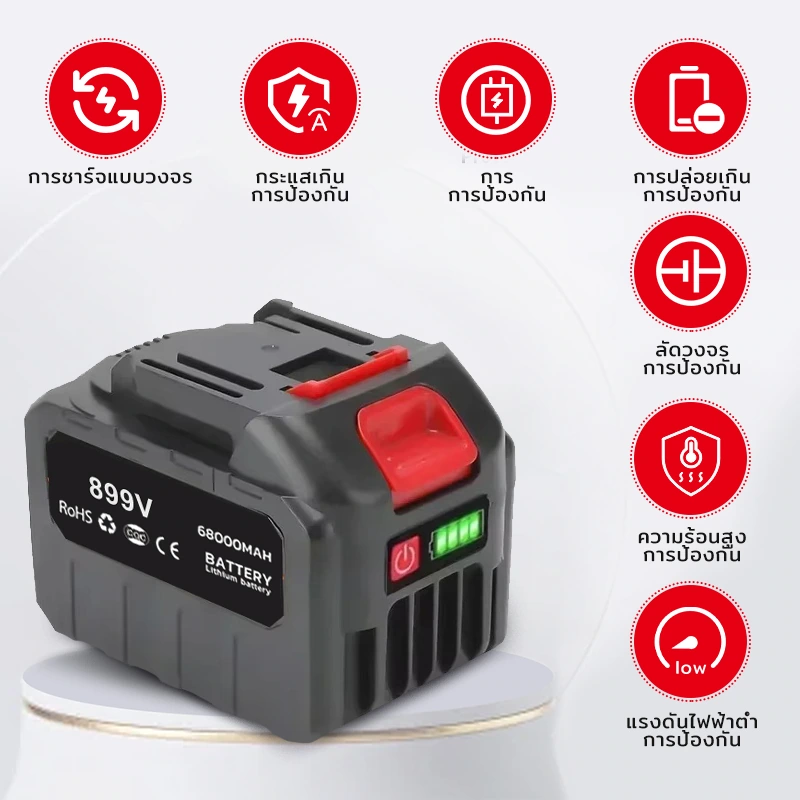
We use a white background to enlarge the battery, and the red icons are evenly distributed around the periphery. The color of the icon echoes the body, and the weight of the short description is appropriately reduced, so that the product remains the strongest visual center.
Tool scene: foreground battery connected to background equipment
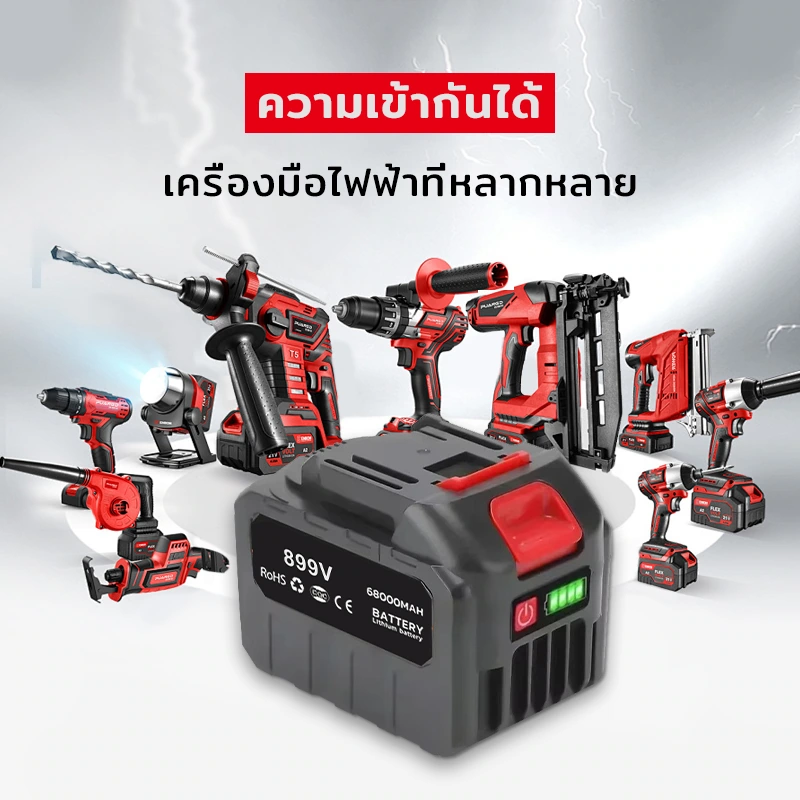
We let the battery take the foreground, with the red and black tools at the rear. The front-to-back scale relationship and the common color system connect the two types of objects, and the title area retains a cleaner background color.
Internal diagram: Using disassembly to build structural hierarchies
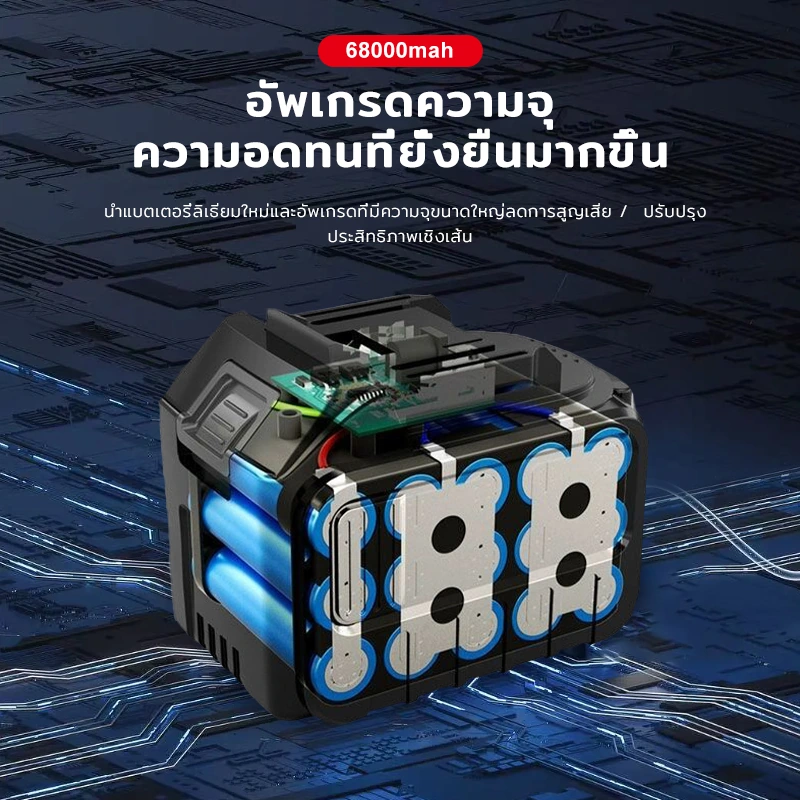
We show the separation relationship between the casing and the battery core on a blue circuit background, and the product parts are unfolded in a clear direction. High-contrast titles and fine division of labels make the disassembly diagrams clear to read.
Battery core theme: Consolidating information with a single subject
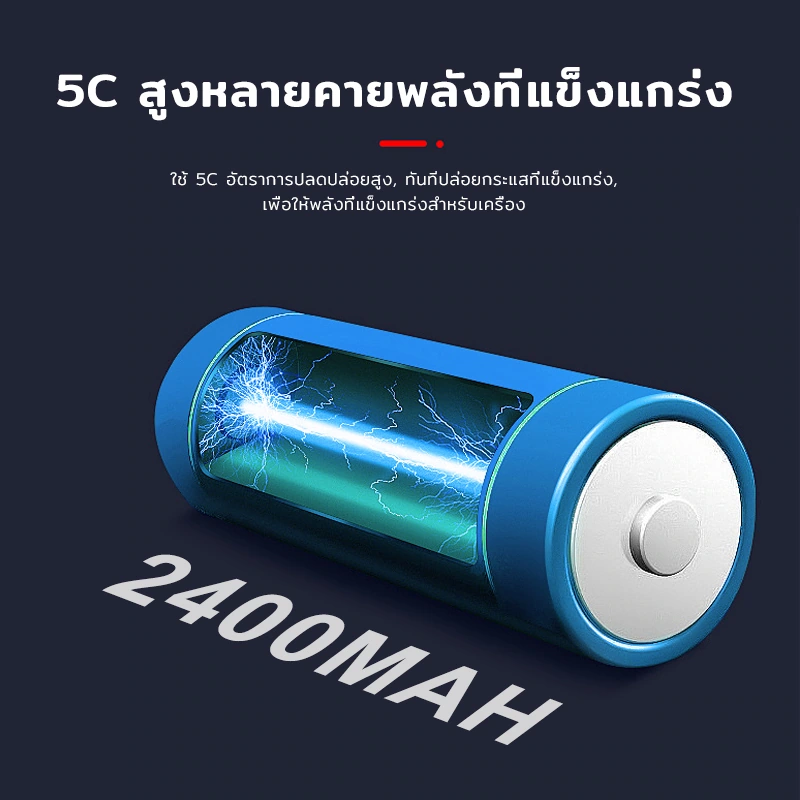
We use the battery core as the center with photoelectric graphics, and keep the title in a simple and large font size. The surrounding white space and the contrast between dark and light create a focused composition that creates a rhythmic change between this image and the series and size pages.
Deliver and design value
This set of works contains a total of 10 product pictures. We arranged the responsibilities of different pictures around the Thai series identification and interface description, and maintained the visual consistency of the entire set with black and red products, blue technology background, and yellow parameter labels. From overall identification to partial explanation, the pictures complement each other, allowing readers to find information based on their own concerns.
Develop a clear visual expression for your products
You can provide us with existing product information, physical photos and key points to be displayed. We will combine the product structure, style differences and usage scenarios to plan image content and layout suitable for Amazon product display.