









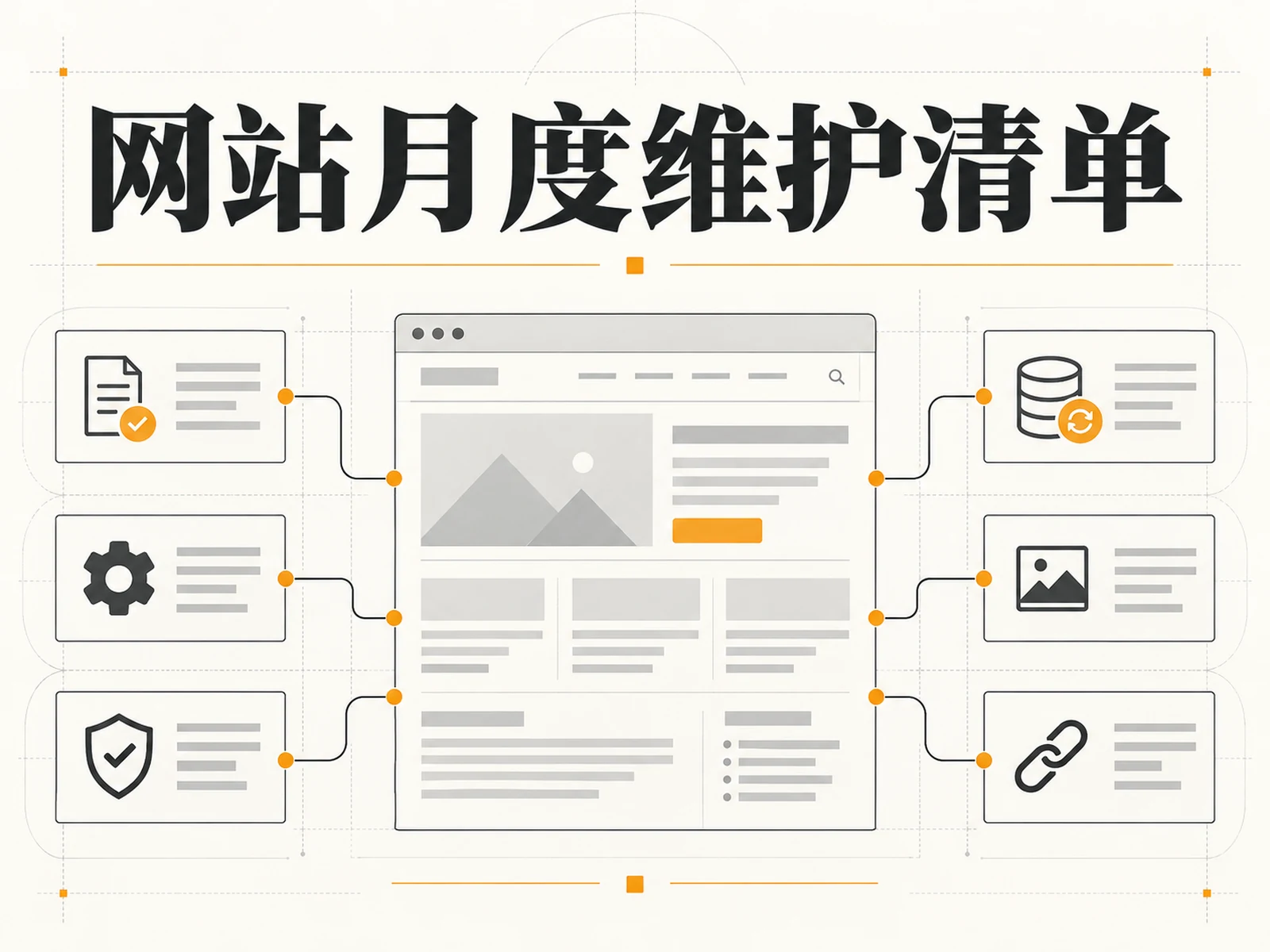
Launching the website is just the beginning. Just because the page can be opened today does not mean that next month’s customer inquiry form can still be delivered, the backup can be restored, or that mobile phone users can still find the product successfully. The purpose of conducting monthly inspections of the website is not to “check and accept it online” every month, but to discover problems that gradually arise in the operation as early as possible, and to leave a record of who inspected, what was found, and how to review. The following monthly website maintenance checklist is for those in charge of corporate websites and brand websites: first look at the business path, and then check security, speed and search visibility; the WordPress update steps will be explained separately, and teams using the hosting platform can delete them according to their own permissions.
Draw a clear boundary first: Which issues cannot wait until the end of the month?
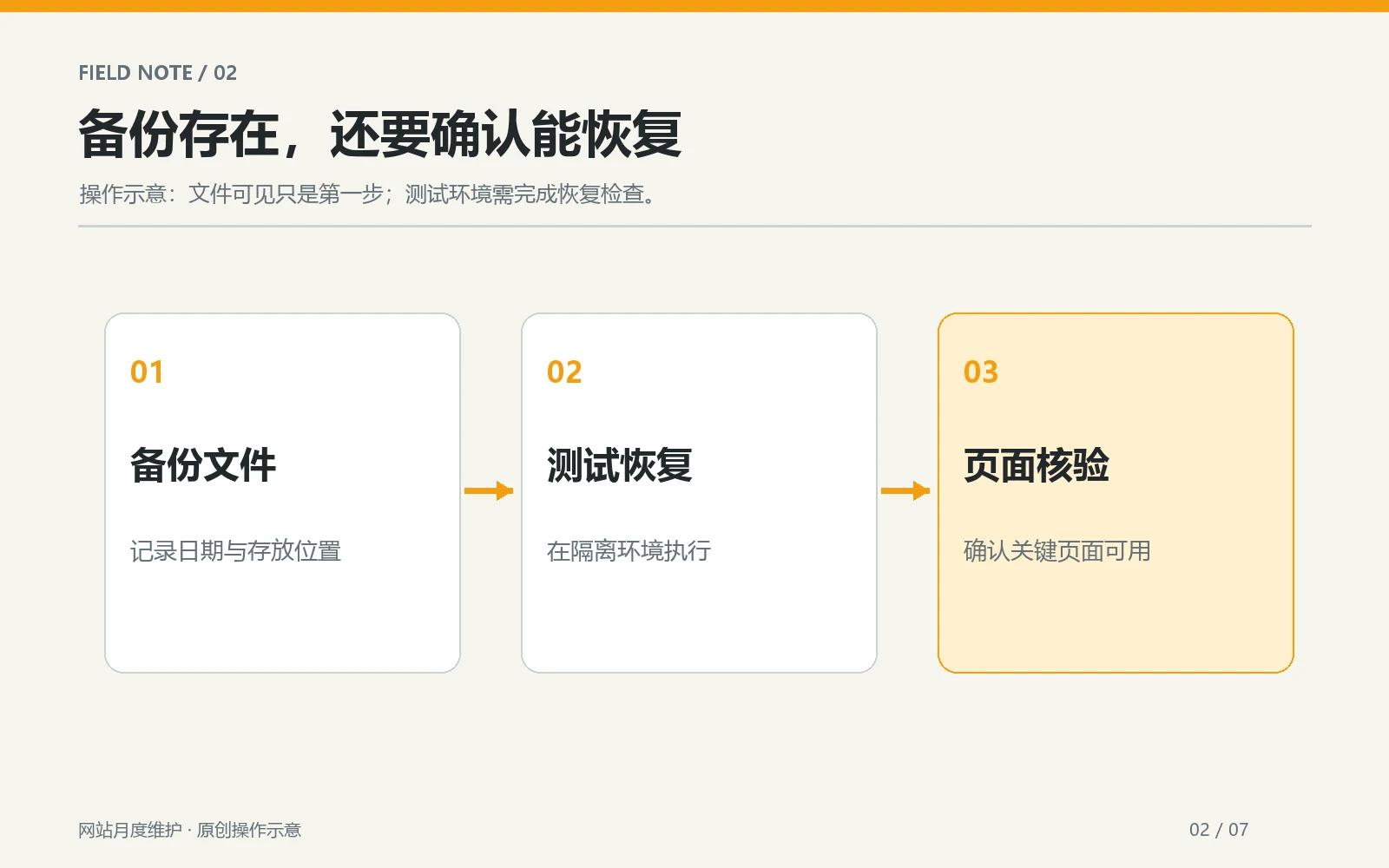
Monthly inspections are great for summarizing trends, checking easily overlooked pages, and scheduling manageable update windows. Downtime, certificate invalidation, payment interruption, and forms that cannot be submitted at all should be dealt with when discovered; if there are monitoring and alarms, they should be received by the person in charge on a daily basis in a timely manner. When there is a security bulletin on the website, the patch evaluation cannot be delayed because it is only updated once a month. Separate emergency response from monthly organization so the checklist doesn’t become an excuse for delay.
Prepare a record sheet before starting: site address, inspection date, person in charge, last inspection record, business critical path and available backend permissions. If different people manage the domain name, hosting, WordPress, email and search platform separately, first list the contacts and recovery paths. Do not write plain text passwords in the sharing form; just record the permissions and key storage location. For multilingual sites, at least extract the language versions that have visits or new content this month, and avoid checking only the Chinese homepage.
Item 1: Confirm that the backup is really available
Check backup scope, time and storage location
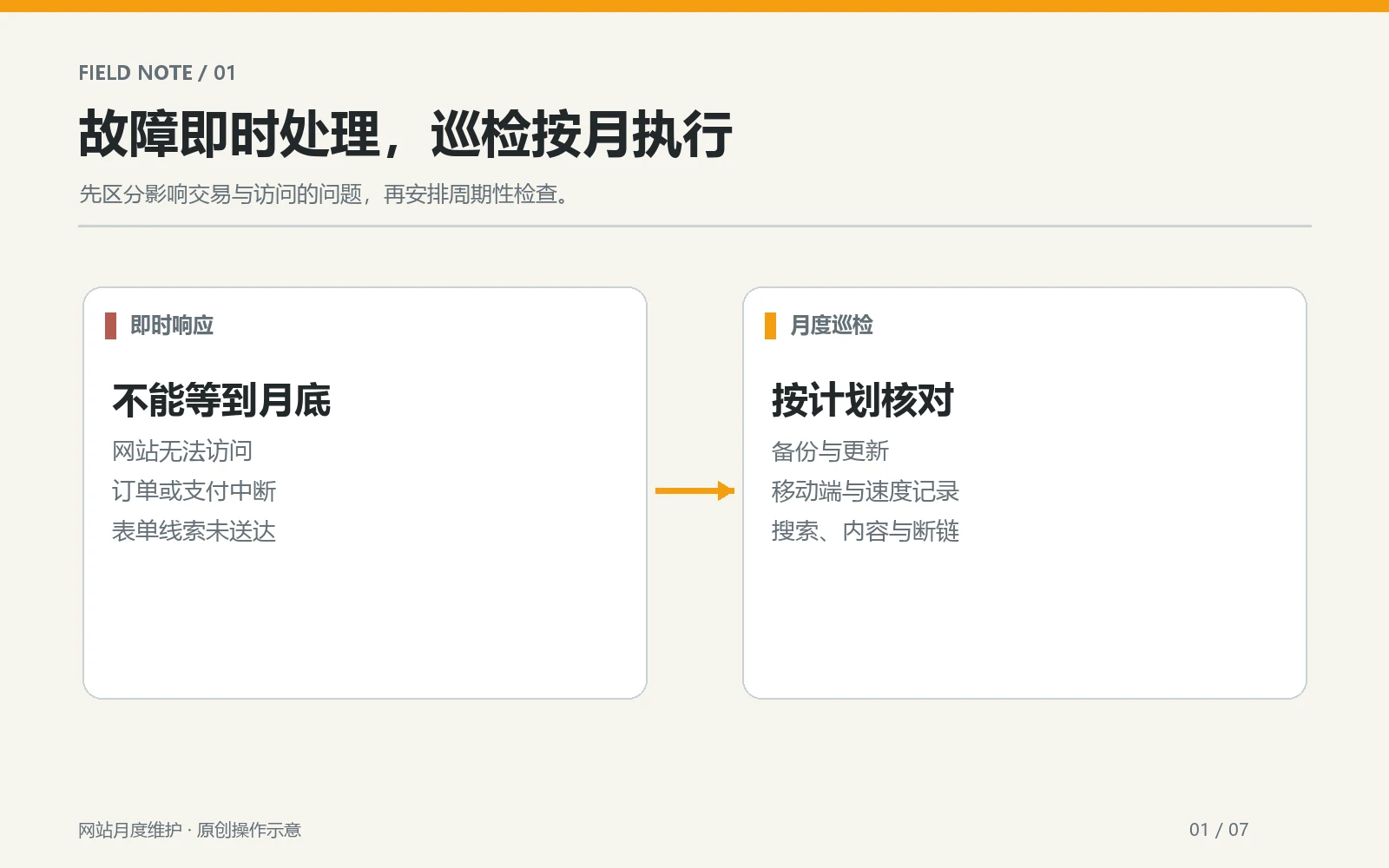
First confirm that the latest backup contains website files and databases, not just the media directory; then check the generation time, file size, storage location and retention period. When the database contains articles, orders or form configurations, file backup alone is not sufficient for a complete restore. WordPress Official backup instructions Differentiate between databases and files, and explain different backup methods. The specific frequency should be adjusted as content and transactions change: a website with daily orders cannot bear the risk of recovery with just one monthly snapshot. Teams need to at least know to what point in time they can recover in the event of a failure, and what changes this will lose that have not yet been backed up.
Perform a sampling recovery in an isolated environment
The “Backup Successful” notification can only prove that the task was run, not that the file can be decompressed, the database can be imported, or the website can be logged in. Select the test environment and restore samples according to the established recovery steps; check the home page, background login, random internal pages and a key business process. The recovery environment must not be made available to the public, nor should real customer data be accidentally copied to an unprotected test site. Write the recovery start and end time, version, errors encountered and handler into the record. If there is no test environment, record “recovery not verified” first, do not write it as passed.
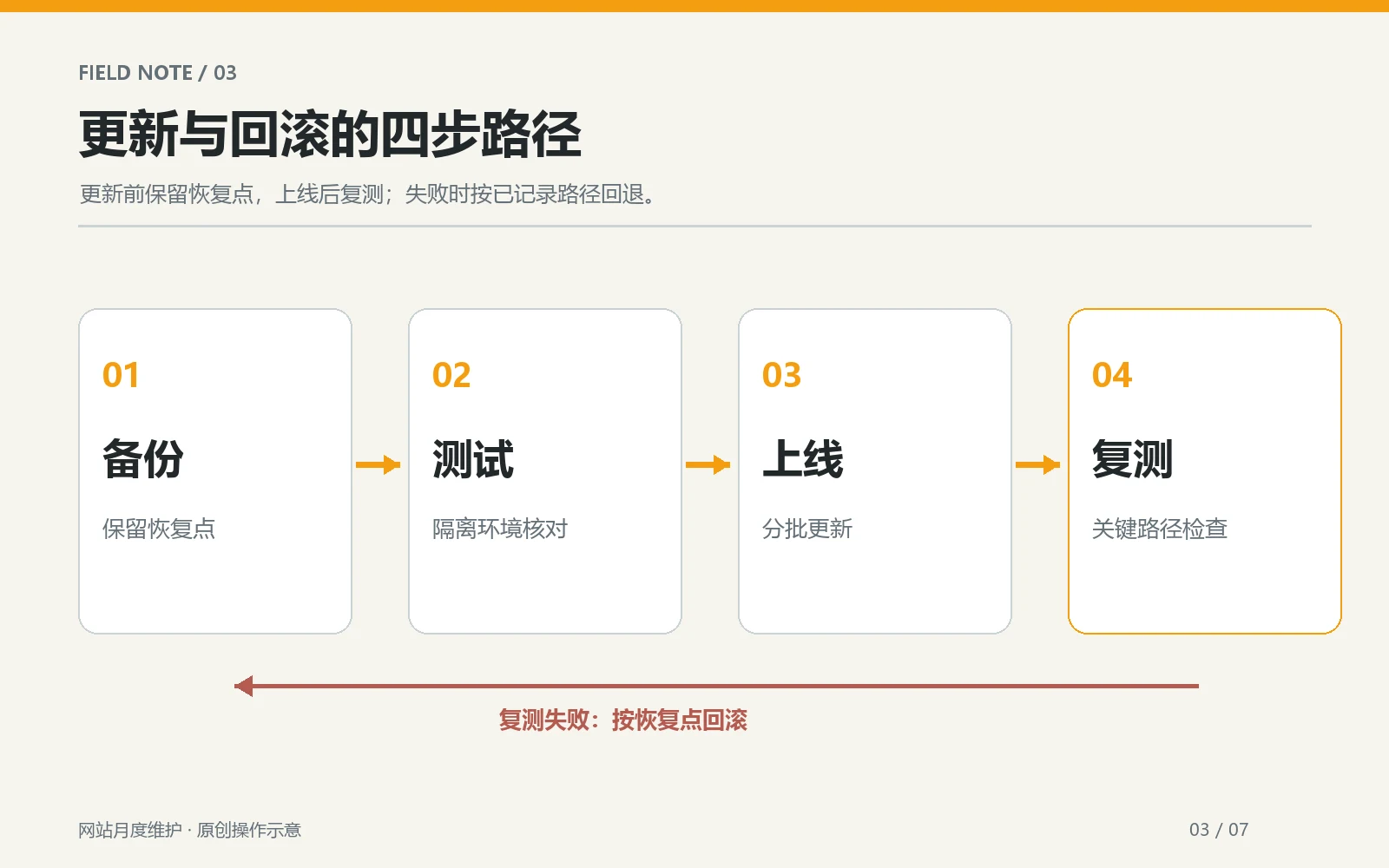
Make another rollback backup before updating the program. Do not use the backup at the beginning of the month to replace the rollback point on the day of the update. official WordPress update documentation Also remind you to back up before updating so that you can restore if problems arise. If backup plug-ins, host snapshots, and off-site copies coexist, confirm who is really responsible for recovery; multiple files are not synonymous with multiple guarantees, and the key is that the recovery process is executable.
Item 2: Check program updates and rollback conditions
WordPress: See changes first, then schedule update window
Your WordPress site checks for available updates to core programs, themes, and plugins, looking for release notes and known compatibility information. Don’t update all components at the same time when you see the red prompt: complete the backup first and write down the existing version; if conditions permit, gradually verify in the test environment in the order of core, theme, and plug-in dependencies. After the production environment is updated, clean the relevant cache, and then check the front page, background editing, navigation, form and transaction process. The official WordPress update instructions provide entry points for background updates and post-failure processing, but the compatibility between specific plug-ins must still be verified in the site environment.
If a white screen, disordered layout, or function interruption occurs after the update, stop overlaying changes first and record the time of occurrence and the most recently updated components. Restore to the pre-update state according to the verified rollback plan, and then locate them one by one; do not repeatedly guess and delete plug-ins on the official site. The outsourced maintenance team should clarify in advance who has host or backend recovery rights and when the business leader needs to be notified. Small sites should also have the most basic recovery drills, otherwise “can be rolled back” is just an unverified assumption.
Hosting platform: Check what you can control
Hosting platforms such as Shopify manage their underlying operating environment by the platform, and merchants generally do not update the server core themselves in the same way as WordPress. Monthly inspections should turn to app authorization, theme changes, payment and shipping configuration, product data, and third-party integrations. If a function is provided by an external application, update announcements and permission changes may still affect the store experience. Don’t understand “platform hosting” to mean that you don’t need to maintain content or business processes; don’t copy the WordPress plug-in update steps to every store.
Both sites must keep a change log, including at least the change object, the version or settings before and after the change, the executor, the time and the rollback method. The next time an exception occurs, this log will be more useful than “something seemed to have been changed last month.” For sites that do not have the authority to update themselves, record the service provider, support channel, and response time limit. Don’t let the check results stop at “pending technical processing” without a responsible person.
Item 3: Complete the real business path
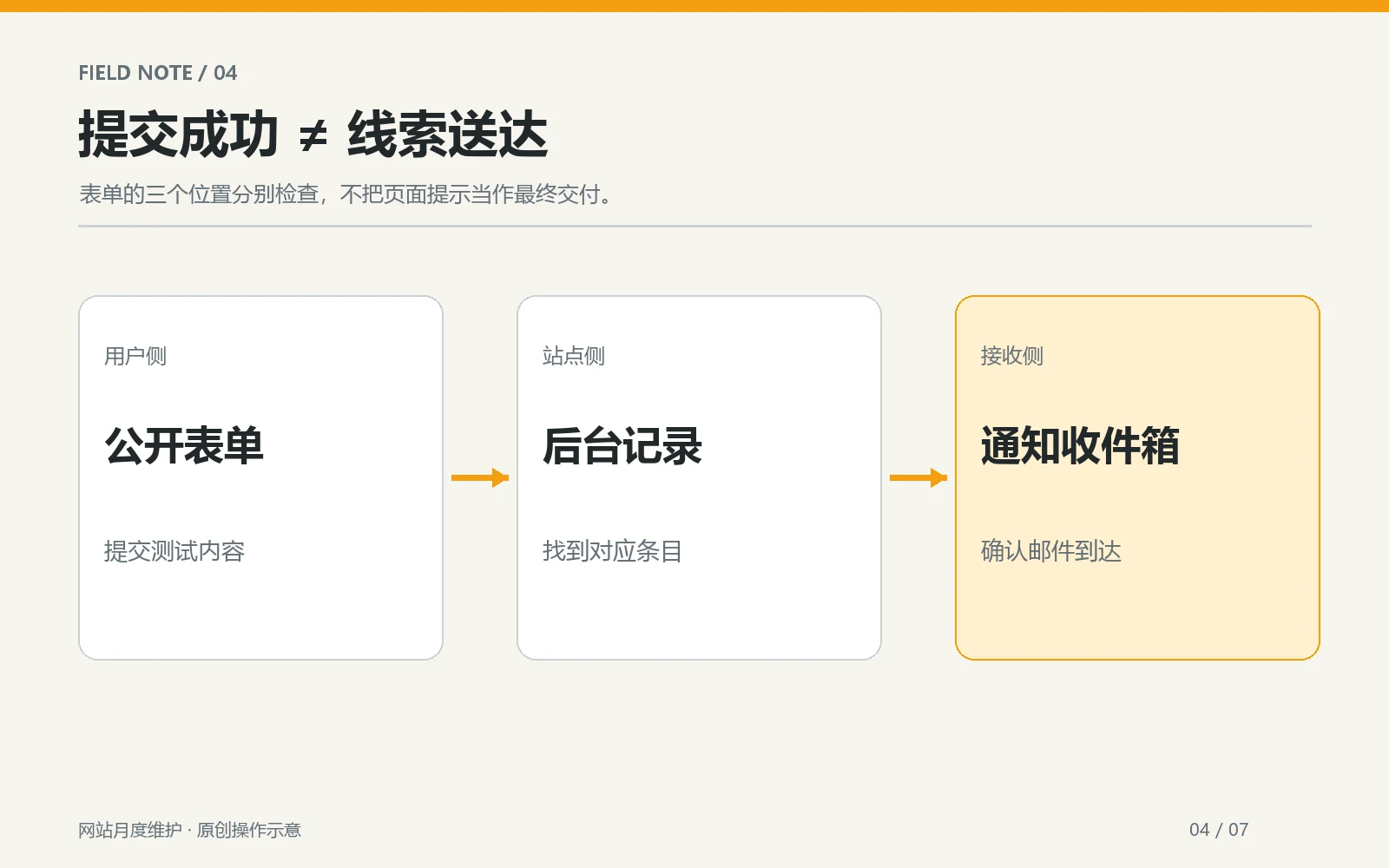
From entry to notification, check whether the form completes the closed loop
Use the new test identity to submit a customer inquiry from the real page, and not only the confirmation button will appear “Submission Successful”. Check field validation, success pages or prompts, background records, email notifications, and the time the person in charge received the message. If using a CRM, also check that leads are entering the correct pipeline. Do not enter real customer information when testing; use clearly marked internal test data and clean it according to internal rules after completion. Just looking at the editor preview cannot prove that the cache, anti-spam rules, or mail service of the public page are working properly.
Take the main path again on your phone. If the page has language switching, test at least one non-default language entry to confirm that the feedback language and notification recipient after submission are correct. When you find that the email has not been received, first distinguish between the failure of front-end submission, the success of back-end storage but failure of notification, and the delay caused by mailbox filtering to avoid classifying all problems as “the form is broken.” For businesses that rely on immediate leads, more frequent notification spot checks or alerts should be set up in addition to monthly checks.
E-commerce site re-tests key nodes of shopping cart and orders
When running an e-commerce store, sample product options, price displays, add-to-cart, shipping options, and checkout entrances. Whether to conduct a complete payment test depends on whether the payment service provides a security test mode and business rules; real charging orders cannot be generated randomly for inspection. If coupons, taxes, or multiple currencies are involved, select a typical combination of verifications actually used this month. There are different responsible persons for order notification, inventory deduction and refund paths. If any abnormalities are found, the order or test number should be recorded and desensitized.
The enterprise display site does not have a payment function, so do not forcefully check “payment is normal” in the report. The list needs to be customized according to the actual business process of the website: B2B websites focus on customer inquiries and downloads, appointment-based websites focus on time periods and confirmation messages, and content sites focus on subscriptions and page visits. The common principle of inspection is to go from the visitor entrance to a trackable business result, rather than just confirming that the home page is still there.
Item 4: Check mobile experience and page speed
Fixed sample page to log changes instead of chasing individual scores
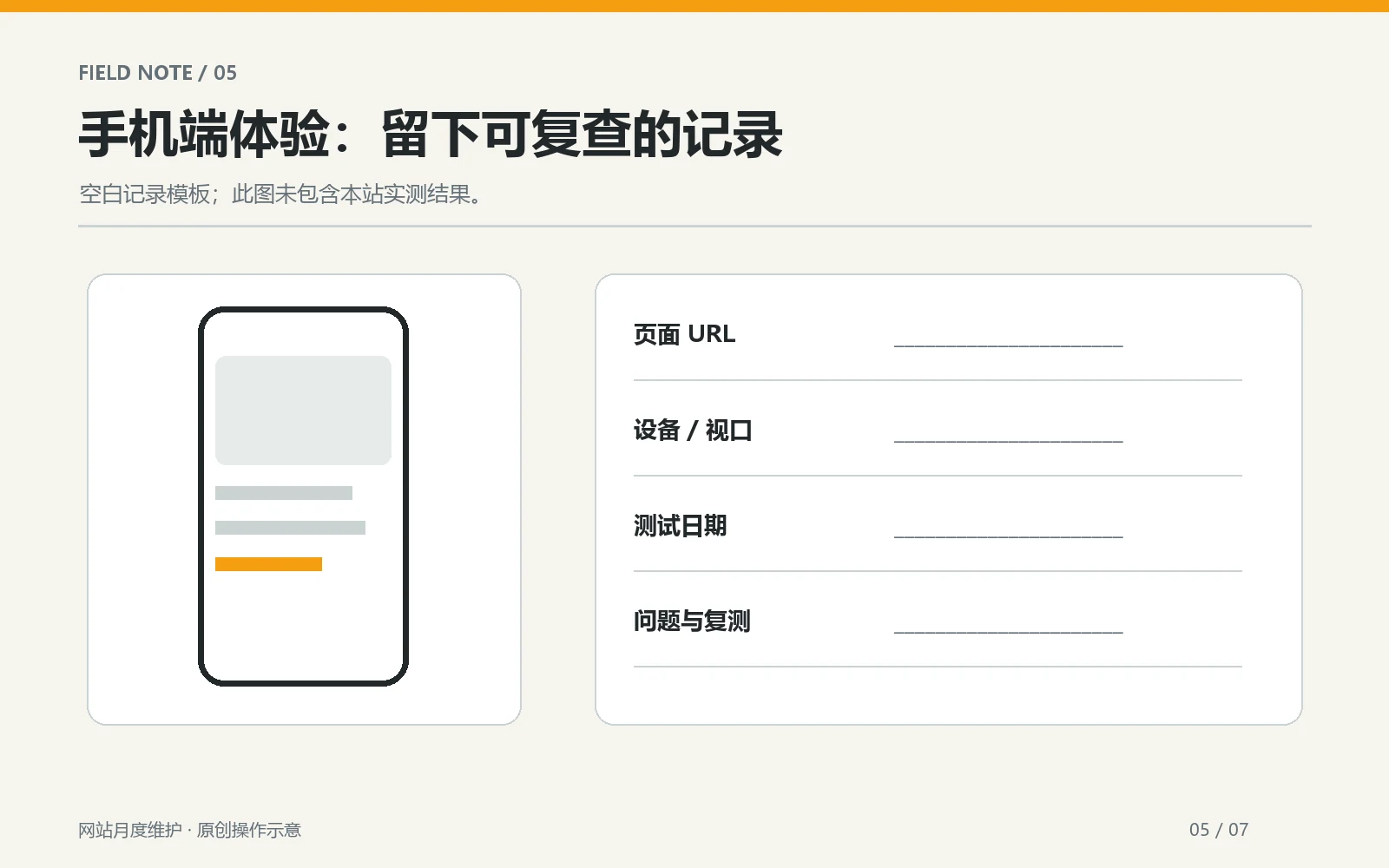
Keep the same set of samples each month: the home page, a highly visited service or product page, a recent article, and pages that were new or significantly modified this month. Check above-the-fold headers, navigation, forms, buttons, images, and horizontal overflow with a real phone or browser mobile viewport. Then use PageSpeed Insights or a similar tool to view page lab testing versus available real user data. Google’s Getting Started with Web Vitals Measurement The different uses of real user data and laboratory data are explained; the report should clearly state the URL, test date, device type and data source, and do not regard the score of a certain simulation test as the experience of all visitors.
When troubleshooting, first look for changes this month: newly installed applications, third-party scripts, overly large above-the-fold images, video autoplay, or new templates. If a page is obviously slow, retest it using the same equipment conditions and see if the page itself or real user indicators have also become worse. Don’t remove key business features just to improve your score by a few points; first assess the impact on usability and conversions. When you don’t have a historical baseline, start recording from this month and don’t make up “percent improvement before and after optimization”.
Handle visible issues to the person with clear responsibility
For example, the mobile menu covers the CTA, the main product image jumps after loading, and the form error prompt cannot be seen. These are user experience problems that can be reproduced directly. Record the affected pages, devices and browsers, operation steps, actual results, expected results and screenshots, and then hand them over to the designer or developer. After the repair is completed, have another person or the same person in charge retest and indicate the time. For pages involving cache, check logged in and non-logged in access respectively. If necessary, clear the cache and then check. However, do not write the results of the test environment as the official website results.
Item Five: Check Search Discovery and Content Accuracy
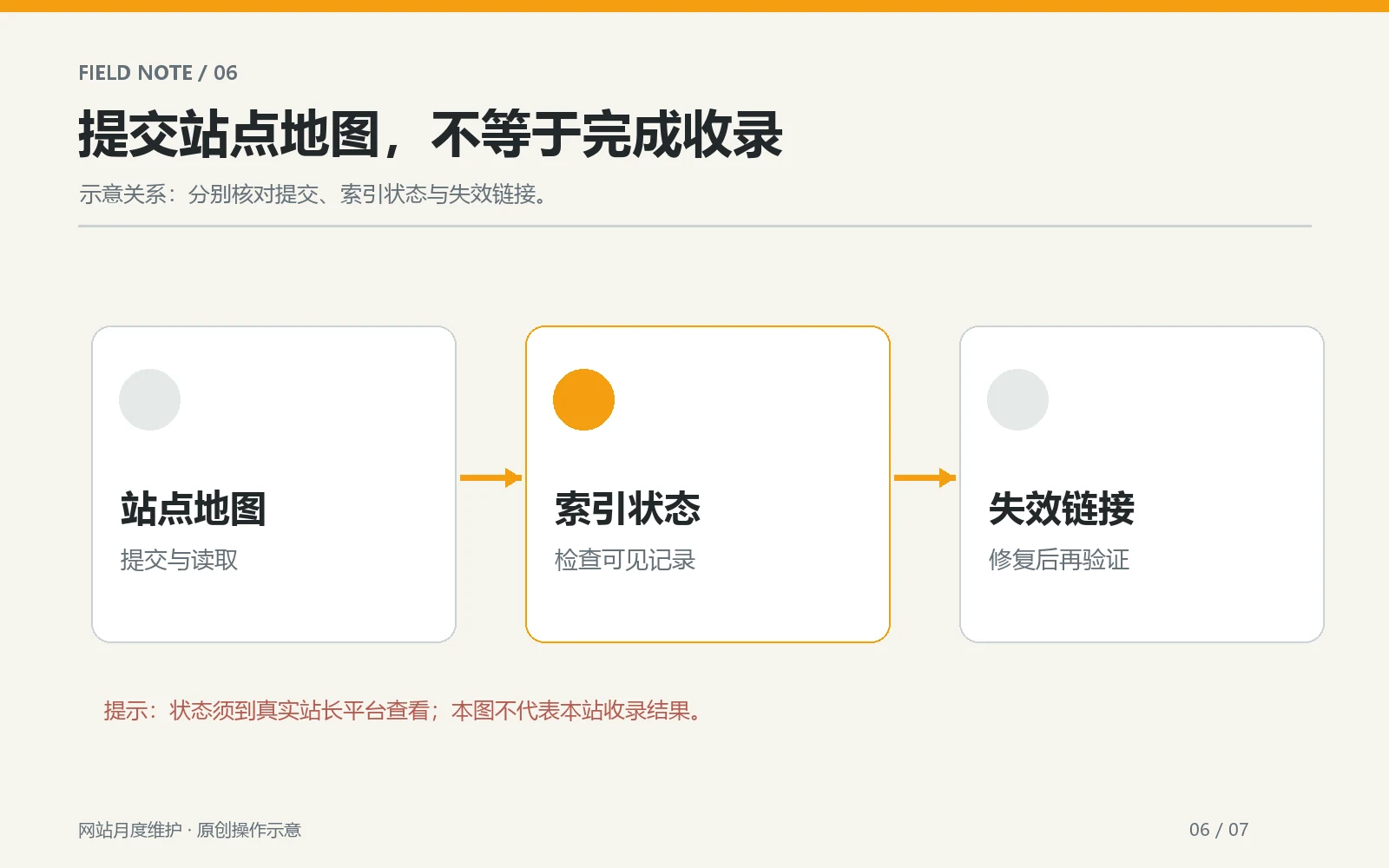
Pay attention to abnormal pages and do not regard submitting sitemaps as a guarantee of inclusion.
In a verified webmaster platform like Google Search Console, check for new crawling, indexing, or sitemap anomalies this month. Google’s Search Console Instructions It is recommended to check search performance and indexing issues in conjunction with the report. If you see “Not indexed,” first check to see if the page should not be indexed in the first place, and then look at the canonical URL, accessibility, and page content; don’t treat all exclusions as faults. Important newly published pages can be sampled for actual URLs, titles, visible body text, and internal links.
A sitemap is a list of URLs that helps search engines discover them. Google’s sitemap document Note that submission is just a reminder and does not guarantee crawling or inclusion. Check every month that the site map is still accessible, whether the recently added specification pages are included, and whether there are incorrect URLs; do not submit the same file repeatedly and write the platform acceptance receipt as “already included.” Page status on Baidu, Bing or other platforms are recorded individually and cannot be replaced by Google results.
Dealing with broken links and outdated content
Check the most changed navigation, home page entrance, recent articles and key product pages this month, and focus on internal links that users cannot open after clicking. For external links, check whether they still point to relevant and credible original information; if the source page is moved, update it to the new official address. Important pages to check that price, scope of delivery, service description, contact details, image alt and policy information are still accurate. Content updates do not mean mechanical revisions to the publication date: changes should only be written if the facts, page structure, or user value have changed.
If there are multiple similar articles on the site, the monthly check should also see if they answer questions at different stages. For example Pre-launch checklist This article deals with functional acceptance before release; this article deals with repeated inspections after launch. If you encounter overlapping content, you should clarify the applicable time and next link of each article, rather than reposting the old article as it is. If you find speed issues, you can continue reading WordPress website speed optimization ; These internal links must still be verified by the master in real time before the article is deployed.
A table to record the inspection results of this month
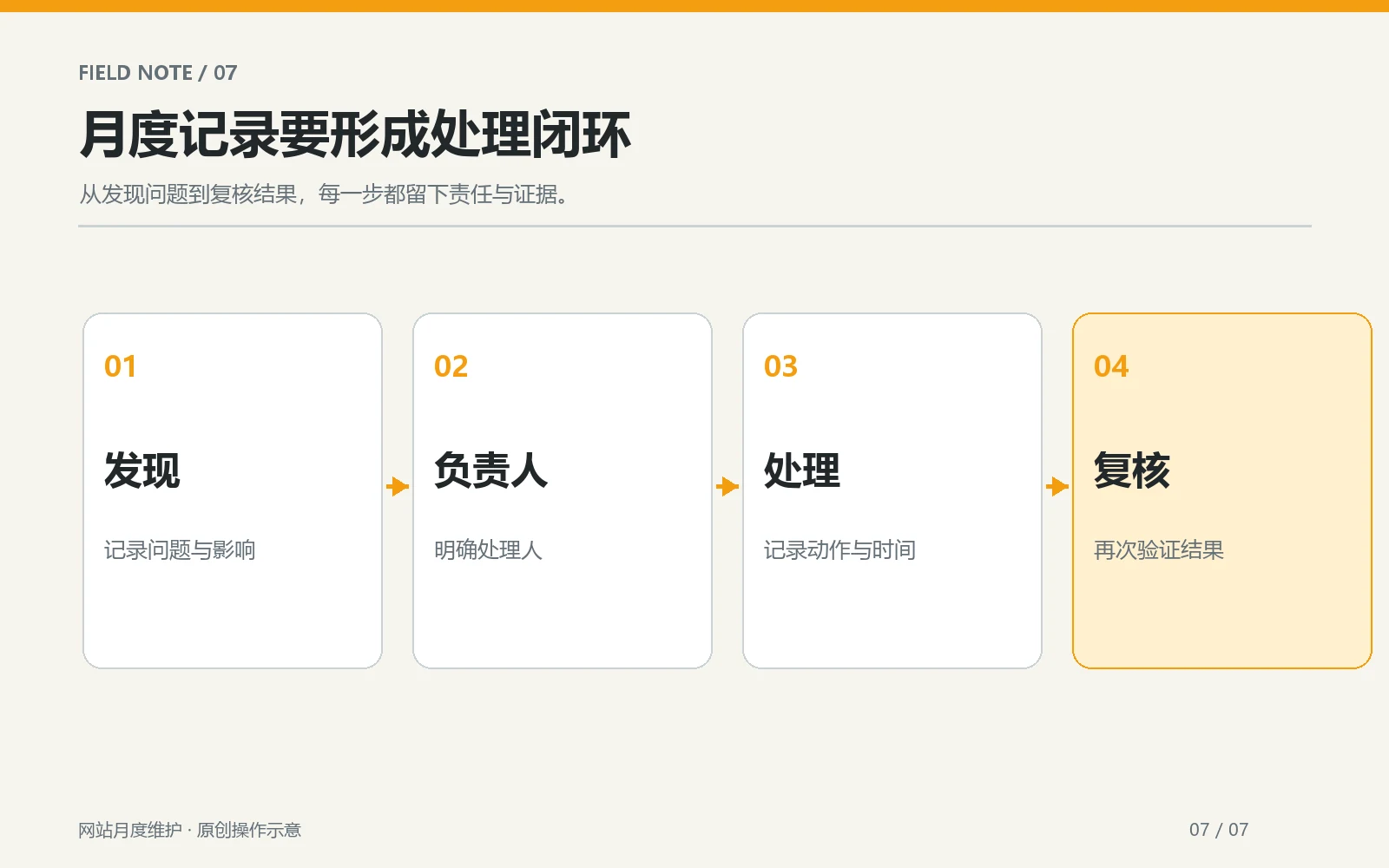
The form below is an example of completion and does not imply that AIRSANG or any client site has completed the inspection. The person in charge can copy it to his or her own project document, and then add or delete rows according to site type. Each discovery requires a closed loop of “evidence-processing-review”; for projects that cannot be repaired temporarily, the risk, responsible person and next review date should also be written down.
| Check items | person in charge | Evidence and dates | Discovery and treatment | Review results |
|---|---|---|---|---|
| Backup and sample recovery | site administrator | Backup number, recovery record, date | Fill in the actual error and repair actions | Fill in the test page and reviewer |
| Program and App Updates | Technical person in charge | Versions before and after update, backup point | Fill in the compatibility issues or no exceptions | Fill in the business process retest results |
| Form or order path | Operations Manager | Test number, page, device | Fill in submission and notify results | Fill in the receipt or background receipt |
| Mobile and speed | design or development | URL, device, tool, date | Fill in reproducible symptoms | Repeat test under the same conditions |
| Index and content | Content manager | Platform report, page URL, date | Fill in broken or outdated information | Open the page and verify again |
It is recommended to deal with items that will block customer inquiries, orders or visits first, and then arrange content updates and experience optimization. If the table is longer than the previous month, it means that some inspections need to be converted into daily monitoring or automatic testing, rather than relying on centralized remediation at the end of the month. Teams can differentiate between “Passed, Pending, Not Applicable, Not Tested” with simple status identifiers, but each status should have a reason; in particular, “Not Tested” cannot quietly equate to “Passed.”
Conclusion: Maintenance is about repeated verification, not repeated check-boxing
Monthly inspections after the website goes online should answer at least five questions: Can the backup be restored? Can changes this month be rolled back? Can visitors complete critical business actions? Is the mobile version still easy to use? Are there any new anomalies in the search platform and page content? Use the real URL, time, test actions, and receipts as evidence to determine whether the problem is resolved. If you do not have full backend permissions, first sort out the existing site address, platform type and discovered symptoms, and then ask the corresponding person in charge to complete the verification. AIRSANG can use this to assess actual scope of maintenance, but any speed or search performance improvements will need to be judged after testing on specific sites.