











No hay productos en el carrito.

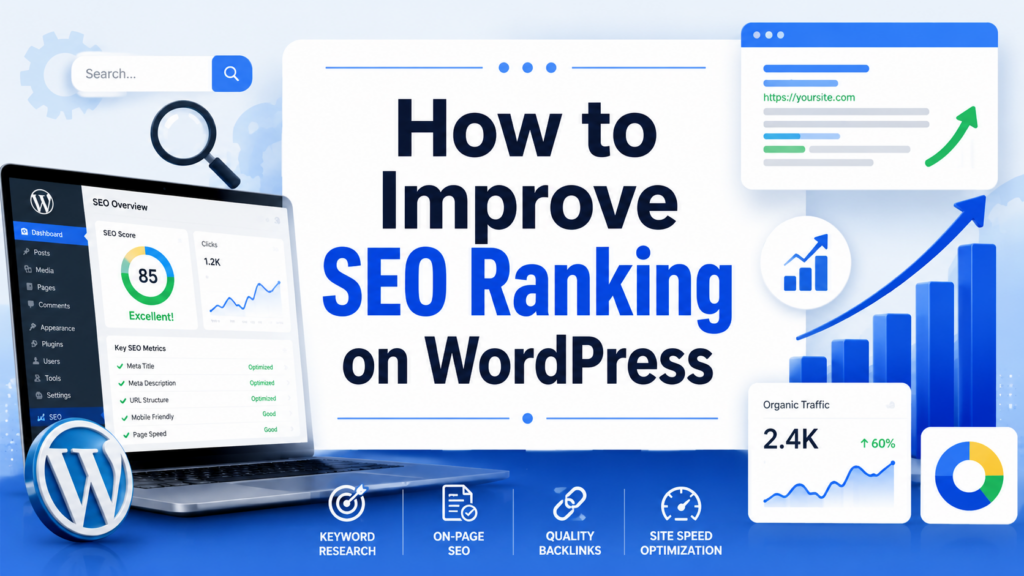
If you want to learn how to improve seo ranking wordpress, the first thing to understand is that SEO is not one single setting hidden inside your dashboard. It is a complete system made of content quality, website structure, page speed, mobile usability, internal links, backlinks, and consistent performance tracking. WordPress already gives site owners a flexible foundation, but ranking higher usually requires careful adjustments, better publishing habits, and a website experience that both search engines and visitors can understand easily. Jetpack’s WordPress SEO checklist also emphasizes that ranking improvement comes from combining theme quality, plugins, permalinks, keyword research, speed, mobile usability, linking, and analytics rather than relying on one quick fix.
Search engine optimization is the process of helping search engines crawl, index, and understand your pages while also making those pages useful for real people. Google’s own SEO guidance explains that there is no secret method that automatically sends a website to the first position. The goal is to follow practical best practices that make your site clearer, faster, more helpful, and easier to navigate.
Your WordPress theme controls far more than the appearance of your site. It also affects loading speed, mobile layout, HTML structure, navigation, and how easily search engines can read your pages. A beautiful theme that loads slowly or creates messy code can hurt your SEO before you even publish your first article.
When choosing a theme, do not only look at colors, animations, or homepage demos. Test the theme demo on desktop and mobile. Check whether text is easy to read, buttons are easy to tap, menus are clear, and pages load without unnecessary delays. A strong SEO-friendly theme should be responsive, lightweight, well-coded, and compatible with SEO plugins or schema features.
Before installing a theme, run its demo through a performance testing tool. This gives you a better idea of how the theme handles loading speed, visual stability, and mobile responsiveness. Avoid themes packed with excessive sliders, heavy animations, large scripts, or features you will never use. A simpler theme often gives you a stronger SEO foundation than a flashy one.
WordPress gives you control over your site, but an SEO plugin makes optimization much easier. A good plugin lets you edit title tags, meta descriptions, canonical URLs, XML sitemaps, robots settings, social sharing previews, and sometimes schema markup. Without a plugin, many of these tasks require technical knowledge.
Popular WordPress SEO plugins include Jetpack, Yoast SEO, Rank Math, and All in One SEO. The best choice depends on your workflow, but the purpose is the same: help each page communicate clearly with search engines. After installation, go through the setup wizard instead of leaving default settings untouched. Confirm that your sitemap is active, your important content types are indexable, and your homepage metadata is properly written.
An SEO plugin will not magically rank your website. Think of it as a control panel. It helps you apply good SEO practices faster, but it cannot replace helpful content, fast loading, or a clear site structure. Use the plugin to guide your work, not to replace your strategy.
Permalinks are the permanent URLs of your pages and posts. In WordPress, you can control them under Settings > Permalinks. For most websites, the “Post name” structure is the clearest option because it creates short, readable URLs like example.com/wordpress-seo-guide/ instead of URLs filled with numbers or dates.
Clean URLs help users understand what a page is about before they click. They also make your content easier to share and remember. From an SEO perspective, a clear URL gives search engines another simple clue about the page topic. For example, a URL like /how-to-improve-wordpress-seo/ is much more meaningful than /?p=3481.
Keep URLs short and focused. Use lowercase words, separate terms with hyphens, and remove unnecessary filler words. If you already have an established site, be careful when changing old URLs. Changing permalinks without redirects can create broken links and lost rankings. For new content, build a clean URL structure from the beginning.
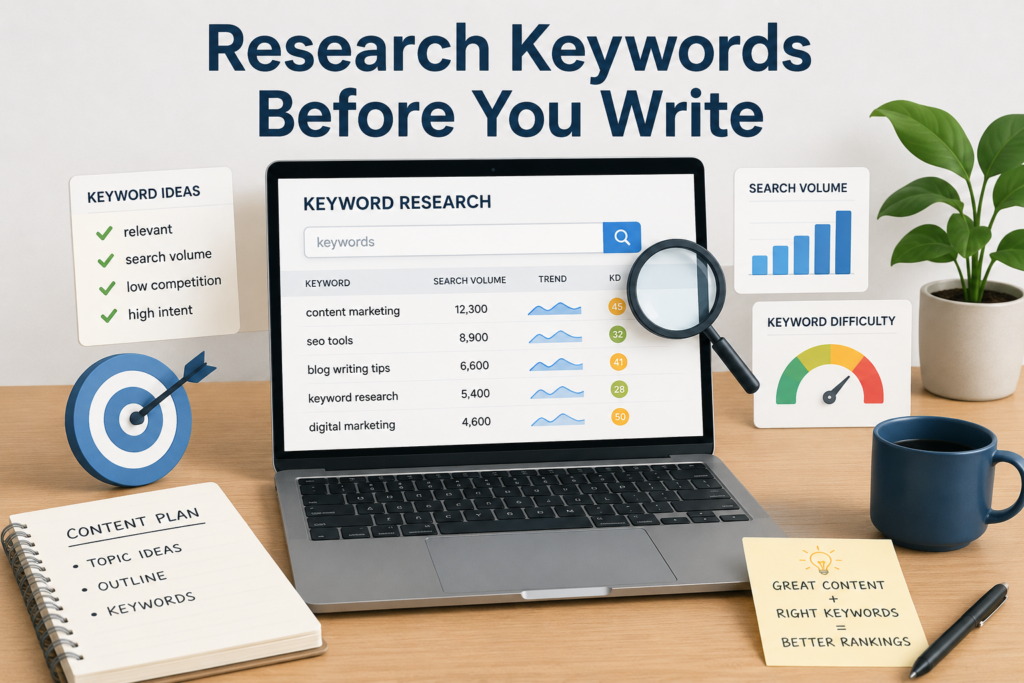
Keyword research helps you understand what your audience is actually searching for. Instead of guessing, you can use tools like Google Keyword Planner, Google Search Console, Ahrefs, SEMrush, or other keyword tools to find search terms, questions, and related topics.
Start with one primary keyword for each page. For this article, the main keyword is how to improve seo ranking wordpress. Then add secondary keywords that sound natural, such as WordPress SEO tips, improve WordPress ranking, WordPress SEO checklist, SEO-friendly WordPress site, and WordPress search optimization. These supporting phrases help search engines understand the broader topic.
Good keyword research is not about stuffing the same phrase into every sentence. It is about matching search intent. Someone searching “how to improve SEO ranking on WordPress” probably wants practical steps, not theory. Your article should answer that need with clear instructions, examples, and a logical order.
Place your primary keyword naturally in the title, introduction, one or two headings when appropriate, the meta description, and the URL. Then use related words throughout the content. This approach feels natural to readers while still giving search engines enough context.
Content is the center of SEO. Even the fastest WordPress website will struggle to rank if the pages are thin, confusing, outdated, or copied from other websites. Search engines want to show pages that satisfy the user’s search intent. That means your content should be useful, original, easy to read, and complete enough to solve the reader’s problem.
Before writing, ask what the reader needs to know first. Then organize the article with H2 and H3 headings. Use short paragraphs, clear examples, and practical explanations. Avoid writing only for search engines. Real visitors should feel that the article was made for them.
For WordPress SEO, strong content often includes step-by-step explanations, screenshots, checklists, comparison sections, FAQs, and internal links to related resources. If you are writing for a business website, include real product or service context instead of generic advice. For example, a service page should explain who the service is for, what problems it solves, what results users can expect, and why the company is credible.
Updating old content is also important. A post that ranked well two years ago may lose traffic if the information becomes outdated. Review your best-performing posts regularly, add new examples, improve headings, refresh metadata, and remove outdated sections.
Your SEO title and meta description appear in search results and can influence whether people click your page. The title should be clear, specific, and attractive. It should include the main keyword when possible, but it must still sound natural.
A good SEO title tells users exactly what they will get. Instead of “SEO Tips,” use something more specific like “How to Improve SEO Ranking on WordPress.” This type of title includes the topic, platform, and benefit in a simple way.
Meta descriptions do not directly guarantee rankings, but they can improve click-through rate by giving users a reason to visit your page. Keep descriptions concise, usually around 150 to 160 characters, and summarize the value of the page. A strong description for this topic could be: “Learn how to improve WordPress SEO rankings with better content, speed, mobile usability, internal links, backlinks, and tracking.”
Each important page should have a unique title and description. Duplicate metadata makes pages harder to distinguish and can reduce the quality of your search appearance.
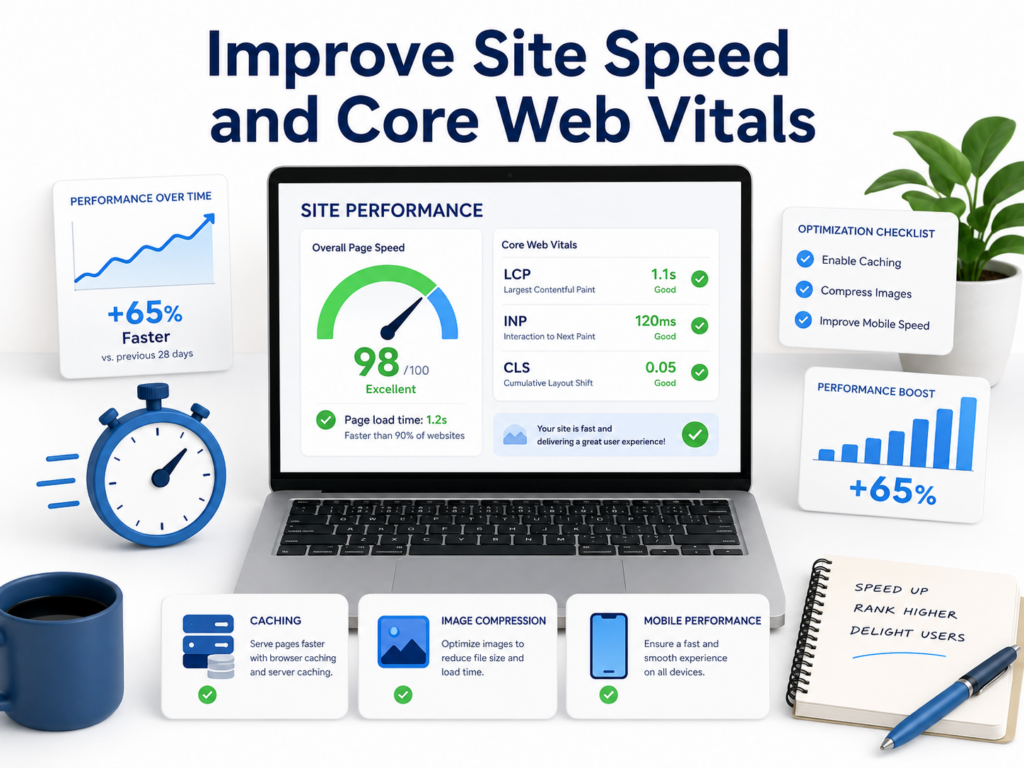
Speed matters because users do not want to wait. Slow websites can increase bounce rates, reduce conversions, and make search engines less confident in the user experience. WordPress sites often become slow because of heavy themes, too many plugins, large images, cheap hosting, render-blocking scripts, or unoptimized databases.
Start with the biggest speed wins. Compress images before uploading them. Use modern image formats when possible. Enable lazy loading so images load only when needed. Add caching so repeat visitors receive pages faster. Use a CDN to serve files from locations closer to visitors. Remove plugins that duplicate features or load scripts on every page unnecessarily.
Core Web Vitals are especially important to understand. Google describes them as real-world experience metrics for loading performance, interactivity, and visual stability. The three main metrics are LCP, INP, and CLS. LCP measures loading performance, INP measures responsiveness, and CLS measures visual stability.
On WordPress, improving these metrics often means optimizing the hero image, reducing JavaScript, reserving space for images and ads, using better hosting, and testing mobile performance after every major design change. Do not only test your homepage. Blog posts, product pages, category pages, and landing pages may all perform differently.
Many visitors will view your WordPress site on a phone. If your site looks good on desktop but feels crowded or slow on mobile, your SEO performance can suffer. Mobile usability is not only about shrinking the page. It is about designing a smooth experience for smaller screens.
Use a responsive theme, readable font sizes, clear spacing, and buttons large enough to tap. Avoid popups that cover the main content. Keep menus simple. Make sure forms are easy to complete on mobile. Test your most important pages on real devices whenever possible.
Mobile speed also deserves special attention. A site that feels fast on office Wi-Fi may load poorly on a phone connection. Compress media, reduce unnecessary scripts, and keep the top section of each page lightweight. The faster users can understand your page, the better the experience.
Internal links connect one page on your site to another. They help visitors discover related content and help search engines understand your site structure. A strong internal linking strategy can also distribute authority from high-performing pages to newer or deeper pages.
Use descriptive anchor text. Instead of writing “click here,” link with words that explain the destination, such as “WordPress speed optimization guide” or “SEO-friendly product page tips.” This gives both users and search engines more context.
Think in topic clusters. A pillar page covers a broad topic, while supporting articles answer more specific questions. For example, a pillar page about WordPress SEO could link to separate articles about image optimization, metadata, Core Web Vitals, internal linking, and keyword research. This structure makes your site feel more organized and authoritative.
Review old articles and add links to newer content where relevant. Many site owners only link from new posts to old posts, but linking from older high-traffic pages to newer pages can help search engines discover and value fresh content faster.
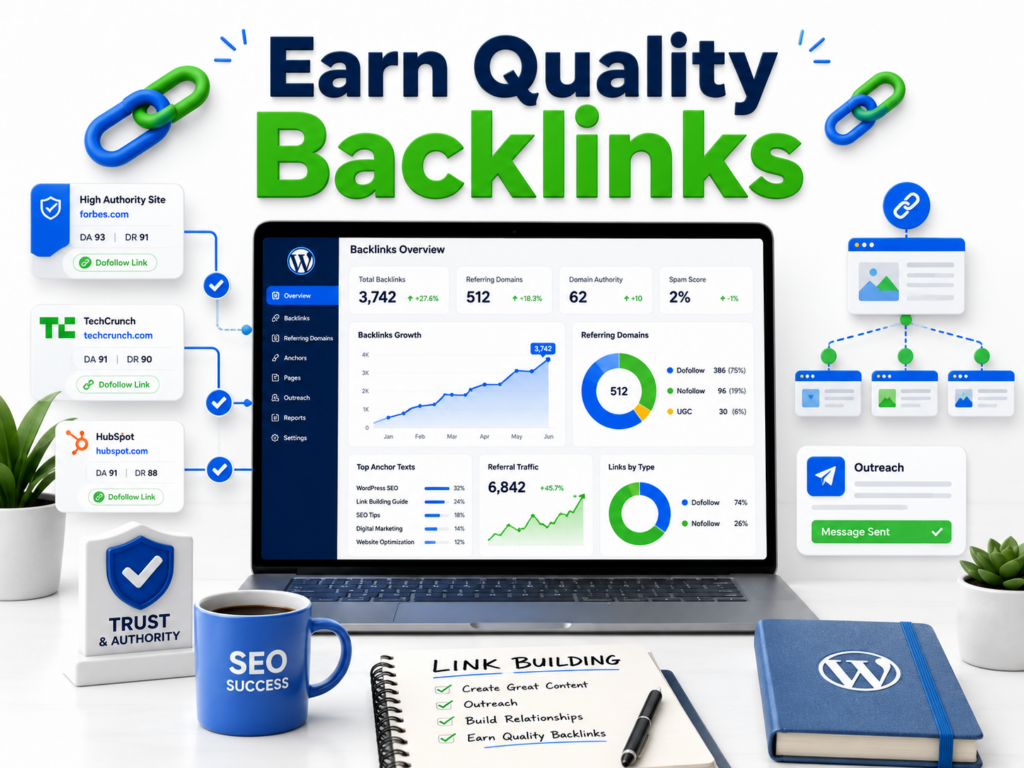
Backlinks are links from other websites to your site. They act like trust signals when they come from relevant, reputable sources. However, quality matters much more than quantity. A few strong links from respected websites in your industry are more valuable than hundreds of spammy links.
You can earn backlinks by publishing original research, helpful guides, tools, statistics, case studies, or expert commentary. Guest posting can work when the website is relevant and the article is genuinely useful. Digital PR, partnerships, interviews, and resource pages can also create link opportunities.
Avoid buying low-quality links or joining link schemes. These tactics may create short-term movement but can damage long-term trust. Sustainable link building starts with content that people actually want to reference.
SEO is not finished after publishing. You need to monitor results and improve based on data. Google Search Console shows which queries bring impressions and clicks, which pages are indexed, and which technical issues need attention. Analytics tools can show how visitors behave after they land on your site.
Track important metrics such as organic traffic, click-through rate, average position, indexed pages, conversions, bounce rate, and top landing pages. If a page gets many impressions but few clicks, improve the title and meta description. If a page ranks on page two, expand the content and add internal links. If a page gets traffic but no conversions, improve the call to action and page layout.
Set a regular SEO maintenance schedule. Each month, review your top pages, fix broken links, update old content, check speed scores, and look for new keyword opportunities. WordPress SEO ranking improves when you treat SEO as an ongoing process rather than a one-time setup.
Learning how to improve SEO ranking on WordPress starts with building a strong foundation. Choose a fast, mobile-friendly theme, install a reliable SEO plugin, use clean permalinks, research keywords, and create helpful content that answers real search intent. Then improve titles, meta descriptions, speed, Core Web Vitals, mobile usability, internal links, and backlinks. Finally, track performance with analytics and keep updating your site over time. WordPress gives you the tools, but consistent optimization is what helps your pages become more visible, useful, and competitive in search results.
You can improve SEO ranking on WordPress by using a fast theme, installing an SEO plugin, writing helpful content, optimizing keywords, improving site speed, adding internal links, earning quality backlinks, and tracking results with tools like Google Search Console.
Yes. WordPress is a strong platform for SEO because it supports clean URLs, SEO plugins, mobile-friendly themes, content organization, image optimization, and technical settings that help search engines understand your website.
Popular WordPress SEO plugins include Yoast SEO, Rank Math, All in One SEO, and Jetpack. The best option depends on your needs, but a good SEO plugin should help you edit titles, meta descriptions, sitemaps, schema, and indexing settings.
Site speed is very important for WordPress SEO because slow pages can create a poor user experience. Faster websites usually keep visitors engaged longer and perform better across mobile usability and Core Web Vitals.
You should review important WordPress pages and blog posts regularly. Updating old content with fresh information, better headings, new internal links, and improved meta descriptions can help maintain or improve search rankings.
Yes. Quality backlinks still matter because they help show search engines that your website is trustworthy and useful. Focus on earning links from relevant, reputable websites instead of using low-quality or spammy link-building methods.


















