No hay productos en el carrito.

Desactivar una Shopify Cerrar una tienda no es complicado, pero conlleva consecuencias que muchos comerciantes pasan por alto. Esta guía explica el proceso de forma sencilla y educativa, para que sepas exactamente qué sucede antes, durante y después del cierre de tu tienda.
Cuando desactivas tu Shopify Tienda, estás cancelando tu suscripción. La tienda se cerrará automáticamente al final de tu ciclo de facturación actual y tu tienda virtual quedará fuera de línea. No podrás acceder al panel de control de Shopify a menos que reactives la tienda con un método de pago válido.
Importante: El soporte de Shopify no puede desactivar tu tienda. Solo el propietario de la tienda puede hacerlo desde el panel de administración.
Piensa en la desactivación como presionar "pausa con consecuencias". Esto es lo primero que debes considerar:
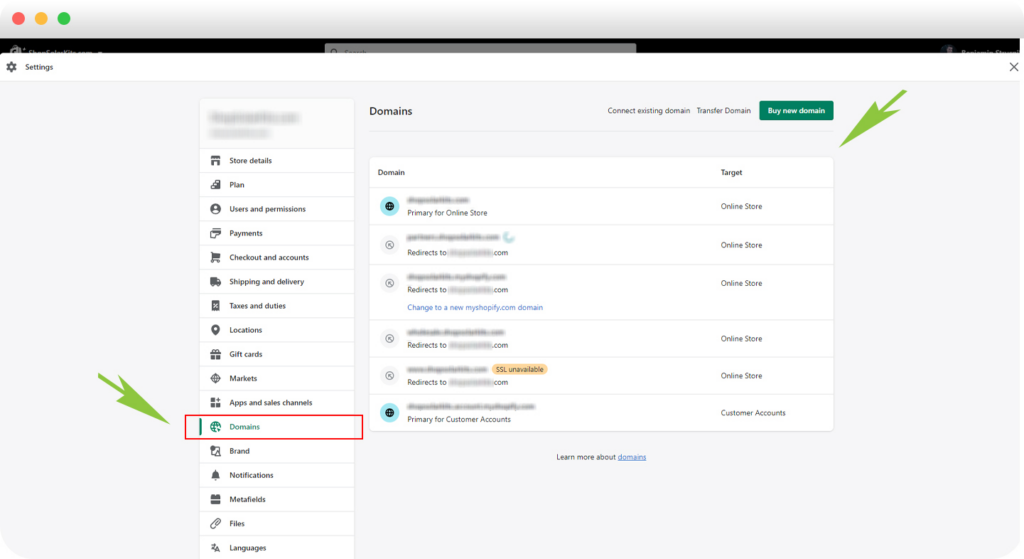
Cada myshopify.com El dominio es único. Una vez desactivado, no podrás reutilizar esa misma URL, ni siquiera si vuelves a abrir una tienda con la misma marca posteriormente.

Exportar información importante como:
Las exportaciones CSV son su red de seguridad.
Si compraste un tema de pago, descarga una copia de seguridad. Las licencias de los temas se aplican solo a la tienda original, pero... Shopify A veces, el soporte puede ayudarte a transferir una licencia a otra tienda de tu propiedad.
Incluso después de la desactivación:
Recibirás un correo electrónico de confirmación una vez que la tienda se desactive.
Usuarios de Shopify Plus: Debes contactar al soporte técnico de Shopify Plus para desactivarlo.
Si desea que sus datos de cliente se eliminen antes, puede enviar una solicitud formal de eliminación de datos.
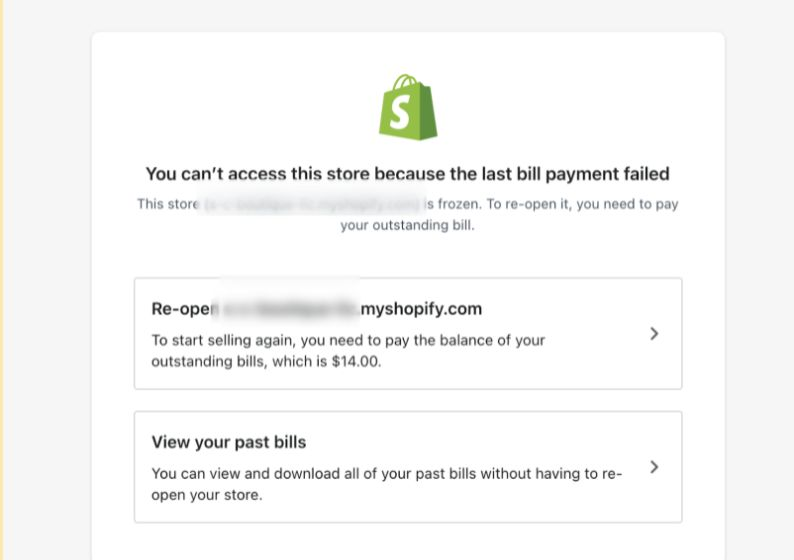
La reapertura es sencilla:
Su tienda vuelve exactamente como estaba.
Desactivar una Shopify La tienda no es solo un paso técnico: es una decisión empresarial que afecta la marca, los dominios, la confianza del cliente y la escalabilidad futura. Comprender estos detalles le ayuda a evitar errores costosos.
Si tiene un negocio de comercio electrónico transfronterizo, está planeando migrar una tienda o está pensando en rediseñar o reestructurar su sitio web de Shopify, aquí es exactamente donde la estrategia importa.
En AIRSANG, Nos especializamos en soluciones de comercio electrónico transfronterizo y diseño web centrado en la conversión. Si estás planeando tu próximo paso, o tu regreso, síguenos o contáctanos. Creamos tiendas pensando en el futuro.