











No hay productos en el carrito.

Building a website can feel confusing when you are starting from zero. You may hear terms like domain, hosting, CMS, theme, plugin, SEO, backup, and security before you even create your first page. The good news is that WordPress makes the process easier because it gives you a flexible system for creating and managing a website without coding everything from scratch.
So, how do you build a website with WordPress in a practical way? The answer is not simply “install WordPress and start posting.” A useful website begins with a clear purpose, a memorable domain name, reliable hosting, a clean design, helpful content, basic search optimization, and regular maintenance. WordPress gives you the tools, but you still need a plan.
This beginner-friendly guide explains the process in plain language. Whether you want to create a small business website, a personal blog, a portfolio, a service website, or a simple online store, the same foundation applies.
WordPress is a content management system, often called a CMS. A CMS lets you create and manage website content from a dashboard instead of editing raw files every time you want to change a page. With WordPress, you can add pages, publish blog posts, upload images, adjust menus, install themes, and extend your site with plugins.
One reason WordPress remains popular is flexibility. You can use it for a basic brochure-style website, a blog, a restaurant site, a nonprofit website, a professional portfolio, or a more advanced business platform. Instead of locking you into one narrow format, WordPress gives you a foundation that can grow as your needs grow.
Another advantage is the large ecosystem of themes and plugins. Themes control the overall design and layout of your site, while plugins add extra features such as contact forms, SEO tools, security settings, image optimization, analytics, booking forms, and ecommerce options. This means beginners can start simple and expand later.
Before building anything, you should understand the difference between WordPress.com and WordPress.org. WordPress.com is a hosted website service. It handles hosting for you and can be easier for absolute beginners, but it may limit how much control you have depending on the plan.
WordPress.org refers to the self-hosted WordPress software. With this option, you choose your own hosting provider, install WordPress, and manage more of the website yourself. It usually gives you more freedom with themes, plugins, design control, monetization, and technical customization.
For a business website, brand website, service website, or site that you want to control long term, self-hosted WordPress is often the better choice. It requires a little more setup, but it gives you stronger ownership over your website structure and future growth.
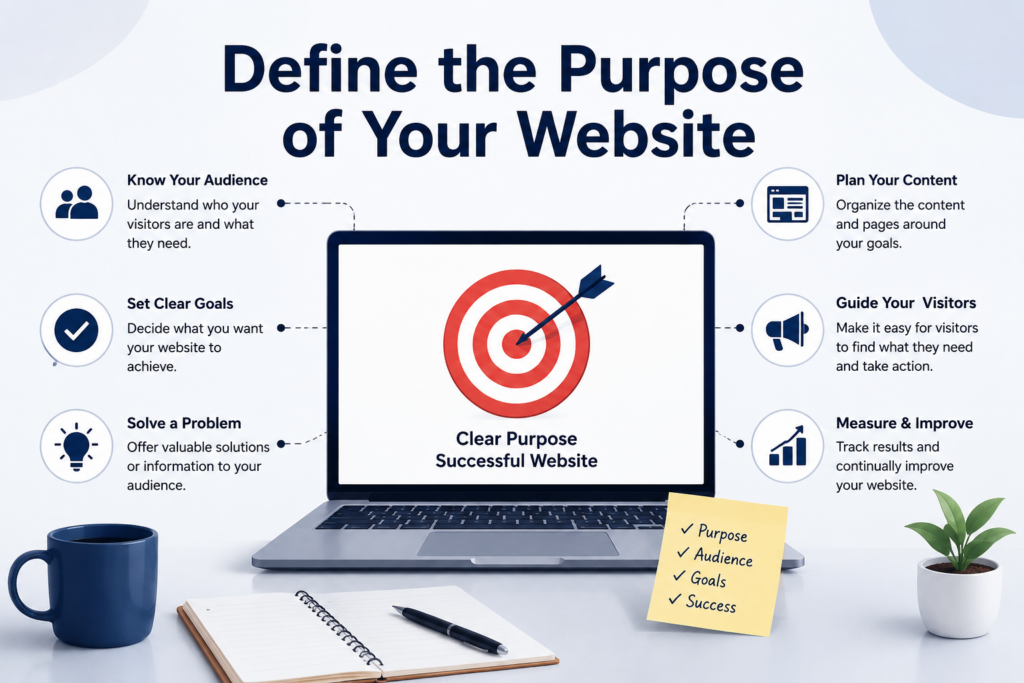
The first step is not technical. It is strategic. Before buying a domain or choosing a theme, ask what the website needs to do. A website for a local service business has different goals from a food blog, an online course site, a photography portfolio, or a product catalog.
Start by writing down your main goal. Do you want visitors to contact you, read your articles, book appointments, buy products, view your work, or learn about your services? Then define your target audience. The more clearly you understand your visitors, the easier it becomes to decide what pages, images, calls to action, and content your website needs.
A simple website plan might include a homepage, about page, services page, blog, contact page, and privacy policy. A more advanced site might need product pages, landing pages, case studies, FAQs, testimonials, or resource sections. Planning these pieces early prevents your website from feeling random later.
Your domain name is the address people type into a browser to find your website. A strong domain should be short, easy to spell, easy to remember, and connected to your brand or topic. If your website represents a business, try to use the business name or a close variation.
A .com domain is usually familiar for U.S. audiences, but other extensions can work if they fit your brand. The key is clarity. Avoid confusing spelling, unnecessary hyphens, long strings of words, or names that sound too similar to another brand.
It also helps to think about the future. A narrow domain may work today but become limiting later. Choose a name that gives you room to grow.
Web hosting is the service that stores your website files and makes them available online. Without hosting, your domain has nowhere to point. For most new WordPress websites, shared hosting or managed WordPress hosting is enough to start. Shared hosting is usually affordable and beginner-friendly, while managed WordPress hosting often includes extra support, performance settings, automatic updates, and WordPress-specific features.
When comparing hosting, look beyond the lowest price. Consider speed, uptime, support quality, security tools, backup options, SSL certificates, and how easy it is to install WordPress. A slow or unreliable host can make your site harder to use and harder to manage.
WordPress also has technical requirements. A modern hosting environment should support current PHP, MySQL or MariaDB, HTTPS, and a compatible web server. You do not need to understand every server detail as a beginner, but you should choose a host that clearly supports WordPress and keeps its server software updated.
After you have a domain and hosting, the next step is installing WordPress. Many hosting companies offer a one-click or guided installer, so you do not have to manually upload files or create databases yourself. During setup, you will usually create an admin username, password, and site title.
Once installation is complete, you can log in to the WordPress dashboard. This dashboard is where you manage your site. From there, you can create pages, add posts, upload media, adjust settings, install plugins, change themes, and manage users.
One important tip: use a strong password and avoid using “admin” as your username when possible. A new website may seem small, but basic security habits should begin on day one.
A theme controls the visual style of your website. It affects layout, typography, colors, header design, footer design, page templates, and sometimes additional design settings. WordPress has many free and paid themes, so choosing one can feel overwhelming.
Do not choose a theme only because the demo looks impressive. Choose a theme that fits your actual content. A portfolio theme may not work well for a service business. A magazine theme may be too complicated for a simple company website. A heavy theme with too many features may slow down your site.
Look for a theme that is responsive, regularly updated, compatible with the current version of WordPress, and easy to customize. A clean theme is often better than a flashy one because it keeps attention on your message, products, or services.
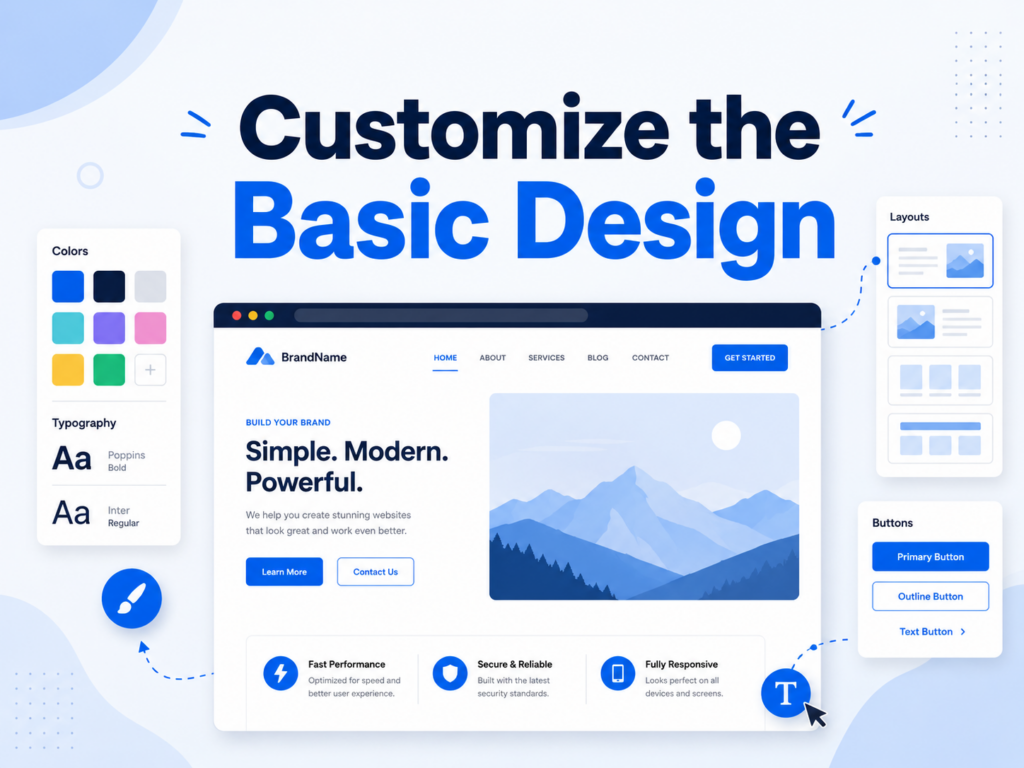
After installing a theme, customize the design to match your brand. Start with the basics: logo, site title, brand colors, fonts, menu structure, homepage layout, footer, and button styles. Keep the design consistent across the entire website.
A beginner mistake is trying to use every design feature at once. Too many fonts, colors, animations, sliders, icons, and blocks can make a website look messy. A better approach is to create a simple visual system. Use one or two main fonts, a limited color palette, clear headings, readable body text, and enough white space.
Your homepage should quickly answer three questions: what you offer, who it is for, and what visitors should do next. If people cannot understand your website within a few seconds, they may leave before exploring the rest of the site.
Plugins add features to WordPress. However, more plugins do not automatically mean a better website. Too many plugins can slow down your site, create conflicts, or make maintenance harder. Start with only what you truly need.
Common plugin categories include SEO, security, backups, caching, contact forms, analytics, image optimization, spam protection, and ecommerce. An SEO plugin can help you customize page titles and meta descriptions, while a contact form plugin lets visitors send inquiries.
Before installing a plugin, check whether it is actively maintained, has good reviews, works with your version of WordPress, and comes from a trustworthy developer. Delete plugins you are not using instead of leaving them inactive forever.
Before you focus on blog posts or marketing, build the core pages visitors expect to find. These pages make your site feel complete and trustworthy.
Your homepage should introduce your main value clearly. Your about page should explain who you are, what you do, and why visitors should trust you. Your services or product pages should describe what you offer in a way that is easy to understand. Your contact page should include a form or clear contact method. Depending on your website, you may also need a privacy policy, terms page, FAQ page, testimonials, portfolio, or case studies.
Write each page for real people, not just search engines. Use clear headings, short paragraphs, helpful images, and direct calls to action. Visitors should never have to guess what to click next.
A website should not be only a digital business card. Useful content gives visitors a reason to stay, learn, trust you, and return. This is where blog posts, guides, tutorials, FAQs, resource pages, and comparison articles can help.
If your target keyword is “how do you build a website with wordpress,” your content should answer that question completely. That means explaining the process, the tools involved, the decisions beginners need to make, and the mistakes they should avoid.
Create a simple content calendar if you plan to publish regularly. You do not need to post every day. Consistency matters more than volume. A few well-written articles that solve real problems can be more valuable than dozens of thin posts.
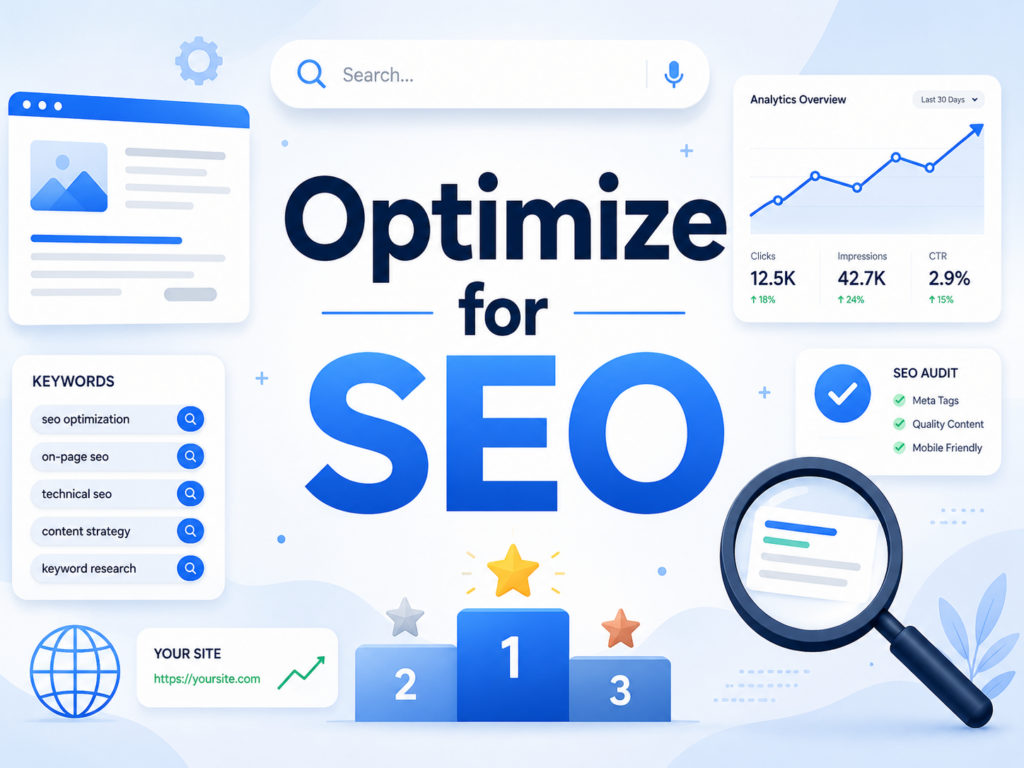
Search engine optimization helps people find your website through Google and other search engines. Basic SEO starts with clear page titles, descriptive meta descriptions, readable URLs, relevant keywords, internal links, image alt text, and useful content.
Use your main keyword naturally. Do not force “how do you build a website with wordpress” into every paragraph. Instead, place it where it makes sense: the title, introduction, at least one heading or section, and a few natural mentions in the body. Readability should come first.
Also pay attention to site structure. A clear menu, organized pages, and internal links help both users and search engines understand your website. If one page is important, do not bury it where no one can find it.
A beautiful website is not enough if it loads slowly or feels difficult to use. Compress large images, use only necessary plugins, choose a lightweight theme, and consider caching. Many hosts also include performance tools that can help.
Mobile experience is just as important. Many users will visit your website from a phone, so your pages should be easy to read and navigate on smaller screens. Buttons should be large enough to tap, images should scale correctly, and forms should be simple to complete.
Good user experience also means clear navigation. Visitors should know where they are, where to go next, and how to contact you. The easier your site feels, the more likely people are to take action.
After launching your WordPress website, you need to bring people to it. Share it through social media, email newsletters, business cards, online directories, guest posts, partnerships, and search-optimized content.
Maintenance is just as important as promotion. Keep WordPress core, themes, and plugins updated. Review your forms, test important pages, check site speed, remove outdated content, and monitor security. WordPress supports updates through the dashboard, but you should still back up your site before major changes.
Backups protect your work if something goes wrong. A useful backup system should include both your database and website files. You can use a backup plugin, hosting backup service, or both. The important point is simple: do not wait until a problem happens to think about recovery.
So, how do you build a website with WordPress? You start with a clear purpose, choose a strong domain name, select reliable hosting, install WordPress, pick a suitable theme, customize the design, add essential plugins, create the main pages, publish helpful content, optimize for search, improve user experience, promote the site, and maintain it with updates and backups.
WordPress gives beginners a practical way to build a website without starting from scratch, but the best results come from planning and consistency. A successful WordPress website is not just a collection of pages. It is a clear, useful, and well-maintained online presence that helps visitors understand your message and take action.
You build a website with WordPress by choosing a domain name, buying web hosting, installing WordPress, selecting a theme, customizing the design, adding essential plugins, creating important pages, and publishing helpful content. Beginners can start with a simple structure and improve the website over time.
No, you do not need coding skills to build a basic WordPress website. WordPress themes, page builders, and plugins allow beginners to create pages, adjust layouts, add forms, and manage content without writing code. However, coding knowledge can help with advanced customization.
The cost depends on your domain, hosting, theme, plugins, and extra services. A basic WordPress website can be affordable if you use free themes and plugins. A more professional website may cost more if you choose premium tools, better hosting, custom design, or advanced features.
Most WordPress websites should include a homepage, about page, services or products page, contact page, blog page, privacy policy, and terms page. Business websites may also benefit from FAQ pages, testimonials, case studies, portfolio pages, and landing pages.
A simple WordPress website can be built in a few days if the content, images, and structure are ready. A larger business website with custom pages, SEO planning, product sections, and detailed content may take several weeks. Planning ahead can make the process much faster.
Yes, WordPress is a strong platform for SEO when used correctly. You can optimize page titles, meta descriptions, URLs, headings, images, internal links, and content structure. SEO plugins can also help guide improvements, but high-quality content and good site performance are still essential.


















