










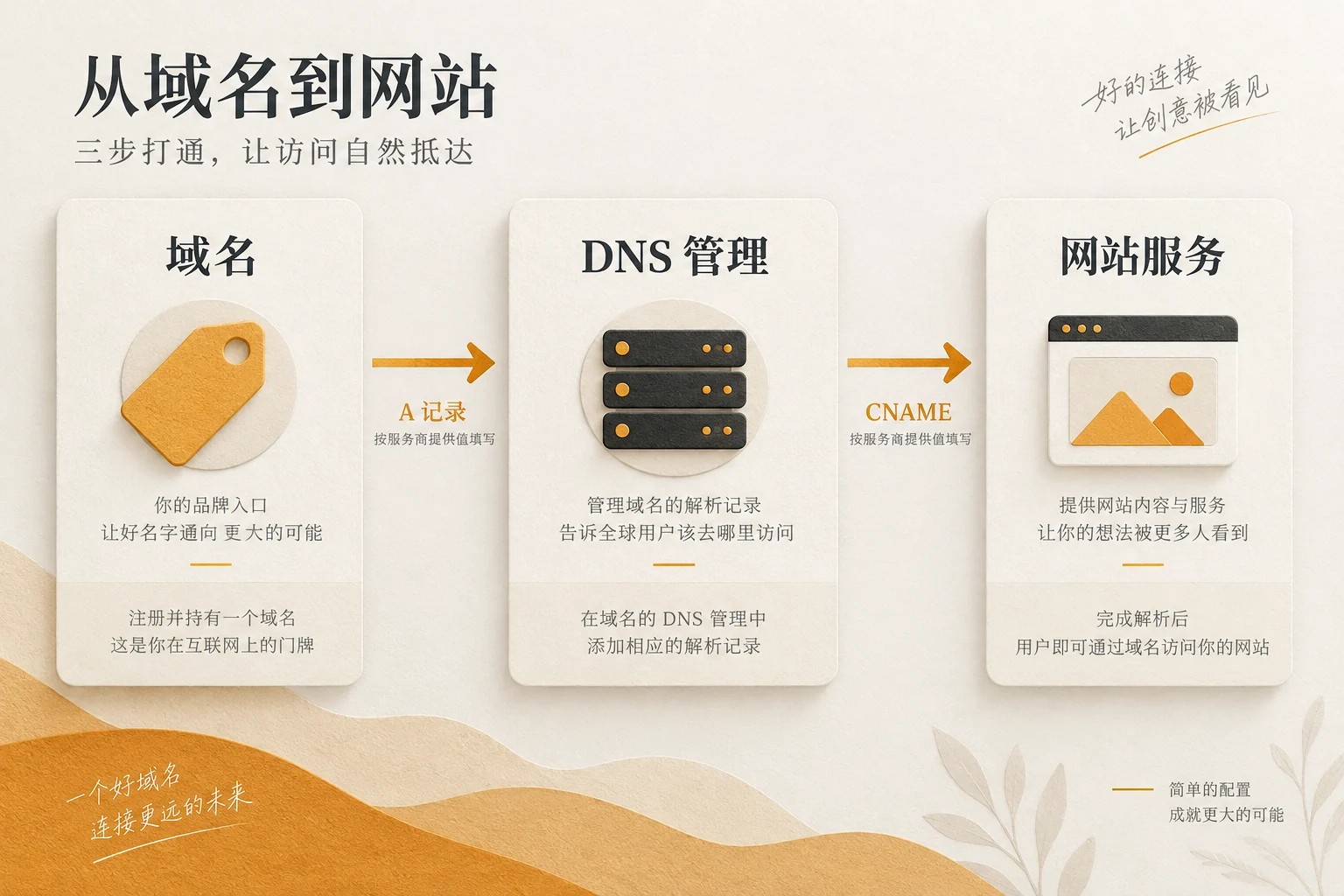
Website construction after domain name purchase , press “Confirm control—Prepare environment—Configure parsing—Enable HTTPS—Verify online” to advance. A domain name is just an address, and it also needs a website development environment to host the web page. The following checklist is suitable for the person in charge of first-time website development to check the delivery item by item.
Step 1: First confirm who controls the domain name
Log in to the platform where you purchased the domain name, and record the registrar name, domain name expiration date, registration contact email, renewal method and current name server. The registered contact email should be managed by an account that the company can receive and retrieve in the long term; if the domain name is purchased by someone else, first agree on the account handover and authority boundaries before starting website development. ICANN’s Domain name registrant instructions It is pointed out that there is a registration agreement between the registrant and the registrar, and the registrant manages the domain name settings through the registrar. Both the payer and the resolution administrator need to check.
Find “Domain Name Management”, “DNS” or “Name Server” in the purchase backend. Don’t request a cross-registrar transfer for website development just yet: pointing a domain to a new website usually only requires modifying the nameservers or DNS records. ICANN’s transfer FAQ also clearly mentions that the website host can be changed by modifying the name server or hosting IP; after a new registration or a change of registrant, cross-registrar transfers may be subject to time limits. This article only addresses “who has the right to change the direction” and does not consider transferring domain names as a prerequisite for going online.

Step 2: Prepare the website development environment, and then fill in the analysis
Start by deciding where the website will be located and who will be responsible for maintaining it. When using a hosted website development service, follow the custom domain name guidance provided by the service to obtain the target record; when using self-hosted WordPress, you need a hosting environment, database and installation permissions that can run WordPress. The WordPress installation preparation documentation distinguishes between hosts and servers, and requires checking the running environment first. Don’t assume that you have purchased a host just by “buying a domain name”, and don’t guess an IP before you get the record value given by the service provider.
If you haven’t decided yet which content management method to use, you can start by looking at Enterprise website CMS platform selection , clarify who will edit the page, whether it needs to be expanded in the future, and then decide how to host the site. Readers who have decided to use WordPress but have not selected a hosting environment can continue reading WordPress Website Server Selection Guide . After these two decisions are completed, ask the service provider to provide accurate binding domain names, resolution records, and certificate activation methods.
Write the values to be transferred in a table
Before modifying any records, export the current value or take a screenshot and keep it on file, especially the MX, TXT and other email records when there is a corporate mailbox. The table below is a handover template and does not require all websites to copy the sample values; the final values are subject to the instructions provided by the actual website development platform or host.
| Items to be confirmed | Fill in the true information of the project | who provides or verifies |
|---|---|---|
| Domain names and registrars | Domain name: ____; Renewal date: ____ | Domain name holder |
| DNS management portal | Current name server: ____; logged in by: ____ | Registrar or DNS provider |
| Website goal record | Primary domain name target: ____; www target: ____ | website development platform or hosting provider |
| Email and certificate | Original email record and archive: ____; certificate manager: ____ | Email service providers and hosting providers |
Step 3: Configure DNS according to the values given by the service provider
DNS can be understood as a query system that directs domain names entered by visitors to website services. First look at which group of name servers the current domain name is entrusted to: DNS records need to be changed on the platform that actually manages the domain name resolution, not necessarily in the backend where the domain name is purchased. If you plan to change the name server, you should first check that the required records for the website and email have been created on the new DNS platform before switching to avoid interrupting the mailbox by migrating only the website records.
After receiving the official binding instructions from the host or website development platform, the main domain name and www Add the records it requires individually. Common A records point to IPv4 addresses, and CNAME points one host name to another host name; whether to actually use it and what to fill in must be based on the guidelines of the target platform. Cloudflare DNS record operations documentation It shows that when adding a record, you need to select fields such as type, name, target, and TTL; if the domain name is connected to Cloudflare by a hosting partner, the record may need to be managed in the partner console. Web page redirects are not DNS records.
After saving, use the DNS query tool to check the main domain name and www result, visit the website again. Seeing an old page doesn’t necessarily mean the operation failed: Cloudflare’s TTL instructions explain that recursive parsers or local caching can affect when a new record is actually seen. Confirm old and new goals during record checking.
Step 4: Make the domain available with HTTPS
After the parsing is correct, bind the domain name on the website development platform or host console, and then enable the TLS certificate so that visitors can use it. https:// Open the website. If the platform hosts the certificate, priority is given to checking the activation status and automatic renewal in its background; if you need to manage it yourself, please have a person with server authority operate according to the certificate authority and host documents. Let’s Encrypt Getting Started Documentation Point out that many hosts will apply for and manage certificates on their behalf; you must use the ACME client when applying by yourself. Don’t skip checking certificate validity and renewal responsibilities just because the home page can be opened.
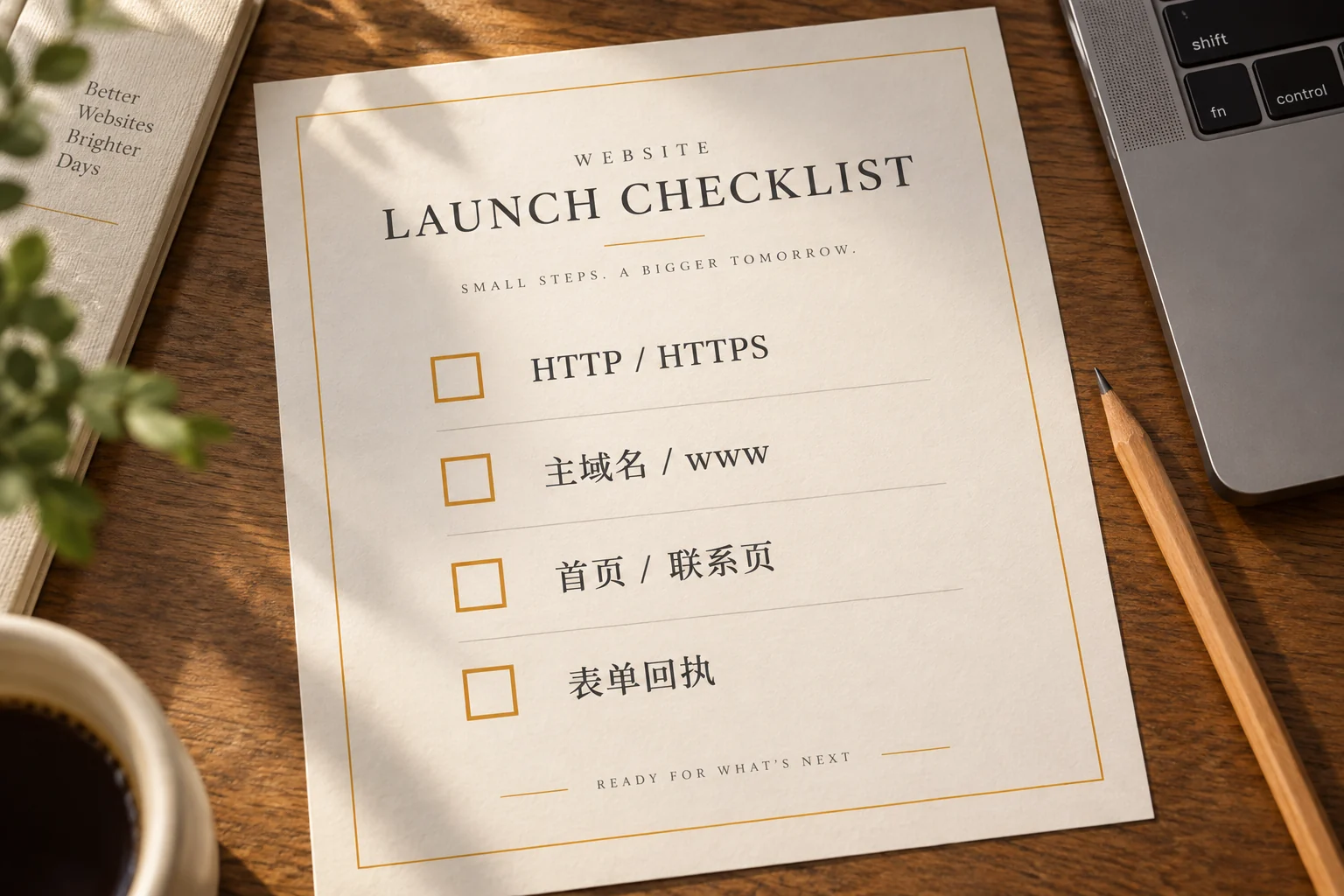
Then select a unique official URL, for example using a uniform URL with www or without www version of HTTPS and use a consistent address in site settings. Access four entrances respectively: HTTP main domain name, HTTP www , HTTPS primary domain name, HTTPS www . Verify that they end up on the intended page without certificate warnings, infinite jumps, or two sets of duplicate homepages. If the certificate has not yet covered an entry, resolve the binding and certificate issues first, and then arrange the jump.
Step 5: Acceptance according to the visitor path when going online for the first time
First use a browser that is not logged in to open the homepage, important service pages, contact pages and mobile phone pages; check whether menus, pictures, forms, phone numbers and email links are available. Submit the test form once, confirm that the recipient has indeed received it, and then delete the test data. Sample copy, placeholders, or unverified performance cannot be delivered as formal content. Domain name managers, website development executors and business leaders check resolution, technical status and contact paths respectively.
Before preparing for external promotion, press Brand website checklist before launching Check the pages and conversion links one by one. This article deals with the connection work after the domain name is purchased until it is first accessible; the checklist continues to deal with content, experience and operational acceptance before going online. The two focus on different stages to avoid filling in two forms with the same question twice.
Conclusion: Get control first, then connect to the website
After the domain name is purchased, the safest order to build the website is: confirm that the company holds and can manage the domain name, determine the website hosting environment, obtain the official resolution value, configure DNS, bind the domain name and enable HTTPS, and finally use a non-logged-in browser to test the actual access and customer inquiry paths. Fill out the handover form first; if there is no person in charge or target value for an item, resolve the handover before changing to online analysis.