










After the foreign trade website is launched, it is easy for the team to understand “optimization” as continuing to add pages, changing a set of visuals, or buying more traffic. But what really needs to be answered is: Can potential buyers find relevant pages in the search, can they find suitable products after entering the website, and can they finally make a request successfully? Foreign trade website construction and optimization The focus in the first 90 days is to use these three sections of the path to locate the damage, and then arrange modifications based on the evidence. This article is for brand websites or B2B brand website operators that are already online; if the site is not online yet, please complete it first Check brand website before going online , and then enter the observation cycle here.
Establish the same diagnostic path first instead of modifying all pages at the same time
Search, site reading and customer inquiry are continuous business processes, but are recorded by different tools. Search Console and Analytics explained by Google Search Central Clearly distinguish between the appearance of search results, clicks, and access behavior after arriving at the site. Clicks in Search Console are not equal to sessions in the analysis tool; if the two numbers are inconsistent, it cannot directly determine the fault. When looking at trends, keep the country, device, time range, and page collection consistent, and interpret the two calibers separately.
Choose a starting point for each core product line: the landing page corresponding to the target search term, the path within the page to the product or solution, and the final contact or purchase action. First note down the page URL, target country and language, the person responsible, and then observe the actual data. If there is no reliable event tracking, first check the configuration and record “unable to determine”. Do not write unrecorded customer inquiries as zero customer inquiries. Foreign trade business often involves emails, chat software and offline transactions. Website events are only part of the process, and the sales ledger must also be checked according to the same time period.
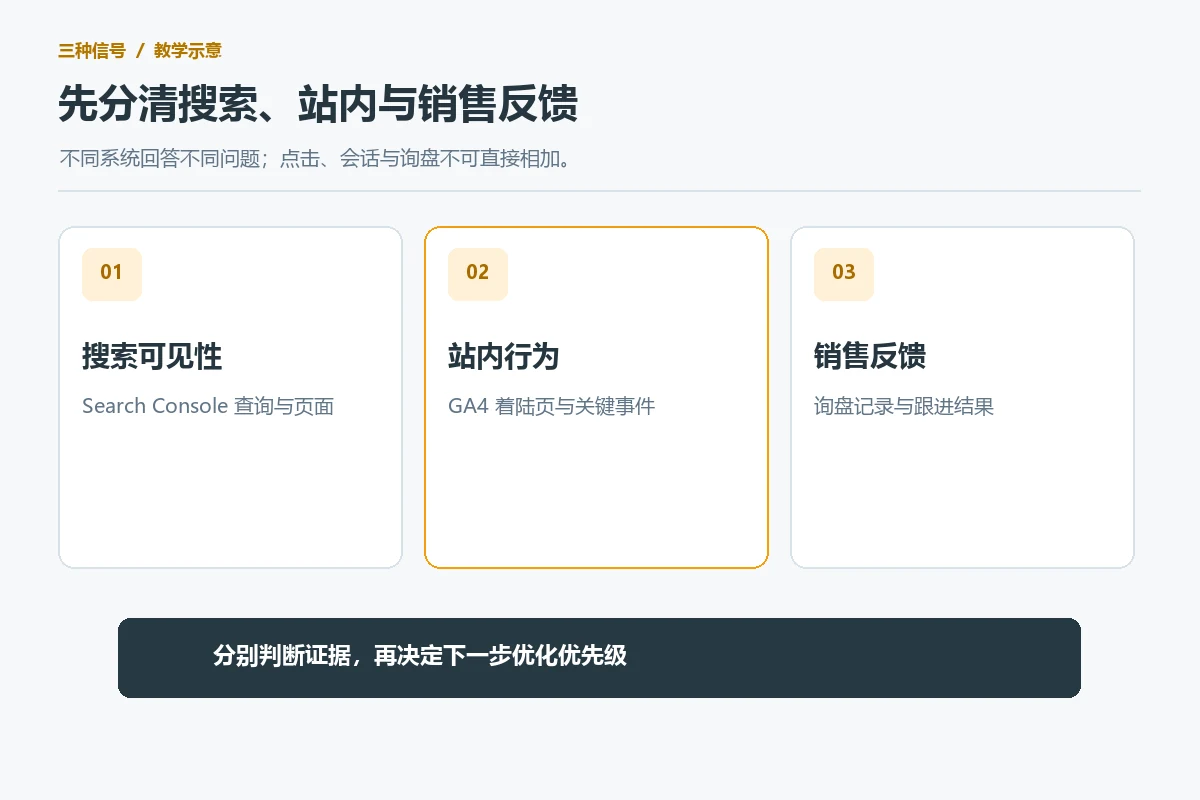
The following table can be used for actual sorting. It is not an industry average, nor does it have a preset conversion rate; “priority” means checking this step first when the site’s data and business value support it.
| signals seen | What to verify first | Prioritize actions and review |
|---|---|---|
| The target page is difficult to see in search | Index status, canonical URL, target words, and page intent | Fix accessibility or page theme, then look at related query and landing page trends |
| There is access to the search, but the product is still difficult to find. | Navigation, category name, site search and product page entrance | Adjust an entrance or label, and then see the access and real feedback of the corresponding path. |
| Found the product, but there are few valid customer inquiries | Specifications, delivery information, CTA and form delivery | Troubleshoot functional faults first, then change one item, and review test records and valid clues. |
Days 1-30: Confirm whether the search portal points to the correct page
Verify visibility first, then discuss how to write the title
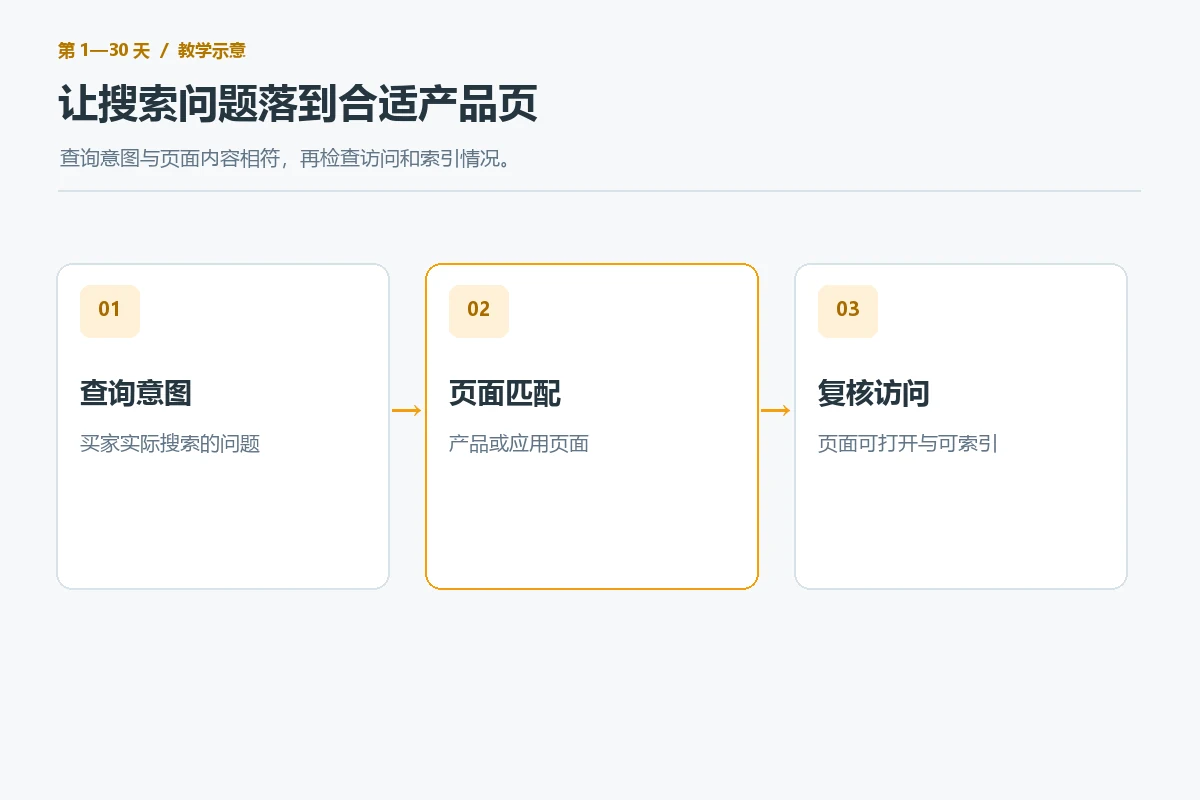
Select a small number of representative pages for core products, industry applications, and brand terms, and check in Search Console whether the pages can be found and indexed, and which queries bring impressions and clicks. Search Console Official Performance Report Instructions It provides two dimensions: query and page, and also reminds that the aggregation caliber will change. A page displays very little. First check whether it is accessible, whether it has been wrongly canonicalized, and whether the page theme really answers the target needs; immediately rewriting all the titles will not solve the problem of crawling or inconsistent intent.
Write the country, device and search type next to the screenshot or recording. Foreign trade stations often serve multiple markets at the same time, and the same English product word may correspond to different purchasing contexts in different regions; do not directly promote samples from one country to the world. If the display already exists but there are not enough clicks, check the title and abstract page by page to see if the product, applicable audience and value are accurately described. The title should serve the content of the page and should not be written for the sake of clicks on price, qualifications or delivery time that are not provided on the page. After modification, record the date and old copy, wait for enough comparable data before making a judgment, and do not regard a fluctuation of one or two days as a conclusion.
Each query should land on a page that completes the task
Buyers who search for “wholesale specifications” usually need material, minimum order conditions and customization scope; people who search for “brand name” may be looking for company and contact information. If all inquiries are directed to the homepage, even if the homepage is exquisite, it may cause buyers to look for it again. Designate clear product pages, application pages, or service pages for key query groups, and establish understandable entry points in homepages, menus, and related content. The focus here is on matching the page with the search intent, rather than mechanically creating a new page for each synonym.
Days 31-60: Check if the visitor found the right product
Find evidence of “not found” from the real page path
Having a visit but not reaching the product page does not necessarily mean that the design is not good: it may also be that the traffic intention is inconsistent, the product line name is too internal, or the mobile menu is folded too deep. String the landing page, category page, and product page into an actual path, and combine analysis tool page browsing records, site search terms, customer service questions, and sales feedback to make judgments. As long as there is no behavioral data available, do a reproducible mobile phone test first, asking non-project members to search for the specified product from the target portal, and record which word or button they stopped at.
Prioritize one clear obstacle when revising. For example, customers often ask “Does OEM support”, but the navigation only says “Solution”? You can add products or customization entries that buyers can identify; if the category page mixes models, uses and materials, you can unify the category logic first. Only one main variable is changed in each round, and screenshots before and after modification, implementation date and affected pages are retained. Only in this way can we know whether the entry expression improved the path, or whether the activities or products that were changed at the same time caused the change.
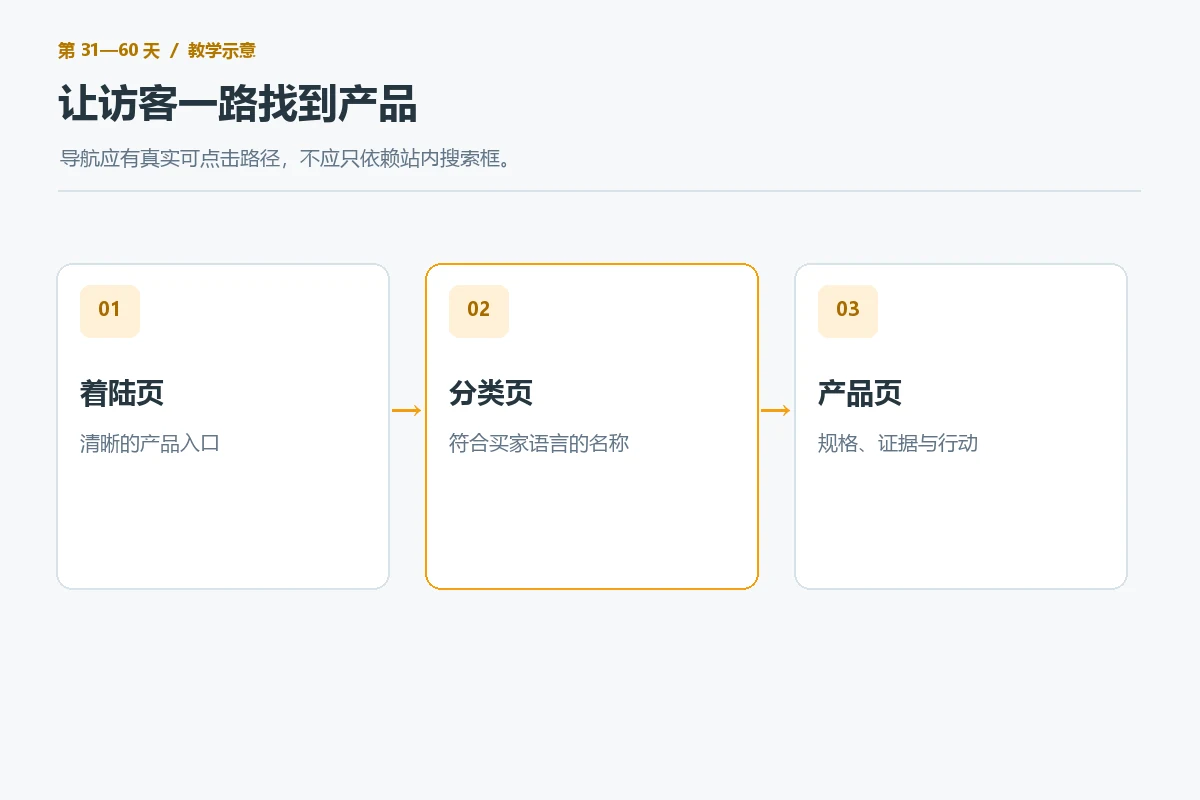
The product page itself should also help the reader decide “if it’s right for me.” Put core specifications, usage scenarios, customization boundaries, shipping areas and consultation matters at similar information levels instead of letting readers search in large brand narratives. If a piece of information is indeed unknown, mark it as pending confirmation or guidance for consultation. Do not add certification and delivery dates that have not been verified. If you want to further disassemble the product page and form, you can refer to the B2B website customer inquiry optimization methods ;This article only addresses which path should be checked first in the first 90 days.
Days 61-90: Review whether the customer inquiry or purchase is actually completed
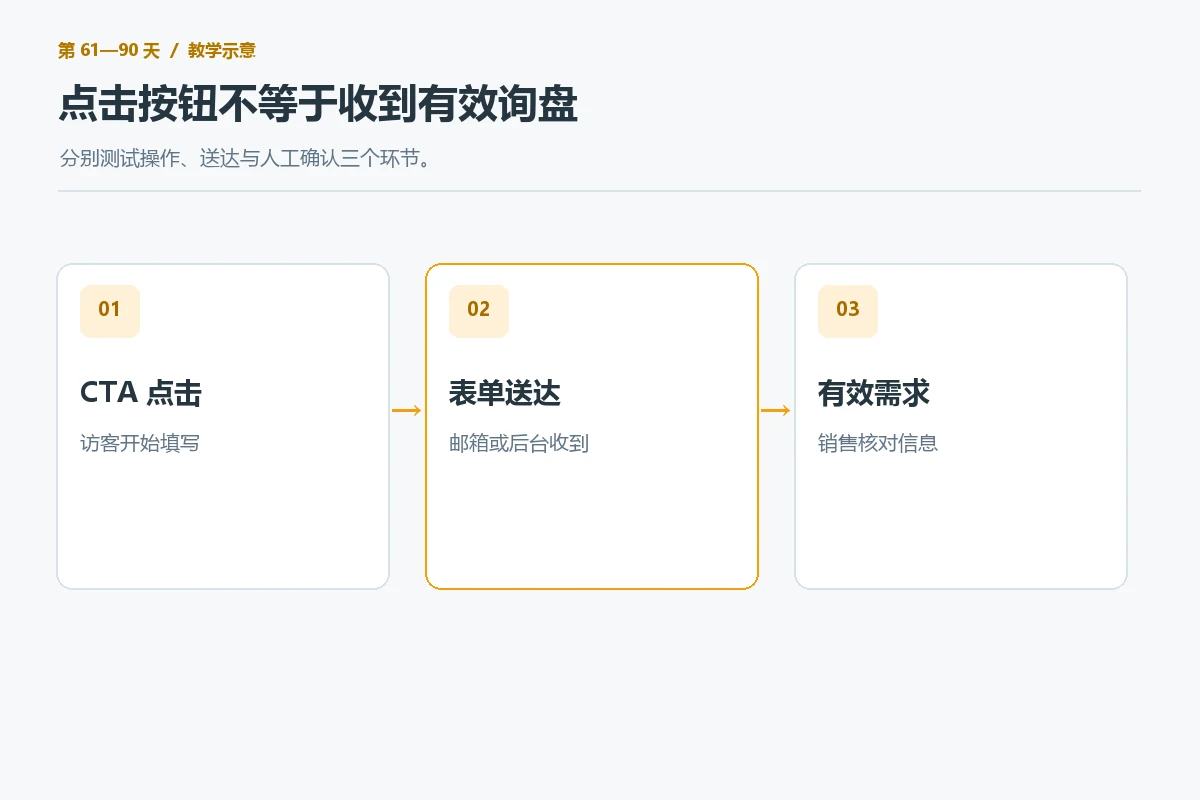
Separate “clicking the button” from “receiving valid demand”
Just because the CTA is clicked does not mean that the demand has been successfully delivered. First, use the test account to complete the form, email, chat tool or shopping cart path to confirm that required fields, mobile input, attachment upload, success prompts and notification receipt are all normal. Do not submit real customer information during testing; record the test time, device, country or simulated region, success page, and receipt results. When the function is not available, the priority of correcting the copy should be lower than fixing the delivery problem.
After the function is approved, ask the sales team: Does the received customer inquiry include product, quantity, target market and contact information? If a large number of requests lack key background, you can explain on the product page what to prepare before consulting; if too many form fields lead to abandonment, give priority to retaining fields that can start a dialogue. Whether to add or delete fields must be judged by the actual lead quality and completion status, and the number of fields from other websites cannot be copied. GA4 official “key event” description Actions related to business success are allowed to be marked as key events, but event configuration and actual transactions are still at different levels and must be noted separately when reporting.
Review with the same caliber to avoid mistaking noise for growth
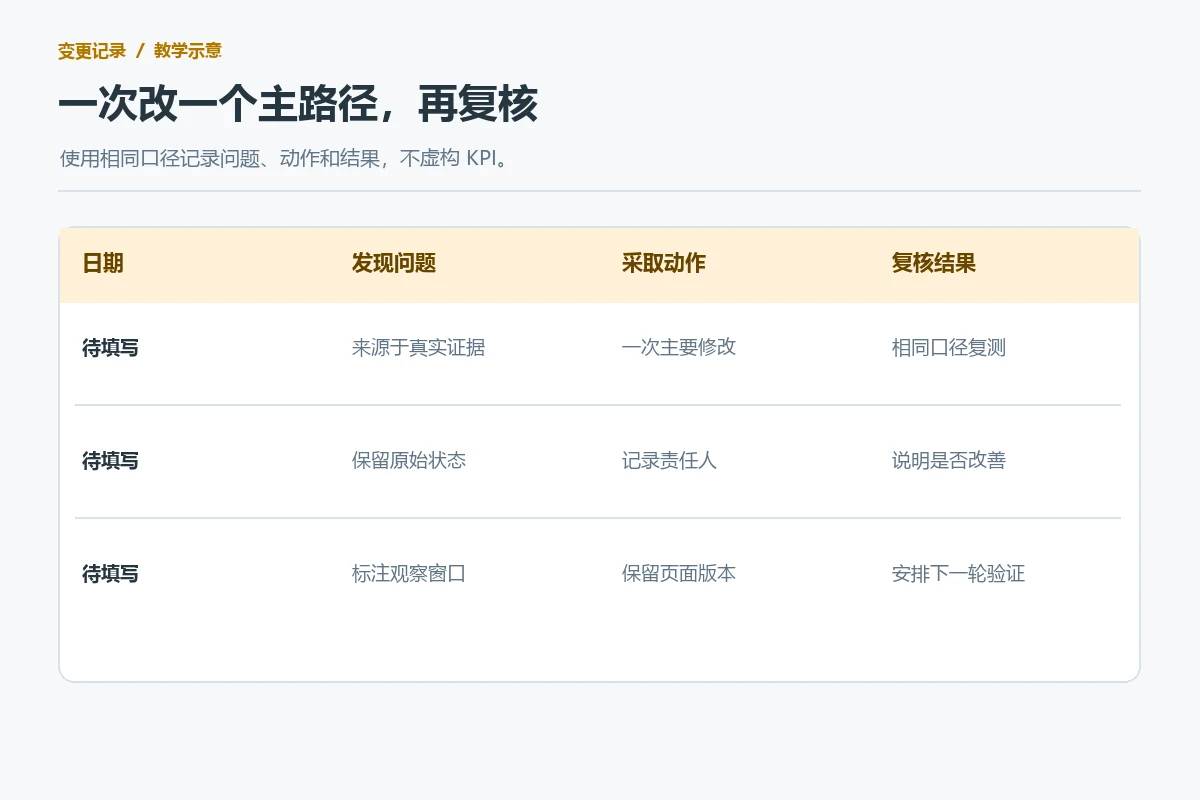
The review should look at both the front and back stages: whether the relevant search pages receive more appropriate visits, whether the path to the product is smoother, whether the test customer inquiry is delivered, and whether the sales department receives more follow-up demands. When comparing, keep the same country, equipment, channel, and similar observation period, and write down interference such as advertising, exhibitions, holidays, and product changes during the same period. When the sample size is small, reporting “can’t tell at this time” is more reliable than announcing an increase in conversion rates. The data sources and calculation methods of Search Console and GA4 are different. Clicks cannot be subtracted from sessions to calculate bounces, nor can accidental differences in a single month be regarded as optimization results.
If a modification improves mobile navigation but does not change the active customer inquiry, there is also value: it narrows the scope of the problem, and the next round should check product information and contact information, rather than immediately knocking the entire site down. If search visibility is still low, go back to page intent and index verification first, and don’t use form experiments to explain lack of traffic. The business review should have six columns: “Issue – Evidence – Change – Expectation – Review Time – Result”, and the person in charge of each round should write down why it should be retained or rolled back.
Make 90-day review a fixed rhythm
The first month establishes a baseline and checks visibility, the second month optimizes product search based on real paths, and the third month verifies customer inquiry actions and reviews the first two rounds of changes. This is the order of work and does not mean that every website must wait 30 days before fixing known faults. If it is found that the email is not delivered on the day of the test form, it should be dealt with immediately; if the site has no search data at all, the statistics and search platform configuration should be confirmed first to avoid setting growth targets on blank indicators.
Archive each round of changes into page URLs, problem screenshots, modification records, and review results, so that design, SEO, and sales can use the same facts. Website backup, security, and version updates still need to be Website monthly maintenance checklist Execute alone; that is the bottom line for stable operation and does not equal customer acquisition optimization here. For tool selection and monitoring configuration, please refer to brand websitewebsite development tools and monitoring instructions , the applicability of the current platform should still be checked before selection.
Conclusion: Find the loss points first, and then make a modification that can be reviewed
The first 90 days of foreign trade website construction and optimization should not be a task list of “fix everything”. First determine whether the target page is seen by the right buyers, then check whether the visitors can find the product, and finally confirm whether the demand can be successfully delivered and used by sales. Write down the data sources, limitations and actual observations at each step; only modify one main variable to clarify the problem, and review it with the same caliber. In this way, even if there is no growth for the time being, you will know where to check next instead of redoing the website over and over again. If the team needs external assistance, they can first prepare core products, target markets, screenshots of existing data, and customer inquiry samples, and then discuss the scope of page and process changes.