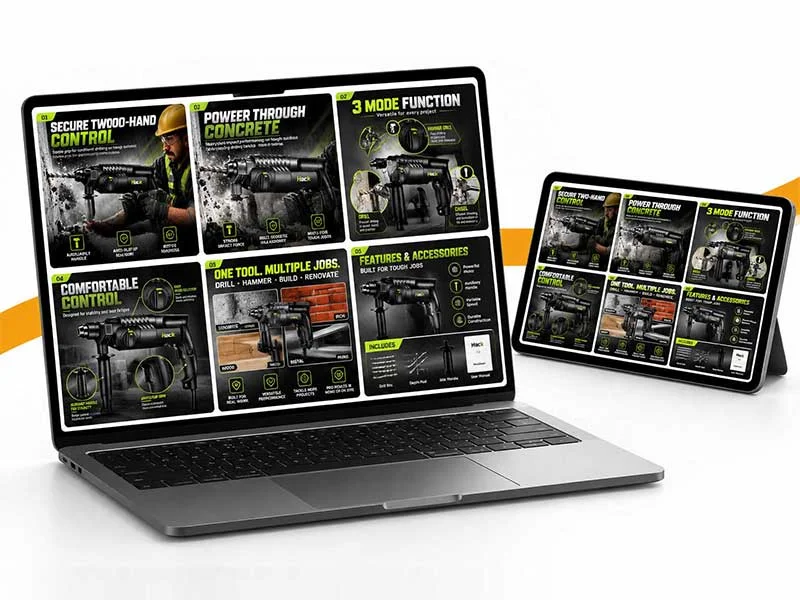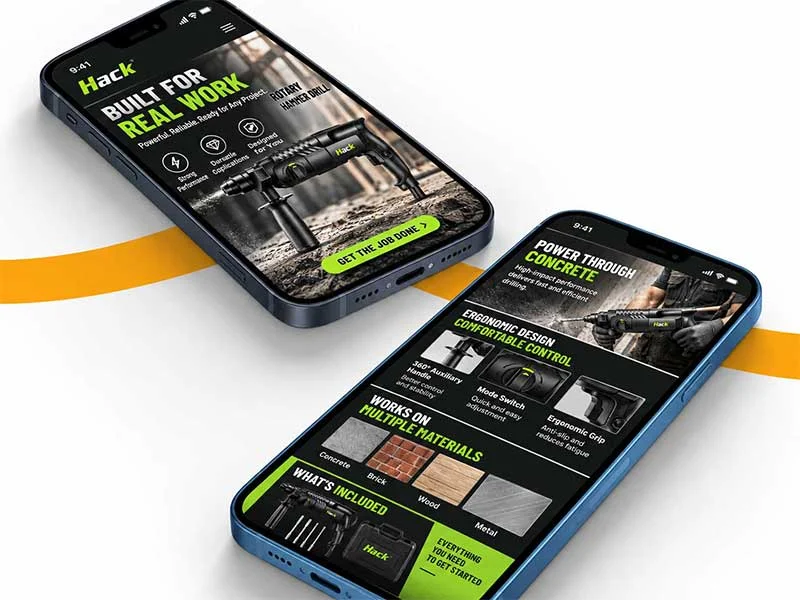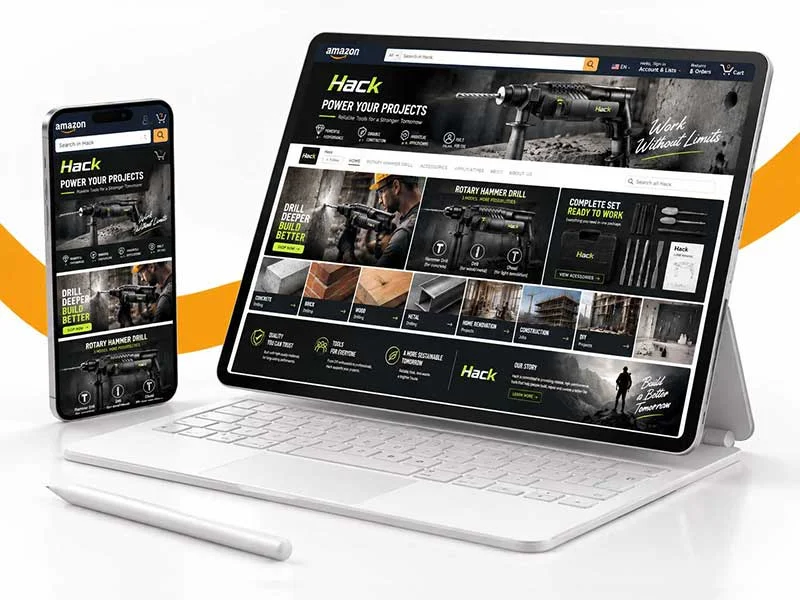
From Listing image strategy, main product image and secondary product image, to Basic/Premium A+, Brand Story and serialized visuals, we create clearer, more professional and more consistent product detail page content for the Amazon brand.
01
Product & Competitor
Product and competitive product analysis
Sort out product functions, materials, specifications, usage scenarios, target users and similar listings to determine the information that needs to be conveyed most prioritized.

02
Listing Visual Strategy
Listing visual content planning
Plan the content sequence between the main product image, functional selling point pictures, scene pictures, size pictures, comparison pictures and detail pictures to reduce repeated expressions.
03
A+ Content Design
A+ Content and Branded Content
In addition to listing images, continue to plan Basic/Premium A+ content, so that product functions and brand stories form a complete experience.
03
A+ Content Design
A+ Content and Branded Content
In addition to the listing pictures, continue to plan Basic / Premium A+, Brand Story and product comparison content, so that product functions and brand stories form a complete experience.
We reorganize the product value into a visual system that is better understood, easier to believe, and more likely to lead to purchase.

Make a first impression

Coverage of complete visual assets
From the first main product image in the search results, to the product detail page, secondary product image, to A+ Content, main product image video, etc., different levels of content are used to help consumers understand the product and brand.
| Purchase task | main product image | A+ page | shop | video |
|---|---|---|---|---|
| 01 Make a first impression | ✓ | ✓ | ✓ | ✓ |
| 02 Explain core selling points | ✓ | ✓ | — | ✓ |
| 03 Present product details | ✓ | ✓ | — | ✓ |
| 04 Strengthen brand trust | — | ✓ | ✓ | ✓ |
| 05 Drive cross-selling | — | ✓ | ✓ | — |
Remove defects, reshape light and shadow, and correct materials to make every detail stand up to magnification.
From attracting clicks, explaining value, and allaying concerns, each image has a clear mission.
From product selling points, brand stories to usage scenarios, let content create more reasons to buy.
Use a unified visual system to connect brands and products, increase the number of customers through classified shopping guides, and let traffic accumulate into long-term brand value.
Use dynamic pictures instead of text explanations to demonstrate product functions, usage and actual effects, reduce doubts, and improve Listing conversion performance.
Create reusable Sections by developing theme codes to facilitate subsequent maintenance and completely get rid of paid themes, reduce template restrictions, and make the store more in line with your expected brand style.
Through the development of interactive effects and functional modules, the page browsing experience and user participation are enhanced, helping users obtain key information faster, and optimizing the user experience and conversion efficiency of the store.
Systematically present product pictures, core selling points, specifications, usage scenarios, comparative information and recommended content. Improve product page performance and purchase conversion rate.
Carry out navigation optimization on the number of products, classification structure and user browsing habits, establish a clear website structure, help users quickly find target products and content, and reduce bounce rates.
Design and develop efficient conversion modules based on ecommerce conversion paths, reasonably arrange page content and conversion touch points, and guide users from browsing and understanding products to adding to shopping carts and completing purchases.
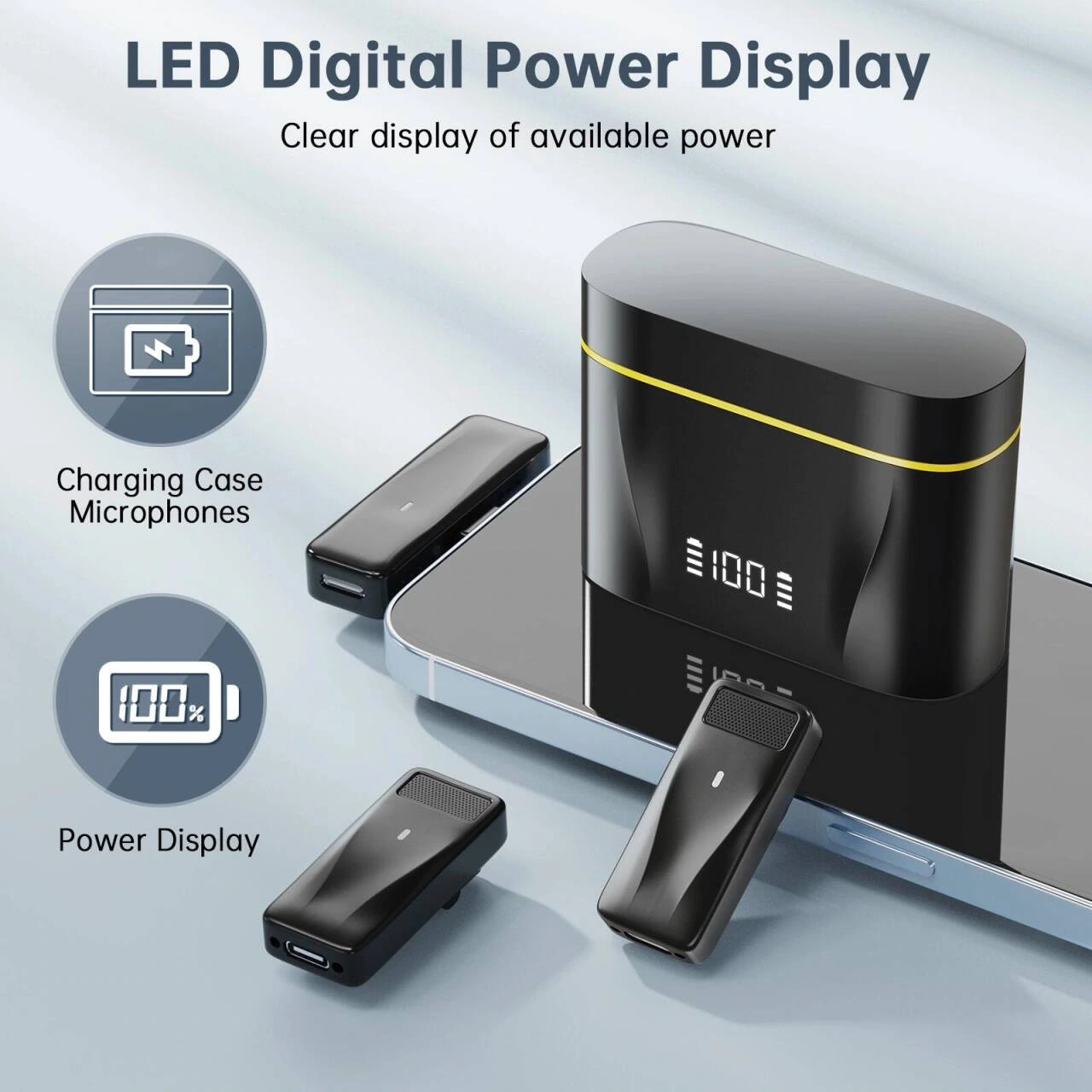
Organize primary and secondary product images by close-ups of equipment, connection steps, and usage scenarios.
Around the square wireless lavalier microphone, plug-in scenarios and device details are organized into English product images. The black and yellow body, blue and gray background and partitioned step diagrams are used to unify the vision. Through the division of labor in different pictures, the product appearance, local information and usage scenarios are gradually presented.

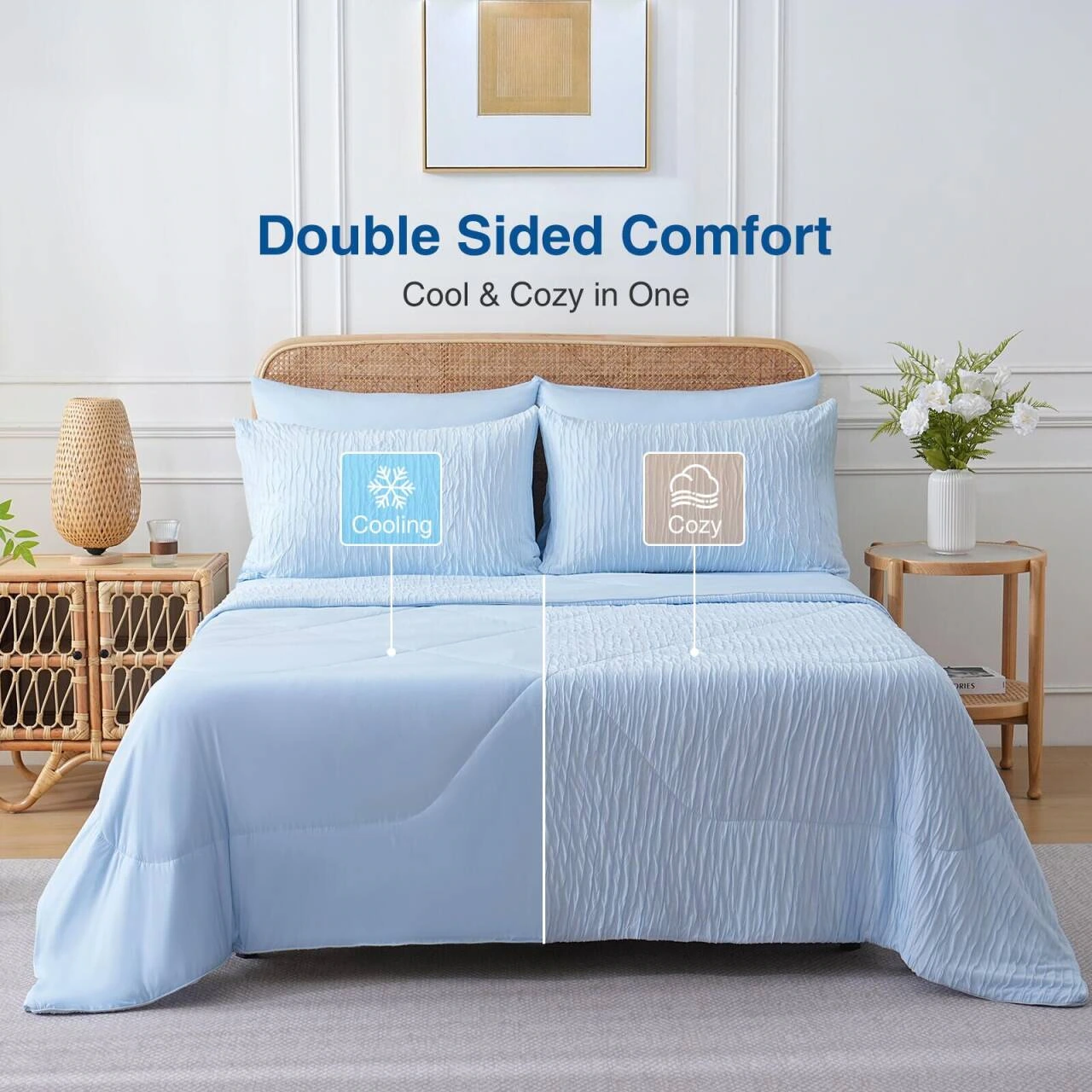
Products are displayed by division of bedroom scenes, fabric details and size information.
Around the cool air-conditioned quilt, the fabric details and bedroom scenes are organized into English product images. The icy blue and white, light curves and warm portraits unify the vision. Through the division of labor in different pictures, the appearance, local information and usage situation of the quilt are gradually presented.

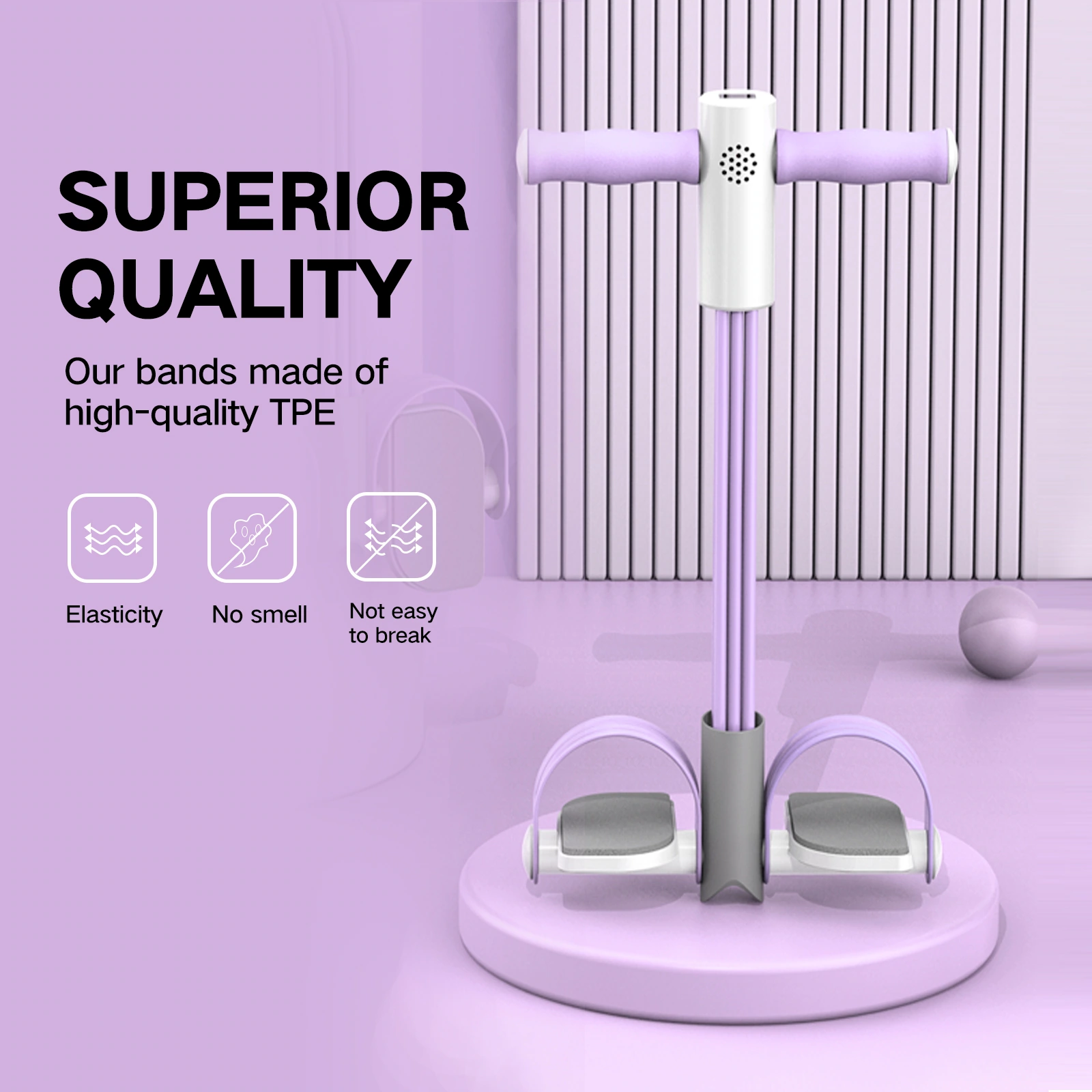
Arrange product image information around structure, count displays, and action demonstrations.

Around the pedal pulley, the sports postures and counter details are organized into English product images. Using purple equipment, light gray background and circular scene cards, through the division of labor in different pictures, the appearance, local structure and usage situation of the product are gradually presented.
The suit combinations, style differences and character makeup effects are presented separately.
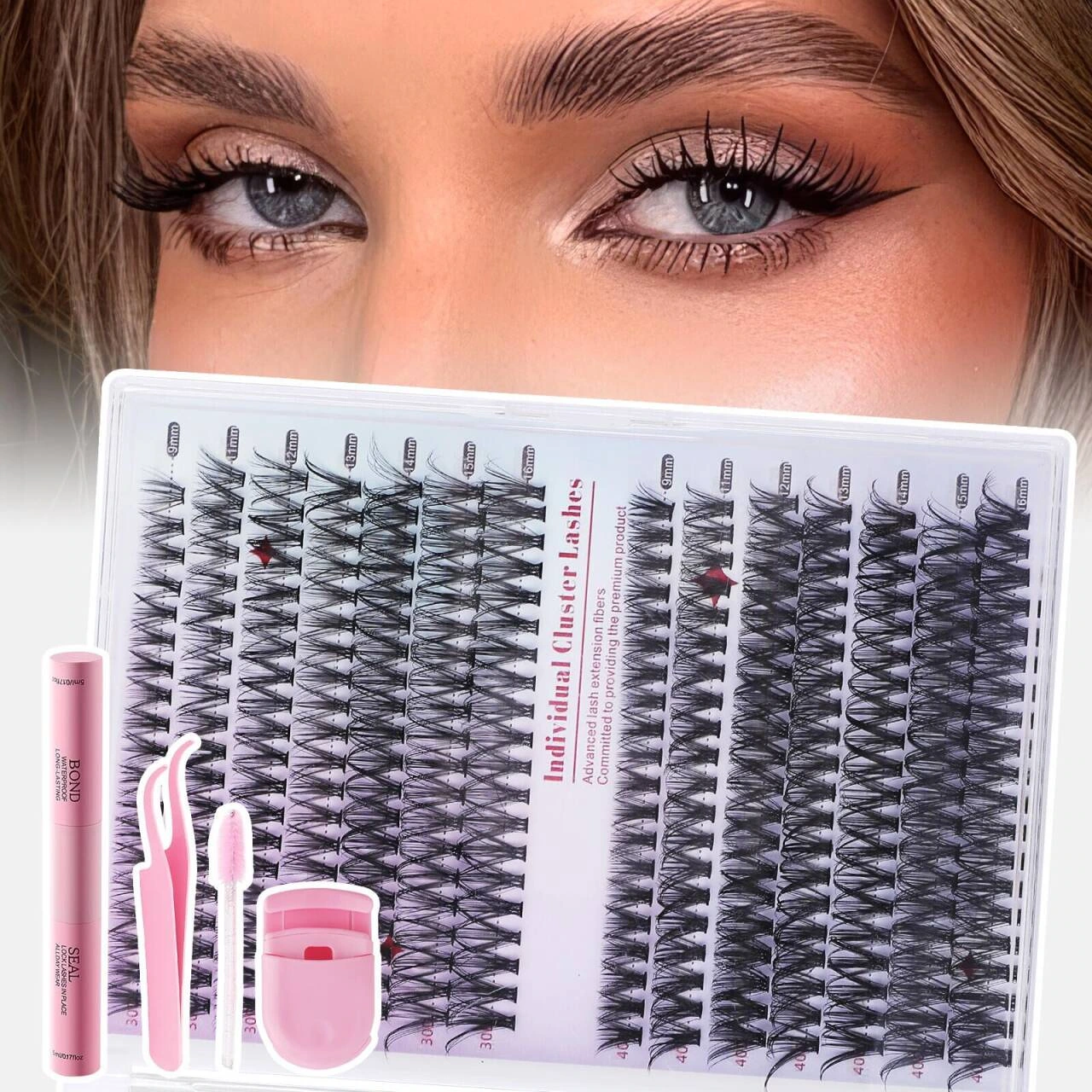
Around the clustered false eyelash set, the style comparison and makeup effect display are organized into English product images. The look is unified with pink and white makeup, detailed titles and close-ups of eyes. Through the division of labor in different pictures, the appearance, local information and usage scenarios of the suit are gradually presented.
Build the A+ content level of fitness clothing based on size, fabric and sports scene.
As a cross-border clothing brand for men's sports groups, Amazon A+ is planned around long-sleeved fitness compression garments. Through clear information levels, real-life scenes and functional visualization, the size, fabric, compression support, perspiration and multi-scenario wear are explained in modules.
Whether it is the first launch of a new product, redesign of an existing listing, A+ upgrade after brand registration, or multi-ASIN batch visuals, the design method can be matched according to the product and material conditions.
It is necessary to build a complete set of new product product detail page visuals from main product image, secondary product image to information graphics.
The existing picture information is repeated, the selling point is unclear, or the style is inconsistent, and the media sequence needs to be re-planned.
Already have the corresponding A+ usage conditions, and hope to further improve Basic / Premium A+ and Brand Story.
If there are many SKUs, models or series of products, it is necessary to establish a unified Amazon visual system that can be reused in batches.
Listing image strategy, main product image and secondary product image, Basic or Premium A+, Brand Story and multi-ASIN series visuals can be planned according to the project scope. Product pictures, brand content, videos or page copywriting are different deliverables, and the quantity, language, module and material responsibilities need to be listed before starting; the design capabilities displayed on the page do not mean that all projects include all services by default.
It is recommended to provide clear physical photos or authorized rendering materials, packaging, dimensions and parameters, accessories list, target group, sales site and language, brand specifications and existing ASIN/reference links. Information such as functions, materials, certifications or effects must be confirmed by the business party; if there are insufficient materials, the missing items should be sorted out first, and unproven selling points should not be used to fill the page.
The main product image is responsible for accurately identifying the goods for sale; the secondary product image can explain the structure, size, scene and operation according to the applicable rules; A+ is used to further organize the brand and product content. Amazon main product images usually require a pure white background, a clear presentation of the product, and restrictions on additional text or irrelevant elements. Specifically, you must check the current image rules of the target category and site, and do not directly regard creative secondary product images as compliant main product images.
Basic A+ focuses on product information such as pictures, text and comparison; Premium A+ can provide richer pictures, videos and interactive modules; Brand Story is used for brand stories and other content. The selection should be based on the actual open modules of the account, product complexity and material conditions, rather than just comparing the canvas size. The design draft cannot replace platform qualifications, nor does it mean that all modules can be used in every account or site.
First check the account and product qualifications on the target site. Amazon's current public description involves professional sales accounts, corresponding sales roles for registered brands, or eligible general products; the actual Basic, Premium, and Brand Story entrances are subject to A+ Content Manager and current rules. You can organize the content and materials first, and then determine the design according to the available modules, instead of using the old version's fixed quantity threshold to ensure qualifications.
You can first confirm the core selling points, terminology, units, target language and brand tone, and then arrange corresponding pictures and A+ copywriting. Whether translation, native language review, and compliance review are included in the project scope; after the same screen is converted into languages, the word count, line breaks, and information density need to be rechecked. If the text is not replaced by default, localization is completed.
You can first establish a unified visual system, and then check the model, color, accessories, size and applicable scenarios item by item. The information of different products cannot be confused by applying templates; differences that need to be designed separately should be listed in advance. The ASIN association of A+ needs to be processed according to the account number, brand ownership and platform rules. We cannot promise that one set of content will be unconditionally applicable to all products.
It is recommended to confirm the number of images and modules, resolution, export format, language, whether editable source files are included, and confirm the nodes and revision range before starting. Check the information and structure first, and then proceed with the entire set of visual and detail adjustments; new products, languages, photography, or modules are scope changes and should be confirmed individually, and unlimited modifications are not defaulted to.
If you need help uploading, first confirm the target account permissions, ASIN, language and module configuration, submit it according to the agreed range and check the display results. Platform review is performed by Amazon, and brand or product qualifications, material rights, and copywriting compliance also need to be checked. Design delivery does not guarantee review approval, sales volume, ranking or conversion; modification requirements will be handled according to actual review feedback and project agreement.
The cost and schedule depend on the product quantity, original materials, pictures and A+ scope, language version, customization complexity and feedback progress. Confirm the information and delivery list first, and then agree on the quotation, time node and subsequent update method; the quantity or time of a certain project in the case cannot be regarded as a commitment for all new projects, and the scope of continuous updates and maintenance also needs to be confirmed separately.
Use design to build differentiated value, allowing brands to escape the “volume” situation on Amazon