การแนะนำ
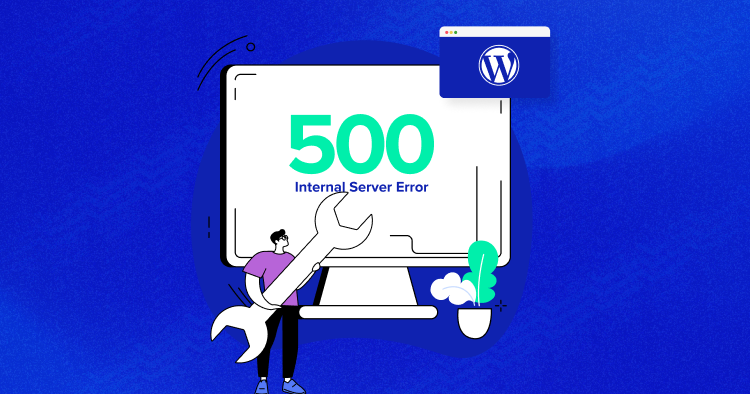
If you’ve ever tried to access your วordpress site and suddenly faced a blank screen or a vague “Internal Server Error,” you’re not alone. The http error 500 wordpress issue is one of the most common—and frustrating—problems website owners encounter.
Unlike other errors that clearly indicate what went wrong, HTTP 500 errors are ambiguous. They don’t tell you whether the issue comes from your theme, plugins, server configuration, or something else entirely.
In this guide, we’ll break down what this error really means, why it happens, and—most importantly—how to fix it step by step. Whether you’re running a business site, an eCommerce store, or a content platform, understanding this issue is essential for maintaining a stable and high-converting website.
ข้อผิดพลาด HTTP 500 ใน WordPress คืออะไร?
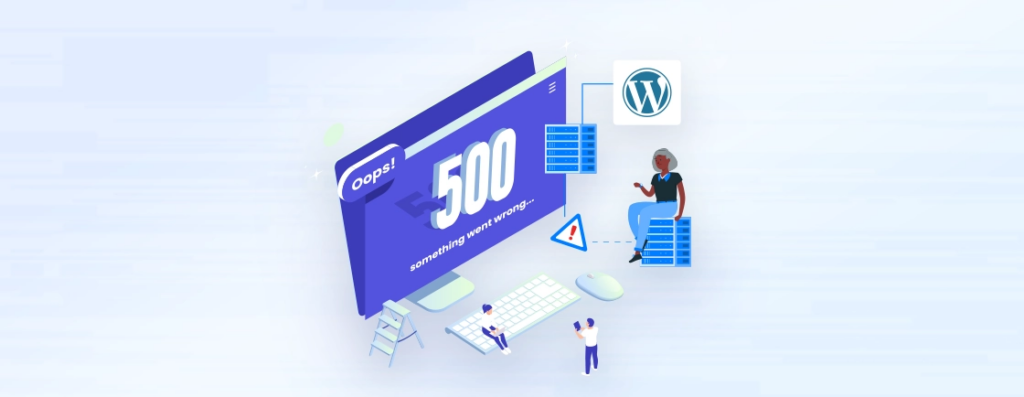
The HTTP 500 Internal Server Error is a general server-side error. It means something went wrong on the server, but the server cannot specify exactly what.
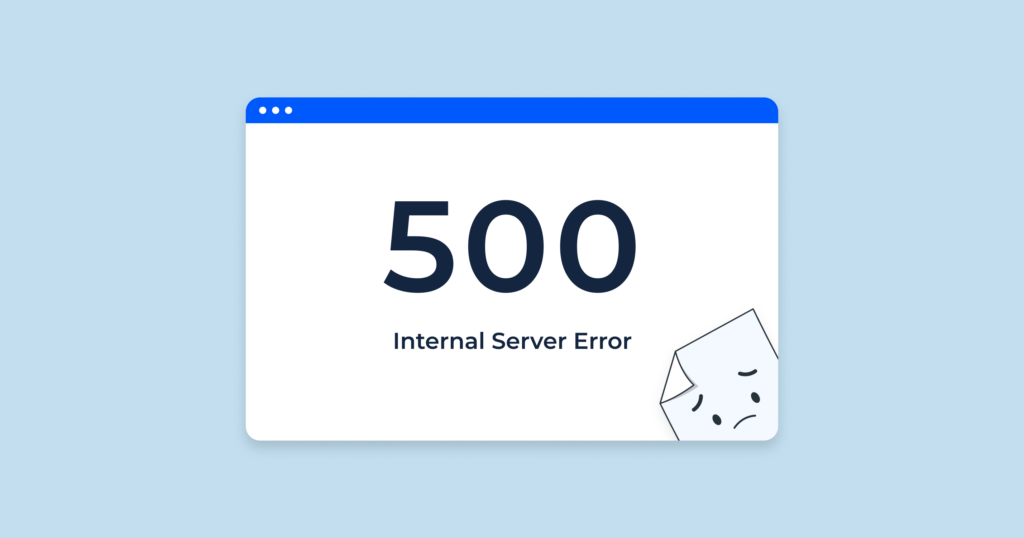
From a user’s perspective, it might appear as:
- A blank white screen
- A “500 Internal Server Error” message
- A generic browser error page
From a business perspective, this error is much more serious. It can:
- Block customers from accessing your store
- Break checkout or landing pages
- Hurt your SEO rankings
- Damage trust in your brand
That’s why resolving it quickly is critical.
Why Does HTTP Error 500 Happen?
The http error 500 wordpress issue can be caused by multiple factors. Let’s simplify the most common ones:
1. Corrupted .htaccess File
เดอะ .htaccess file controls how your server handles requests. If it becomes corrupted, your site may stop functioning properly.
2. Plugin Conflicts
Plugins extend WordPress functionality, but conflicts between them can cause server errors—especially when poorly coded or outdated plugins are involved.
3. ประเด็นหลัก
A faulty or incompatible theme can break your site structure and trigger a 500 error.
4. PHP Memory Limit Exhaustion
If your website exceeds the allocated PHP memory, it can crash and return an internal server error.
5. Server Configuration Problems
Incorrect server settings or hosting limitations can also cause the issue.
6. File Permission Errors
Improper permissions can prevent WordPress from accessing critical files.
Step-by-Step Fixes for HTTP Error 500 in WordPress
Let’s walk through the most effective solutions. You don’t need to apply all of them—just go step by step until the issue is resolved.
Fix 1: Check and Regenerate the .htaccess File
This is often the quickest fix.
ขั้นตอน:
- Access your site via FTP or file manager
- ค้นหา
.htaccessfile in the root directory - เปลี่ยนชื่อเป็น
.htaccess_เก่า - Refresh your website
If the site works again, go to your WordPress dashboard → Settings → Permalinks → Save Changes to regenerate a new .htaccess.
Fix 2: Disable All Plugins
Plugin conflicts are a leading cause of this error.
ขั้นตอน:
- Access your
/wp-content/โฟลเดอร์ - เปลี่ยนชื่อ
ปลั๊กอินโฟลเดอร์ไปยังplugins_disabled - รีเฟรชเว็บไซต์ของคุณ
If the site loads, rename the folder back and activate plugins one by one to find the problematic one.
Fix 3: Switch to a Default Theme
Sometimes the theme is the issue.
ขั้นตอน:
- ไปที่
/wp-content/themes/ - เปลี่ยนชื่อโฟลเดอร์ธีมที่ใช้งานอยู่ของคุณ
- WordPress จะเปลี่ยนไปใช้ธีมเริ่มต้นโดยอัตโนมัติ
If the error disappears, your theme needs fixing or replacing.
Fix 4: Increase PHP Memory Limit
Low memory limits can crash your site.
You can increase it by editing your wp-config.php file:
define('WP_MEMORY_LIMIT', '256M');
Or contact your hosting provider to increase it from the server side.
Fix 5: Re-upload Core WordPress Files
Corrupted core files can also trigger the error.
ขั้นตอน:
- Download a fresh copy of WordPress
- Upload and overwrite the
/wp-admin/และ/wp-includes/folders - Do NOT overwrite
/wp-content/
Fix 6: Check File Permissions
Incorrect permissions can block file access.
Typical settings:
- Folders: 755
- Files: 644
Adjust them via FTP or your hosting panel.
Fix 7: Contact Your Hosting Provider
If none of the above works, the issue may be server-related.
Your hosting provider can:
- ตรวจสอบบันทึกของเซิร์ฟเวอร์
- Identify backend errors
- Fix configuration issues
How to Prevent HTTP Error 500 in the Future
Fixing the issue is important—but preventing it is even better.
Here are some best practices:
1. Use Reliable Plugins and Themes
Avoid poorly maintained tools.
2. Keep Everything Updated
Regular updates reduce compatibility issues.
3. Choose Quality Hosting
A stable hosting environment minimizes server errors.
4. Monitor Site Performance
Use tools to track uptime and errors.
5. Backup Regularly
Always have a recovery plan.
คำถามที่พบบ่อย
HTTP error 500 means there is a server-side issue preventing your WordPress site from loading, but the server cannot identify the exact cause.
The most common causes include corrupted .htaccess files, plugin conflicts, theme issues, and insufficient PHP memory limits.
Yes, incompatible or poorly coded plugins can conflict with each other or with your theme, leading to a 500 internal server error.
Start by renaming your .htaccess file, disabling plugins, switching to a default theme, and increasing your PHP memory limit.
Yes. If your site is frequently unavailable, search engines may lower your rankings, and users may lose trust in your brand.
The Hidden Impact on Conversions and User Experience
Many site owners treat the http error 500 wordpress issue as purely technical—but it’s actually a conversion killer.
Imagine a customer visiting your site:
- They click your ad
- They land on your page
- And suddenly… error 500
That’s not just a technical failure—it’s a lost sale.
From a design and UX perspective:
- Stability = Trust
- Speed = Conversion
- Reliability = Brand value
A high-performing website isn’t just about visuals—it’s about consistent, uninterrupted experience.
How AIRSANG Approaches This Differently
ที่ AIRSANG, we don’t just design websites—we design conversion-driven digital experiences.
When we work on WordPress or eCommerce projects, we focus on:
1. Stability-First Design
We ensure the site structure is clean, scalable, and less prone to errors.
2. Performance Optimization
From image loading to layout structure, everything is optimized for speed and reliability.
3. User-Centered Experience
We design websites that guide users smoothly—from landing to checkout—without friction.
4. Cross-Border eCommerce Expertise
We understand global audiences and build websites tailored for international markets.
บทสรุป
The http error 500 wordpress issue may seem intimidating, but in most cases, it can be resolved with a structured approach.
By understanding the root causes—whether it’s plugins, themes, server limits, or configuration—you can quickly restore your website and prevent future issues.
More importantly, remember this:
A stable website is the foundation of any successful online business.
If you’re building or optimizing an independent site—especially for cross-border eCommerce—your website needs more than just functionality. It needs to be reliable, fast, and designed to convert.
That’s exactly what we do at AIRSANG.
If you’re looking to elevate your website design, improve performance, and create a high-converting digital experience, feel free to reach out. We specialize in crafting independent sites that not only look great—but work flawlessly.