لا توجد منتجات في سلة التسوق.

لك ووردبريس كان الموقع يعمل بشكل جيد قبل دقيقة.
لقد قمت بتحديث الصفحة.
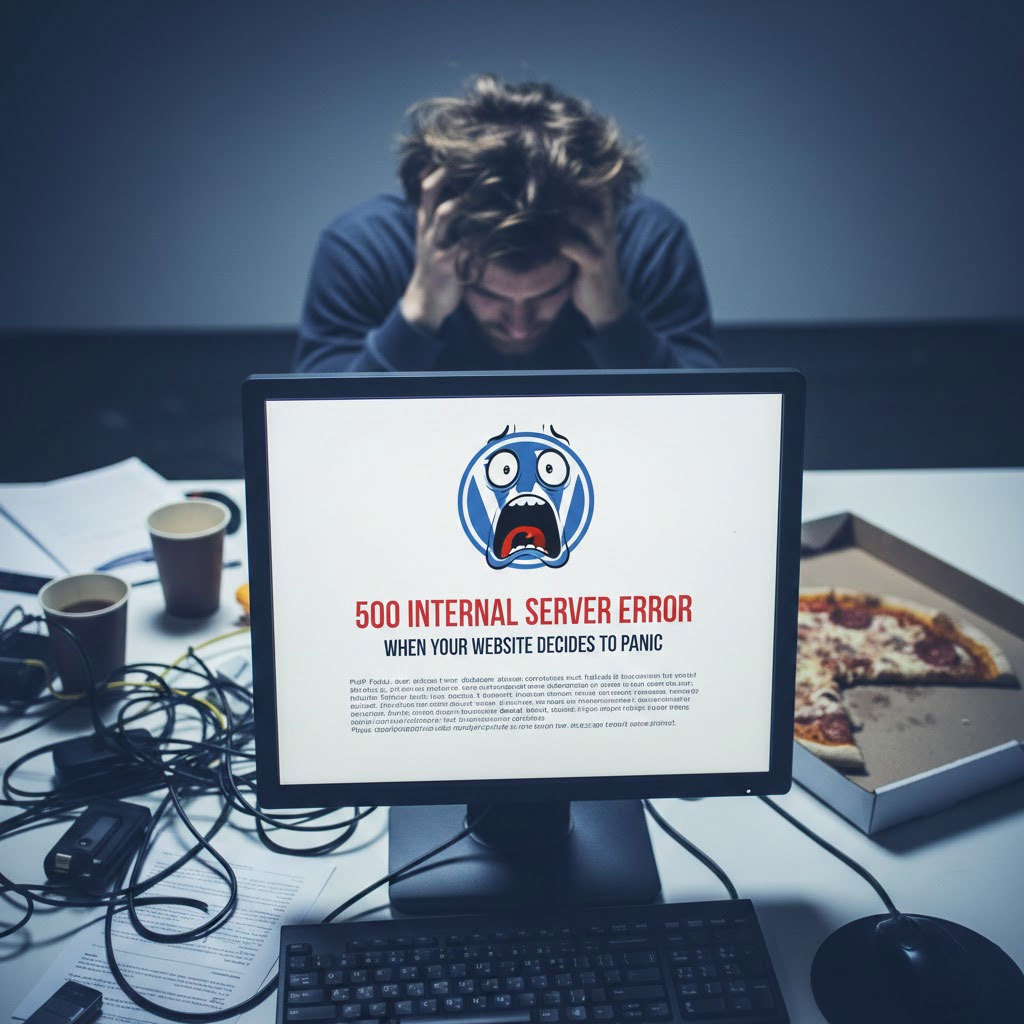
وفجأة - بوم 💥 - خطأ في الخادم الداخلي 500.
لا يوجد تفسير.
لا اعتذار.
مجرد رسالة باردة ومربكة تقول باختصار:
“"حدث خطأ ما.".
لا تسألني ماذا.”
إذا سبق لك أن حدقت في هذا الخطأ وكأنه خانك شخصياً، فتهانينا - أنت الآن مستخدم رسمي لـ WordPress.
دعونا نحلل ما يعنيه هذا الخطأ حقًا، ولماذا يحدث، وكيفية إصلاحه دون أن تفقد عقلك (أو موقعك).
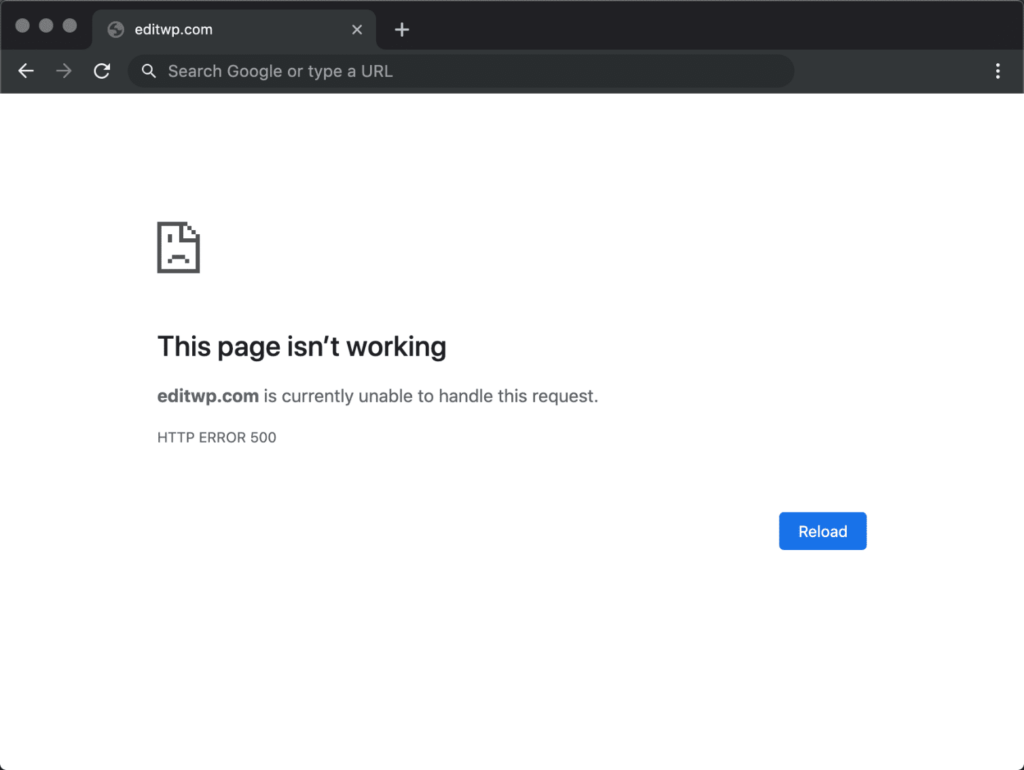
يُشير خطأ 500 في ووردبريس إلى ما يلي:
“لقد حاولت.
حدث خطأ ما.
لا أعرف أي شيء.
حظ سعيد."”
إنه خطأ من جانب الخادم، وليس مشكلة في القالب، وليس خطأً مطبعياً، وليس عطارد في حالة تراجع.
لم يتمكن الخادم من معالجة الطلب.
مزعج؟ نعم.
شائع؟ للغاية.
هل يمكن إصلاحها؟ بالتأكيد.
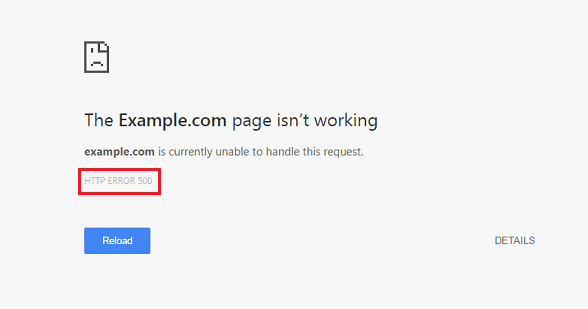
اعتبر هذا الخطأ بمثابة يوم سيء لـ WordPress.
إليكم المشتبه بهم المعتادين:
الإضافات رائعة - إلى أن يقرر تحديث واحد أن يعطل كل شيء.
ما يجب القيام به:
عندما يعود الخطأ، تكون قد وجدت سبب المشكلة.
(نصيحة للمحترفين: عادةً ما يكون هو الذي يقول "تحديث بسيط".)
رمز مخصص، أو تحديث معطل، أو نص غير مكتمل التحرير functions.php قد يتسبب هذا الملف في تعطل الموقع بأكمله.
اختبار سريع:
.ملف .htaccess الملف ليس صديقك اليومفاسد .ملف .htaccess يمكن للملف أن يدمر أحلامك المتعلقة بموقعك الإلكتروني بصمت.
أصلحها:
.ملف .htaccess إلى .ملف .htaccess_oldسيقوم ووردبريس بإنشاء نسخة نظيفة لك.
موقعك يحتاج إلى موارد.
يقول الخادم الخاص بك: "لا توجد ذاكرة كافية".“
حل:
زيادة حد ذاكرة PHP في ملف wp-config.php:
define('WP_MEMORY_LIMIT', '256M');
لأن 64 ميجابايت في عام 2025 أمر غير لائق.
أحيانًا لا يكون الأمر متعلقًا بك.
المشكلة في الخادم.
يمكن أن يؤدي التحميل الزائد على الاستضافة المشتركة، أو إصدار PHP غير المُهيأ بشكل صحيح، أو عطل مؤقت، إلى ظهور خطأ 500.
إذا فشلت كل المحاولات الأخرى:
تفعيل وضع تصحيح الأخطاء في ووردبريس:
define('WP_DEBUG', true); define('WP_DEBUG_LOG', true);
هذا يمنحك رسائل خطأ حقيقية بدلاً من تجاهل ووردبريس لك.
المعرفة = قوة.
لا يقتصر خطأ 500 على المظهر السيئ فحسب، بل إنه:
إذا تعطل موقعك الإلكتروني أثناء الإعلانات أو العروض الترويجية أو أوقات ذروة الزيارات...
هذا مال حقيقي يختفي.
يمكن إصلاح معظم أخطاء الخادم الداخلية من نوع 500 في دقائق - إذا كنت تعرف أين تبحث.
لكن ماذا لو استمر هذا الوضع؟
إذا كانت التحديثات تبدو محفوفة بالمخاطر؟
ماذا لو تعطل موقعك الإلكتروني في كل مرة تقوم بلمسه؟
هذا ليس "سلوكًا طبيعيًا لـ WordPress".“
هذه مشكلة هيكلية.
وهنا يأتي دور المحترفين.
في أيرسانج, نحن متخصصون في:
نحن لا نكتفي بجعل المواقع تبدو جيدة فحسب، بل نتأكد من بقائها على الإنترنت، وتحقيقها للتحويلات، وتوسعها عالميًا.
إذا كنت قد سئمت من الأخطاء المفاجئة وعمليات التحديث المذعورة في منتصف الليل،,
يتبع أيرسانج أو تواصل معنا عندما تكون مستعدًا لبناء شيء متين.
سيشكرك خادمك. 😌